


Calendar+ Schedule Planner
Graj na PC z BlueStacks – Platforma gamingowa Android, która uzyskała zaufanie ponad 500 milionów graczy!

Strona zmodyfikowana w dniu: Jul 11, 2025
Run Calendar+ Schedule Planner on PC or Mac
Why limit yourself to your small screen on the phone? Run Calendar+ Schedule Planner, an app by Joshua & Company Inc., best experienced on your PC or Mac with BlueStacks, the world’s #1 Android emulator.
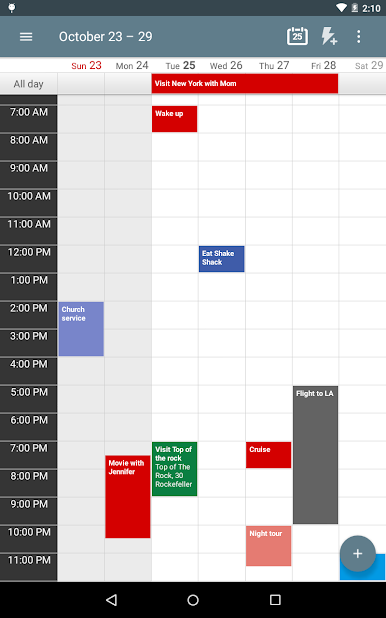
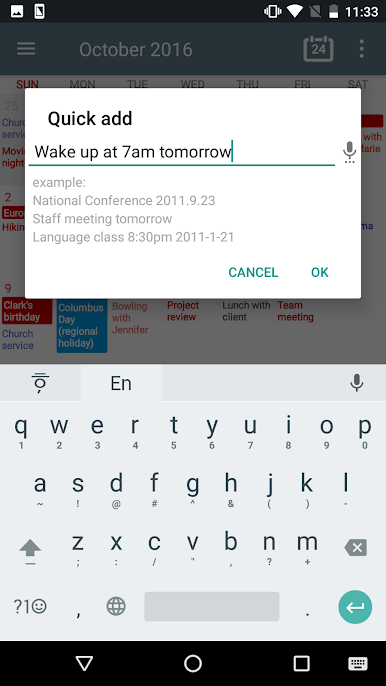
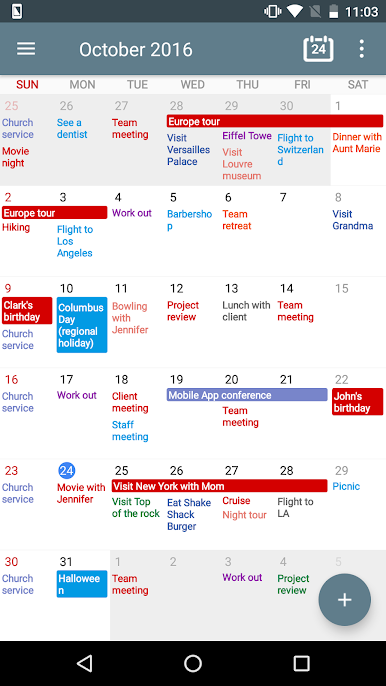
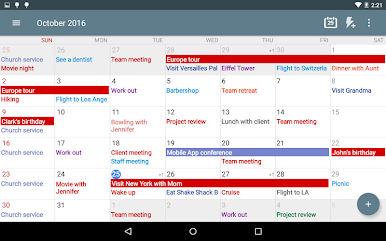
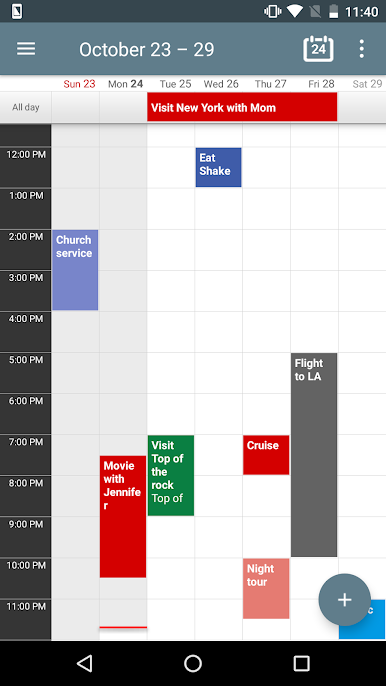
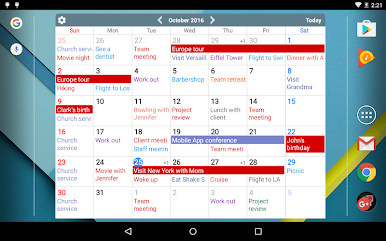
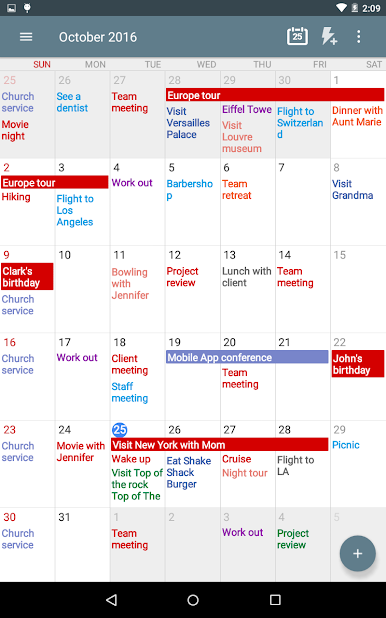
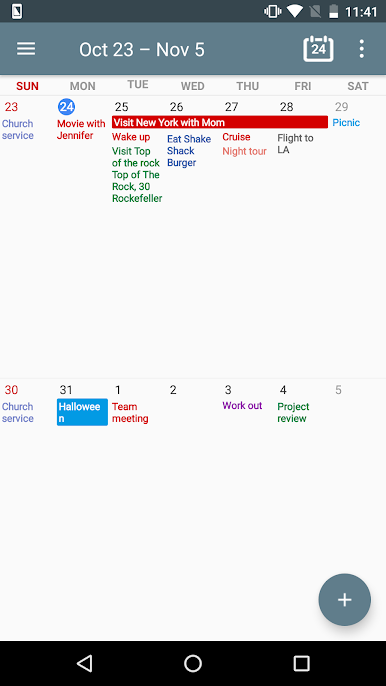
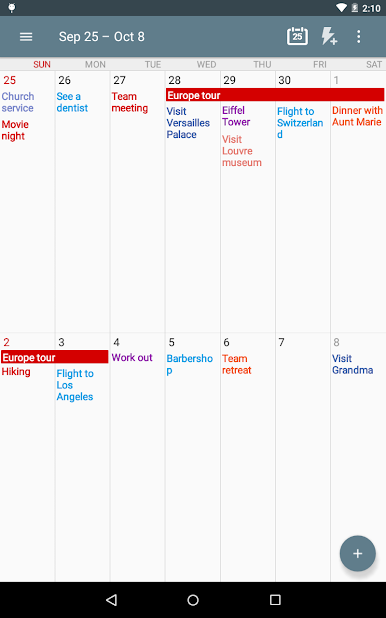
Calendar+ Schedule Planner is one of those calendar apps that feels both packed with features and pretty straightforward at the same time. It pulls in all your events from Google accounts automatically, so if you’re juggling business meetings, school, or family plans, everything ends up in one place. People usually notice how quickly you can add stuff — there’s a quick add button, and even voice input, so new plans go in fast, even if multitasking. Scrolling around between days, weeks, or a whole month is smooth, and you can tweak how much you want to see at once, which helps if you like a more zoomed out overview or want to stick closer to the details.
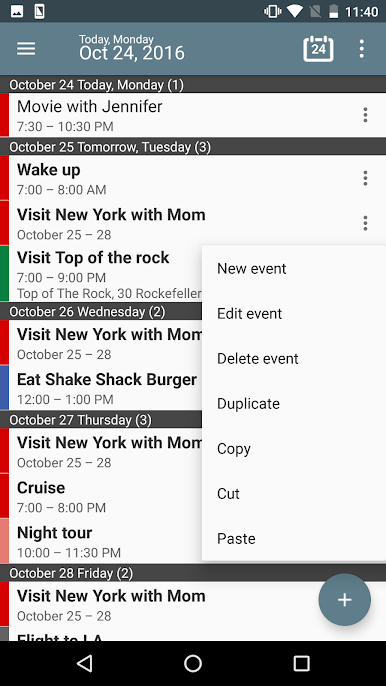
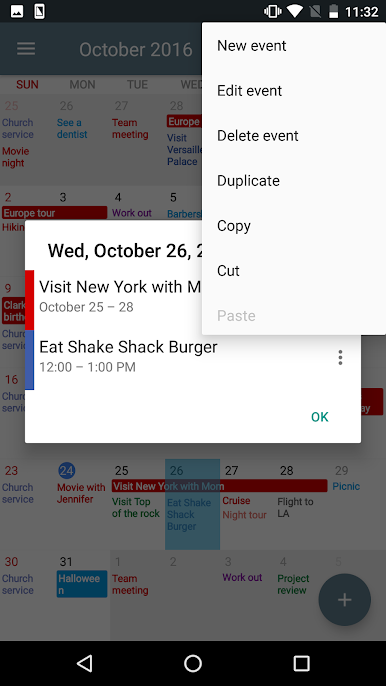
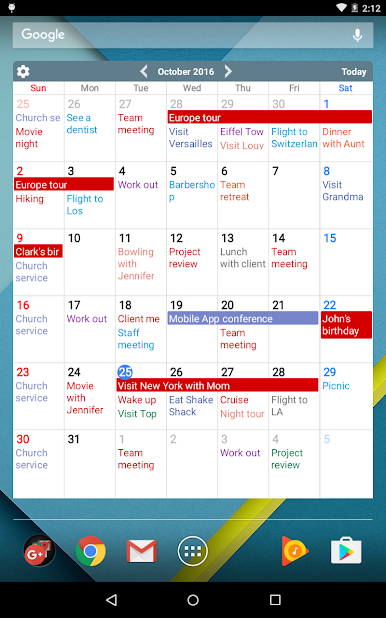
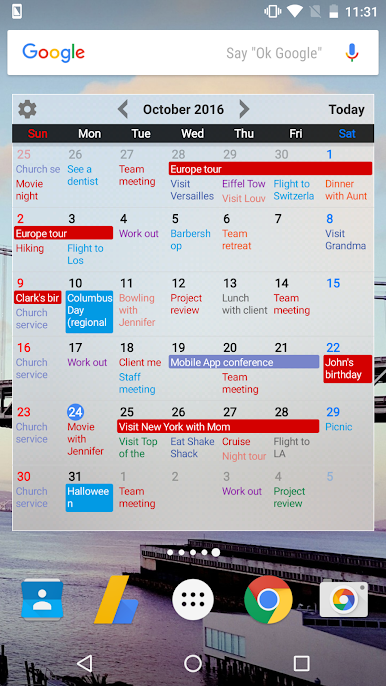
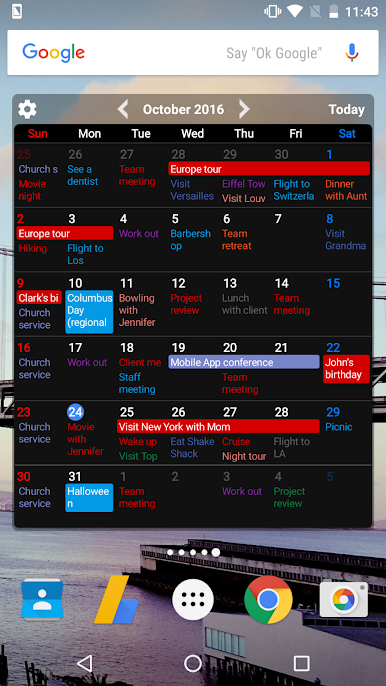
One thing that stands out is the widgets. If someone pins their calendar right on their computer’s desktop using BlueStacks, or on their phone, there’s no way to miss what’s coming up next. Tap a date and it brings up details, like title, time, or location without fuss. Editing, copying, or deleting is all pretty handy too — just a couple taps from wherever you are. The little stuff, like shaking the device to move to today’s date or pop up a new event, adds some weirdly memorable touches. Notifications are flexible: they pop up, buzz, ring, whatever, and can even get a custom snooze. There are a bunch of color and theme choices if someone wants to personalize things, and there’s enough customization to make it work as either a business planner or a family calendar. BlueStacks basically just makes it easier to see a big calendar all at once, but the real draw is how Calendar+ saves time and manages chaos without feeling complicated.
Ready to experience Calendar+ Schedule Planner on a bigger screen, in all its glory? Download BlueStacks now.
Zagraj w Calendar+ Schedule Planner na PC. To takie proste.
-
Pobierz i zainstaluj BlueStacks na PC
-
Zakończ pomyślnie ustawienie Google, aby otrzymać dostęp do sklepu Play, albo zrób to później.
-
Wyszukaj Calendar+ Schedule Planner w pasku wyszukiwania w prawym górnym rogu.
-
Kliknij, aby zainstalować Calendar+ Schedule Planner z wyników wyszukiwania
-
Ukończ pomyślnie rejestrację Google (jeśli krok 2 został pominięty) aby zainstalować Calendar+ Schedule Planner
-
Klinij w ikonę Calendar+ Schedule Planner na ekranie startowym, aby zacząć grę

