

Ocean Dot-to-Dot Coloring
Chơi trên PC với BlueStacks - Nền tảng chơi game Android, được hơn 500 triệu game thủ tin tưởng.

Trang đã được sửa đổi vào: Oct 7, 2025
Run Connect the Dots - Ocean on PC or Mac
What’s better than using Connect the Dots – Ocean by Kedronic UAB? Well, try it on a big screen, on your PC or Mac, with BlueStacks to see the difference.
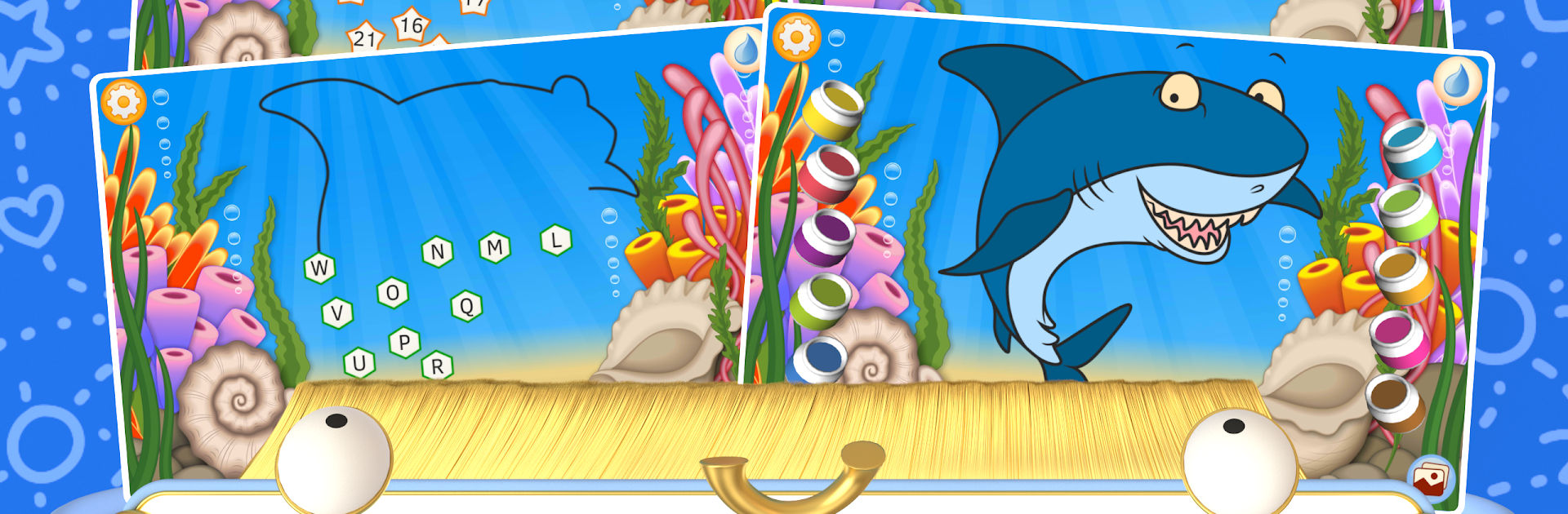
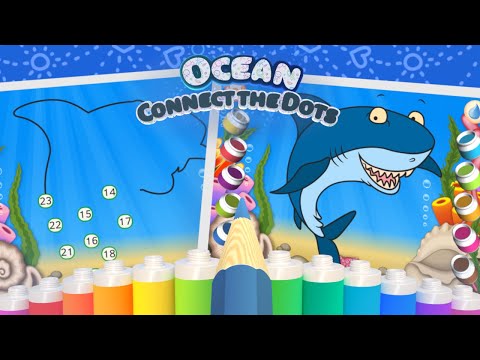
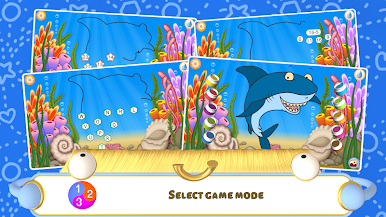
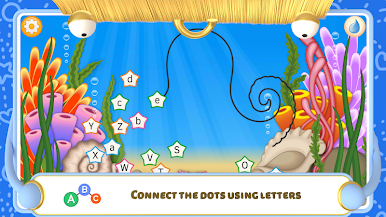
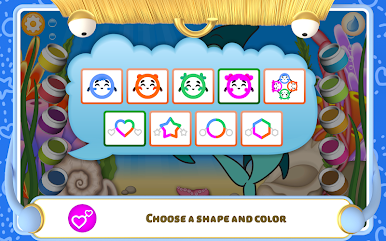
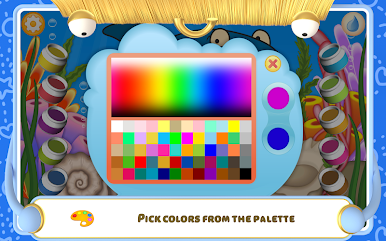
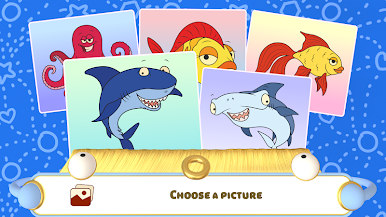
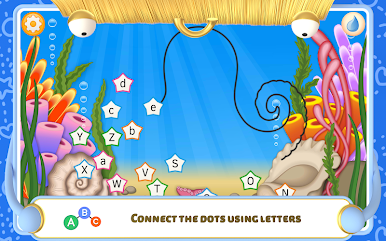
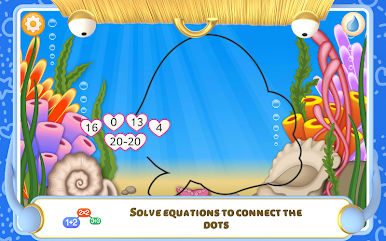
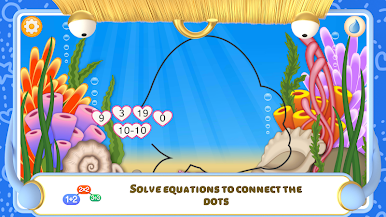
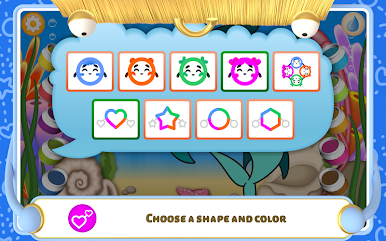
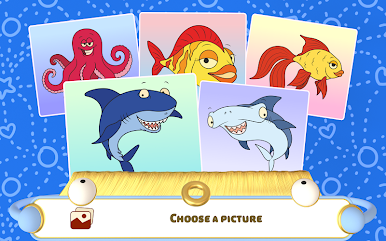
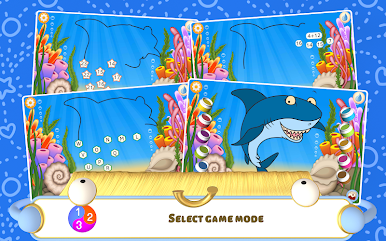
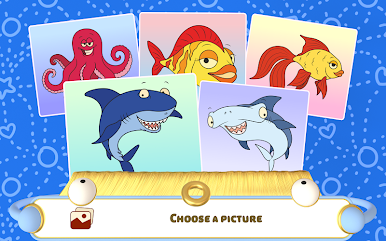
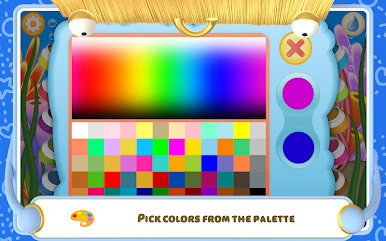
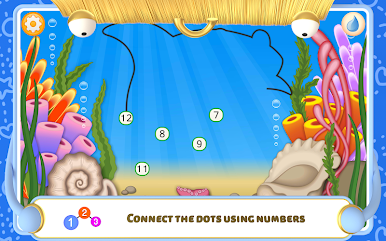
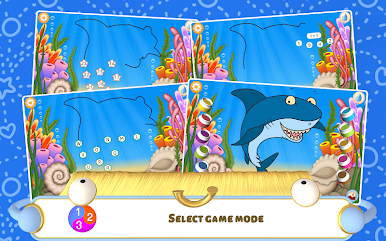
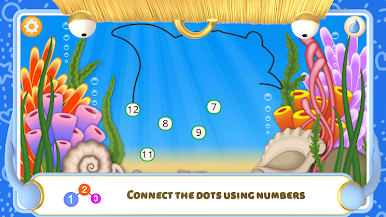
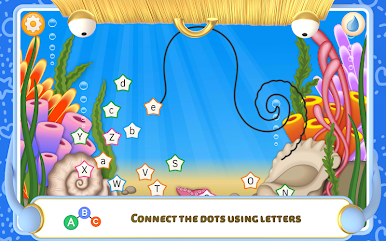
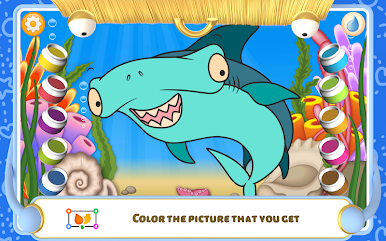
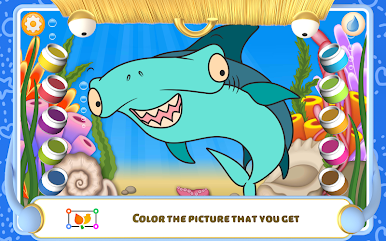
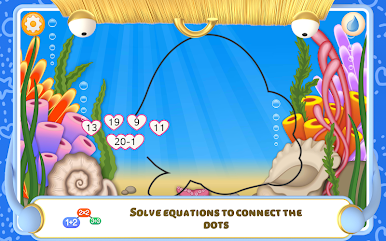
Connect the Dots – Ocean is one of those simple, relaxing apps that’s clearly made for younger kids, but there’s something nice about how it works. It’s all about tracing outlines of sea creatures by connecting dots — either by numbers or letters, depending on which mode you pick. So, it’s kind of a gentle way for kids to get more comfortable with counting or the alphabet, but also just satisfying to see an image slowly appear as you go. When all the dots are connected, the picture shows up fully and you get to color it in, which is probably the best part for creative types—there’s a bunch of colors to play with, and even the palette is easy to use. There are some stars that pop up in different colors along the way that mix things up, so you’re not just doing the same thing every time.
It’s not just about making pretty pictures, though—it’s got a bit of a learning angle, helping with both number and letter recognition, plus memory and attention. Mistakes aren’t a big deal; if you tap the wrong spot a few times, you just get a little tip to help out. The coloring is open-ended, so any picture you finish connecting can be customized however you want, and the whole experience is just very straightforward and chill. Playing it on PC with BlueStacks is actually pretty handy, especially for those times when you want something easy for a kid to use with a mouse instead of their finger. If someone’s got a little one who’s into animals or coloring, or just wants something low-stress and educational, this one’s pleasant and doesn’t overload you with options. Honestly, it feels friendly and well-paced—exactly what you’d expect from a dot-to-dot app focused on ocean life.
Ready to experience Connect the Dots – Ocean on a bigger screen, in all its glory? Download BlueStacks now.
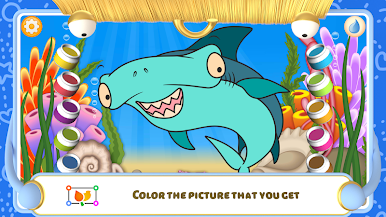
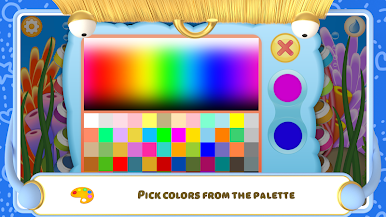
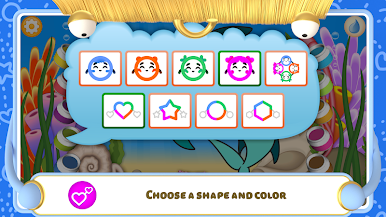
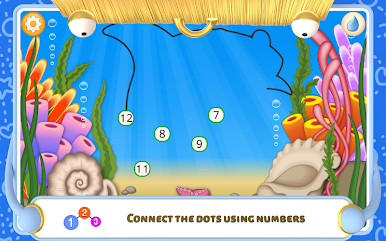
Chơi Ocean Dot-to-Dot Coloring trên PC. Rất dễ để bắt đầu
-
Tải và cài đặt BlueStacks trên máy của bạn
-
Hoàn tất đăng nhập vào Google để đến PlayStore, hoặc thực hiện sau
-
Tìm Ocean Dot-to-Dot Coloring trên thanh tìm kiếm ở góc phải màn hình
-
Nhấn vào để cài đặt Ocean Dot-to-Dot Coloring trong danh sách kết quả tìm kiếm
-
Hoàn tất đăng nhập Google (nếu bạn chưa làm bước 2) để cài đặt Ocean Dot-to-Dot Coloring
-
Nhấn vào icon Ocean Dot-to-Dot Coloring tại màn hình chính để bắt đầu chơi

