


Font Keyboard: Fonts & Emoji
Chơi trên PC với BlueStacks - Nền tảng chơi game Android, được hơn 500 triệu game thủ tin tưởng.

Trang đã được sửa đổi vào: Dec 16, 2025
Play Font Keyboard: Fonts & Emoji on PC
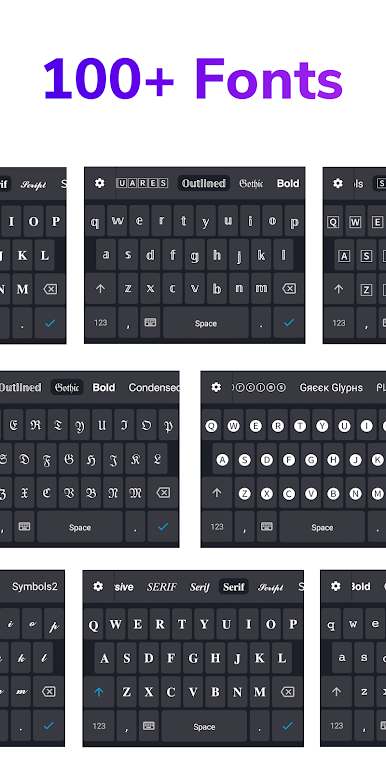
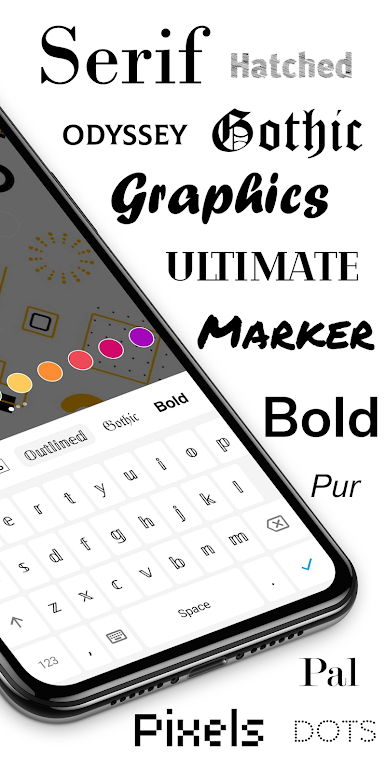
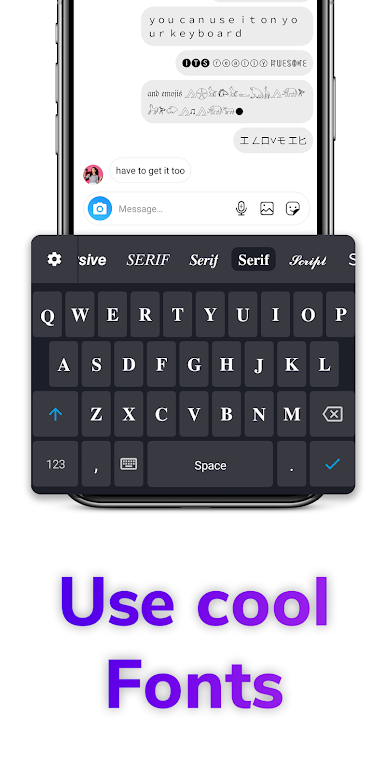
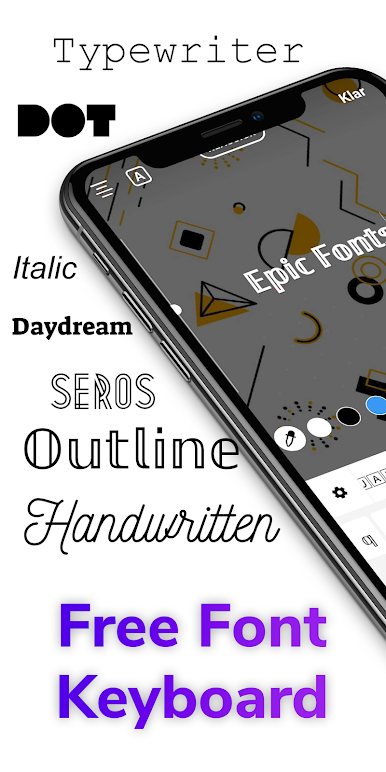
Make your social media profiles stand out with Fonts, or send cool texts to your friends. Turn heads, stand out, get creative! You can use Fonts keyboard for your:
• Text messages
• Social media bios
• Post descriptions
• Stories
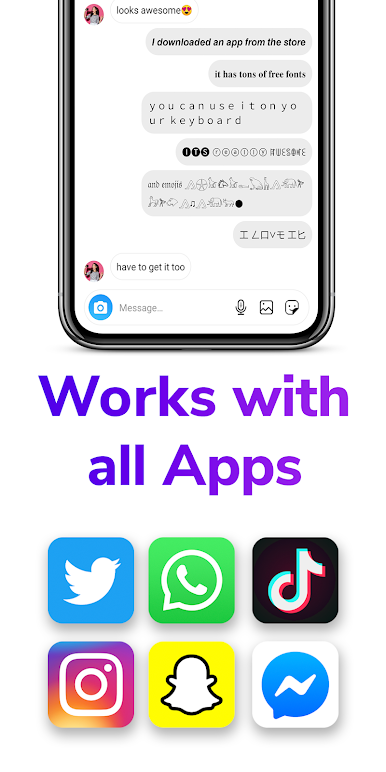
Similar to Gboard and Swiftkey, auto correction is built in. And the best it all works with NO ROOT. Fonts works on WhatsApp, Instagram, Snapchat, Messenger, TikTok, Facebook, Telegram, Roblox, Twitch, Discord, and many more!
Make your social media stand out and impress friends with Fonts, or send cool texts to your friends. Express yourself like never before! We're offering Fonts for FREE so why not give us a try?
This application supports you to make your font bold, font enlarge, font fix, font bigger, or to create your own font. All brands are supported, including: Huawei, Honor, Samsung, Xiaomi, Zte and a lot more.
Screenshot design by freemockupzone.com

Chơi Font Keyboard: Fonts & Emoji trên PC. Rất dễ để bắt đầu
-
Tải và cài đặt BlueStacks trên máy của bạn
-
Hoàn tất đăng nhập vào Google để đến PlayStore, hoặc thực hiện sau
-
Tìm Font Keyboard: Fonts & Emoji trên thanh tìm kiếm ở góc phải màn hình
-
Nhấn vào để cài đặt Font Keyboard: Fonts & Emoji trong danh sách kết quả tìm kiếm
-
Hoàn tất đăng nhập Google (nếu bạn chưa làm bước 2) để cài đặt Font Keyboard: Fonts & Emoji
-
Nhấn vào icon Font Keyboard: Fonts & Emoji tại màn hình chính để bắt đầu chơi

