

Kidzooly - Kids Rhymes & Games
Chơi trên PC với BlueStacks - Nền tảng chơi game Android, được hơn 500 triệu game thủ tin tưởng.

Trang đã được sửa đổi vào: Aug 22, 2025
Run Kidzooly - Kids Rhymes & Games on PC or Mac
Why limit yourself to your small screen on the phone? Run Kidzooly – Kids Rhymes & Games, an app by Kidzooly – Kids Games, Rhymes , Nursery Songs., best experienced on your PC or Mac with BlueStacks, the world’s #1 Android emulator.
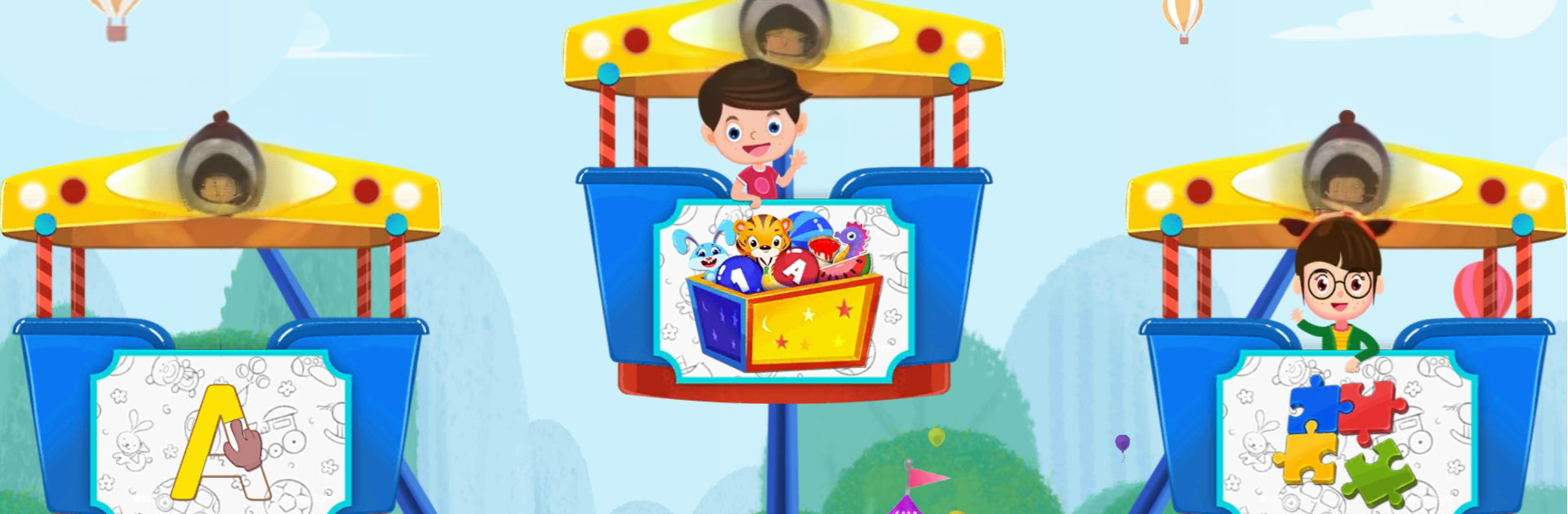
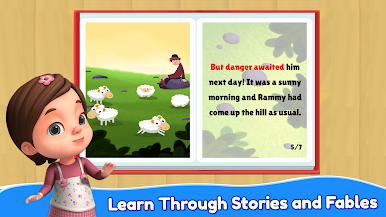
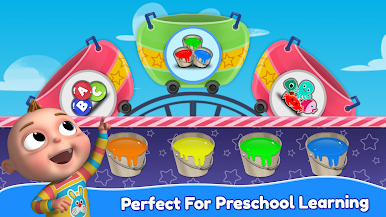
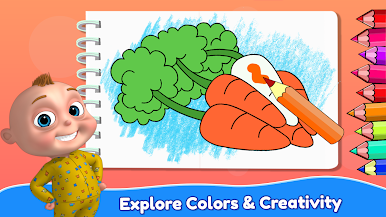
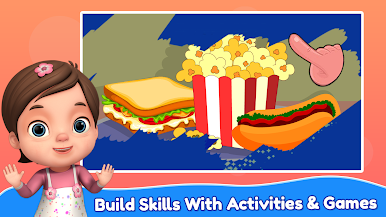
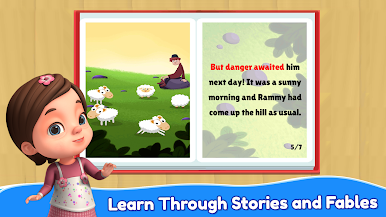
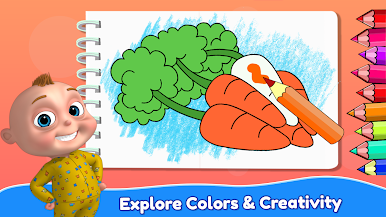
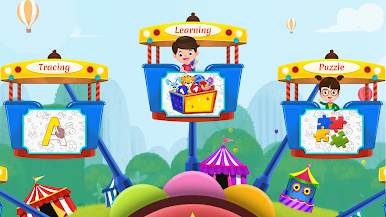
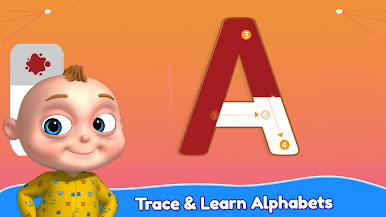
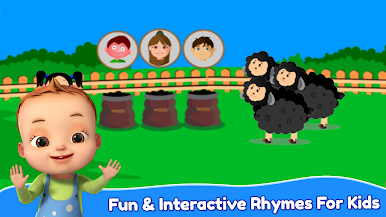
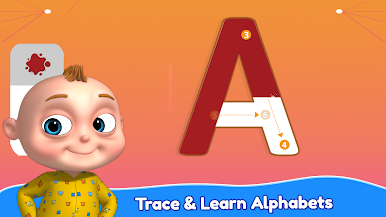
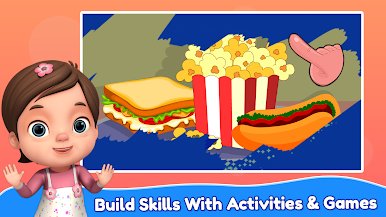
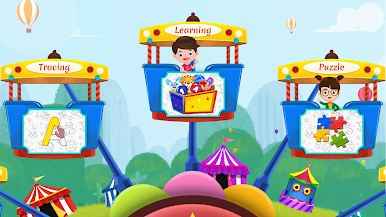
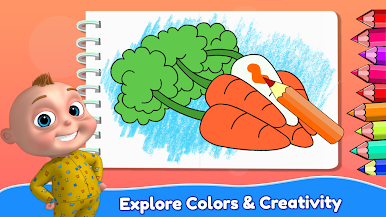
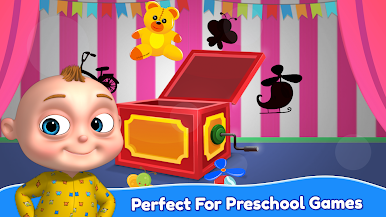
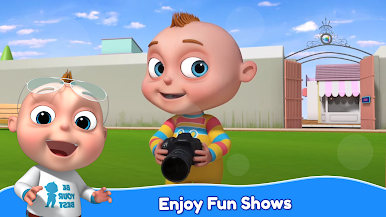
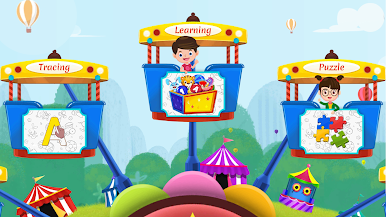
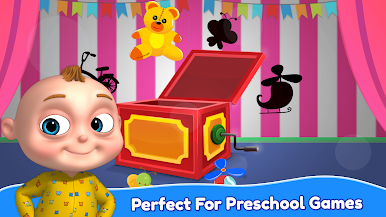
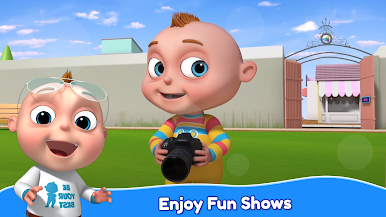
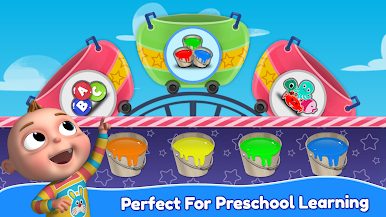
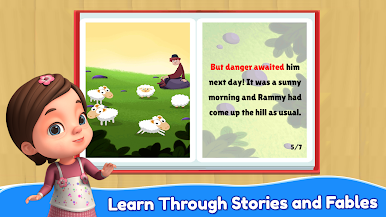
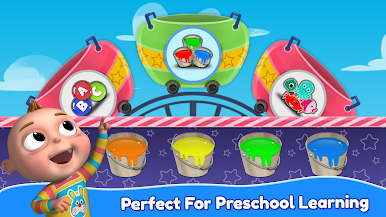
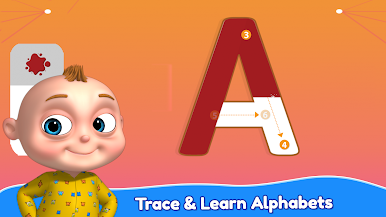
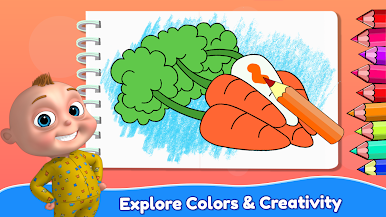
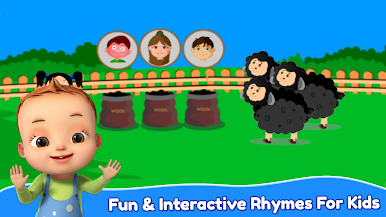
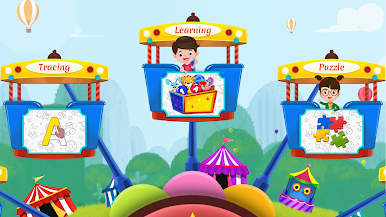
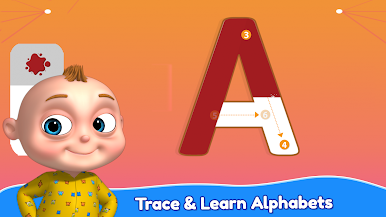
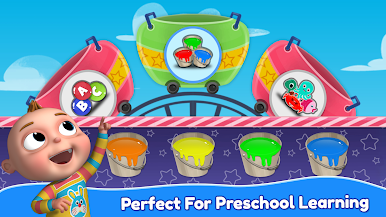
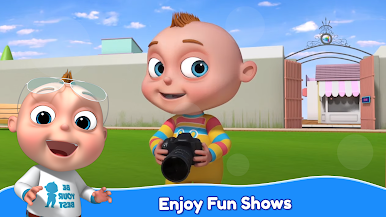
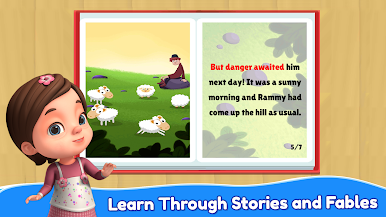
Kidzooly is a bright, bouncy bundle of nursery rhymes, mini games, and short kids stories that a toddler can get around without much help. It feels like a kids TV playlist mixed with simple activities. Lots of 3D animated songs with on-screen lyrics, so little ones can follow along while tapping the characters to see small reactions. The learning bits are gentle rather than pushy. Alphabets, numbers, phonics, animals, fruits, vegetables, all wrapped into songs, a piano that plays familiar tunes, connect-the-dots for counting, easy block puzzles, and a colouring page that lets them splash colors on cute characters. There is a story section with autoplay and text highlight, which is nice when hands are busy and eyes are still paying attention.
On a PC with BlueStacks, the bigger screen really helps tiny fingers that usually miss buttons on a phone. Drag-and-drop puzzles feel smoother with a mouse, and the visuals pop more. The app lets you download content once and run it offline, so no scrambling for Wi‑Fi during travel. No ads interrupting, plus a basic parental control to keep kids inside the safe zones. Navigation is big, friendly, and slow enough for young kids. Some songs and activities are open to try, then there is a subscription if someone wants the whole library. It is pretty much built for ages that are into dancing to nursery rhymes and matching shapes, and it runs fine whether it is a short play break or a quiet story time.
Eager to take your app experience to the next level? Start right away by downloading BlueStacks on your PC or Mac.

Chơi Kidzooly - Kids Rhymes & Games trên PC. Rất dễ để bắt đầu
-
Tải và cài đặt BlueStacks trên máy của bạn
-
Hoàn tất đăng nhập vào Google để đến PlayStore, hoặc thực hiện sau
-
Tìm Kidzooly - Kids Rhymes & Games trên thanh tìm kiếm ở góc phải màn hình
-
Nhấn vào để cài đặt Kidzooly - Kids Rhymes & Games trong danh sách kết quả tìm kiếm
-
Hoàn tất đăng nhập Google (nếu bạn chưa làm bước 2) để cài đặt Kidzooly - Kids Rhymes & Games
-
Nhấn vào icon Kidzooly - Kids Rhymes & Games tại màn hình chính để bắt đầu chơi

