


Kaltura Video Conferencing
Graj na PC z BlueStacks – Platforma gamingowa Android, która uzyskała zaufanie ponad 500 milionów graczy!

Strona zmodyfikowana w dniu: Dec 2, 2024
Run Kaltura Video Conferencing on PC or Mac
Get freedom from your phone’s obvious limitations. Use Kaltura Video Conferencing, made by Kaltura Inc., a Communication app on your PC or Mac with BlueStacks, and level up your experience.
About the App
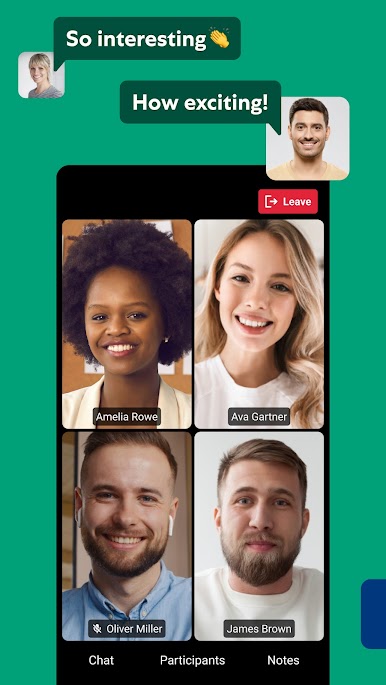
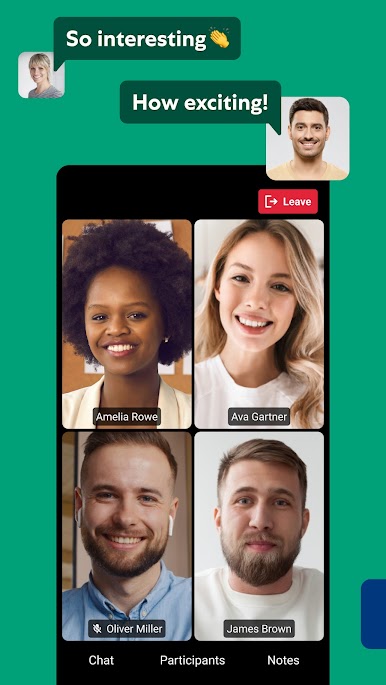
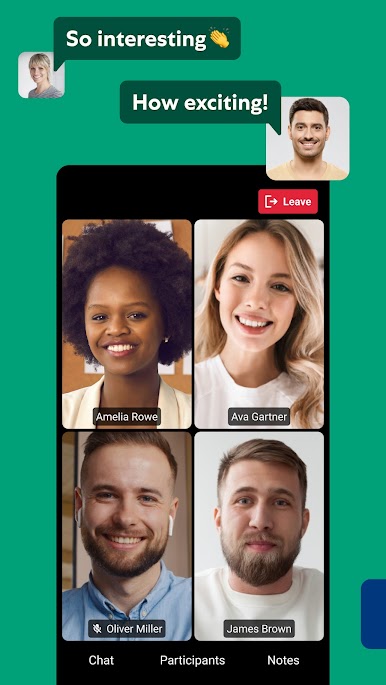
Ever wish connecting with your team or friends was a little more effortless? With Kaltura Video Conferencing, stepping into a meeting or group discussion is as simple as pulling out your phone—no matter if you’re out and about, chilling at home, or working on the go. Kaltura Inc. brings together smooth video calls, instant chat, and sharing tools so you can actually enjoy collaborating, from wherever life takes you. You’ll find that joining, sharing ideas, and staying in sync is as straightforward as it should be.
App Features
-
Easy Meeting Access
Just punch in your room link, your name, and email—boom, you’re in the conversation. -
Crystal-Clear Video & Audio
Whether you’re tuning in from your kitchen or on the road, count on reliable video and audio to keep things running smoothly. -
Preview Before You Join
Got a messy background or muted mic? Preview your camera and audio settings before jumping in, so you’re always set up how you like. -
Real-Time Chat & Participation
Ask questions, throw in your two cents, raise your hand, or just chat. With real-time messaging and interactive features, you’re always part of the conversation. -
Collaborative Whiteboard & Presentations
Scribble with others on the whiteboard, zoom in on details, or follow shared PDFs and images. You don’t miss a thing—even the little stuff. -
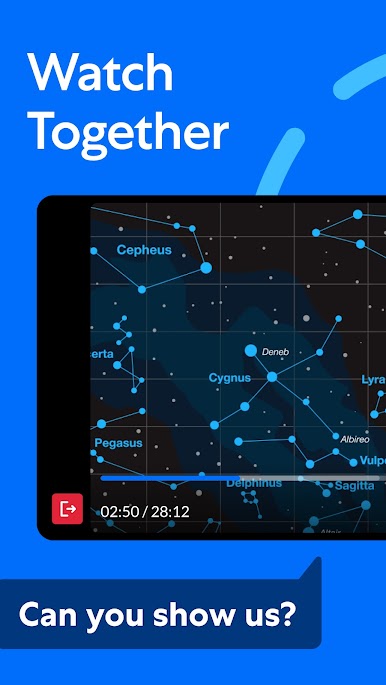
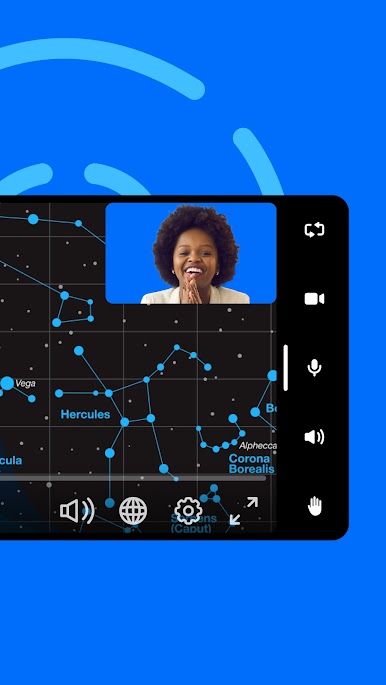
Group Video Viewing
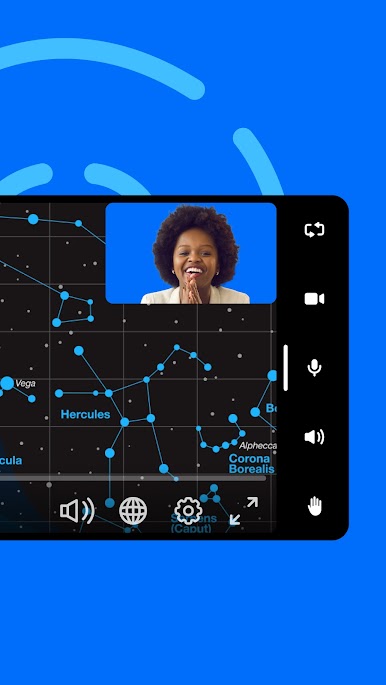
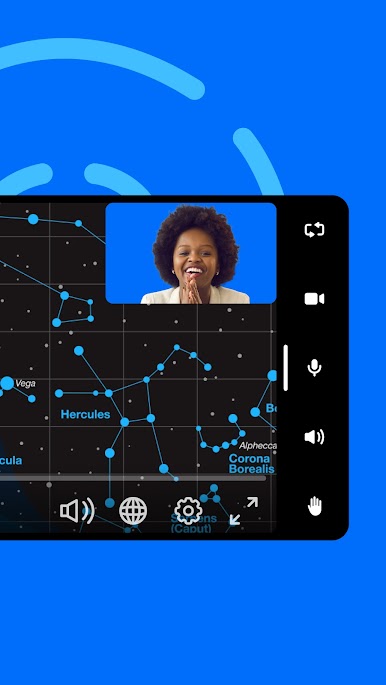
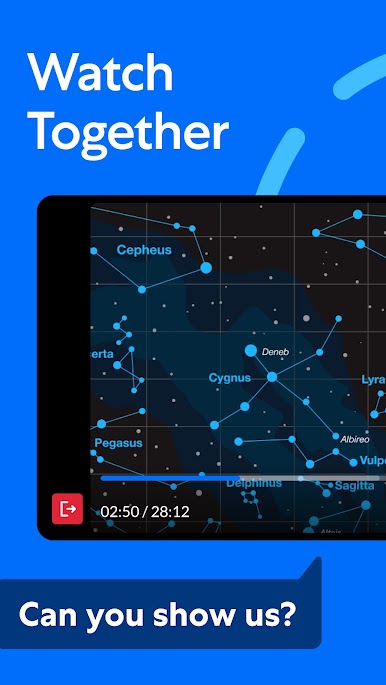
Watch videos together, react, and chat about what’s on screen—no more “wait, did you see that?” lagging behind. -
Quick Polls & Feedback
Share your opinion with built-in polls and see everyone’s take, right at your fingertips. -
Save Notes & Docs
Need to remember something? You can save shared notes or documents directly as a PDF on your phone. -
Android Ready
Works smoothly on Android 6.0 (Marshmallow) and newer, so it’s compatible with tons of devices. -
Seamless Experience on BlueStacks
Prefer a bigger screen? The app is right at home on BlueStacks, giving you that extra comfort when switching between your phone and computer.
BlueStacks gives you the much-needed freedom to experience your favorite apps on a bigger screen. Get it now.



Zagraj w Kaltura Video Conferencing na PC. To takie proste.
-
Pobierz i zainstaluj BlueStacks na PC
-
Zakończ pomyślnie ustawienie Google, aby otrzymać dostęp do sklepu Play, albo zrób to później.
-
Wyszukaj Kaltura Video Conferencing w pasku wyszukiwania w prawym górnym rogu.
-
Kliknij, aby zainstalować Kaltura Video Conferencing z wyników wyszukiwania
-
Ukończ pomyślnie rejestrację Google (jeśli krok 2 został pominięty) aby zainstalować Kaltura Video Conferencing
-
Klinij w ikonę Kaltura Video Conferencing na ekranie startowym, aby zacząć grę

