

Máy dò kim loại : Detect Metal
Chơi trên PC với BlueStacks - Nền tảng chơi game Android, được hơn 500 triệu game thủ tin tưởng.

Trang đã được sửa đổi vào: Jun 7, 2025
Run Metals Detector: EMF detector on PC or Mac
Why limit yourself to your small screen on the phone? Run Metals Detector: EMF detector, an app by KTW Apps, best experienced on your PC or Mac with BlueStacks, the world’s #1 Android emulator.
About the App
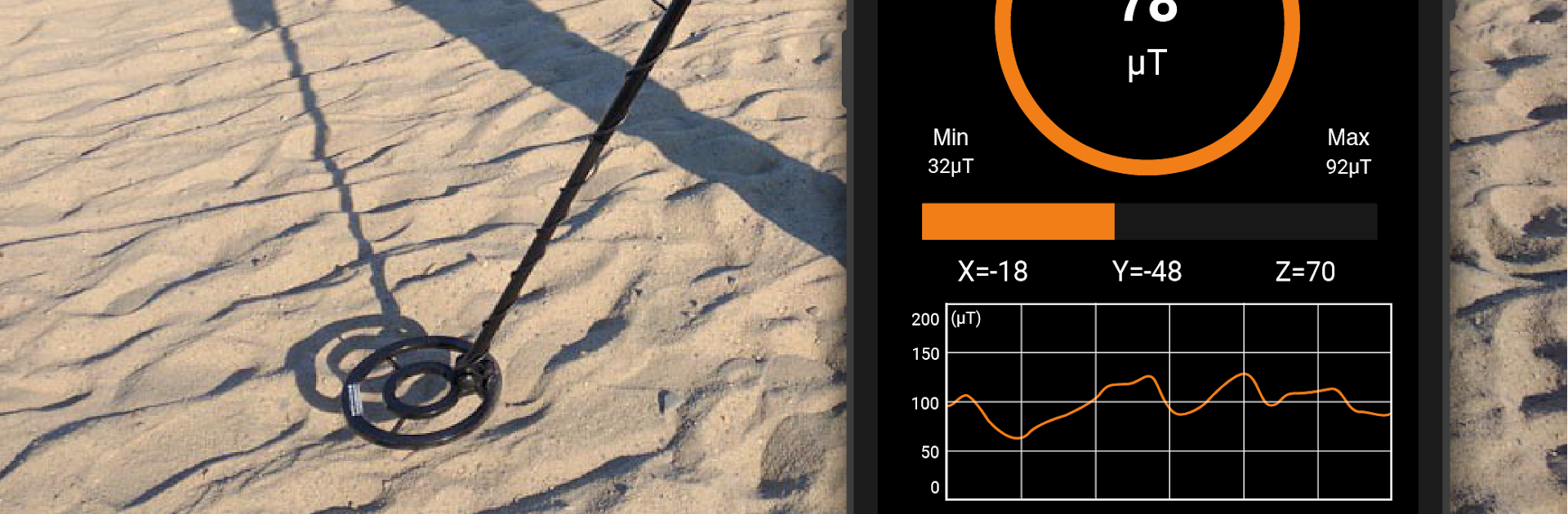
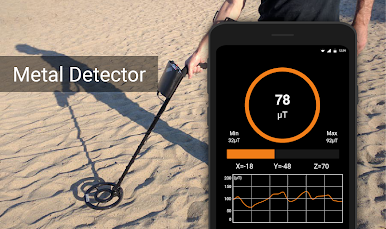
Curious about what’s hiding in your walls, toolbox, or that mysterious drawer? Metals Detector: EMF detector from KTW Apps is a handy Tools app that turns your phone’s magnetometer into a simple EMF and magnetic-field scanner. It’s great for spotting ferromagnetic metals like iron or steel, sensing nearby electronics, or even indulging in a little ghost-hunting experiment. You can also open it on your desktop with BlueStacks to explore the interface; just remember actual readings rely on real sensor hardware.
App Features
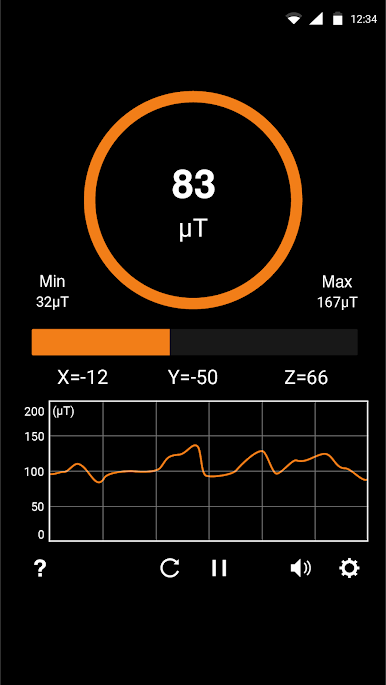
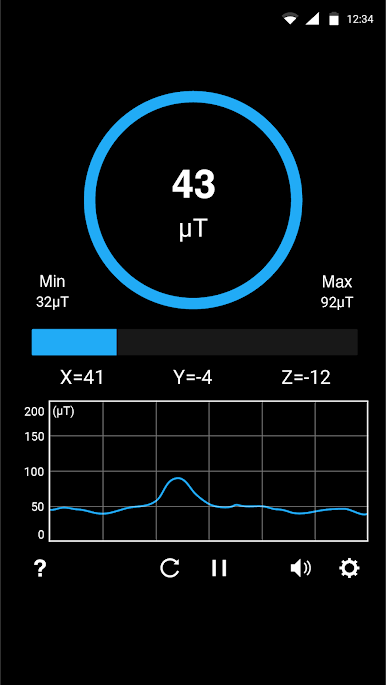
- Real-time EMF readings: Watch the numbers climb as you move closer to magnetic sources or steel/iron objects. It’s immediate and easy to read.
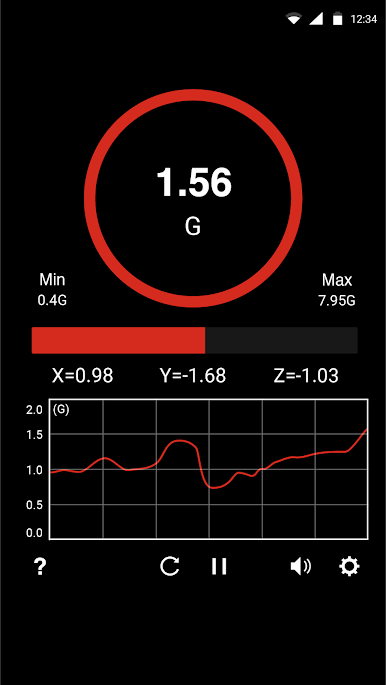
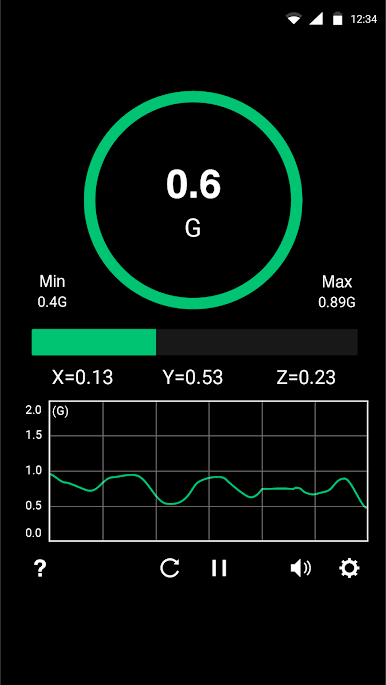
- Multiple measurement units: View magnetic strength in µT (microtesla), mG (milligauss), or G (gauss). Switch to whatever unit makes the most sense to you.
- Simple, clean interface: No clutter. Launch, move around, and see what changes—perfect for quick checks or longer scans.
- Sound feedback: Turn on audio cues that react as field strength increases, so you don’t have to stare at the screen the whole time.
- Everyday uses: Try it as a quick wires finder or pipe finder, check for magnetic parts in tools and hardware, or play around with body scans and EMF “hot spots” just for fun.
- Ghost-hunting fun: Some hobbyists use EMF meters for ghost detection. If that’s your thing, this gives you an easy way to track unusual spikes.
- Useful baseline info: Earth’s background field usually sits around 30–60 µT (roughly 0.3–0.6 G). Noticeably higher readings can suggest a nearby magnetic source.
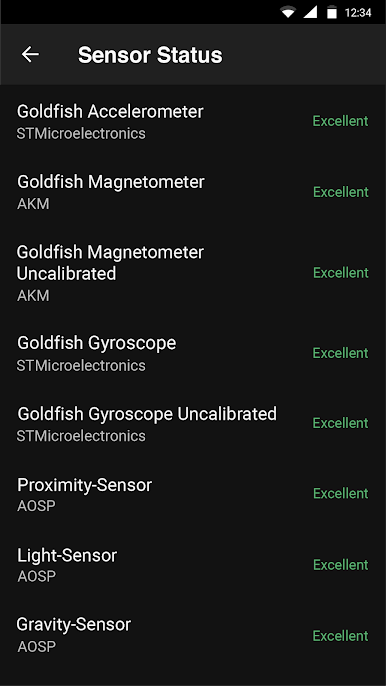
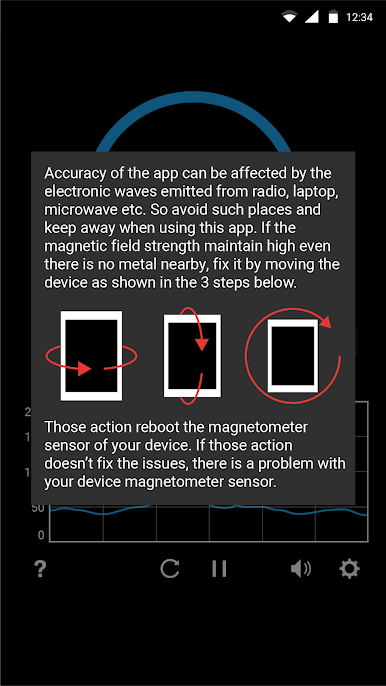
- Requirements and tips: Your device must have a magnetometer; accuracy depends on it. Keep away from speakers, laptops, and other electronics that can interfere. It won’t detect non‑ferrous metals like gold, silver, or aluminum since they don’t produce a magnetic response.
Big screen. Bigger performance. Use BlueStacks on your PC or Mac to run your favorite apps.
Chơi Máy dò kim loại : Detect Metal trên PC. Rất dễ để bắt đầu
-
Tải và cài đặt BlueStacks trên máy của bạn
-
Hoàn tất đăng nhập vào Google để đến PlayStore, hoặc thực hiện sau
-
Tìm Máy dò kim loại : Detect Metal trên thanh tìm kiếm ở góc phải màn hình
-
Nhấn vào để cài đặt Máy dò kim loại : Detect Metal trong danh sách kết quả tìm kiếm
-
Hoàn tất đăng nhập Google (nếu bạn chưa làm bước 2) để cài đặt Máy dò kim loại : Detect Metal
-
Nhấn vào icon Máy dò kim loại : Detect Metal tại màn hình chính để bắt đầu chơi

