


For Excel Course Offline
Chơi trên PC với BlueStacks - Nền tảng chơi game Android, được hơn 500 triệu game thủ tin tưởng.

Trang đã được sửa đổi vào: Jul 10, 2024
Run For Excel Course | Excel Tutorial on PC or Mac
Let BlueStacks turn your PC, Mac, or laptop into the perfect home for For Excel Course | Excel Tutorial, a fun Education app from Kunal Applications.
About the App
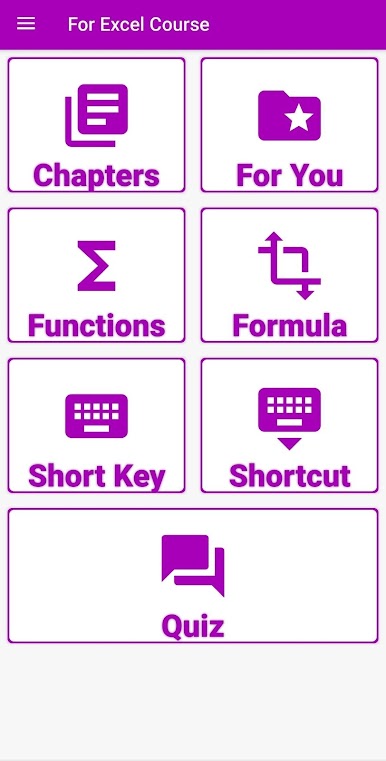
If you’ve ever been lost in a maze of Excel formulas, For Excel Course | Excel Tutorial might just be what you’re looking for. Made by Kunal Applications, this Education app is your go-to for learning Excel from scratch, right up to tackling those tricky advanced functions. Whether you’re brushing up for work, school, or just want to feel like an Excel pro, you’ll find step-by-step guides that actually make sense. And hey, you don’t even need to be online—everything’s ready to go, anytime.
App Features
-
Fully Offline Lessons
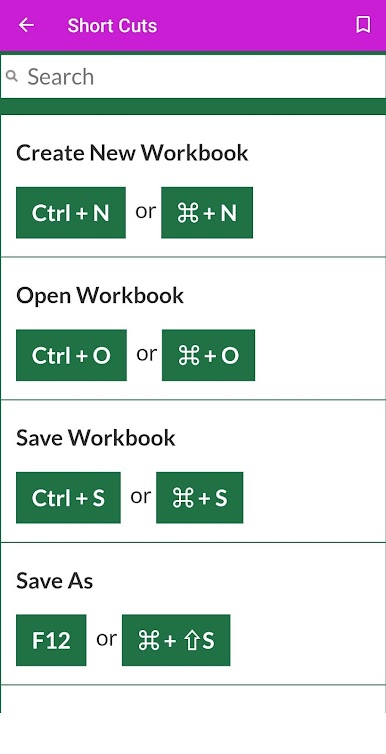
No Wi-Fi? No problem. Every Excel tutorial and formula is available offline, so you can study wherever and whenever you want. -
Comprehensive Lessons
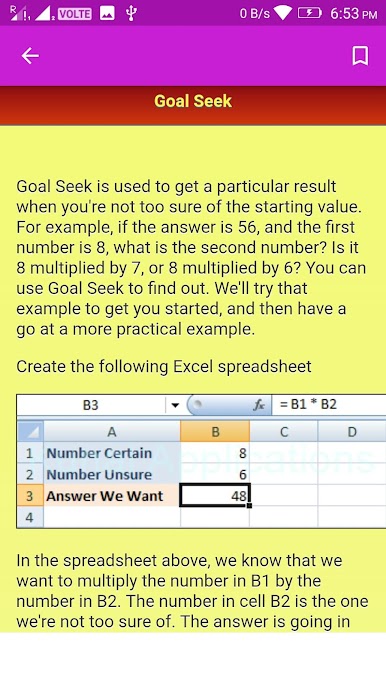
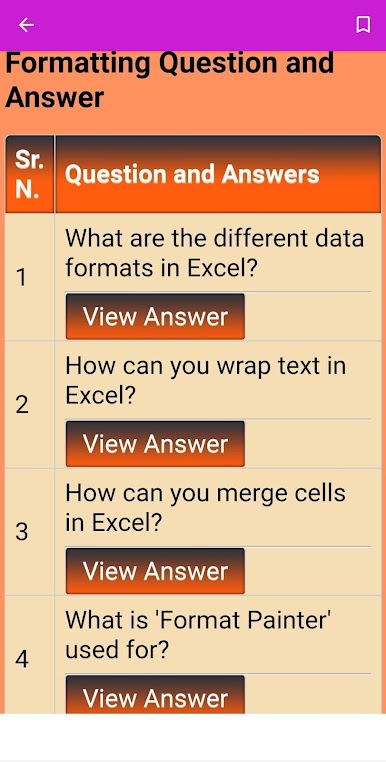
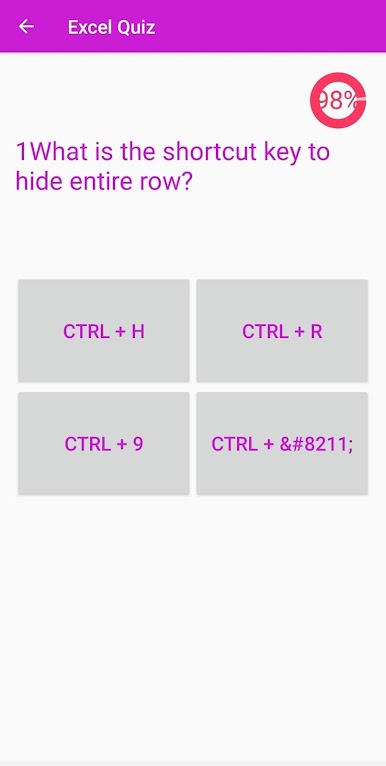
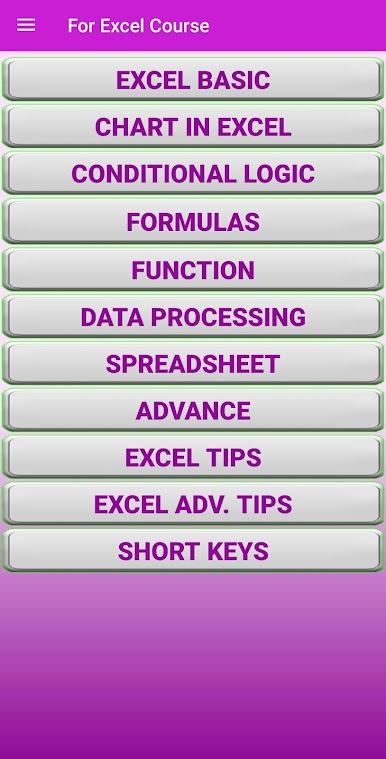
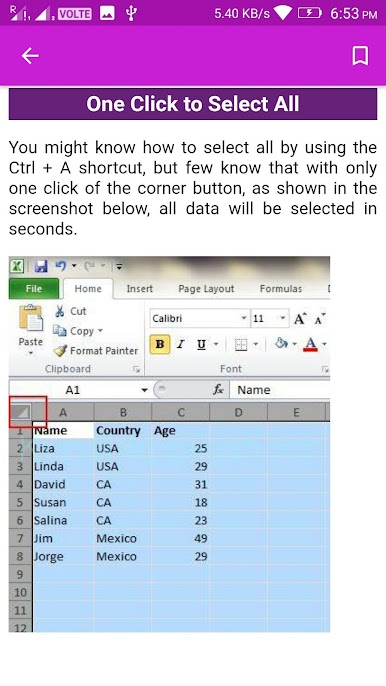
You’ll get 72 clear-cut lessons that walk you through everything—from the very basics to using those mysterious engineering, financial, and database functions. -
Diverse Formula Coverage
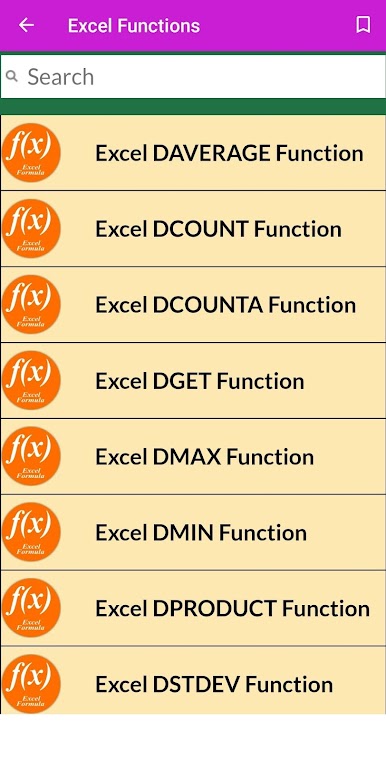
Not just your average SUM and AVERAGE—get comfortable with VLOOKUP, IFERROR, TRANSPOSE, and other power-user favorites. There’s a lesson for every kind of Excel function out there. -
Hands-on Practice
Need real files to try out what you’ve learned? The app lets you download useful XLS samples, perfect for seeing how things work in action. -
Beginner-Friendly and Beyond
Whether you’re totally new or just want a quick refresher, the tutorials keep things simple and jargon-free. Good for students, business users, and anyone who wants to conquer spreadsheets. -
Versatile Uses
Covers functions relevant for schools, government work, banks, inventory management—you name it. There’s plenty here for both personal and professional needs. -
Effortless Navigation
Looking for a specific lesson or formula? The easy-to-browse structure gets you where you want fast.
Tip: You can even use BlueStacks if you want to go through the app’s lessons on your computer, too.
BlueStacks gives you the much-needed freedom to experience your favorite apps on a bigger screen. Get it now.
Chơi For Excel Course Offline trên PC. Rất dễ để bắt đầu
-
Tải và cài đặt BlueStacks trên máy của bạn
-
Hoàn tất đăng nhập vào Google để đến PlayStore, hoặc thực hiện sau
-
Tìm For Excel Course Offline trên thanh tìm kiếm ở góc phải màn hình
-
Nhấn vào để cài đặt For Excel Course Offline trong danh sách kết quả tìm kiếm
-
Hoàn tất đăng nhập Google (nếu bạn chưa làm bước 2) để cài đặt For Excel Course Offline
-
Nhấn vào icon For Excel Course Offline tại màn hình chính để bắt đầu chơi

