


Bake it
Graj na PC z BlueStacks – Platforma gamingowa Android, która uzyskała zaufanie ponad 500 milionów graczy!

Strona zmodyfikowana w dniu: Aug 6, 2026
Graj Bake it na PC
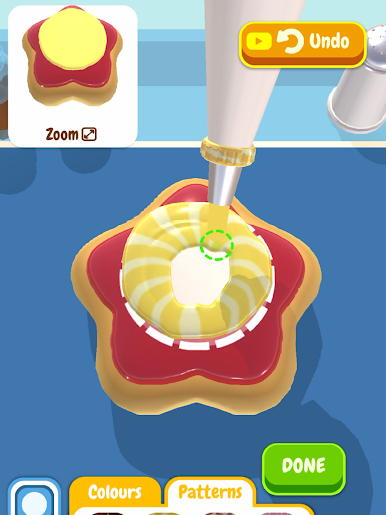
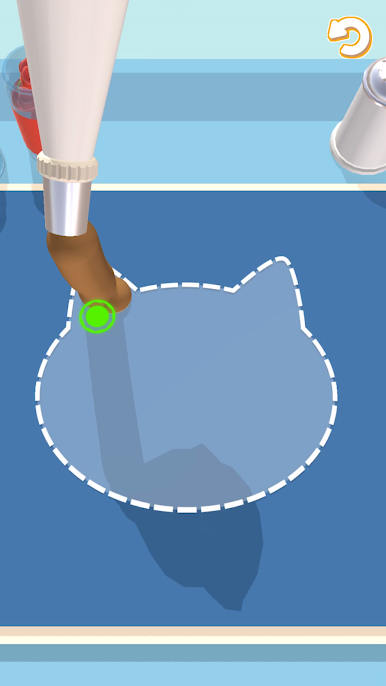
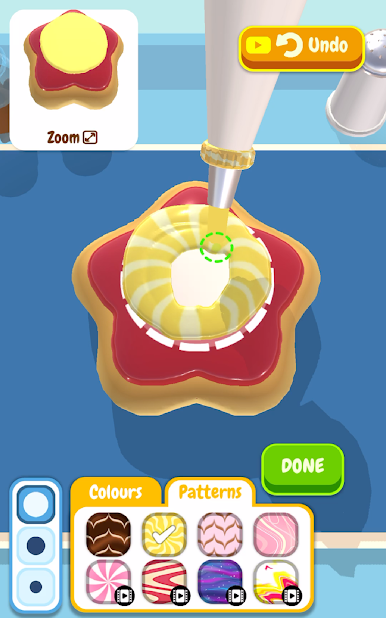
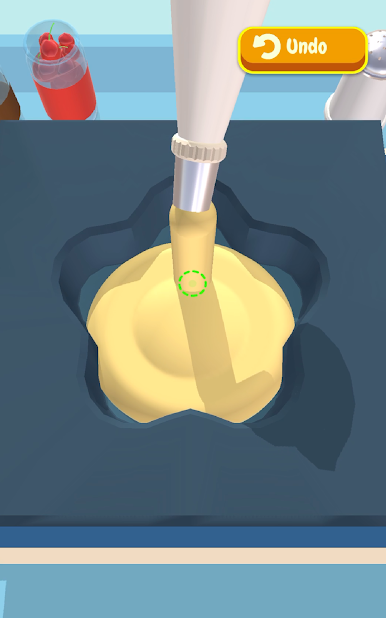
Czas udoskonalić swoje wypieki i oczarować klientów niesamowitymi umiejętnościami! Użyj wybranego przepisu i dodatków, aby stworzyć arcydzieło, które będzie pasować do życzeń klienta.
Czy potrafisz stworzyć idealny wypiek?
Funkcje gry Bake it:
– Prosta i przyjemna rozgrywka.
– Coraz trudniejsze wypieki.
– Kolorowa grafika.
SUBSKRYBUJ GRĘ BAKE IT
Subskrybuj grę Bake It, aby zyskać następujące korzyści:
Możliwość cięcia wypieków
Ekskluzywne foremki
Podwójne zarobki
Usunięcie nieopcjonalnych reklam z gry
INFORMACJE O SUBSKRYPCJI:
Dostępne są dwie formy członkostwa VIP gry Bake It:
1) Tygodniowa subskrypcja kosztująca 5,49 USD tygodniowo po 3-dniowym DARMOWYM okresie próbnym.
2) Miesięczna subskrypcja kosztująca 14,49 USD miesięcznie.
Po zakupie subskrypcji odblokujesz: możliwość cięcie gotowych wypieków w celu wyrównania góry, ekskluzywne foremki do pieczenia, podwójne zarobki w walucie gry oraz usunięcie nieopcjonalnych reklam z gry. To jest automatycznie odnawiana subskrypcja. Płatność jest pobierania z konta po potwierdzeniu. Subskrypcja będzie odnawiana, o ile nie anulujesz jej najpóźniej 24 godziny przed końcem danego okresu. Twoje konto będzie obciążane również opłatą za odnowienie
Informacje o cenie są przeznaczone dla klientów w Stanach Zjednoczonych. Cenniki w innych krajach mogą ulec zmianie, a rzeczywiste opłaty zostaną zamienione na lokalną walutę.
Koniec okresu próbnego i odnowienie subskrypcji:
- Płatność jest pobierana z konta iTunes po potwierdzeniu zakupu
- Subskrypcja będzie odnawiania, o ile nie anulujesz subskrypcji najpóźniej 24 godziny przed zakończeniem bieżącego okresu
- 24 godziny przed końcem bieżącego okresu konto zostanie obciążone opłatą za odnowienie według standardowej ceny tygodniowej subskrypcji
- Po zakupie subskrypcji w sklepie użytkownik może zarządzać nią i automatycznym odnawianiem z poziomu ustawień konta
- Bieżącej subskrypcji nie można anulować w jej aktywnym okresie
- Niewykorzystana część darmowego okresu próbnego przepada po zakupie subskrypcji
Anulowanie okresu próbnego lub subskrypcji:
- Podczas darmowego okresu próbnego subskrypcję można anulować z poziomu konta w sklepie. Aby uniknąć pobrania opłaty, anulowania należy dokonać najpóźniej 24 godziny przed końcem darmowego okresu próbnego.
http://privacy.servers.kwalee.com/privacy/BakeItEULA.html


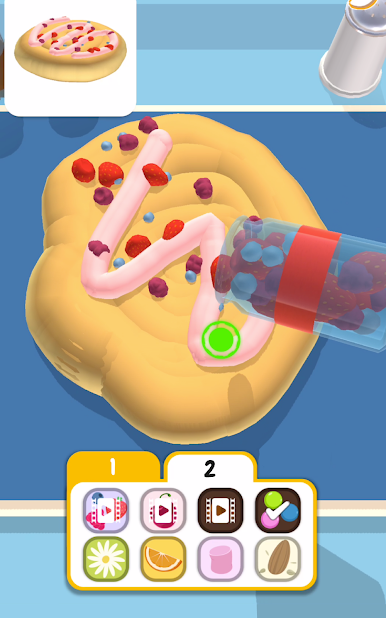




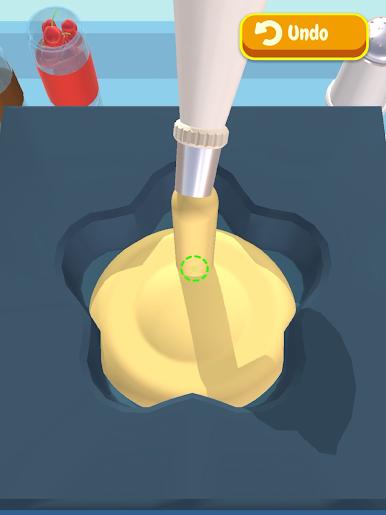
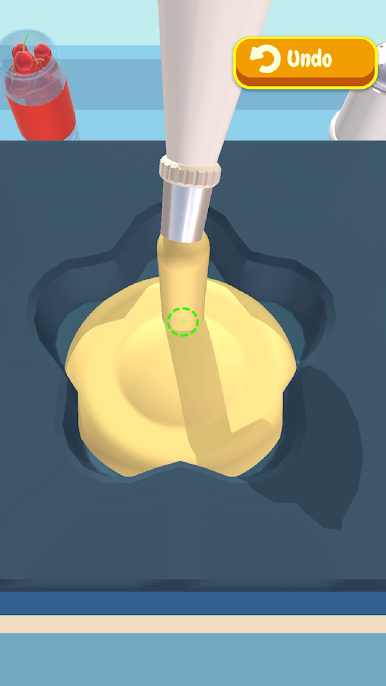

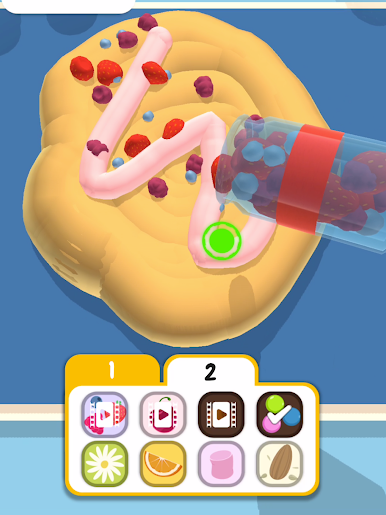
Zagraj w Bake it na PC. To takie proste.
-
Pobierz i zainstaluj BlueStacks na PC
-
Zakończ pomyślnie ustawienie Google, aby otrzymać dostęp do sklepu Play, albo zrób to później.
-
Wyszukaj Bake it w pasku wyszukiwania w prawym górnym rogu.
-
Kliknij, aby zainstalować Bake it z wyników wyszukiwania
-
Ukończ pomyślnie rejestrację Google (jeśli krok 2 został pominięty) aby zainstalować Bake it
-
Klinij w ikonę Bake it na ekranie startowym, aby zacząć grę

