

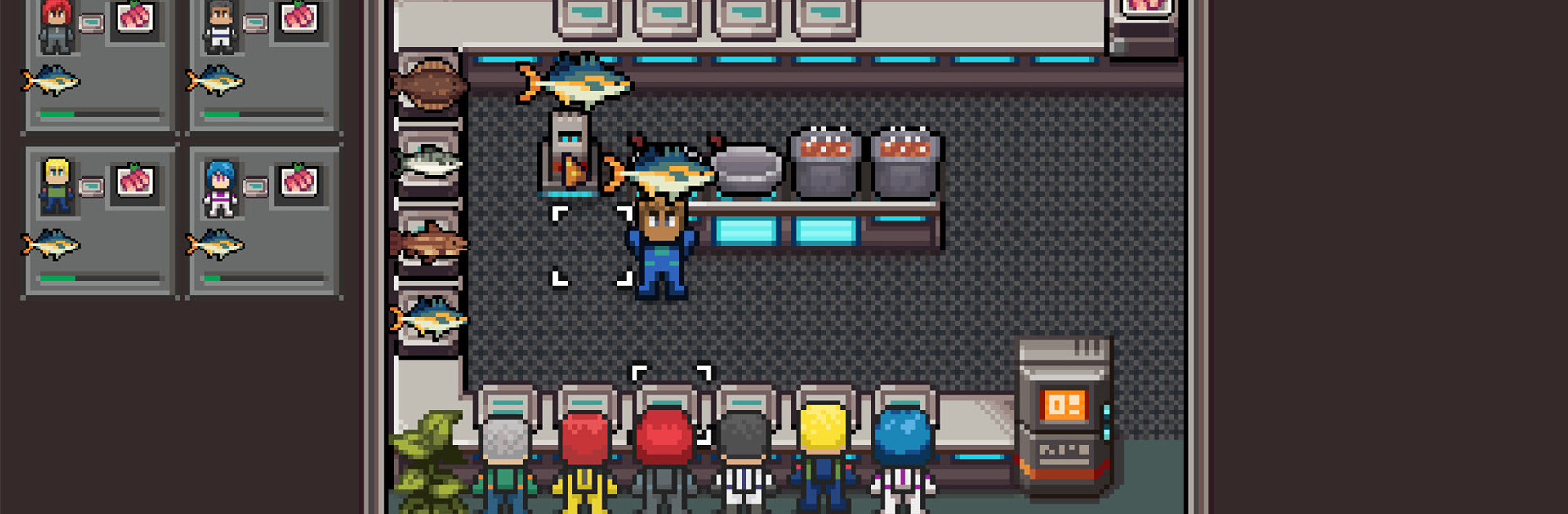
Mars Base
Graj na PC z BlueStacks – Platforma gamingowa Android, która uzyskała zaufanie ponad 500 milionów graczy!

Strona zmodyfikowana w dniu: Oct 13, 2023
Play Mars Base on PC or Mac
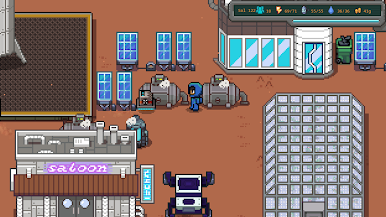
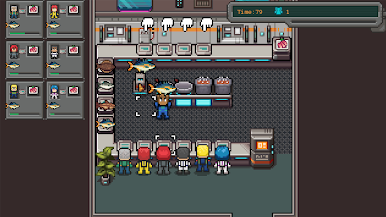
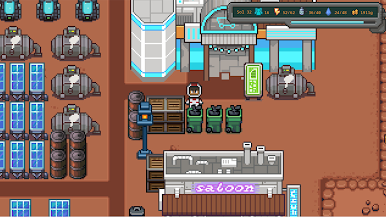
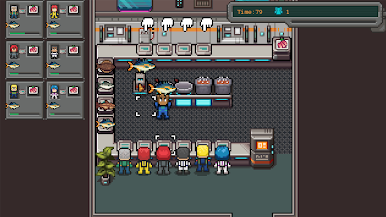
Bring your A-game to Mars Base, the Adventure game sensation from Freedom Games LLC. Give your gameplay the much-needed boost with precise game controls, high FPS graphics, and top-tier features on your PC or Mac with BlueStacks.
About the Game
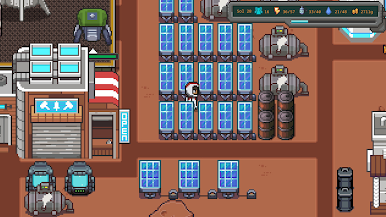
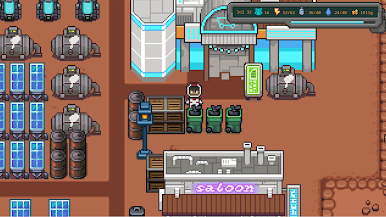
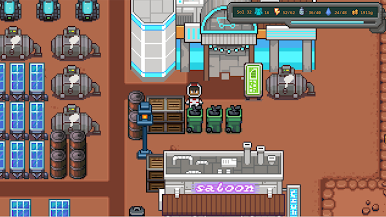
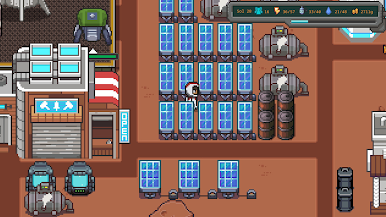
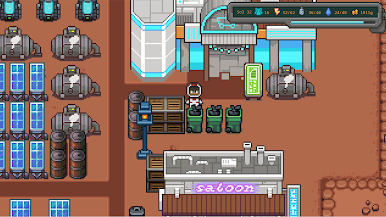
Ready for life on another planet? In Mars Base, you’re dropped straight into the heart of humanity’s biggest adventure yet—a mission to settle the Red Planet. You’ll get your hands dirty (well, figuratively) as you turn barren Martian ground into a place where humans can actually live, eat, and maybe even thrive. Think you can keep the first Mars colony up and running? There’s a lot riding on your choices.
Game Features
-
Build and Expand Your Outpost
Set up everything your colony needs, from greenhouses to power supplies, making sure each piece fits together so your base doesn’t end up a ghost town. -
Master Martian Farming
Learn the ins and outs of agriculture far from home—transforming unfriendly Martian soil into the lifeblood of your colony’s food supply. -
Resource Management
Balance food, water, energy, and other essentials. It’s not just about staying alive—it’s about growing a self-sustaining community against the wildest odds. -
Adventure-Driven Gameplay
Every decision opens up fresh challenges and surprises, making each in-game day a little different from the last. -
Immersive Experience on BlueStacks
If you want to see every dusty detail and manage your base with more control, BlueStacks offers a smooth way to jump into the action on PC. -
Unique Martian Setting
With vistas based on real Martian terrain, you’ll get a taste of what it could be like pioneering a human future beyond Earth.
Make your gaming sessions memorable with precise controls that give you an edge in close combats and visuals that pop up, bringing every character to life.

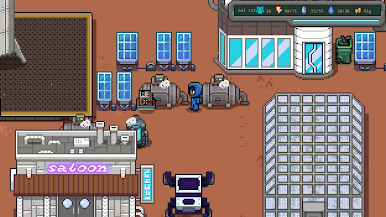
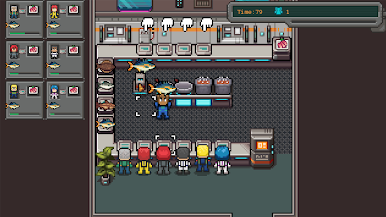
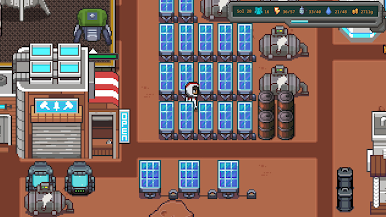
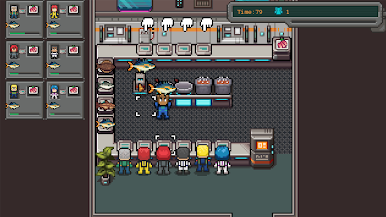
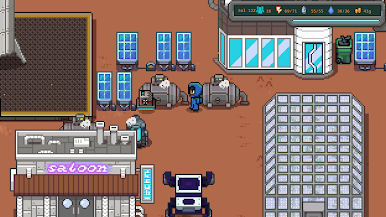
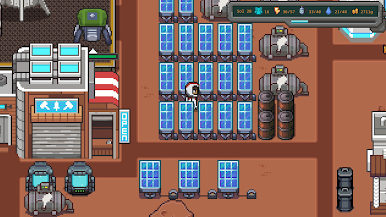
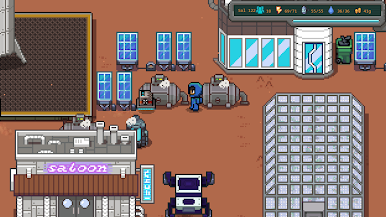
Zagraj w Mars Base na PC. To takie proste.
-
Pobierz i zainstaluj BlueStacks na PC
-
Zakończ pomyślnie ustawienie Google, aby otrzymać dostęp do sklepu Play, albo zrób to później.
-
Wyszukaj Mars Base w pasku wyszukiwania w prawym górnym rogu.
-
Kliknij, aby zainstalować Mars Base z wyników wyszukiwania
-
Ukończ pomyślnie rejestrację Google (jeśli krok 2 został pominięty) aby zainstalować Mars Base
-
Klinij w ikonę Mars Base na ekranie startowym, aby zacząć grę

