

Language Game - LangLandia
Chơi trên PC với BlueStacks - Nền tảng chơi game Android, được hơn 500 triệu game thủ tin tưởng.

Trang đã được sửa đổi vào: Dec 16, 2025
Run Language Game - LangLandia on PC or Mac
What’s better than using Language Game – LangLandia by Language Unlimited LLC? Well, try it on a big screen, on your PC or Mac, with BlueStacks to see the difference.
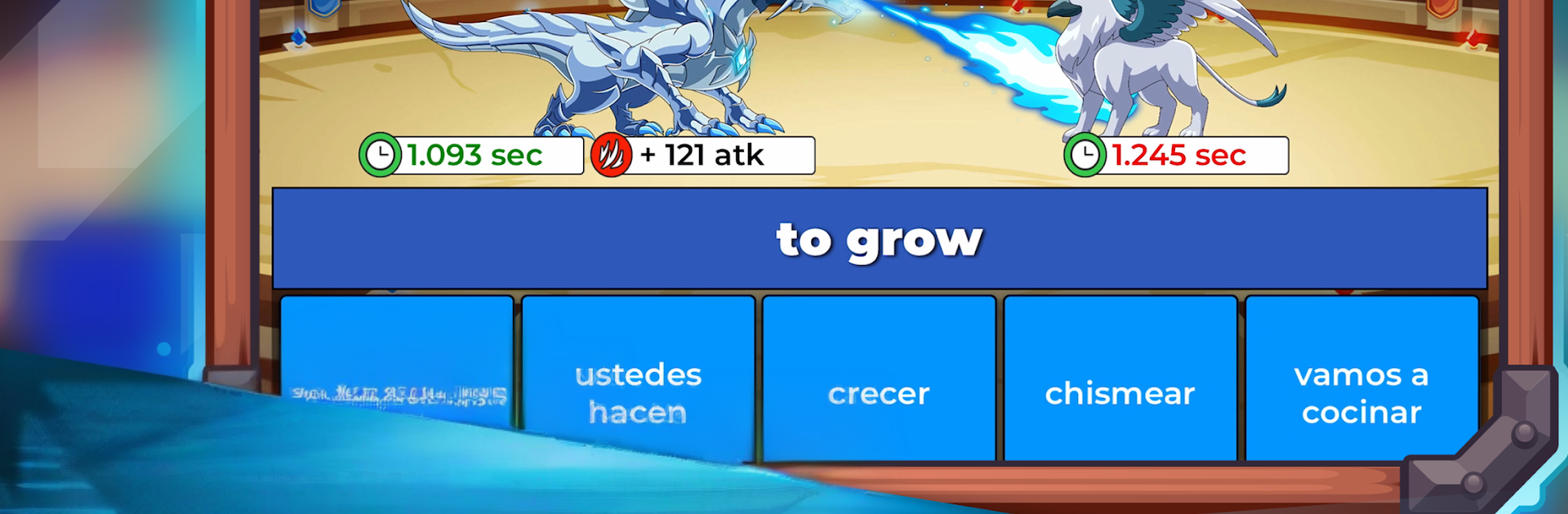
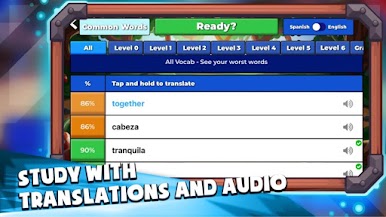
Language Game – LangLandia plays like a monster-catching RPG that secretly teaches languages. A player starts by trapping a baby beast, maybe a lion, wolf, snake, or if luck hits, a yeti or dragon. That creature grows stronger while the person learns words, verbs, and sentences, then both head into battles where correct answers power the attacks. It is not just Spanish either, there are options for French, Korean, Russian, German, Italian, Portuguese, Thai, Indonesian, and Japanese, but Spanish gets the most depth with piles of vocabulary and conjugation work. The practice flow is smart: quick flashcards with audio, then straight into combat where the same words pop up again, including modes that target common words, numbers, verbs, and grammar. It even has “worst” and “slowest” lists that push the stuff someone keeps missing, plus matching drills and special vocab or grammar packs.
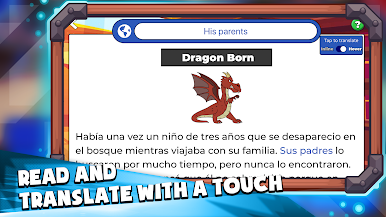
There is online play too. A person can queue for 1v1 arena matches to see who is fastest on answers, join big boss fights, or sit an exam-style challenge that ranks everyone. Reading is handled with short in-world books, tap a word for a translation and then answer a few questions for loot. Audio repeats during battles, so pronunciation sticks without forcing long listening exercises. Difficulty matters here, since the easy meadow is calm, the forest picks up speed, and the cave fights go fast enough to train quick recognition. It works offline, and the loop has a lot to chew on without spending money. On PC through BlueStacks, the bigger screen helps with the rapid multiple-choice prompts, and typing verb forms on a keyboard makes the conjugation rounds less awkward. It feels like an actual game rather than homework, and the steady drip of new beasts, books, and vocabulary keeps players moving forward without nagging.
Switch to BlueStacks and make the most of your apps on your PC or Mac.





Chơi Language Game - LangLandia trên PC. Rất dễ để bắt đầu
-
Tải và cài đặt BlueStacks trên máy của bạn
-
Hoàn tất đăng nhập vào Google để đến PlayStore, hoặc thực hiện sau
-
Tìm Language Game - LangLandia trên thanh tìm kiếm ở góc phải màn hình
-
Nhấn vào để cài đặt Language Game - LangLandia trong danh sách kết quả tìm kiếm
-
Hoàn tất đăng nhập Google (nếu bạn chưa làm bước 2) để cài đặt Language Game - LangLandia
-
Nhấn vào icon Language Game - LangLandia tại màn hình chính để bắt đầu chơi

