


Ucz się języka koreańskiego
Graj na PC z BlueStacks – Platforma gamingowa Android, która uzyskała zaufanie ponad 500 milionów graczy!

Strona zmodyfikowana w dniu: Dec 8, 2025
Run Drops: Learn Korean language and Hangul alphabet on PC or Mac
Let BlueStacks turn your PC, Mac, or laptop into the perfect home for Drops: Learn Korean language and Hangul alphabet, a fun Education app from Language Drops.
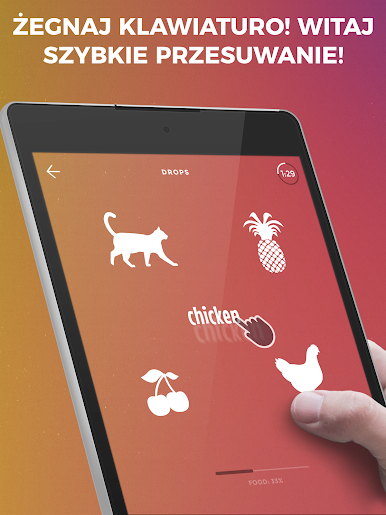
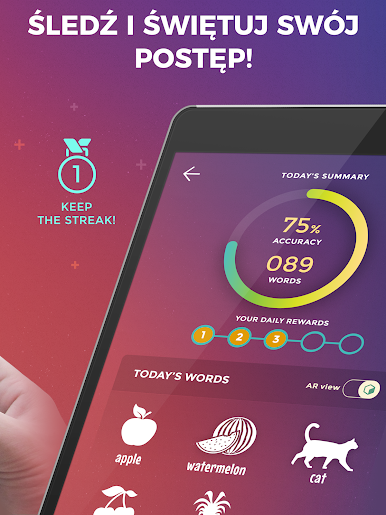
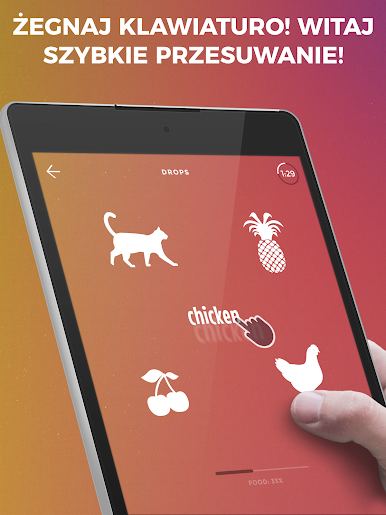
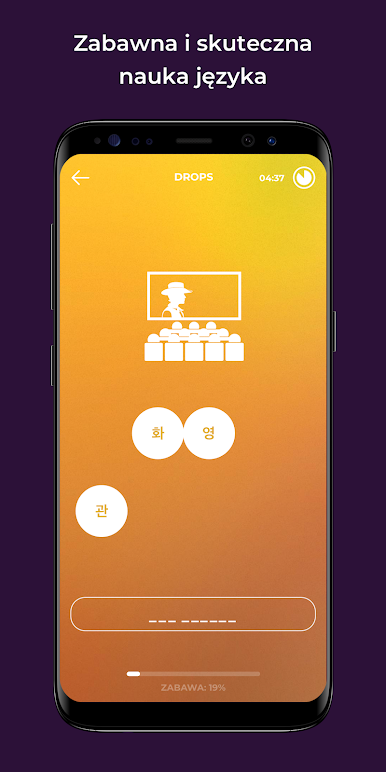
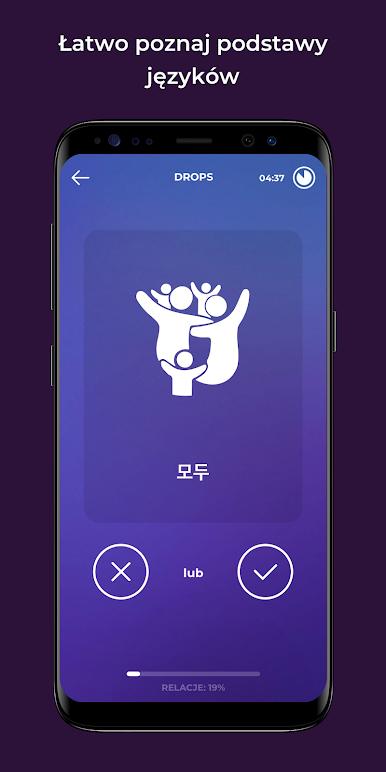
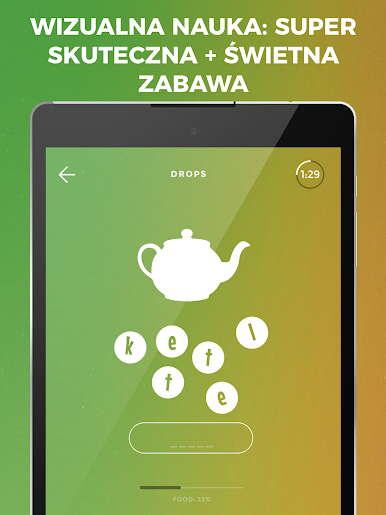
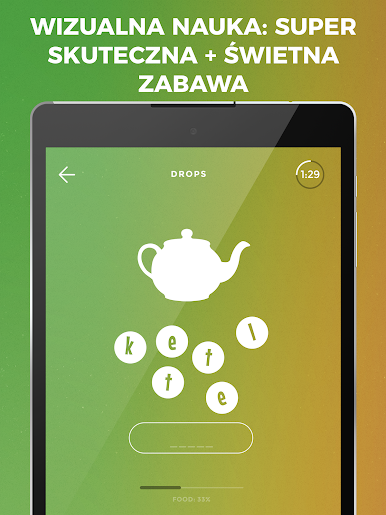
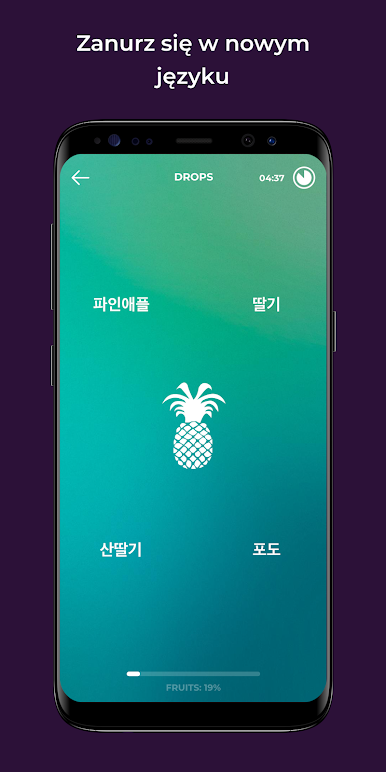
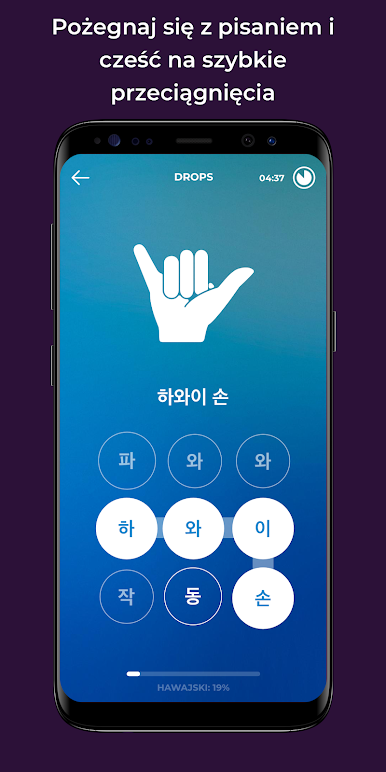
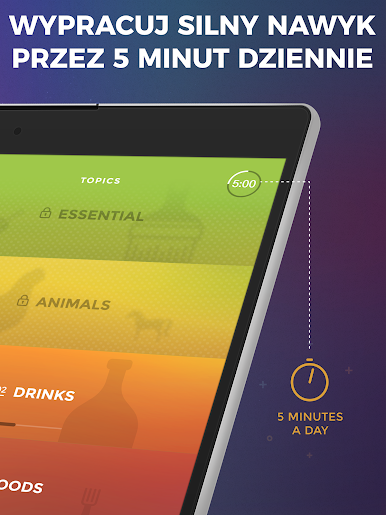
Drops feels like a little Korean word game that sneaks learning into quick bursts. It shows a picture, plays clean audio, and then asks for fast swipes, taps, and little matching tasks. No translation step, the images carry the meaning, so the brain gets the idea quicker than reading a definition. Sessions are capped at 5 minutes, which sounds odd, but it keeps things focused and surprisingly addictive. Great for a daily streak when time is tight.
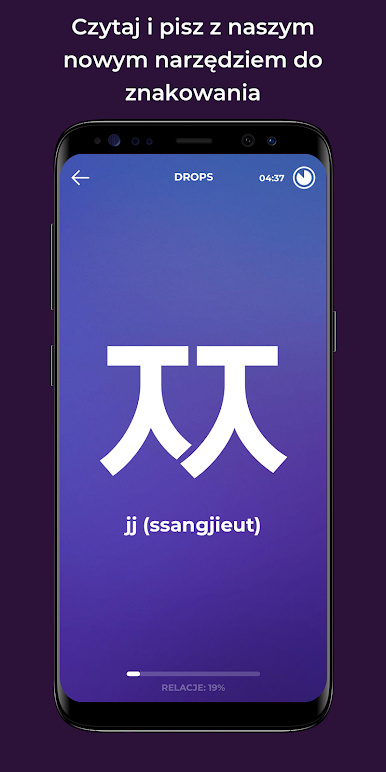
It sticks to vocabulary and Hangul, not grammar. That is either perfect or not enough, depending on what someone needs. The Hangul part is neat though. Vowels and consonants get drilled with quick gestures so the shapes and sounds click. Pronunciations are clear, and repetition is paced so words stick without feeling like a drill. On PC with BlueStacks, the swipes turn into clicks and quick drags, which actually works nicely for the speed of each round.
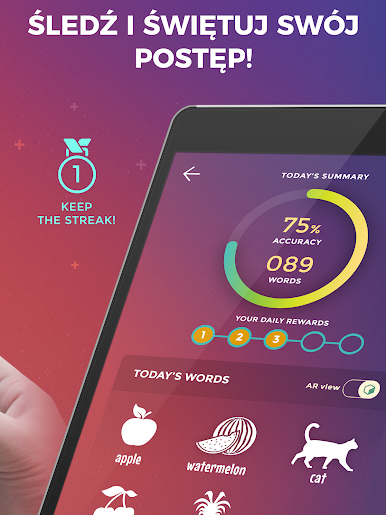
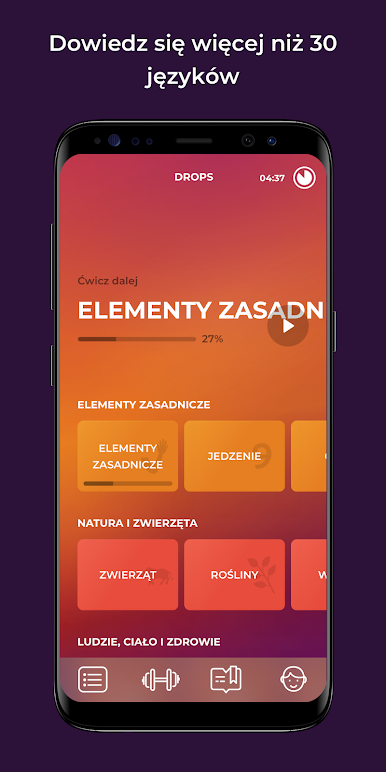
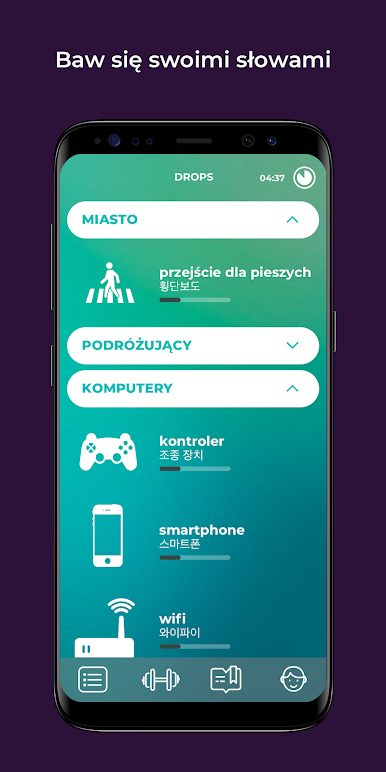
The app shines when someone wants practical words across everyday topics. There are thousands available for free, spread over more than a hundred categories, and there is a paid option for those who want longer, unlimited practice. It tries hard to build a habit with gentle reminders and that daily five minute push. If a person needs grammar explanations or long lessons, this is not that. But for visual learners who want painless, bite sized study that feels like play, it gets the job done and keeps them coming back without much effort.
Switch to BlueStacks and make the most of your apps on your PC or Mac.

Zagraj w Ucz się języka koreańskiego na PC. To takie proste.
-
Pobierz i zainstaluj BlueStacks na PC
-
Zakończ pomyślnie ustawienie Google, aby otrzymać dostęp do sklepu Play, albo zrób to później.
-
Wyszukaj Ucz się języka koreańskiego w pasku wyszukiwania w prawym górnym rogu.
-
Kliknij, aby zainstalować Ucz się języka koreańskiego z wyników wyszukiwania
-
Ukończ pomyślnie rejestrację Google (jeśli krok 2 został pominięty) aby zainstalować Ucz się języka koreańskiego
-
Klinij w ikonę Ucz się języka koreańskiego na ekranie startowym, aby zacząć grę

