


Trình khởi chạy OS 2026
Chơi trên PC với BlueStacks - Nền tảng chơi game Android, được hơn 500 triệu game thủ tin tưởng.

Trang đã được sửa đổi vào: Sep 19, 2025
Play Launcher OS 2026: Fast & Clean on PC
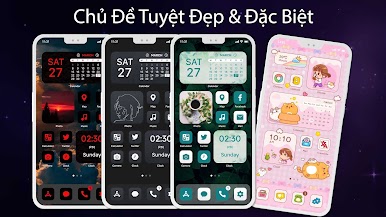
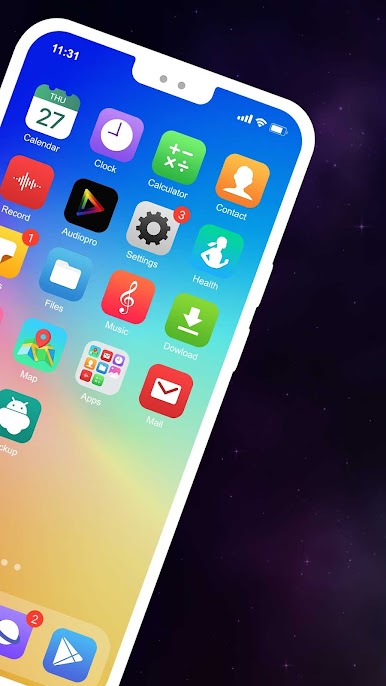
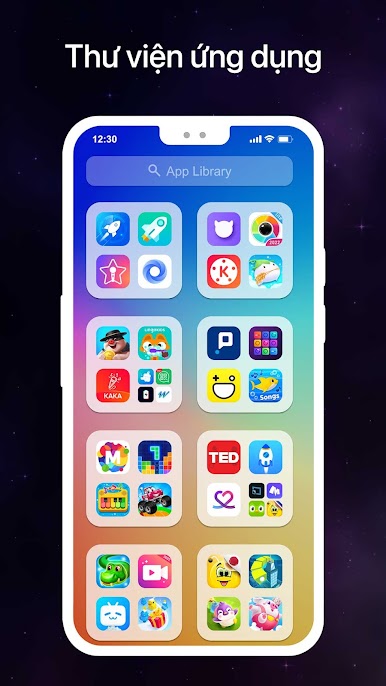
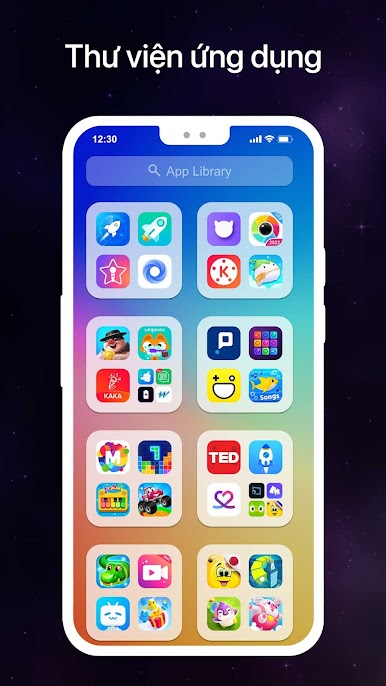
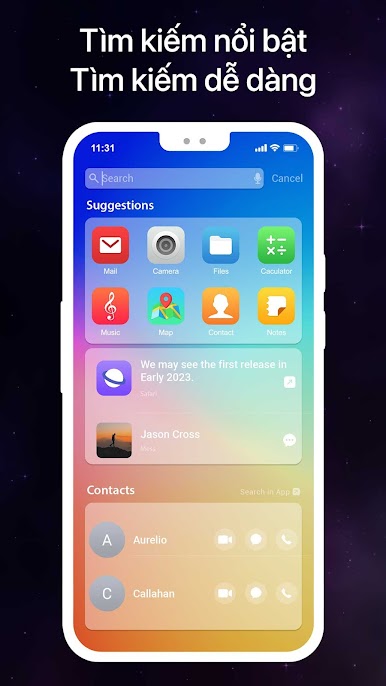
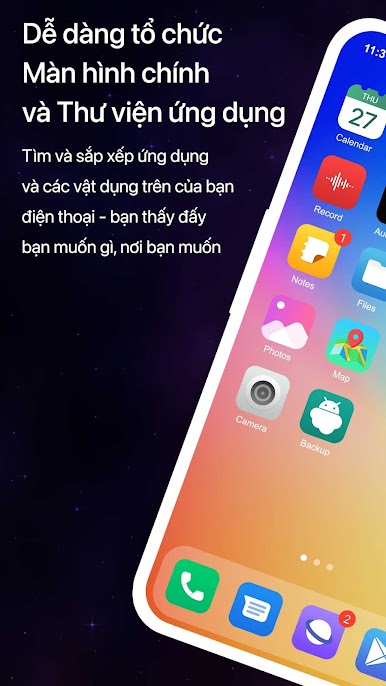
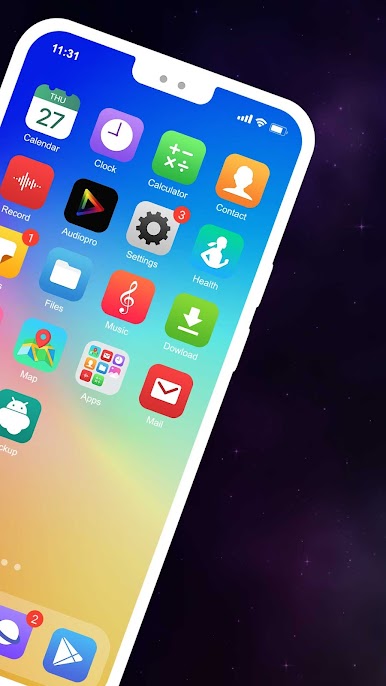
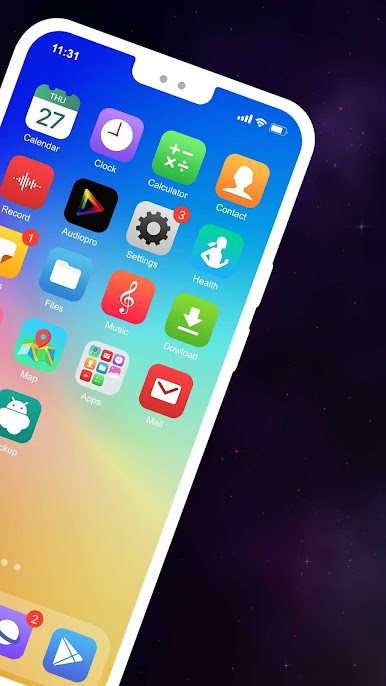
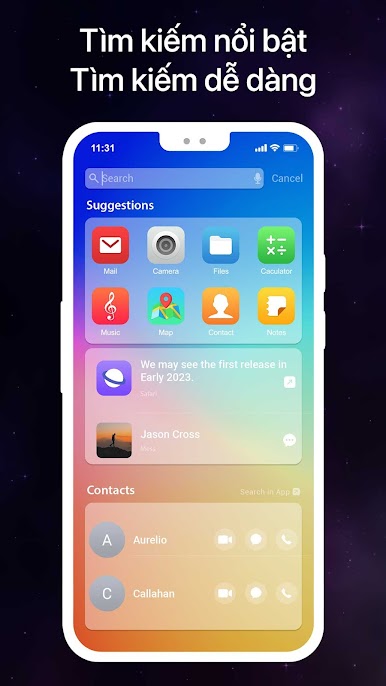
Launcher provides an easy app browsing experience, with a swiping, app page design. You can search apps on every page by swiping from the top
Why Launcher OS 2026 is worth using:
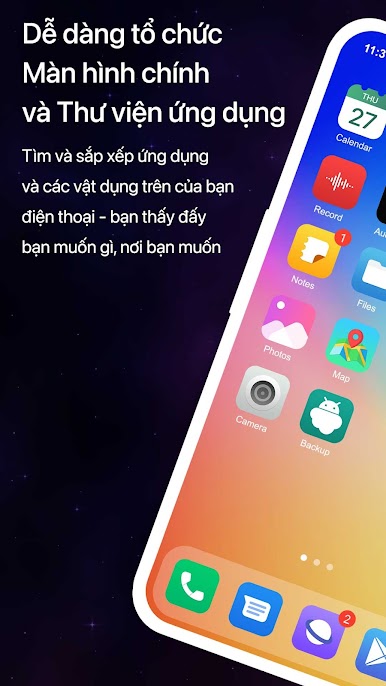
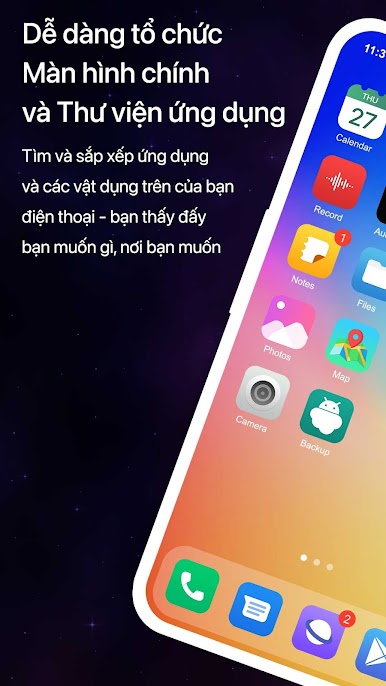
1. Easy and fast app browsing
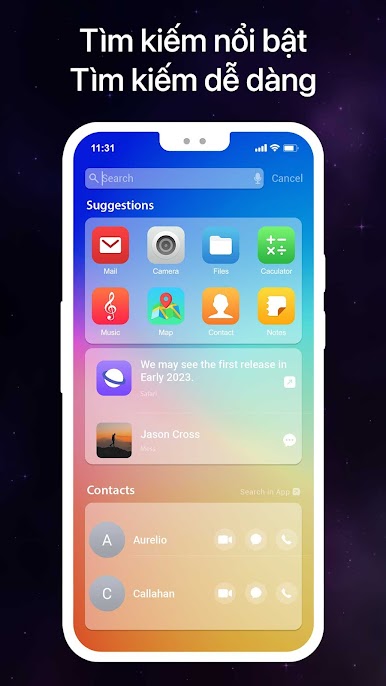
2. Search apps fast, on every page
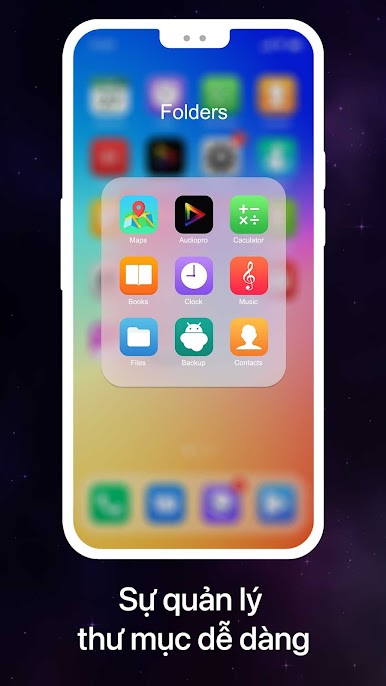
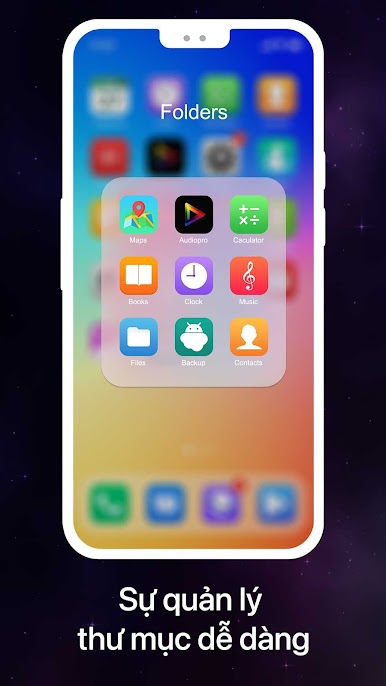
3. Organize folders and group apps
4. App Browser Support
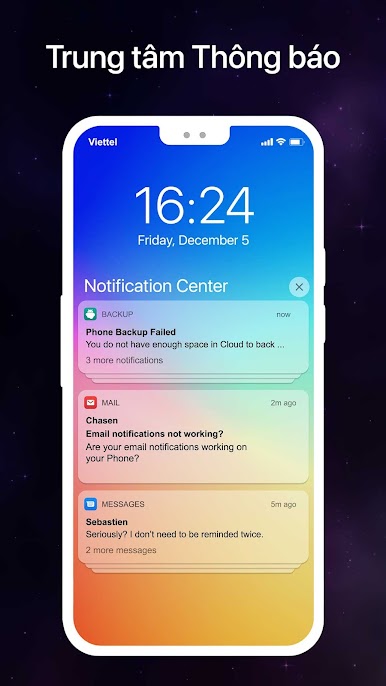
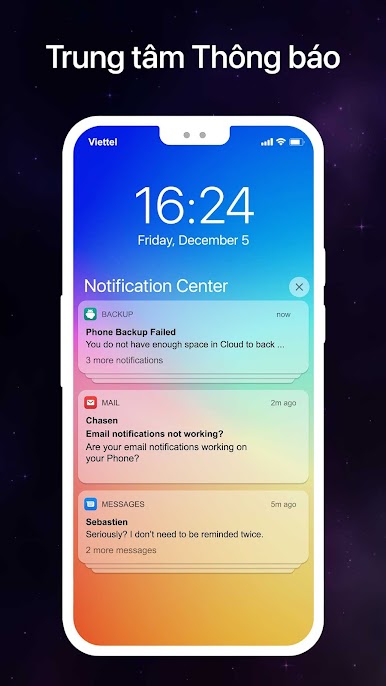
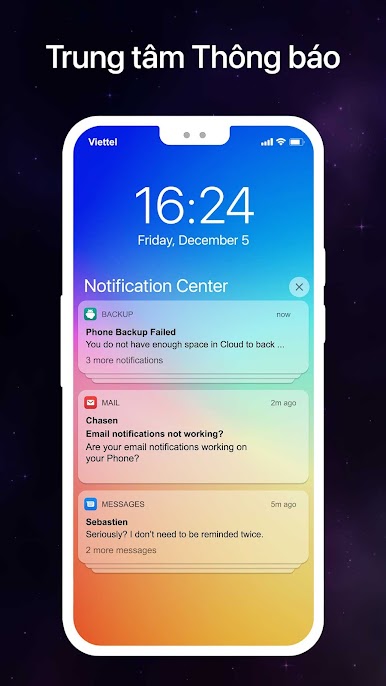
5. Convenient Notifications
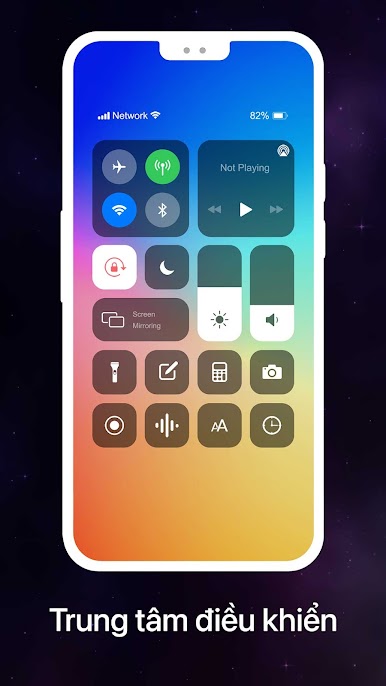
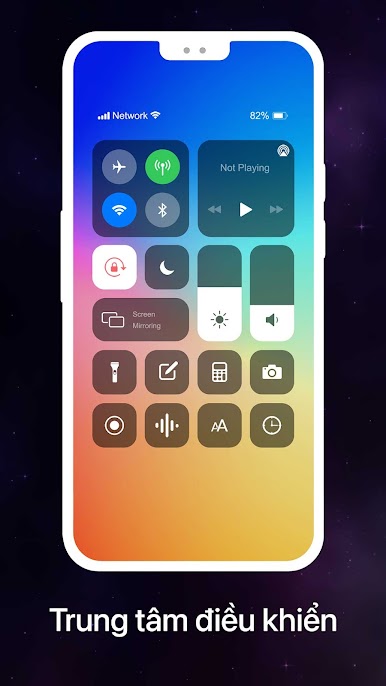
6. Easy Control: access and control wifi, 5G, bluetooth, sound settings, brightness and more
7. Convenient the Touch
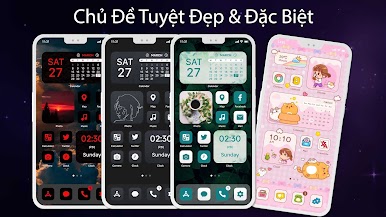
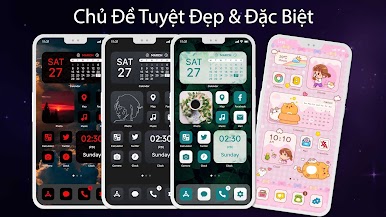
8. Add widgets to home screen: easily customize home screen with widgets
9. Support many more utilities: app lock, hide apps and more
Note:
- This app requires Accessibility Services to perform the opening of the recently running apps dialog, the Back function in the X Home Bar, and the Touch
- This app require Query All Packages
We strive to make a lightweight, easy to use, stylish launcher for you. Please share with your friends if you like it. We always listen to your opinion to make the Launcher OS 2026 better every day

Chơi Trình khởi chạy OS 2026 trên PC. Rất dễ để bắt đầu
-
Tải và cài đặt BlueStacks trên máy của bạn
-
Hoàn tất đăng nhập vào Google để đến PlayStore, hoặc thực hiện sau
-
Tìm Trình khởi chạy OS 2026 trên thanh tìm kiếm ở góc phải màn hình
-
Nhấn vào để cài đặt Trình khởi chạy OS 2026 trong danh sách kết quả tìm kiếm
-
Hoàn tất đăng nhập Google (nếu bạn chưa làm bước 2) để cài đặt Trình khởi chạy OS 2026
-
Nhấn vào icon Trình khởi chạy OS 2026 tại màn hình chính để bắt đầu chơi

