



Photo Map: GPS Camera Location
Graj na PC z BlueStacks – Platforma gamingowa Android, która uzyskała zaufanie ponad 500 milionów graczy!

Strona zmodyfikowana w dniu: Apr 6, 2025
Run Photo Map on PC or Mac
Upgrade your experience. Try Photo Map, the fantastic Photography app from Levion Software, from the comfort of your laptop, PC, or Mac, only on BlueStacks.
About the App
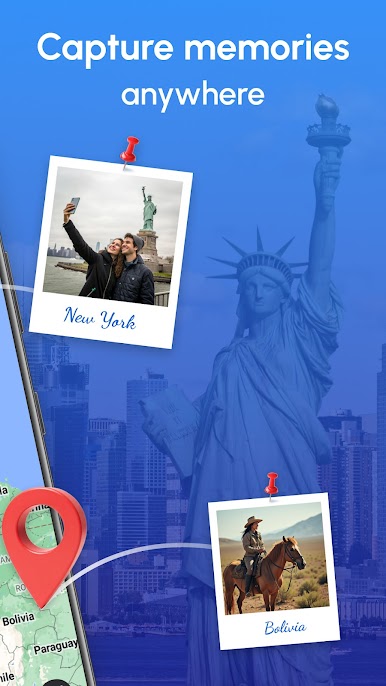
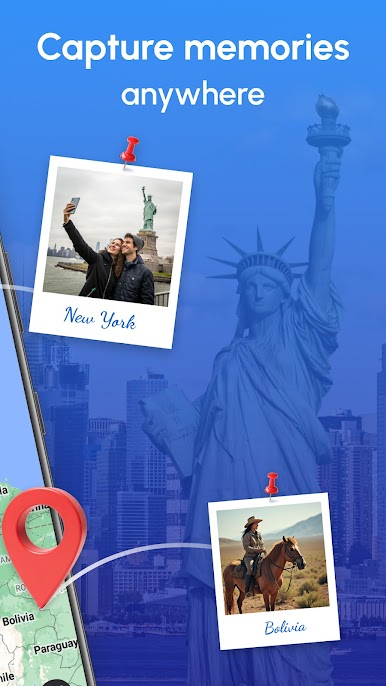
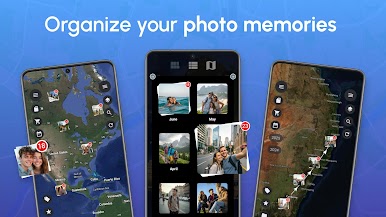
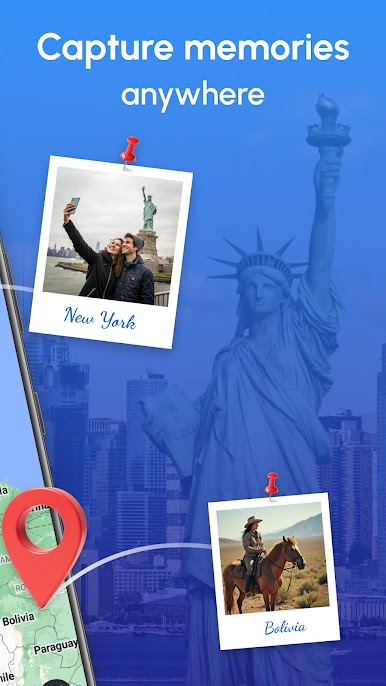
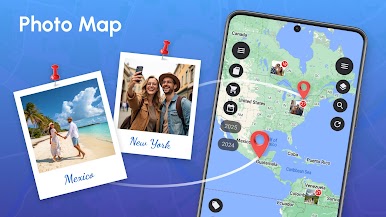
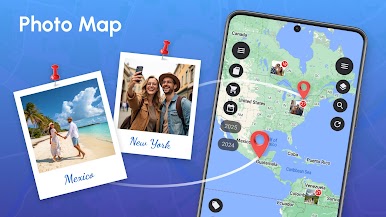
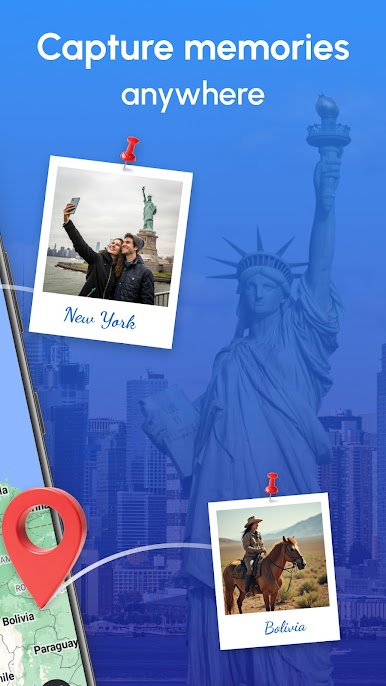
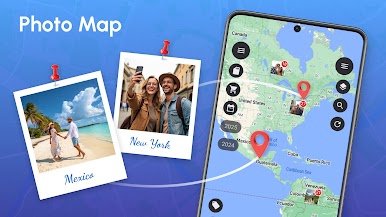
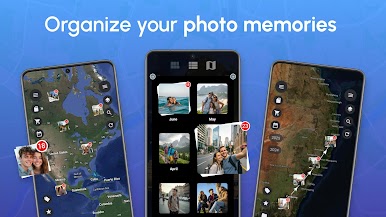
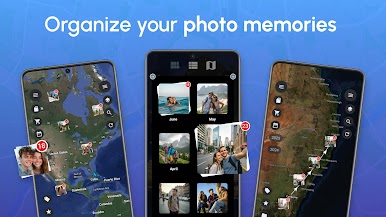
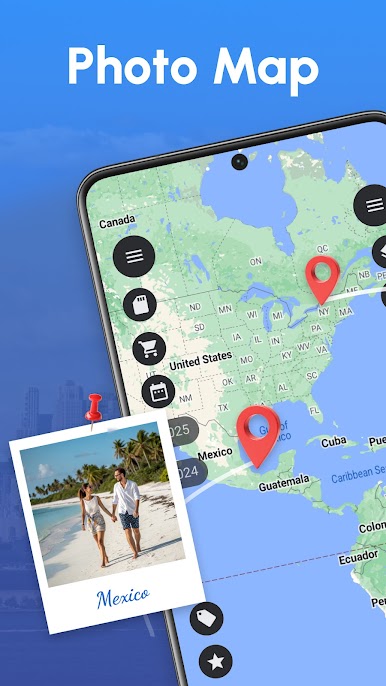
Ever wondered where exactly you snapped that perfect sunset or epic travel selfie? Photo Map by Levion Software makes it a breeze to explore and relive your favorite memories right on an interactive map. Whether you’re a photography buff or a casual explorer, it offers a fresh, visual way to organize, view, and share your journeys—without feeling lost in endless folders.
App Features
-
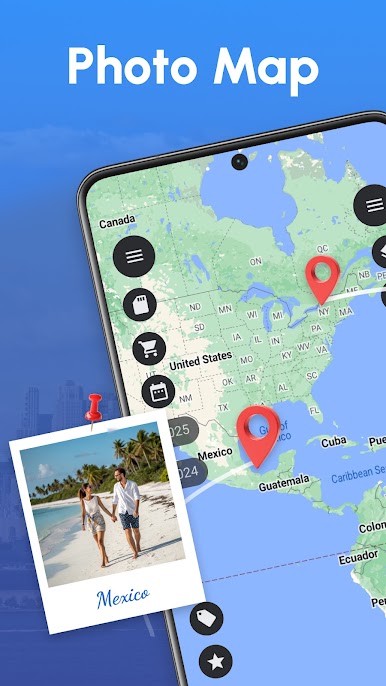
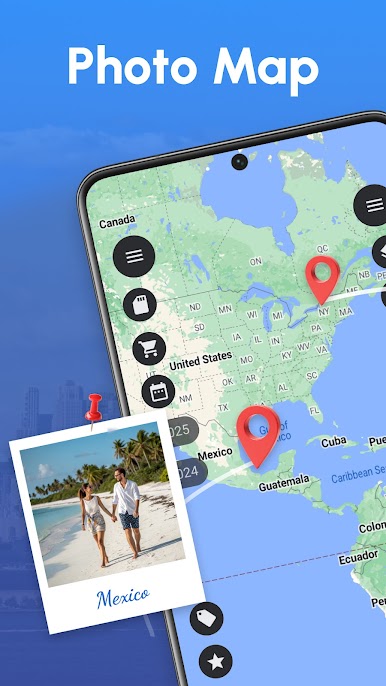
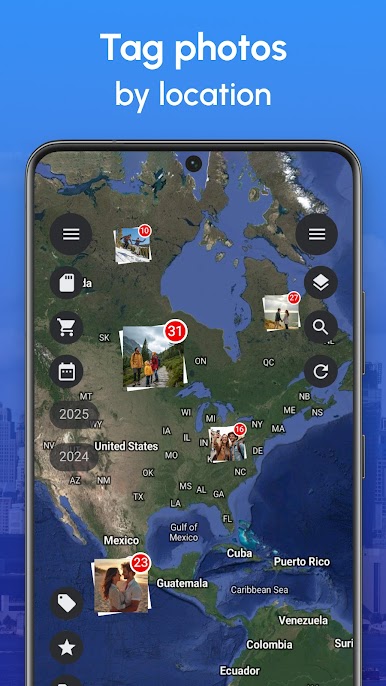
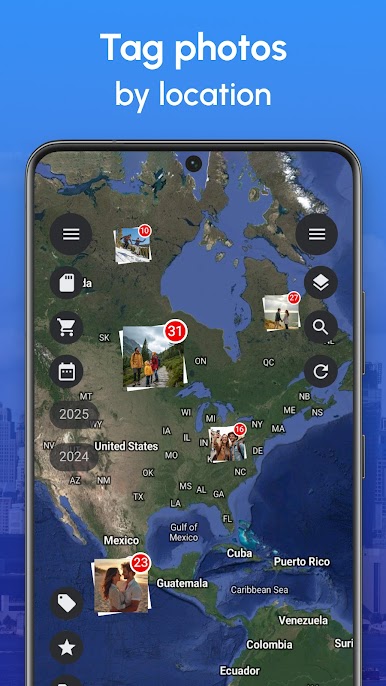
Map View for Memories
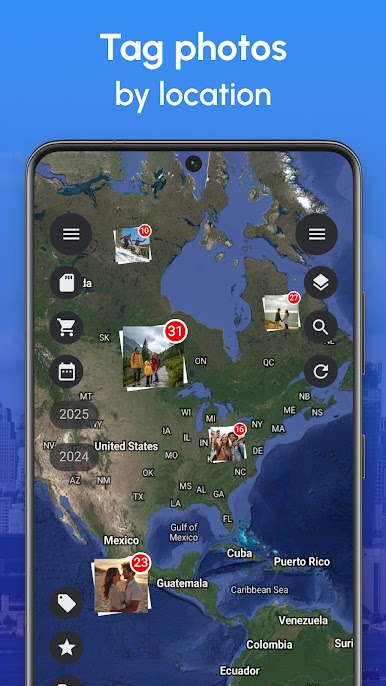
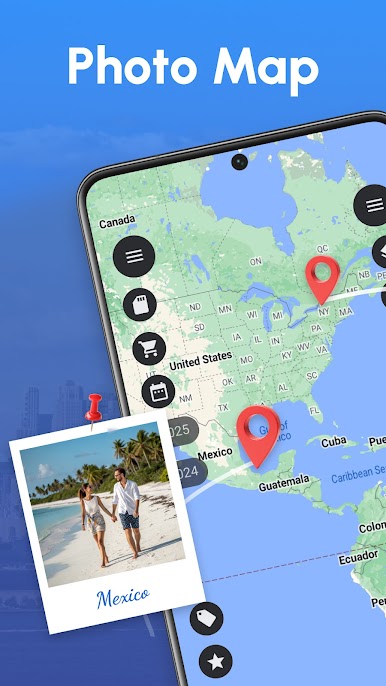
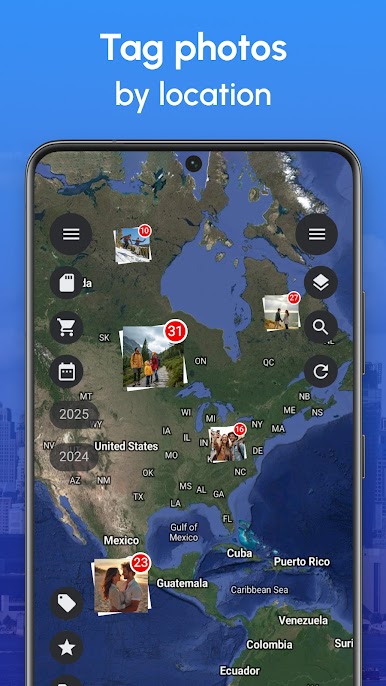
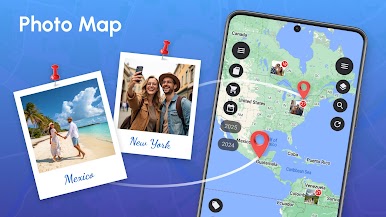
See your photos and videos as pins on a real map. Zoom in, zoom out, and relive your adventures city by city, street by street. No more guessing where that shot was taken. -
Cloud & Local Storage
Photo Map connects with your phone storage and major cloud services. Flip between them, and keep thousands (or even tens of thousands) of photos at your fingertips—depending on your version. -
All About Privacy
Your data stays yours. Photos and info are only saved locally; nothing gets sent to servers or analytics engines. -
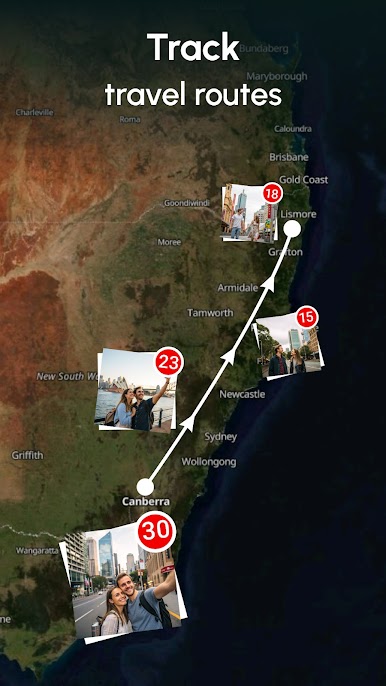
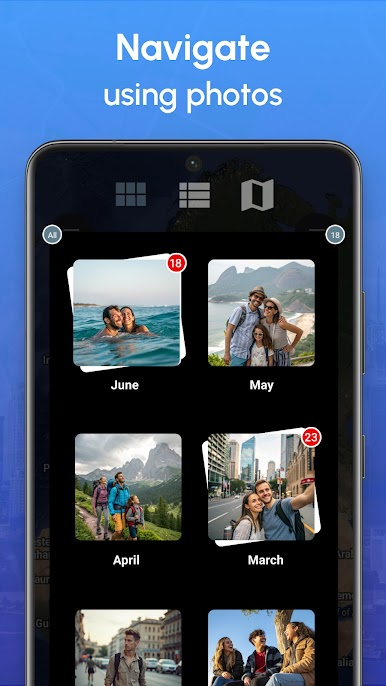
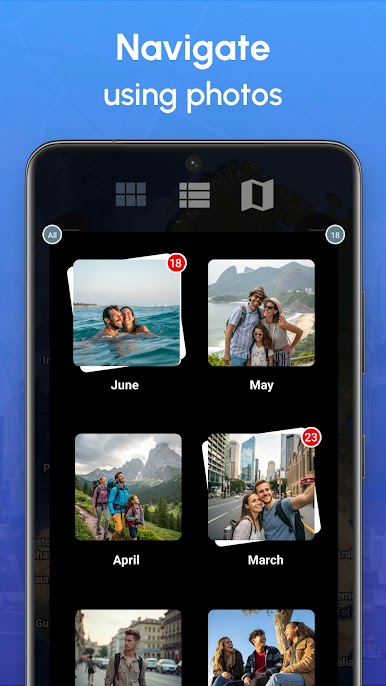
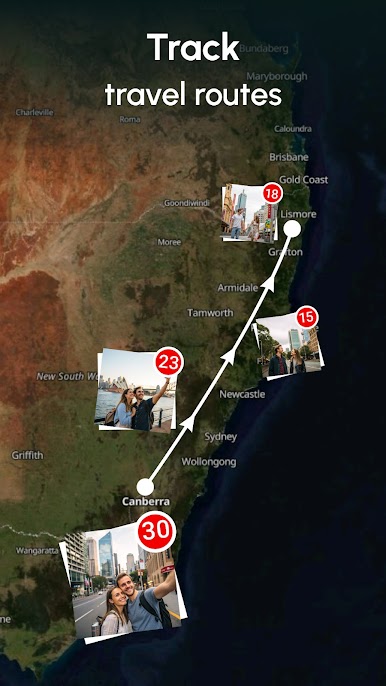
Chronological Explorer
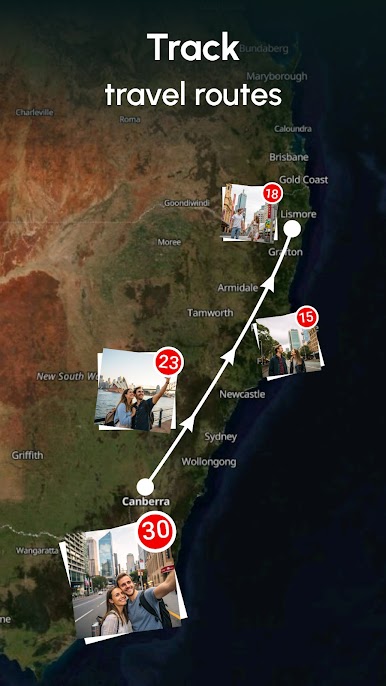
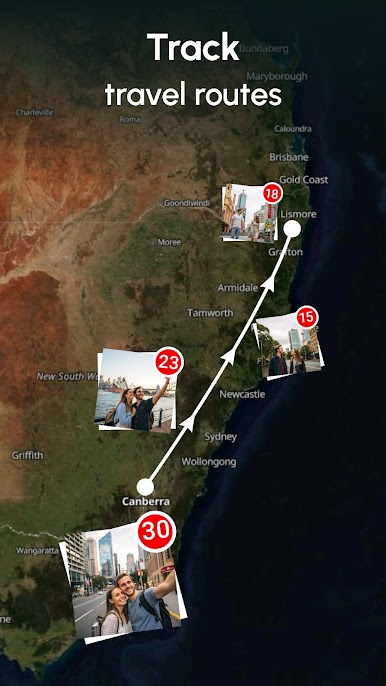
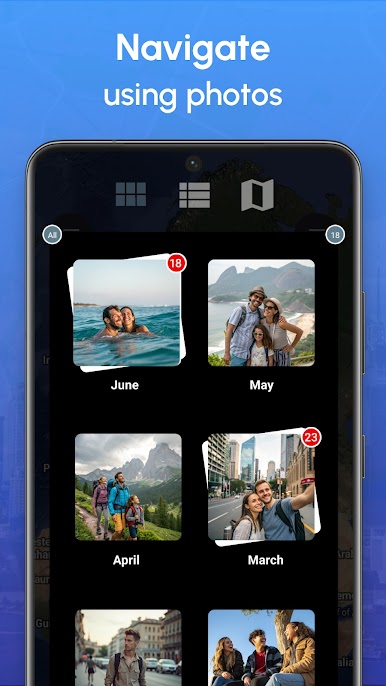
Browse your gallery by date or hop between locations in the order your travels happened, making it super easy to track your journey over time. -
Handy Photo Tools
Edit photos right in the app—crop, apply filters, doodle a bit, add frames, or tweak color settings. All the basics, plus a few fun extras. -
Share & Collage
Quickly send photos or whole collages to friends. Perfect for sharing a trip recap or a day out with just a tap. -
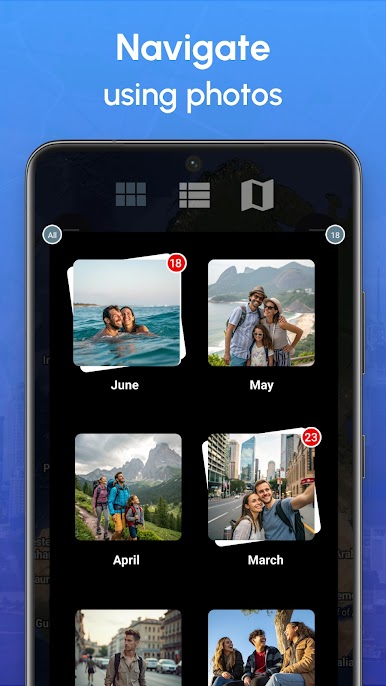
Loads of Viewing Options
Switch between grid and explorer-style lists, check out photos fullscreen, or even go for 3D map mode (just use two fingers). You can also hide folders you don’t want to see. -
EXIF Details & Editing
Check (or edit) extra info like GPS, descriptions, and ratings directly from the app. Want to keep things private? Erase EXIF data from any photo. -
Live Wallpaper Slideshow
Automatically update your phone’s wallpaper every hour or once a day with your best shots. -
Search & Organization
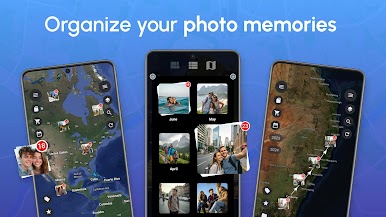
Find photos fast by name, folder, date, or even file type. Sort things just how you like—change themes, adjust layout columns, and group sections your way. -
More Good Stuff
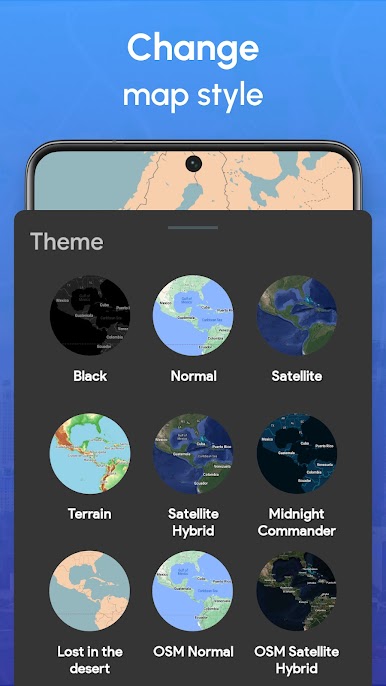
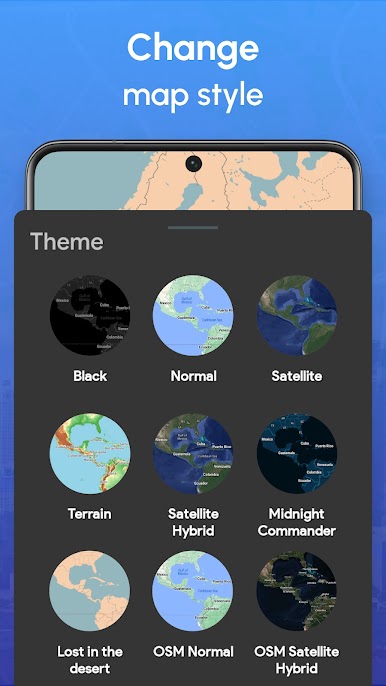
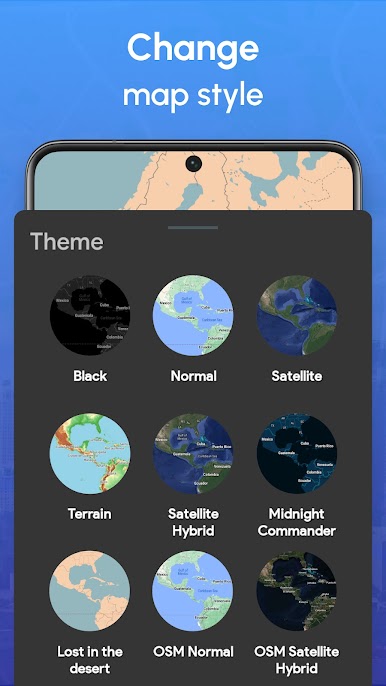
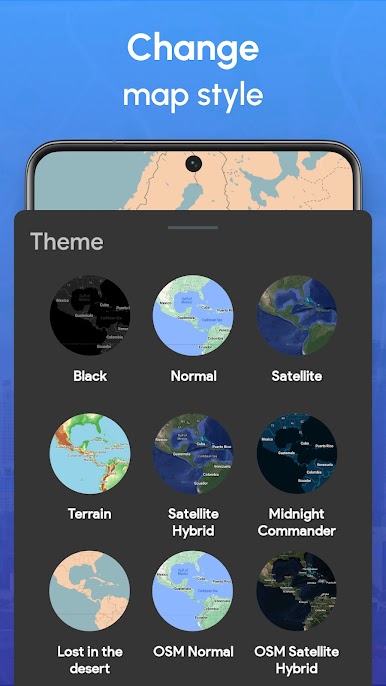
Supports GIFs, works great on recent Android versions, plays videos, and can geo-tag images that are missing GPS data. Satellite, terrain, and hybrid map views let you pick how you see your travels unfold.
If you want to try Photo Map on a bigger screen or play around with your collection in new ways, it works nicely with BlueStacks.
Big screen. Bigger performance. Use BlueStacks on your PC or Mac to run your favorite apps.

Zagraj w Photo Map: GPS Camera Location na PC. To takie proste.
-
Pobierz i zainstaluj BlueStacks na PC
-
Zakończ pomyślnie ustawienie Google, aby otrzymać dostęp do sklepu Play, albo zrób to później.
-
Wyszukaj Photo Map: GPS Camera Location w pasku wyszukiwania w prawym górnym rogu.
-
Kliknij, aby zainstalować Photo Map: GPS Camera Location z wyników wyszukiwania
-
Ukończ pomyślnie rejestrację Google (jeśli krok 2 został pominięty) aby zainstalować Photo Map: GPS Camera Location
-
Klinij w ikonę Photo Map: GPS Camera Location na ekranie startowym, aby zacząć grę

