


Pure Tuber: Video & Music
Chơi trên PC với BlueStacks - Nền tảng chơi game Android, được hơn 500 triệu game thủ tin tưởng.

Trang đã được sửa đổi vào: Dec 2, 2025
Play Play Tube & Music Tube on PC
Key Features:
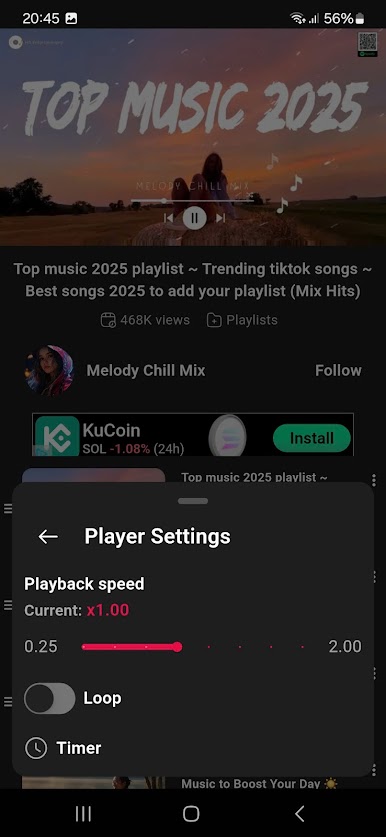
Viddeo & Background Video Player
Allows you to play videos in the background, so that the video and MP3 or audio continue to play even when you exit the application.
Background video playback without needing the screen on.
Ad-free experience, no interruptions during your entertainment.
User-friendly: simply tap the image to enjoy videos.
Enjoy your seamless video experience! 😃
*Disclaimer:
This app utilizes mobile video viewing platforms for display and content search
All videos accessed through this app are sourced from external websites; the app does not own any video content.
📛Notice
- The content of the video is sourced from the API Service.
- Play Tube complies with YouTube's API Terms of Service.
- Per YouTube's Terms of Service, we do not allow downloading of videos.
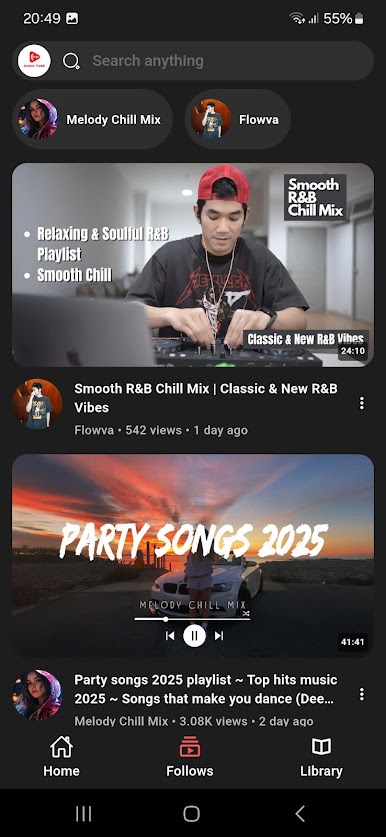
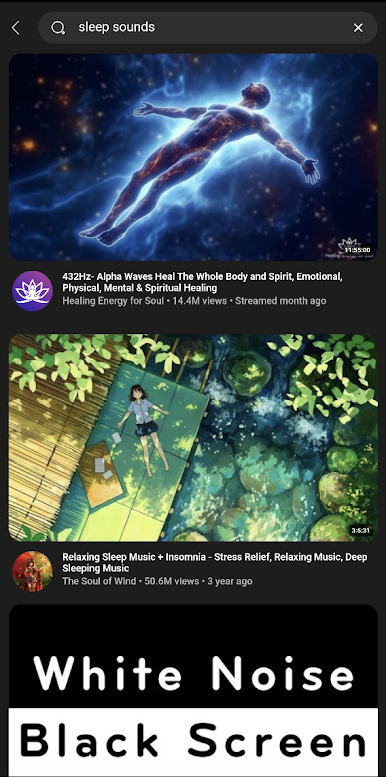

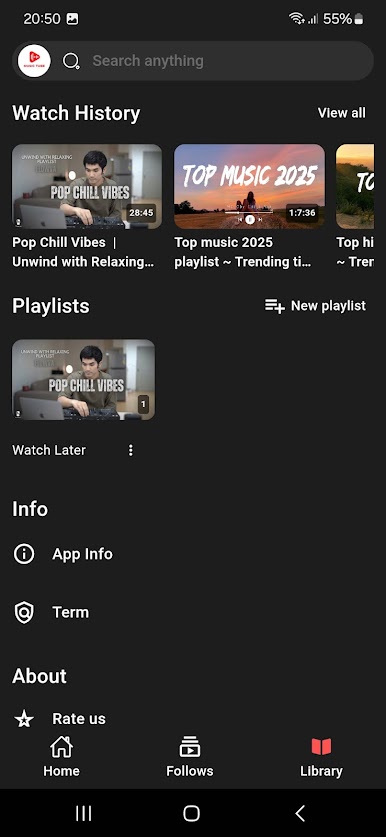

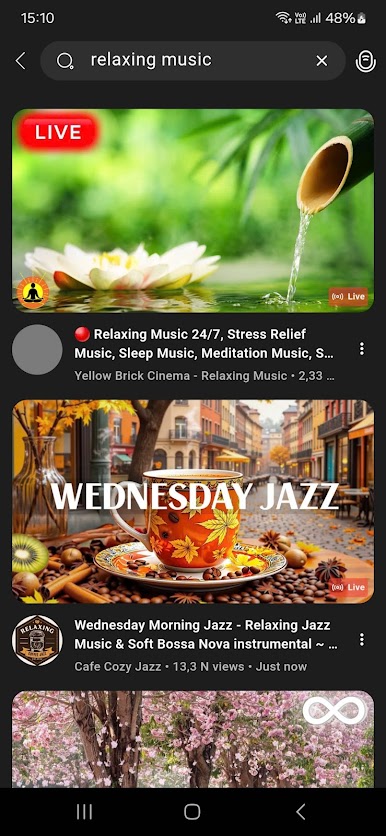

Chơi Pure Tuber: Video & Music trên PC. Rất dễ để bắt đầu
-
Tải và cài đặt BlueStacks trên máy của bạn
-
Hoàn tất đăng nhập vào Google để đến PlayStore, hoặc thực hiện sau
-
Tìm Pure Tuber: Video & Music trên thanh tìm kiếm ở góc phải màn hình
-
Nhấn vào để cài đặt Pure Tuber: Video & Music trong danh sách kết quả tìm kiếm
-
Hoàn tất đăng nhập Google (nếu bạn chưa làm bước 2) để cài đặt Pure Tuber: Video & Music
-
Nhấn vào icon Pure Tuber: Video & Music tại màn hình chính để bắt đầu chơi

