


iMonster Classic - Hero Advent
Graj na PC z BlueStacks – Platforma gamingowa Android, która uzyskała zaufanie ponad 500 milionów graczy!

Strona zmodyfikowana w dniu: Sep 28, 2025
Play iMonster Classic - Hero Advent Online in Browser
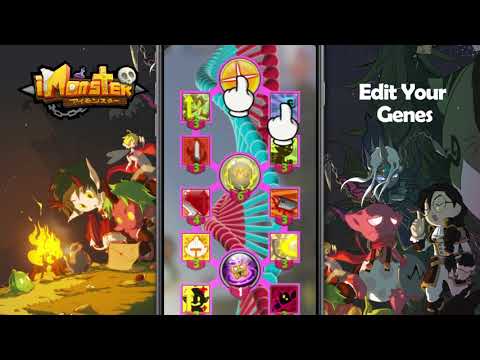
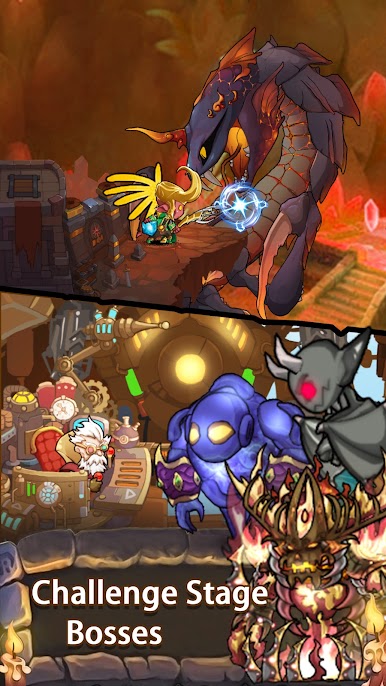
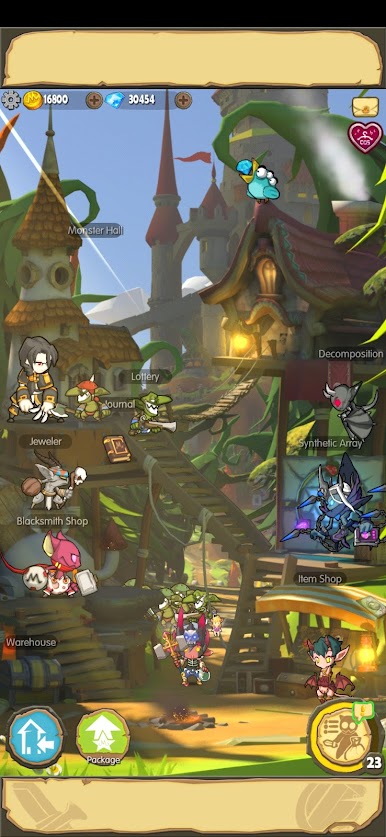
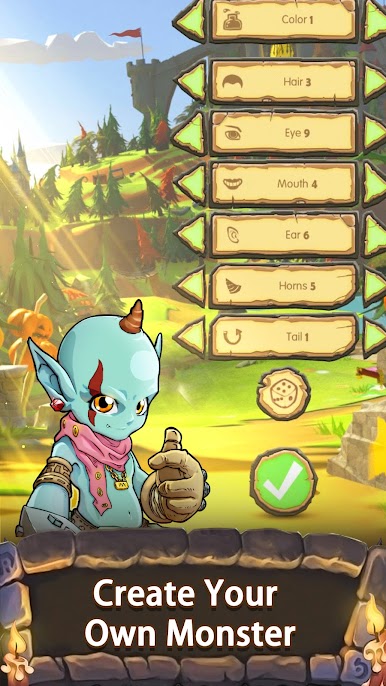
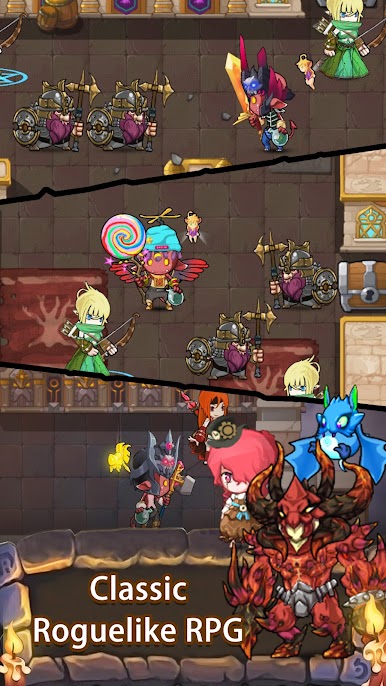
iMonster Classic – Hero Advent is a role-playing game developed by Loongcheer Game. A roguelike-RPG adventure game is called iMonster. You begin the game as a monster that was called to save the Devil King from being imprisoned in the Ruling Tower by evil people. You will gradually come to understand the evil human conspiracy during your thrilling adventure, as well as the truth hidden in truth.
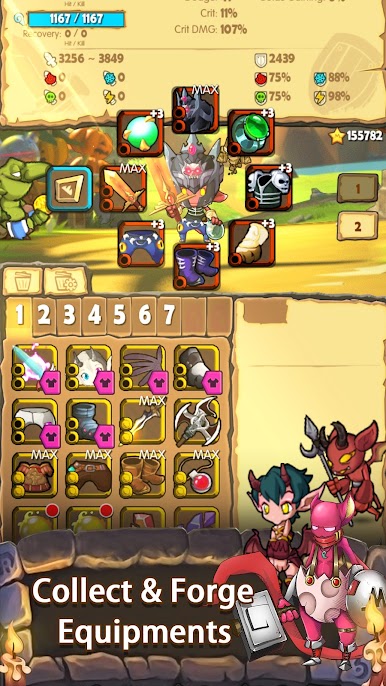
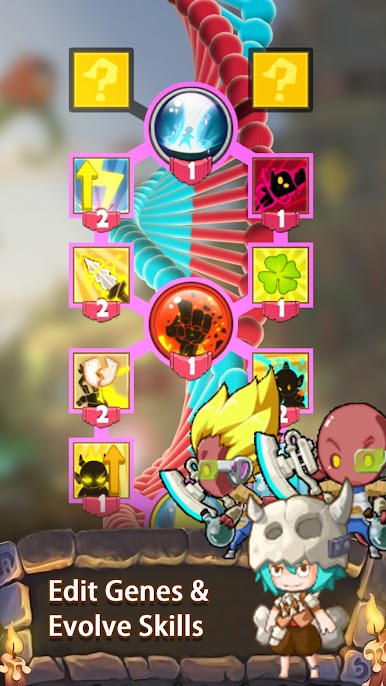
Gene modification, magic education, equipment forging, and saving your monster friends will help you become a strong monster hero. The plot revolves around development, gathering, exploration, adventure, strategy, combat, and discovery. Please play the roguelike RPG and survive in the deepest dungeon.
The Floating Island, a magnificent floating island built by people, is currently floating atop the administrative tower. On the continent, it is at the cutting edge of civilization and has high energy consumption. Play iMonster Classic – Hero Advent online using a mobile or PC on a web browser. Start playing games online by tapping on the play button. It’s all free on now.gg.
Long downloads and annoying updates are over. Without downloading or installing the game, you can play your favorite iMonster Classic – Hero Advent in the cloud on your PC or mobile device. Instantly transform your old phone, PC, or any other device into a powerful gaming machine.
Quickly share the game’s link on social media to introduce your friends to a new way of playing games. Have you signed in to a new device? Don’t be concerned. You can resume a game on another screen with now.gg mobile cloud without losing your progress. So jump into iMonster Classic – Hero Advent and start playing.
Only on now.gg, click the ‘play in browser’ button to get started right away.


Zagraj w iMonster Classic - Hero Advent na PC. To takie proste.
-
Pobierz i zainstaluj BlueStacks na PC
-
Zakończ pomyślnie ustawienie Google, aby otrzymać dostęp do sklepu Play, albo zrób to później.
-
Wyszukaj iMonster Classic - Hero Advent w pasku wyszukiwania w prawym górnym rogu.
-
Kliknij, aby zainstalować iMonster Classic - Hero Advent z wyników wyszukiwania
-
Ukończ pomyślnie rejestrację Google (jeśli krok 2 został pominięty) aby zainstalować iMonster Classic - Hero Advent
-
Klinij w ikonę iMonster Classic - Hero Advent na ekranie startowym, aby zacząć grę

