

Brailliac: Braille Tutor
Graj na PC z BlueStacks – Platforma gamingowa Android, która uzyskała zaufanie ponad 500 milionów graczy!

Strona zmodyfikowana w dniu: May 3, 2024
Run Brailliac: Braille Tutor on PC or Mac
Upgrade your experience. Try Brailliac: Braille Tutor, the fantastic Education app from Brailliac, from the comfort of your laptop, PC, or Mac, only on BlueStacks.
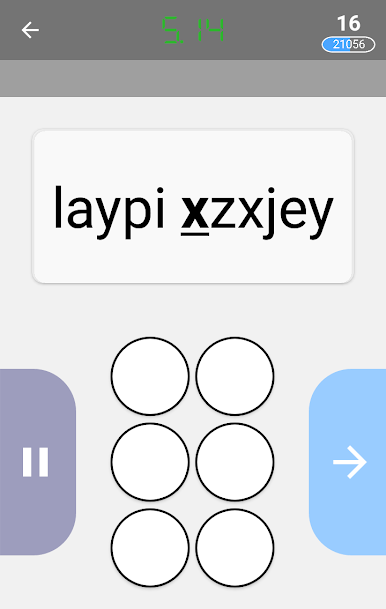
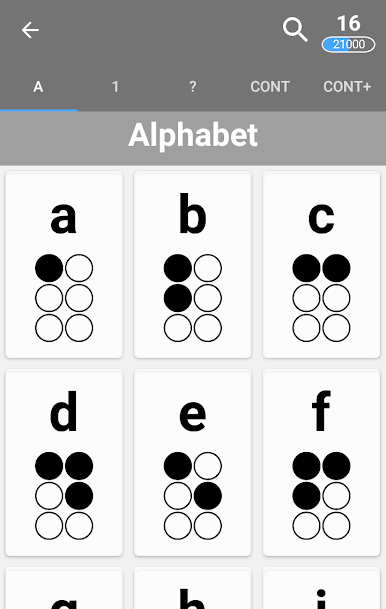
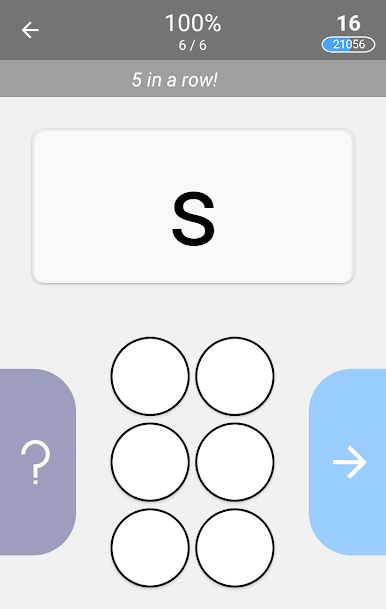
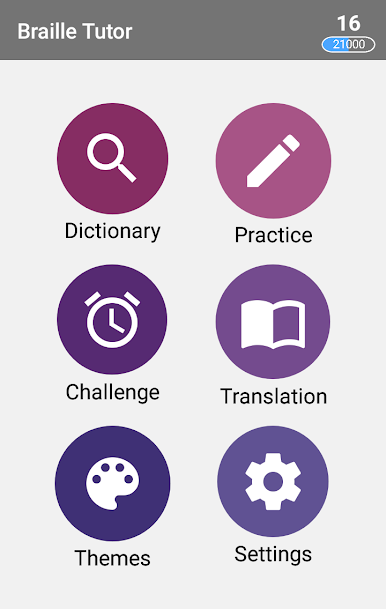
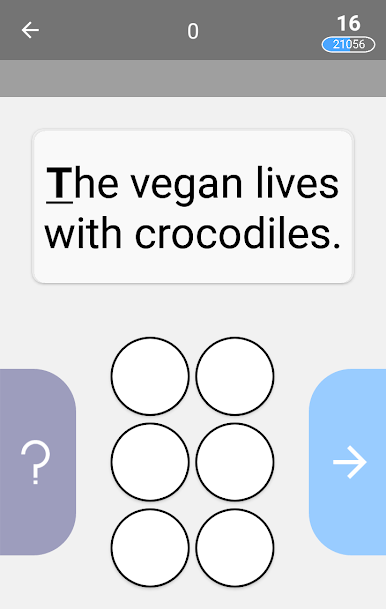
Brailliac: Braille Tutor feels like a small study game that actually gets someone learning, not just looking things up. On PC with BlueStacks it is easy on the eyes, since the dot patterns are clearer on a bigger screen and clicks feel quick. The app keeps sessions short and focused, and it notices which symbols trip a person up, then brings those back more often so the practice stays useful. There is a timed Challenge mode too, so anyone who likes a little pressure or friendly score chasing can race through sets and compare with friends.
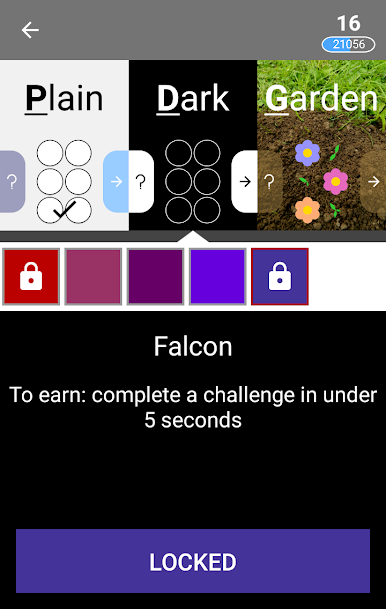
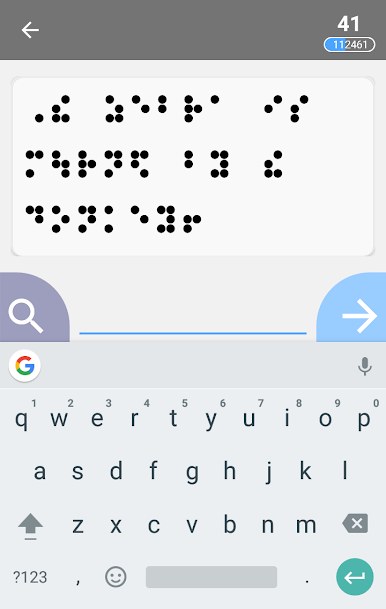
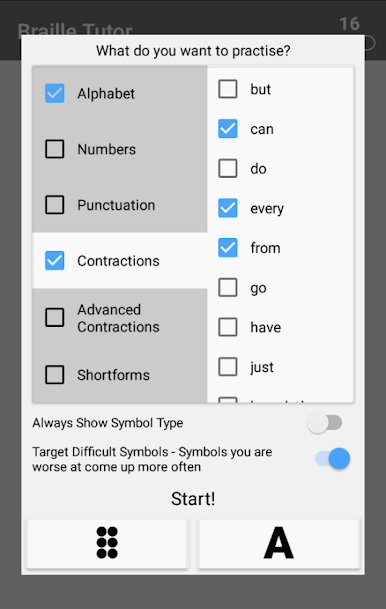
What stands out is how flexible it is. The options let someone pick exactly what to work on, whether that is certain letters, numbers, or whole groups, so it never feels like being dragged through a fixed course. The translation part is fun as well. It throws silly sentences at the user to convert to and from braille, which breaks up the usual drill feeling. There is a light progression system where points unlock themes and extras, so there is a small nudge to keep going without turning it into a grind.
It also supports multiple codes, not just English. Unified English Braille is there, along with Swedish, Czech, Slovak, Tamil, and Spanish, so a learner can switch codes in the same place. Overall it plays smooth and stays friendly, whether someone starts from zero or just wants to sharpen memory.
Big screen. Bigger performance. Use BlueStacks on your PC or Mac to run your favorite apps.
Zagraj w Brailliac: Braille Tutor na PC. To takie proste.
-
Pobierz i zainstaluj BlueStacks na PC
-
Zakończ pomyślnie ustawienie Google, aby otrzymać dostęp do sklepu Play, albo zrób to później.
-
Wyszukaj Brailliac: Braille Tutor w pasku wyszukiwania w prawym górnym rogu.
-
Kliknij, aby zainstalować Brailliac: Braille Tutor z wyników wyszukiwania
-
Ukończ pomyślnie rejestrację Google (jeśli krok 2 został pominięty) aby zainstalować Brailliac: Braille Tutor
-
Klinij w ikonę Brailliac: Braille Tutor na ekranie startowym, aby zacząć grę

