


QB Planets - Space Puzzle
Chơi trên PC với BlueStacks - Nền tảng chơi game Android, được hơn 500 triệu game thủ tin tưởng.

Trang đã được sửa đổi vào: Aug 29, 2024
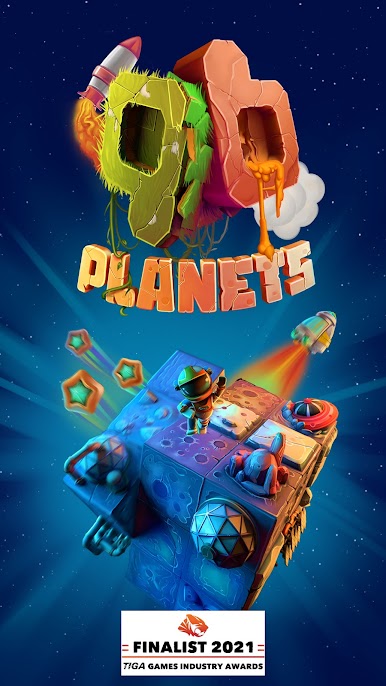
Play QB Planets on PC
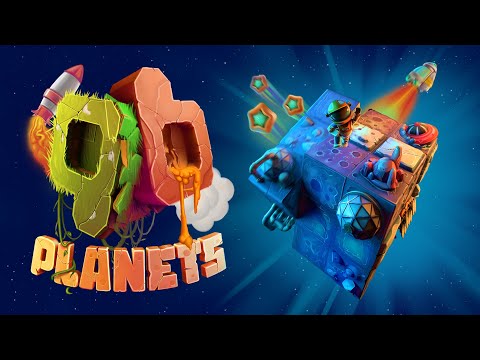
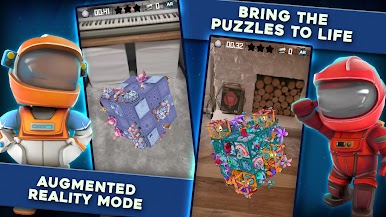
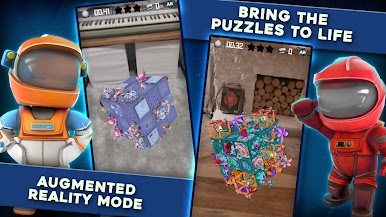
Excite your friends and family by bringing the planets and puzzles into the real world with AR mode! Connect with facebook to track your friends progress throughout the QB universe and see how you stack up!
Features
A PUZZLE GAME FOR EVERYONE
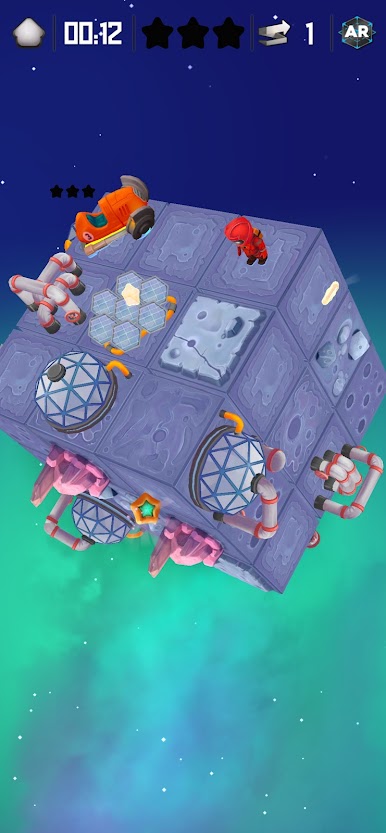
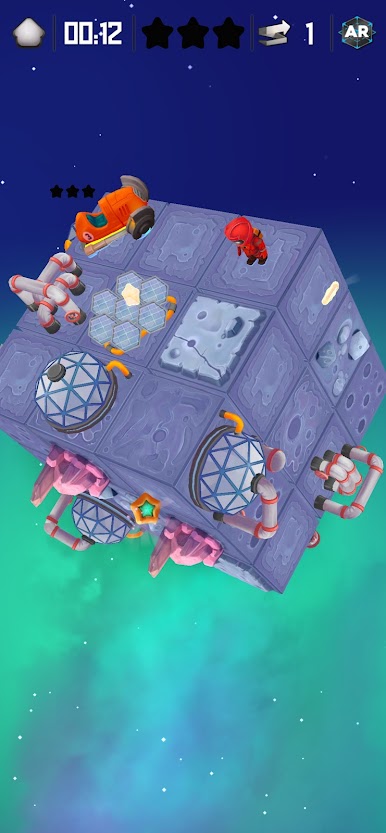
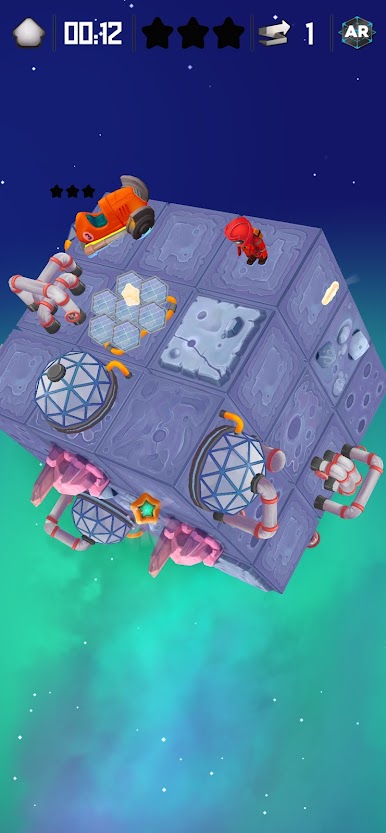
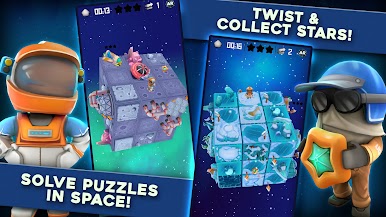
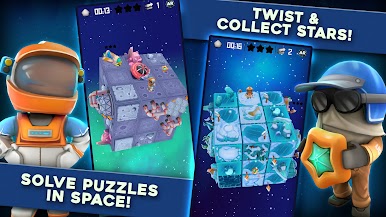
Nostalgic cube puzzle mechanics
Family friendly themes
Play at your own pace
BEAUTIFUL VISUALS
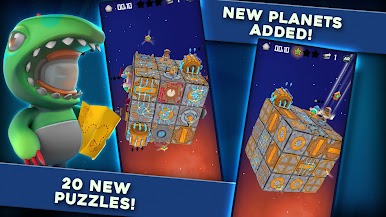
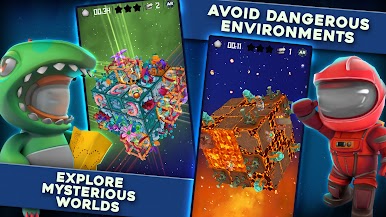
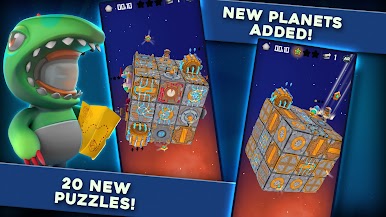
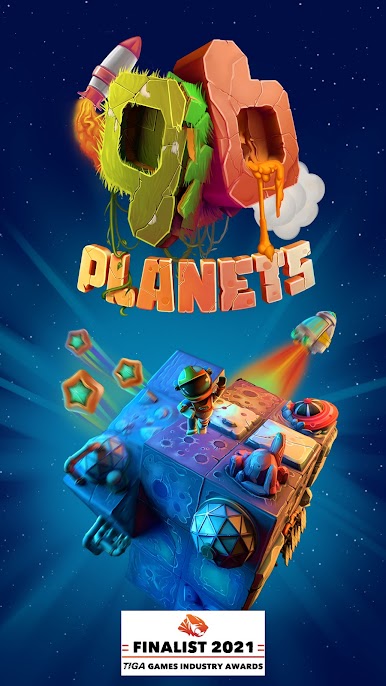
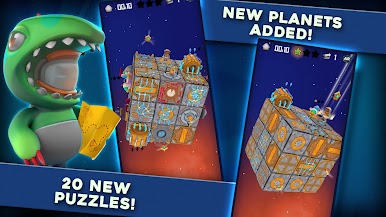
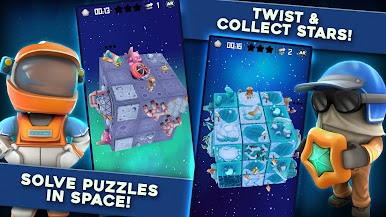
Handcrafted unique worlds
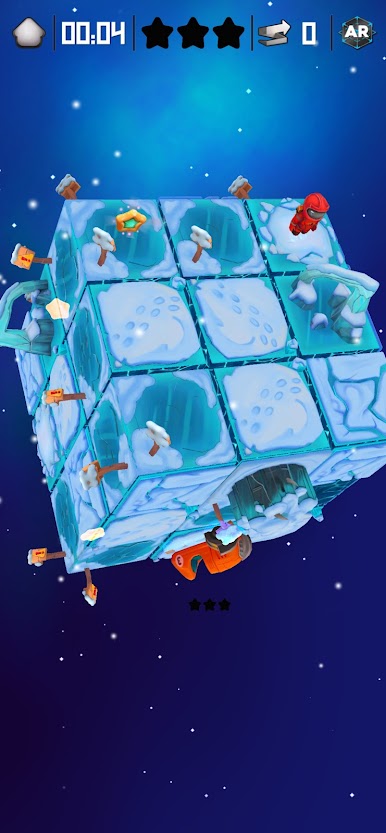
Stunning themes from Sci-fi to fantasy
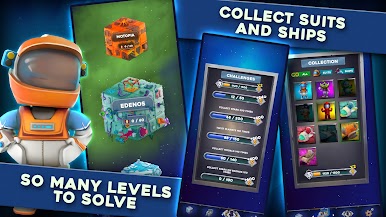
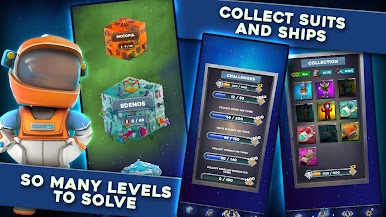
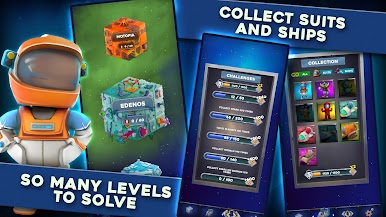
Charming astronaut suits
Delightful space ships
EASY CONTROLS
Use one finger to play
Intuitive planet cube twist gestures
Rotate the cube in any direction
HEAPS OF CHALLENGES
Test yourself and train your brain
Become the Twist Champion amongst your friends
Practice to become the global Twist Champion
100+ puzzle planets
5+ fascinating themes
290+ puzzle medals to collect
4 suits & 4 ships to unlock
UNIQUE MECHANICS
A new mechanic on unlocked planets
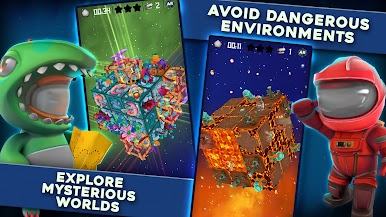
Use mysterious ancient portals
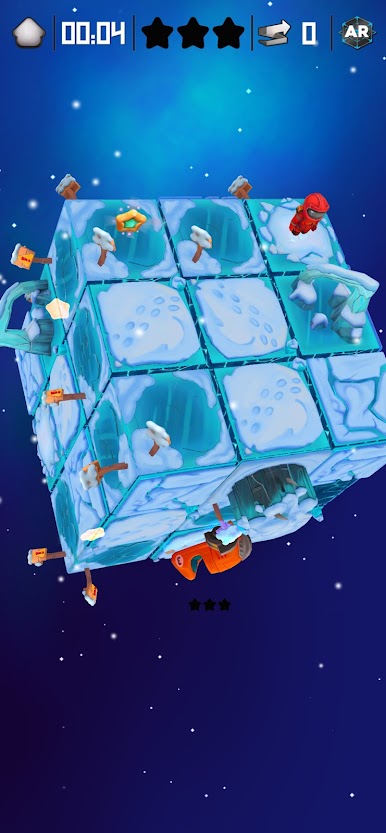
Avoid frozen lakes and bubbling volcanoes
ALTERNATE REALITY
Inspect and play the puzzle planets in the real world
Toggle on and off during a puzzle solve
Get a new perspective on that tough puzzle
Use the same screen controls for seamless transitions


Chơi QB Planets - Space Puzzle trên PC. Rất dễ để bắt đầu
-
Tải và cài đặt BlueStacks trên máy của bạn
-
Hoàn tất đăng nhập vào Google để đến PlayStore, hoặc thực hiện sau
-
Tìm QB Planets - Space Puzzle trên thanh tìm kiếm ở góc phải màn hình
-
Nhấn vào để cài đặt QB Planets - Space Puzzle trong danh sách kết quả tìm kiếm
-
Hoàn tất đăng nhập Google (nếu bạn chưa làm bước 2) để cài đặt QB Planets - Space Puzzle
-
Nhấn vào icon QB Planets - Space Puzzle tại màn hình chính để bắt đầu chơi

