


Kids Learning: Videos & Games
Graj na PC z BlueStacks – Platforma gamingowa Android, która uzyskała zaufanie ponad 500 milionów graczy!

Strona zmodyfikowana w dniu: Sep 9, 2025
Play Kids Learning: Videos & Games on PC
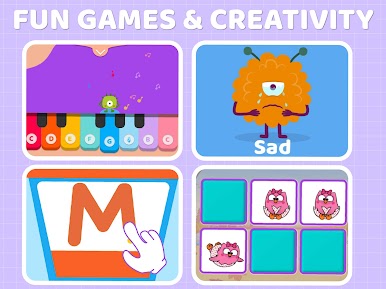
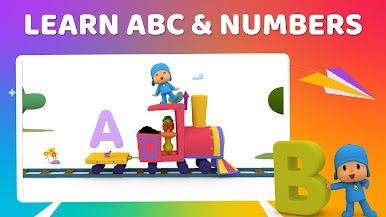
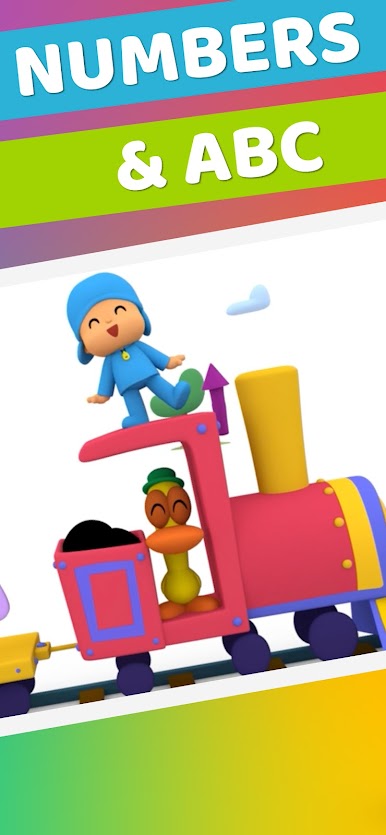
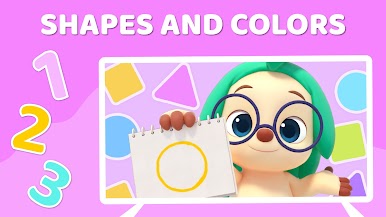
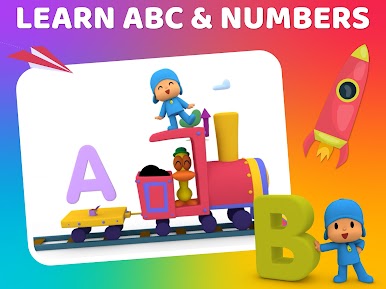
Our app is thoughtfully designed by parents and specialists in early childhood education to help young learners discover and develop their skills in math, reading, phonics, writing, emotions and more. It includes thousands of fun videos and activities that are age-appropriate for toddlers and preschoolers. With catchy songs, your little ones will also have fun moving and dancing.
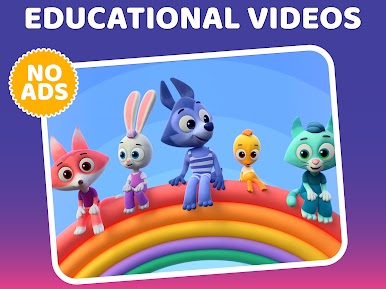
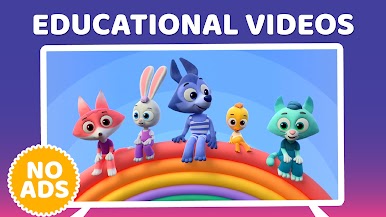
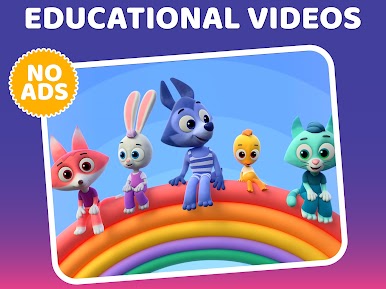
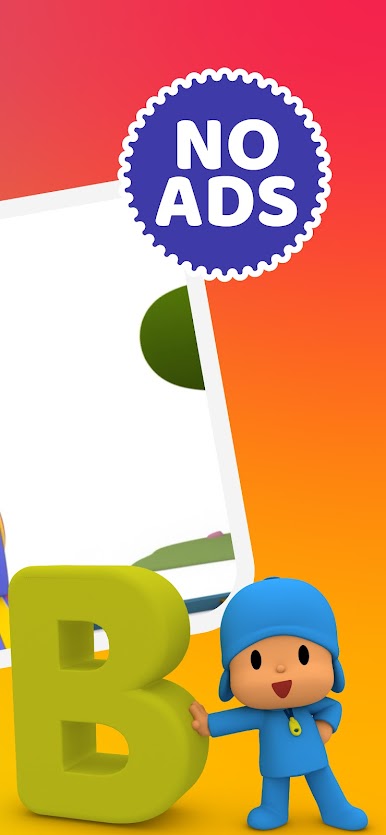
The app has no ads and because all the content is carefully selected by specialists, there is no chance of your little one to watch any inappropriate content. It is perfect for learning at home. Parents and children can choose learning topics from the app’s library and explore different content
Enjoy a FREE trial and explore hundreds fun learning videos and songs. New videos added every week!
Main Features:
• No Ads
• +1000 Learning videos for Kids
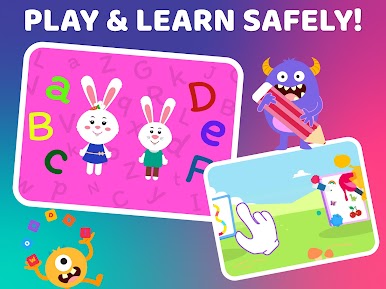
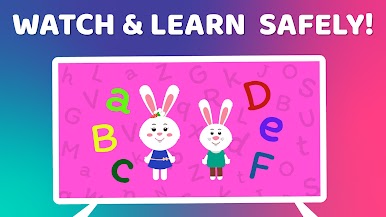
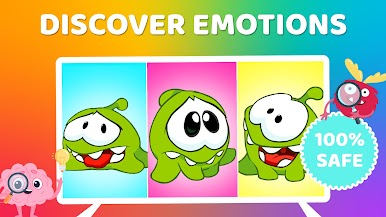
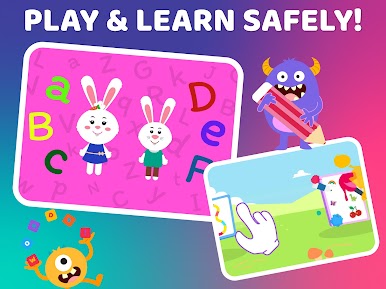
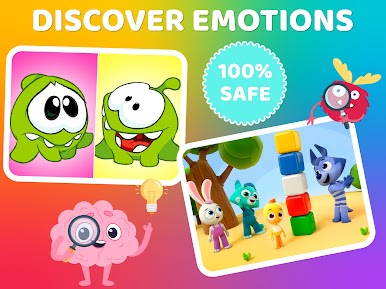
• 100% Safe Kids Videos
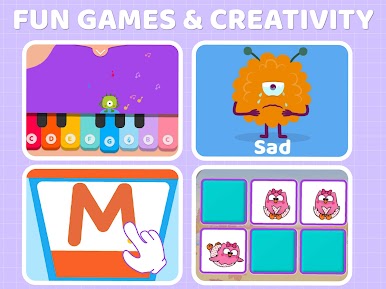
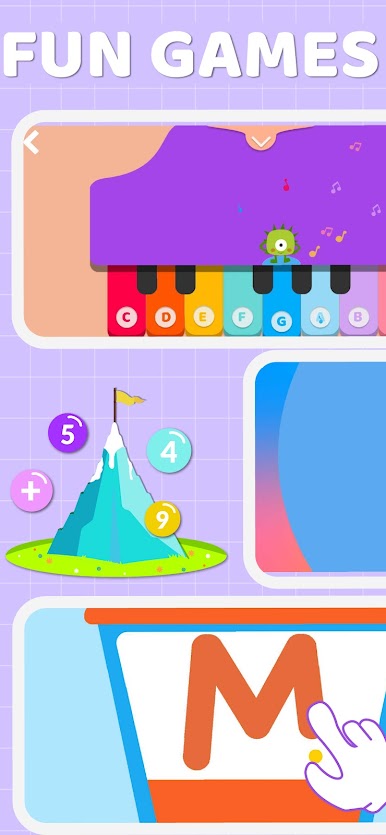
• Fun & Educational games
• Create playlist with favorite videos
• Parents can setup daily limits
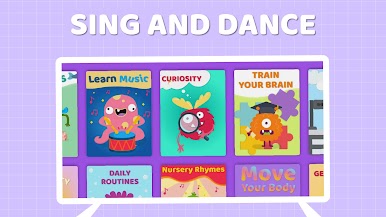
Content is divided in learning areas:
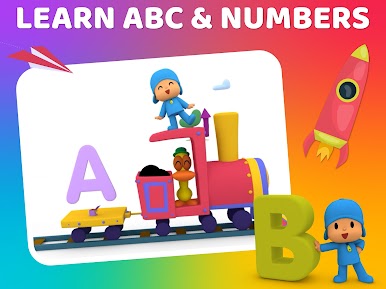
ABC
Vocabulary
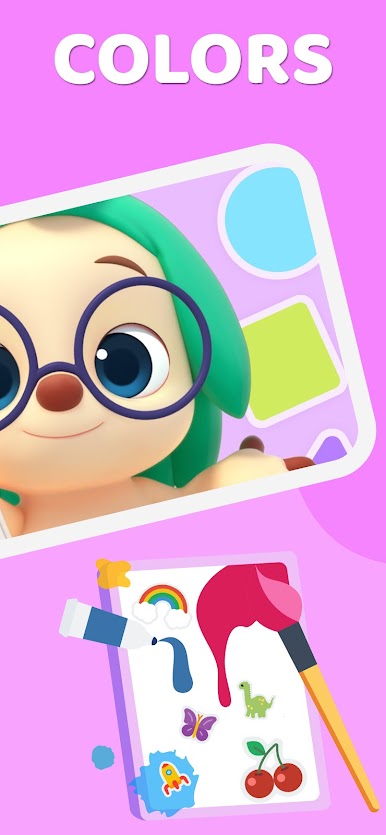
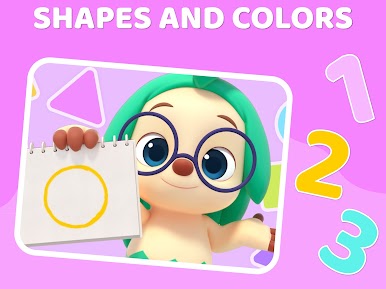
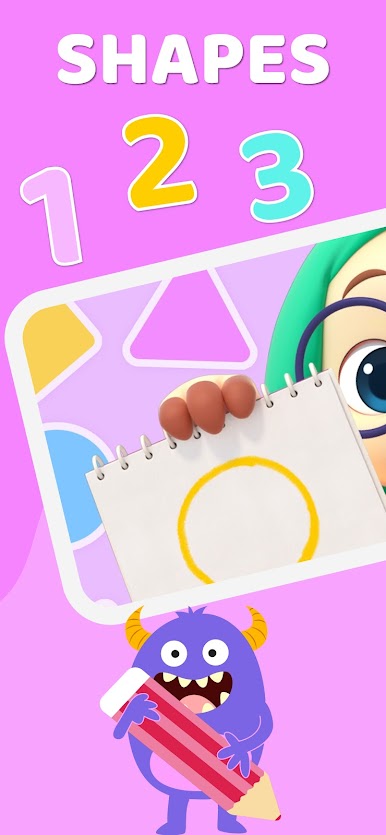
Colors & Shapes
Numbers
Songs
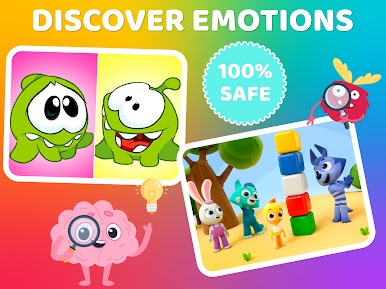
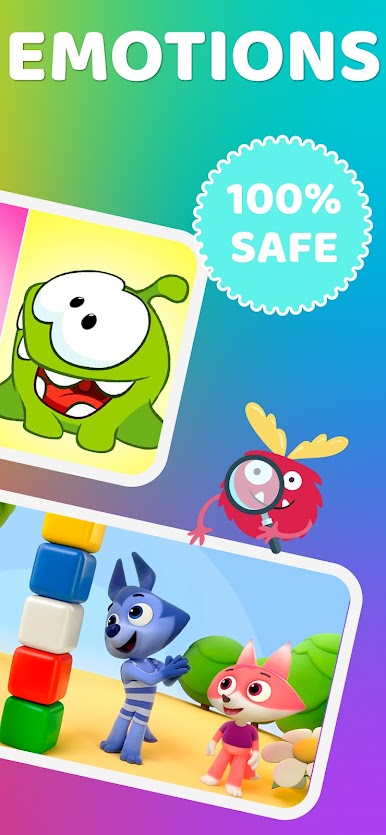
Emotional Intelligence
Geo & History
Curiosity
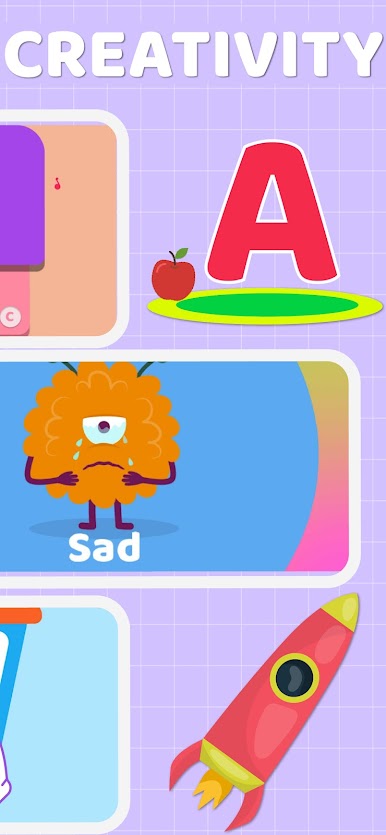
Creativity
Animals
Daily Routines
Save the Planet
Safety
Languages
Train Your Brain
The app includes content from popular content creators like:
- Lingokids
- Pinkfong
- Om-nom
- Tutitu
- Super Geek Heroes
- Mouk
- Out of this word
- Learn and Play with Paprika
- The Mik Maks
- Giligilis
- And more
New videos added each week
Because all the videos are curated by real-life educators, the app is completely safe to use by kidz, babies and toddlers.
Videos available in English.
All content is licensed and may not be available across all regions and countries.
ABOUT MAGIKBEE
Our mission is to reimagine kids’ screen time by creating an ecosystem that promotes active fun & learning for kids. https://www.kidsbeetv.com
PRIVACY POLICY
Privacy is an issue that we take very seriously.
http://magikbee.com/privacy-policy
Zagraj w Kids Learning: Videos & Games na PC. To takie proste.
-
Pobierz i zainstaluj BlueStacks na PC
-
Zakończ pomyślnie ustawienie Google, aby otrzymać dostęp do sklepu Play, albo zrób to później.
-
Wyszukaj Kids Learning: Videos & Games w pasku wyszukiwania w prawym górnym rogu.
-
Kliknij, aby zainstalować Kids Learning: Videos & Games z wyników wyszukiwania
-
Ukończ pomyślnie rejestrację Google (jeśli krok 2 został pominięty) aby zainstalować Kids Learning: Videos & Games
-
Klinij w ikonę Kids Learning: Videos & Games na ekranie startowym, aby zacząć grę

