


TakeWith: Tasks and notes
Chơi trên PC với BlueStacks - Nền tảng chơi game Android, được hơn 500 triệu game thủ tin tưởng.

Trang đã được sửa đổi vào: Apr 24, 2025
Play TakeWith: Tasks and notes on PC
Features:
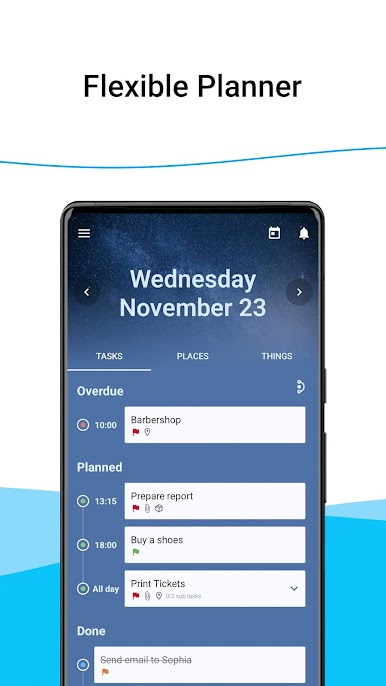
- Flexible Daily Planner
- Sub task list for each task
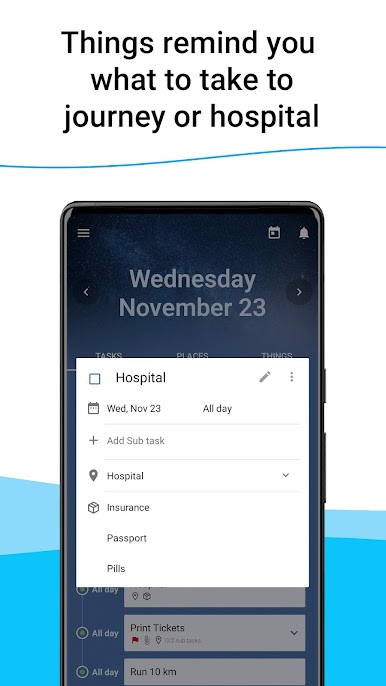
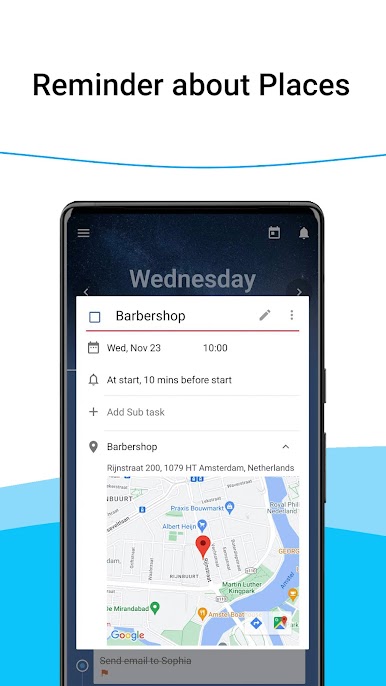
- Specifying the location for the task, as well as the list of things that you need to take with you
- Special screen for noting your Ideas
- Calendar to quick managing your tasks
- Showing tasks from Google calendar
- Customizable Widget for quick access
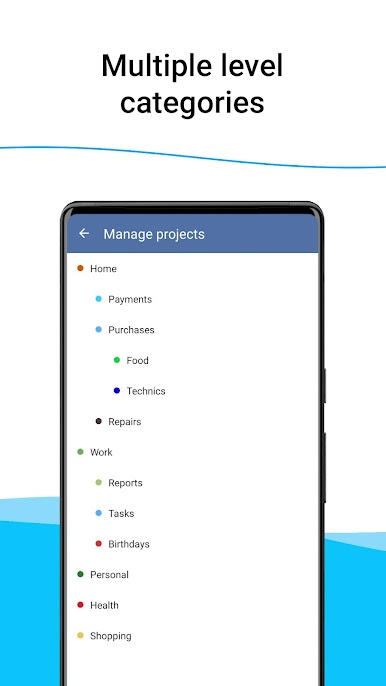
- Multiple level categories
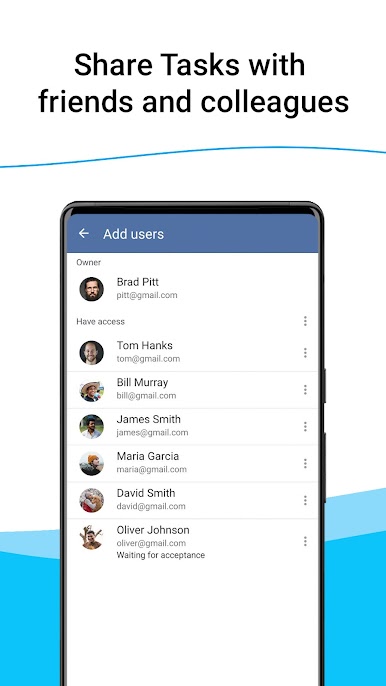
- Sharing of Categories for other people
- Reminding about places when you near it
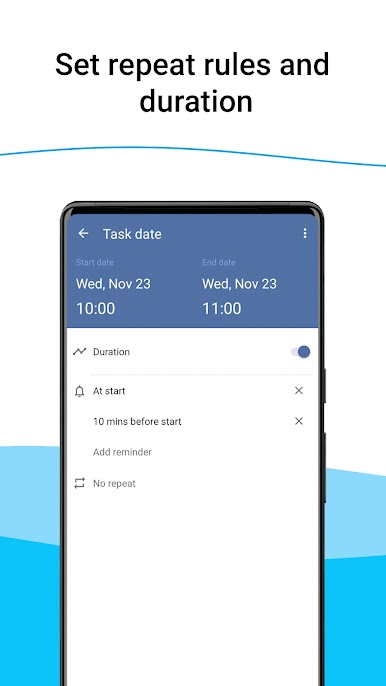
- Ability to set Repeat rules and Duration
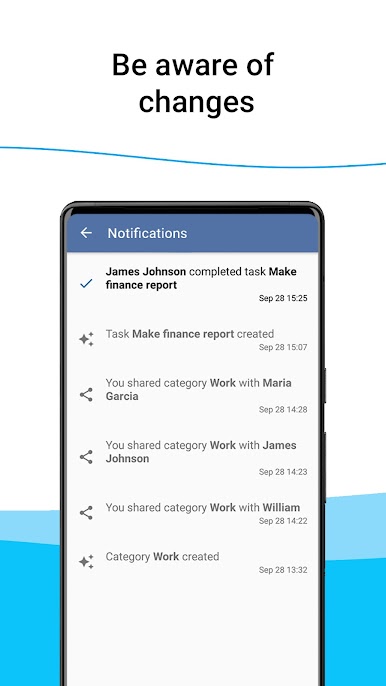
- History of changes of Categories, Tasks, Places, Things
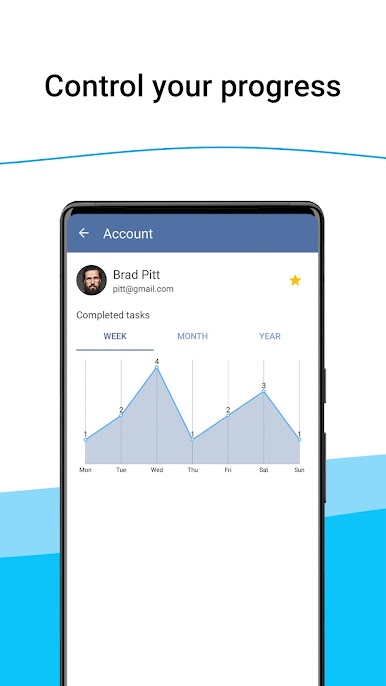
- Analytics of completed tasks
- Adding Tasks by voice
- 10+ unique designs
- Security by Graphic Key or Fingerprint
- Real Time data synchronization between devices
Attention! If the widget disappeared or became unclickable, go to the "Settings" in the application (left side menu), to the "Advenced" item and use the available solutions!
Send us your suggestions and comments on support@takewithapp.com
Chơi TakeWith: Tasks and notes trên PC. Rất dễ để bắt đầu
-
Tải và cài đặt BlueStacks trên máy của bạn
-
Hoàn tất đăng nhập vào Google để đến PlayStore, hoặc thực hiện sau
-
Tìm TakeWith: Tasks and notes trên thanh tìm kiếm ở góc phải màn hình
-
Nhấn vào để cài đặt TakeWith: Tasks and notes trong danh sách kết quả tìm kiếm
-
Hoàn tất đăng nhập Google (nếu bạn chưa làm bước 2) để cài đặt TakeWith: Tasks and notes
-
Nhấn vào icon TakeWith: Tasks and notes tại màn hình chính để bắt đầu chơi

