


Wake Me There - GPS Alarm
Chơi trên PC với BlueStacks - Nền tảng chơi game Android, được hơn 500 triệu game thủ tin tưởng.

Trang đã được sửa đổi vào: Dec 9, 2025
Play Wake Me There - GPS Alarm on PC
2 TYPES OF LOCATION BASED ALARM:
- On Entry alarm for all communters and travellers using public transport like trains, busses, trams etc.. Simply set a distance before your stop at which you want to be woken up.
- On Leave alarm allows you to set a perimeter from any position, like your home, and warns you when you reach the boundary.
TIME ALARM
Or just set a time alarm without GPS to be woken up on time. Calender date / Weekday / Repeat options available.
Save money, save time, save your relationship, be at work on time!
Further alarm setting options:
- Map type
- Set Sound/Volume
- Increasing Volume
- Vibrations
- Snoozing
Other settings possibilities:
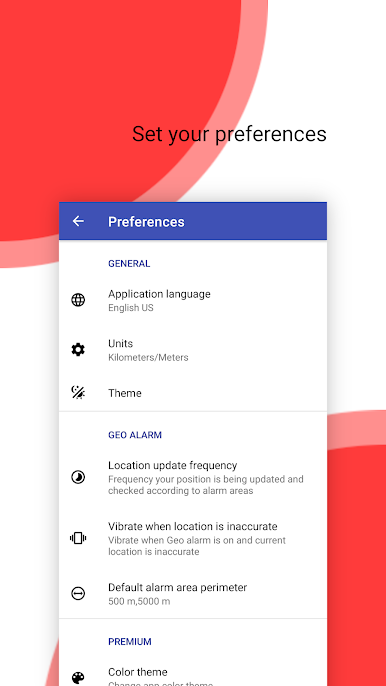
Language, Units, Light/Dark theme, Location update frequency, Default alarm area perimeter etc.
Available for free in 7 different languages incl. English (US/GB), Spanish, French, German, Italian, Portuguese and Czech.
For any remarks or support contact android@mapfactor.com.
MapFactor is developing also a free navigation software MapFactor Navigator and professional gps navigation MapFactor Navigator TRUCK PRO for Android.
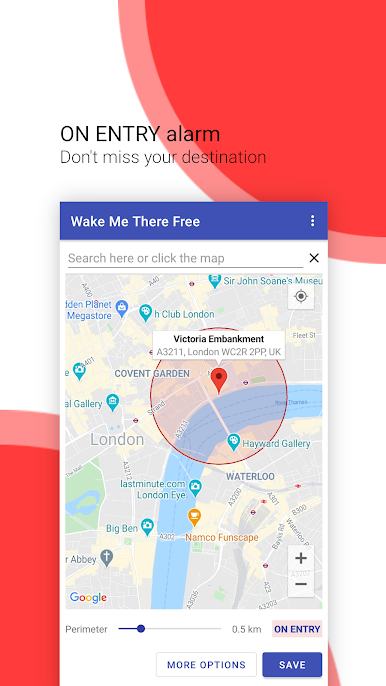
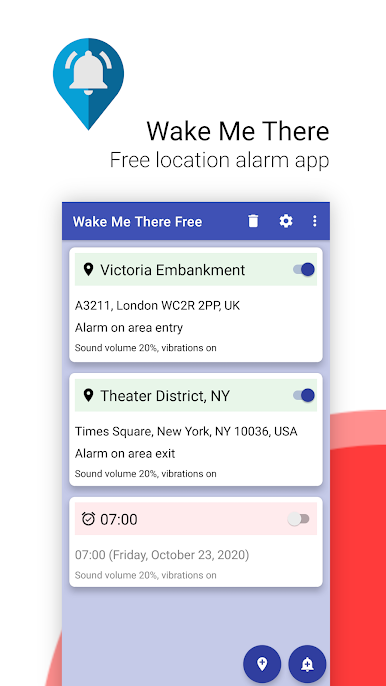
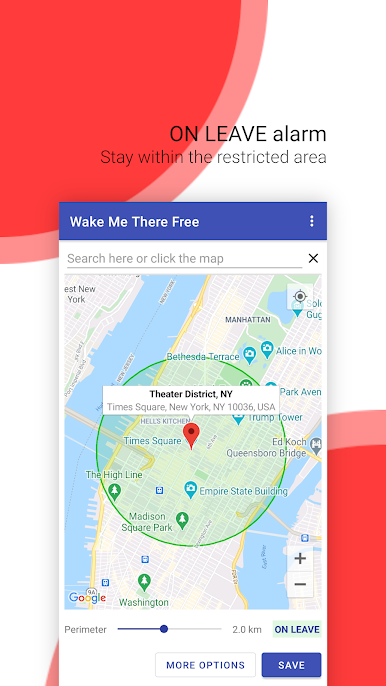
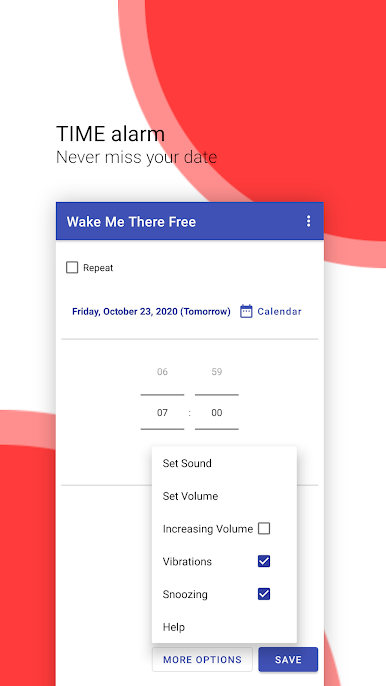
Chơi Wake Me There - GPS Alarm trên PC. Rất dễ để bắt đầu
-
Tải và cài đặt BlueStacks trên máy của bạn
-
Hoàn tất đăng nhập vào Google để đến PlayStore, hoặc thực hiện sau
-
Tìm Wake Me There - GPS Alarm trên thanh tìm kiếm ở góc phải màn hình
-
Nhấn vào để cài đặt Wake Me There - GPS Alarm trong danh sách kết quả tìm kiếm
-
Hoàn tất đăng nhập Google (nếu bạn chưa làm bước 2) để cài đặt Wake Me There - GPS Alarm
-
Nhấn vào icon Wake Me There - GPS Alarm tại màn hình chính để bắt đầu chơi

