

UNO!™
Graj na PC z BlueStacks – Platforma gamingowa Android, która uzyskała zaufanie ponad 500 milionów graczy!

Strona zmodyfikowana w dniu: Nov 14, 2025
Play UNO!™ on PC or Mac
UNO!™ is a Card game developed by Mattel163 Limited. BlueStacks app player is the best platform to play this Android game on your PC or Mac for an immersive gaming experience.
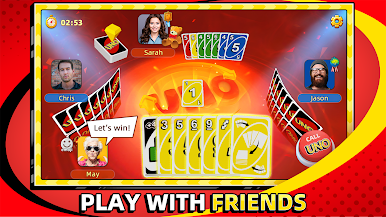
Play the classic card game with your friends and other players online. Participate in world series tournaments to win loads of exclusive rewards and climb the leaderboard. Do you have what it takes to become the ultimate champion? Play this game to find out.
About the Game
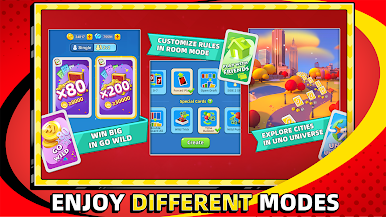
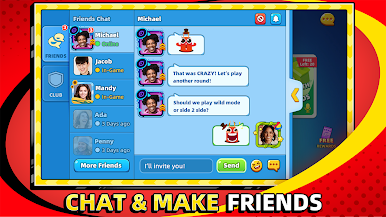
UNO!™ brings new house rules to add spice and fun to each round. The app lets you connect with players around the world in clubs to send and receive gifts while playing. You can even find a partner to buddy up with to go up against other teams in 2v2 battles.
Gameplay Overview
UNO!™ features different gameplay modes with unique challenges. You have to choose your own house rules and define your style of play to improve your chances of winning against other players. When playing with a partner, you need to help each other reduce your hand to zero quickly.
Game Features
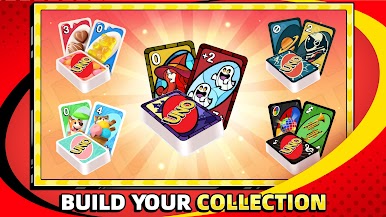
- Realistic card designs
- Built-in voice chat
- Multiple fun events
How to Play?
Download UNO!™ for free from the Google Play Store using the BlueStacks app player.


Zagraj w UNO!™ na PC. To takie proste.
-
Pobierz i zainstaluj BlueStacks na PC
-
Zakończ pomyślnie ustawienie Google, aby otrzymać dostęp do sklepu Play, albo zrób to później.
-
Wyszukaj UNO!™ w pasku wyszukiwania w prawym górnym rogu.
-
Kliknij, aby zainstalować UNO!™ z wyników wyszukiwania
-
Ukończ pomyślnie rejestrację Google (jeśli krok 2 został pominięty) aby zainstalować UNO!™
-
Klinij w ikonę UNO!™ na ekranie startowym, aby zacząć grę

