


Let's Meditate: Relax & Sleep
Graj na PC z BlueStacks – Platforma gamingowa Android, która uzyskała zaufanie ponad 500 milionów graczy!

Strona zmodyfikowana w dniu: Oct 15, 2025
Play Let's Meditate: Relax & Sleep on PC
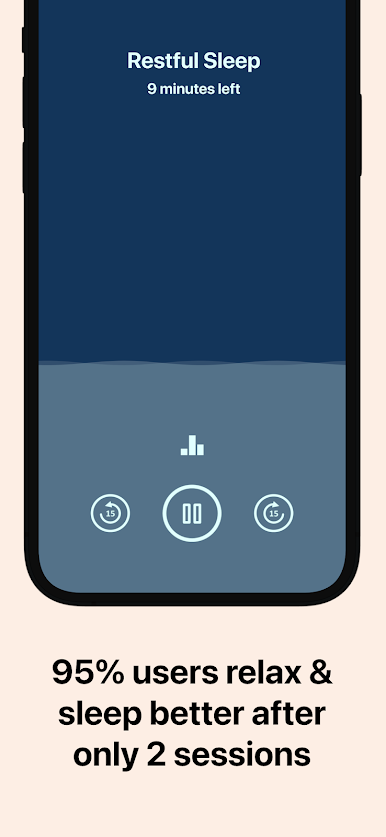
A very straightforward approach to guided meditation; no clutter, no distraction. Just choose a track and hit play. It’s as simple as it can get.
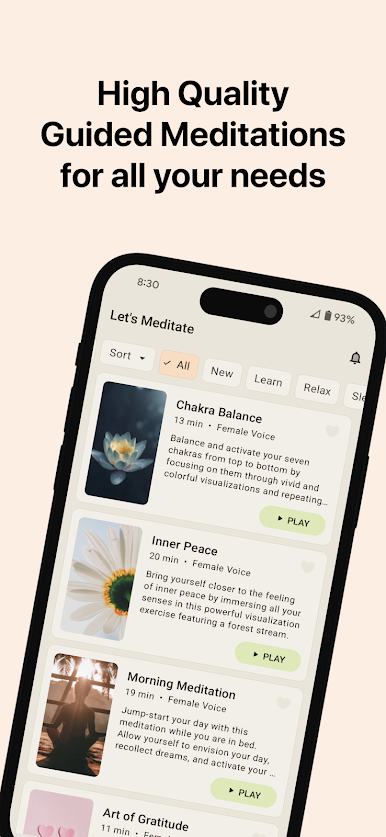
Variety of content.
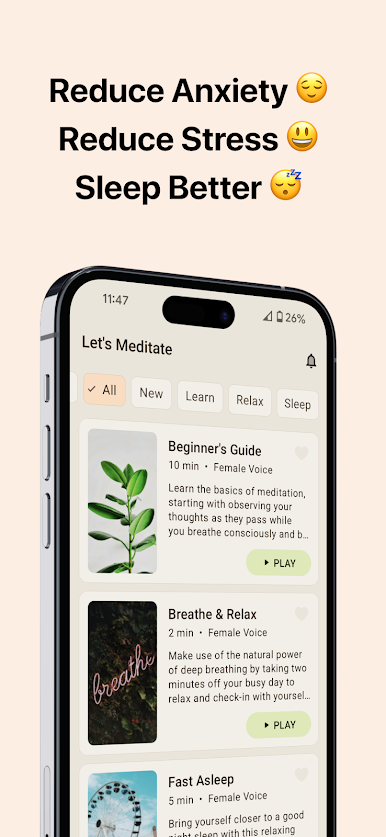
A curated list of guided meditation tracks catering to a wide variety of topics to suit your situation; including anxiety, body scan, healing, sleep and many more.
Short as well as long meditation tracks.
Take a quick break from your routine with meditation tracks as short as 5 minutes; or recharge yourself thoroughly with meditation tracks lasting over 40 minutes.
Selective downloading. With offline support.
Save your phone's storage space by downloading only the meditation tracks that you would listen to. Once downloaded, listen to them even when you are offline.
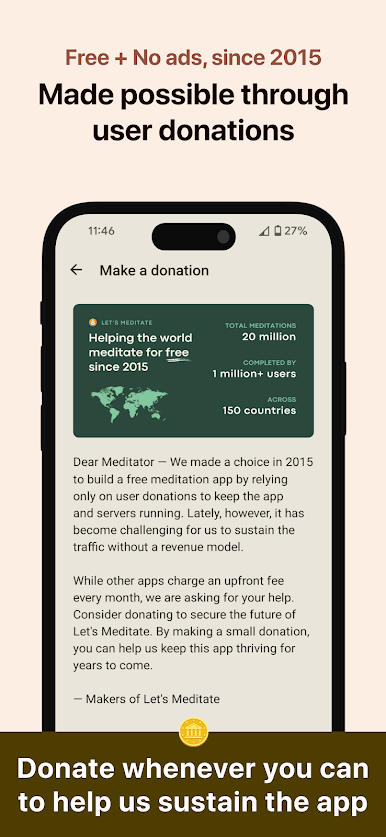
No ads. No sign ups.
Ads and sign-ups do the opposite of relaxing and calming the users; and that is not what we want you to experience. A clean interface to help us keep the experience soothing for you.


Zagraj w Let's Meditate: Relax & Sleep na PC. To takie proste.
-
Pobierz i zainstaluj BlueStacks na PC
-
Zakończ pomyślnie ustawienie Google, aby otrzymać dostęp do sklepu Play, albo zrób to później.
-
Wyszukaj Let's Meditate: Relax & Sleep w pasku wyszukiwania w prawym górnym rogu.
-
Kliknij, aby zainstalować Let's Meditate: Relax & Sleep z wyników wyszukiwania
-
Ukończ pomyślnie rejestrację Google (jeśli krok 2 został pominięty) aby zainstalować Let's Meditate: Relax & Sleep
-
Klinij w ikonę Let's Meditate: Relax & Sleep na ekranie startowym, aby zacząć grę

