


Medium
Chơi trên PC với BlueStacks - Nền tảng chơi game Android, được hơn 500 triệu game thủ tin tưởng.

Trang đã được sửa đổi vào: Nov 28, 2025
Play Medium on PC
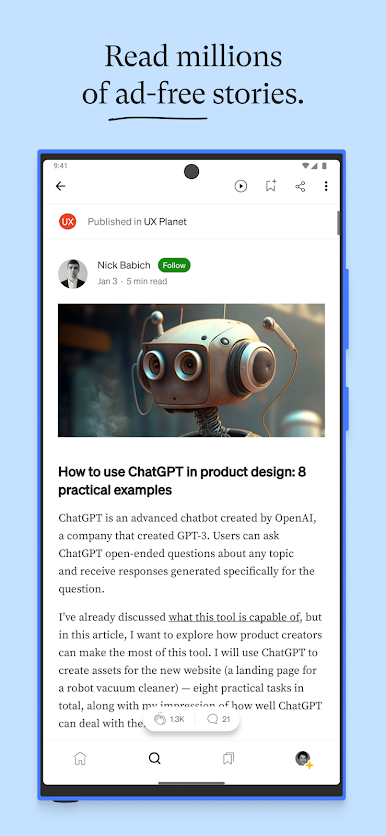
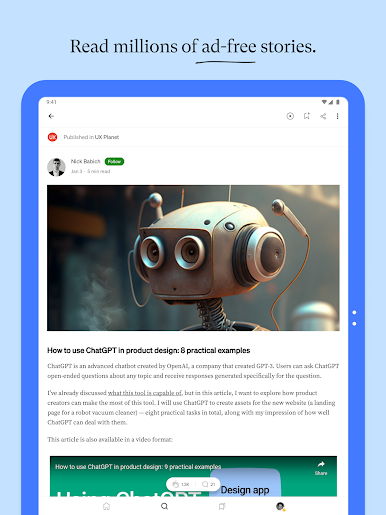
+ Explore millions of ad-free stories from a global community of expert writers and independent voices.
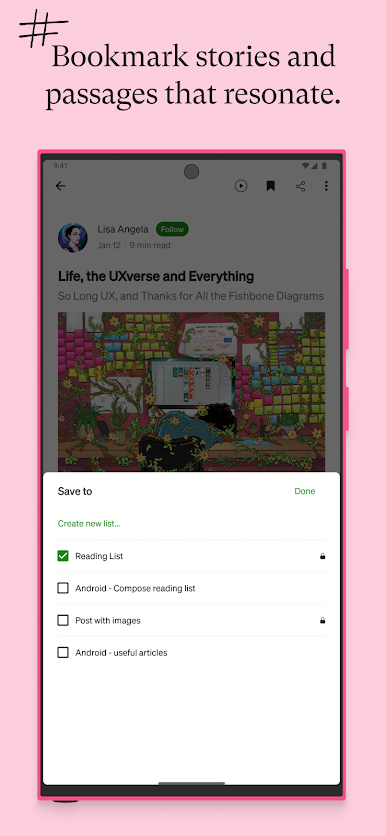
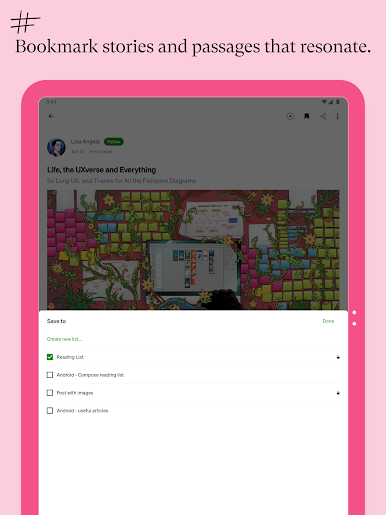
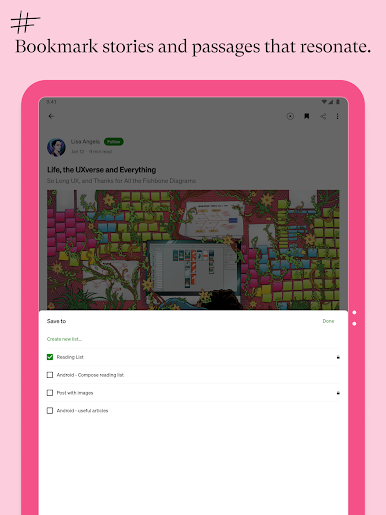
+ Highlight passages, bookmark stories, and create lists to build your personal knowledge base.
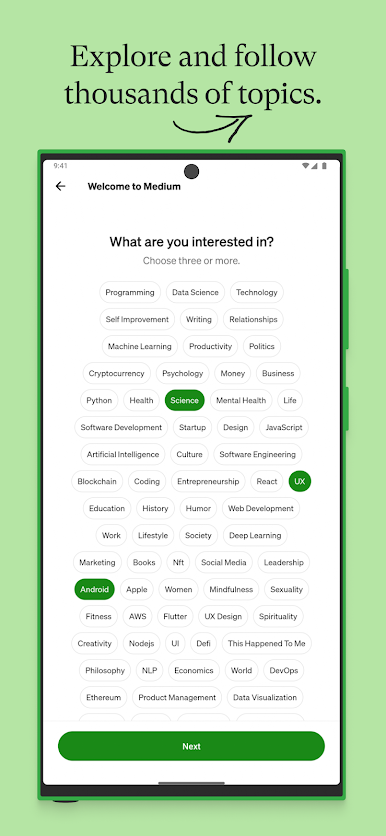
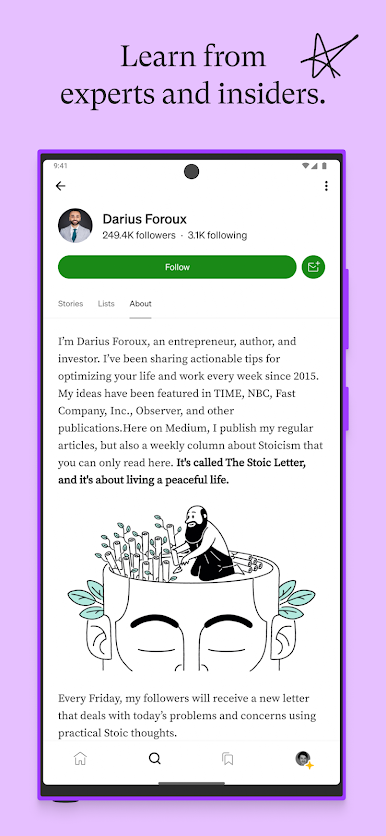
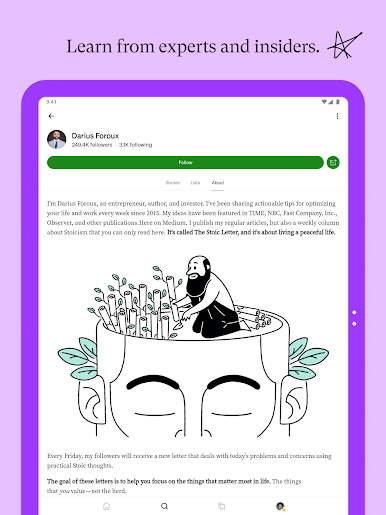
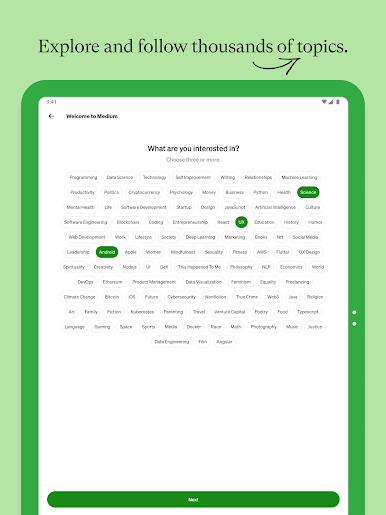
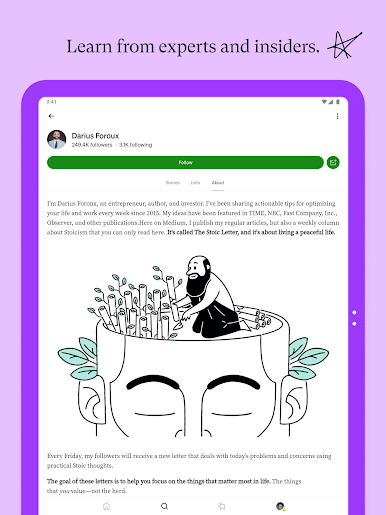
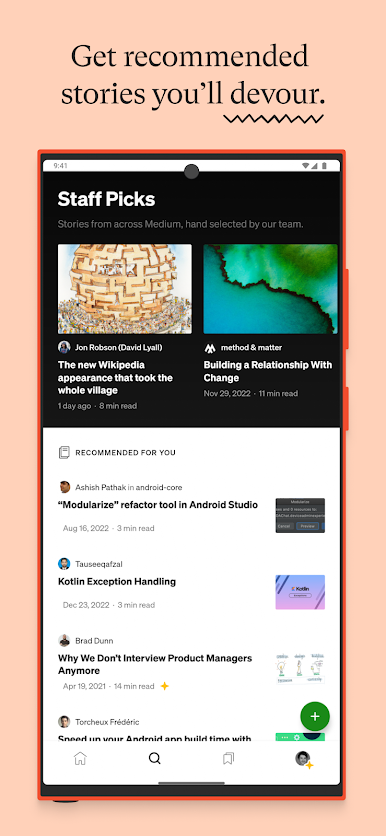
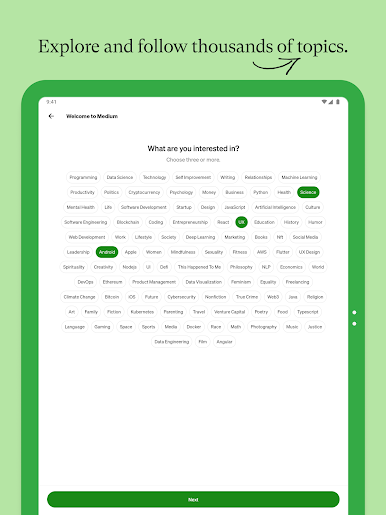
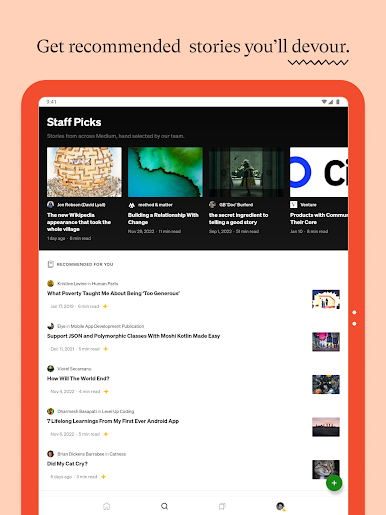
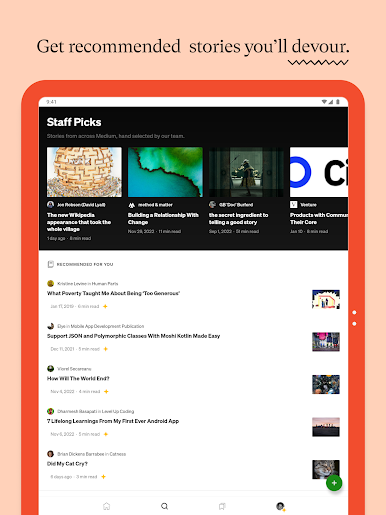
+ Follow your favorite writers and publications, and get personalized recommendations based on your interests.
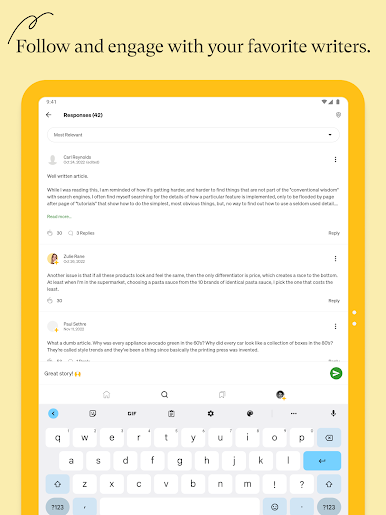
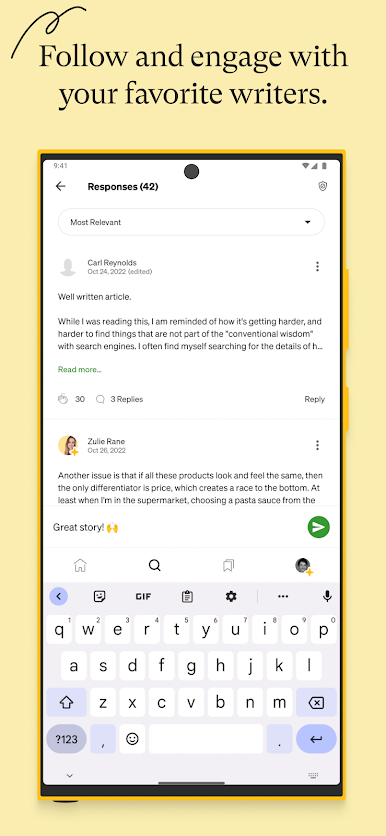
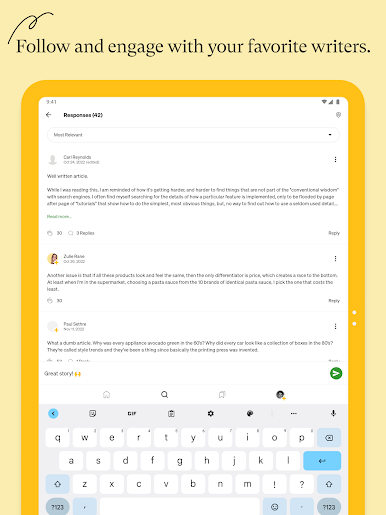
+ Connect with an intelligent community of readers and writers, clap for stories you love, and join thought-provoking conversations in the comments.
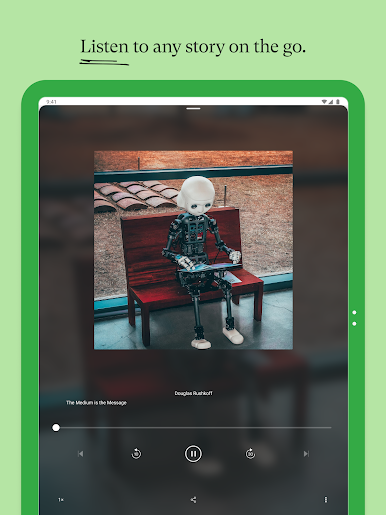
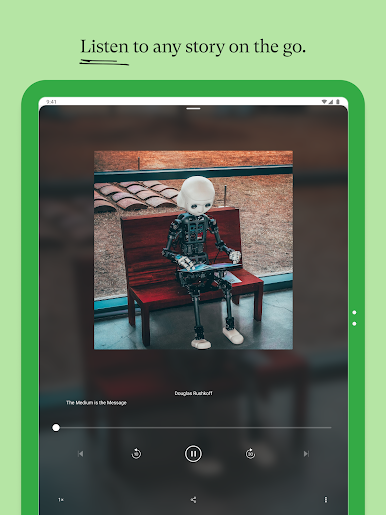
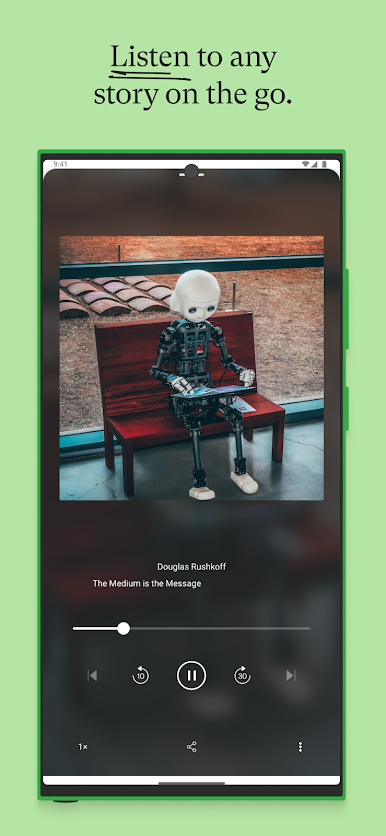
+ Listen to audio versions of any story while you commute, exercise, or multitask.
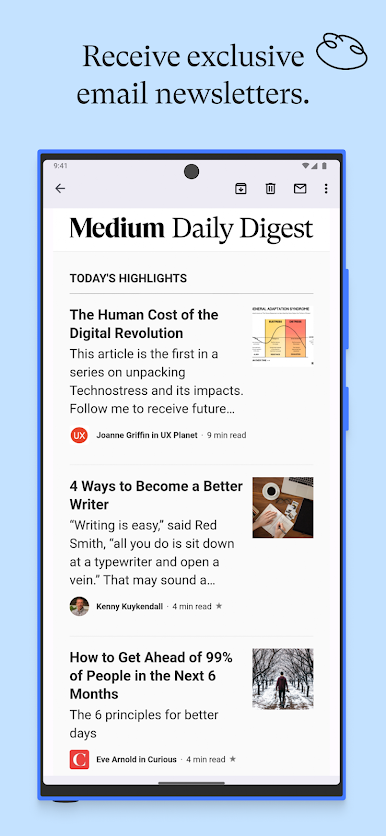
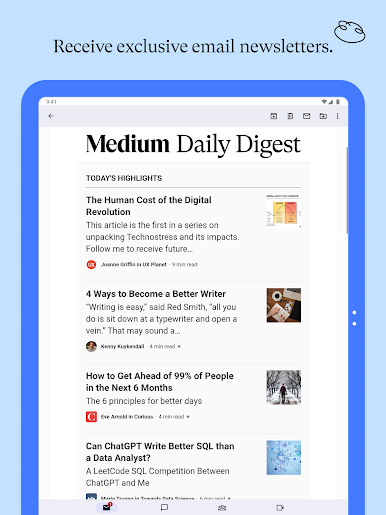
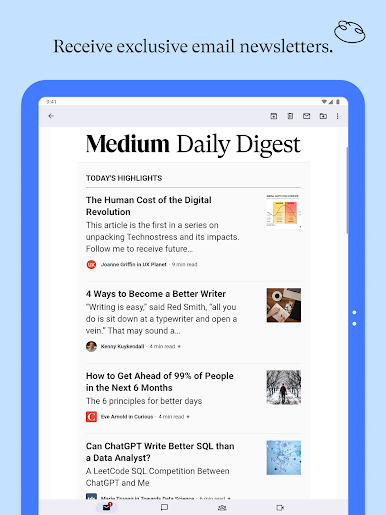
+ Opt in to get exclusive newsletters delivered to your inbox.
+ Enjoy a minimal, distraction-free reading experience that keeps the focus on quality writing.
+ Easily switch between light and dark modes.
+ Access seamlessly across your smartphone, tablet, and desktop.
+ Publish your own stories, grow your audience, and join the Medium Partner Program to earn money from your writing.
+ Become a member for unlimited access to everything on Medium and directly support the writers you read most with your subscription.
If you become a Medium member, payment of $4.99 (monthly) or $49.99 (annual) will be charged to your Google Play account. Subscription automatically renews unless canceled at least 24 hours before the end of the current period. You can manage and cancel your subscription using the Google Play Subscription Center. See Membership Terms of Service for more information: https://policy.medium.com/paid-terms-of-service-cc7f8e165178.
Medium Terms of Service: https://policy.medium.com/medium-terms-of-service-9db0094a1e0f
Privacy Policy: https://policy.medium.com/medium-privacy-policy-f03bf92035c9
Support: https://help.medium.com
Chơi Medium trên PC. Rất dễ để bắt đầu
-
Tải và cài đặt BlueStacks trên máy của bạn
-
Hoàn tất đăng nhập vào Google để đến PlayStore, hoặc thực hiện sau
-
Tìm Medium trên thanh tìm kiếm ở góc phải màn hình
-
Nhấn vào để cài đặt Medium trong danh sách kết quả tìm kiếm
-
Hoàn tất đăng nhập Google (nếu bạn chưa làm bước 2) để cài đặt Medium
-
Nhấn vào icon Medium tại màn hình chính để bắt đầu chơi

