


Flip Bounce
Chơi trên PC với BlueStacks - Nền tảng chơi game Android, được hơn 500 triệu game thủ tin tưởng.

Trang đã được sửa đổi vào: Aug 19, 2024
Play Flip Bounce on PC or Mac
Join millions to experience Flip Bounce, an exciting Sports game from Mouse Games. With BlueStacks App Player, you are always a step ahead of your opponent, ready to outplay them with faster gameplay and better control with the mouse and keyboard on your PC or Mac.
About the Game
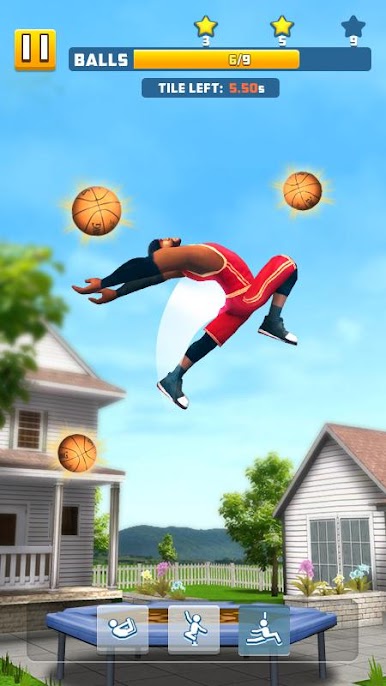
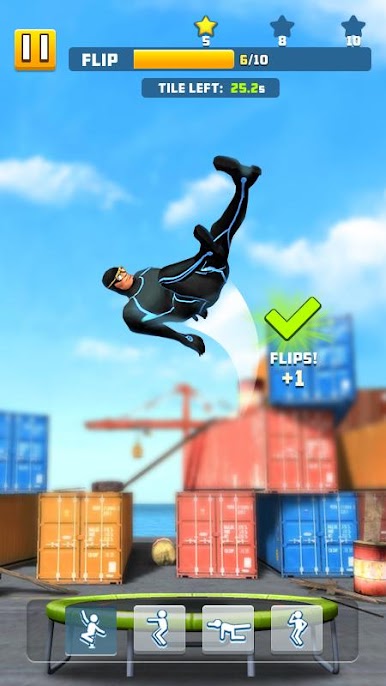
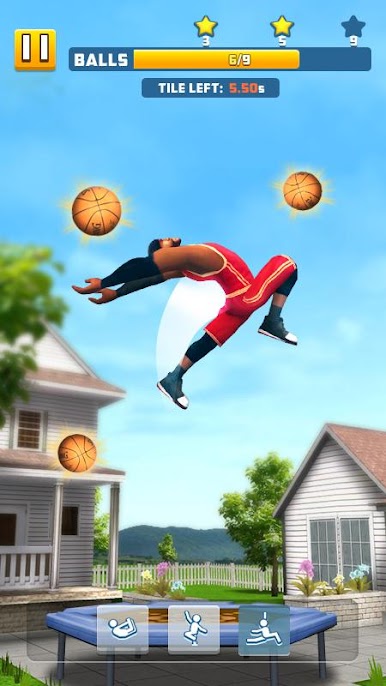
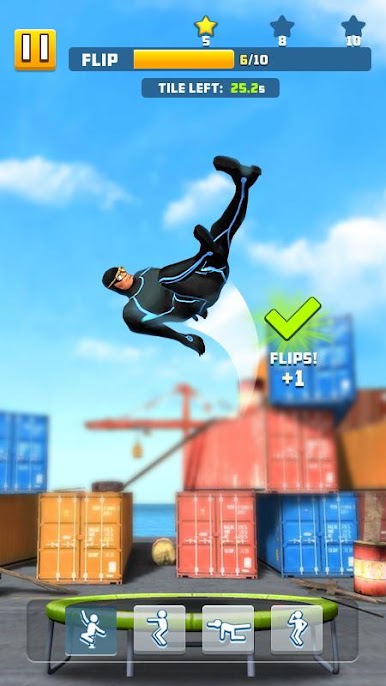
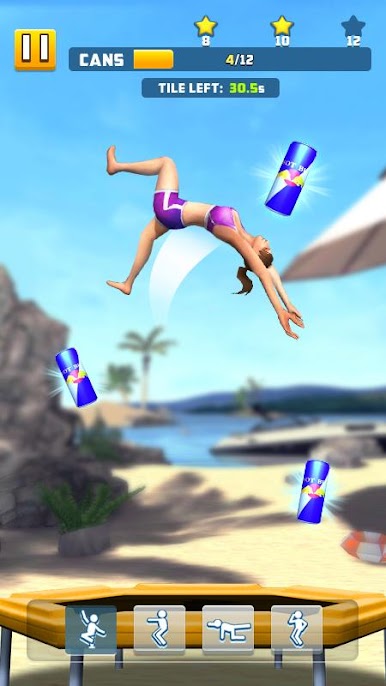
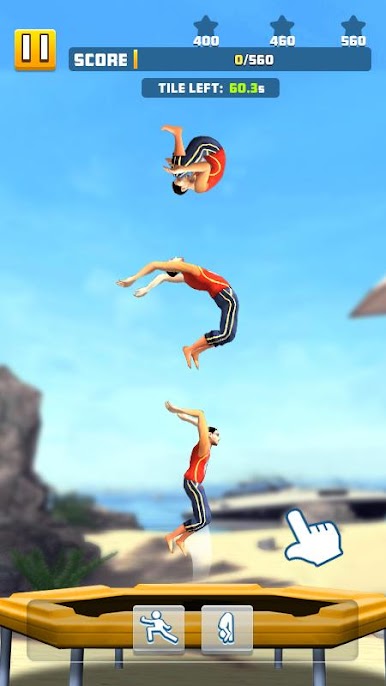
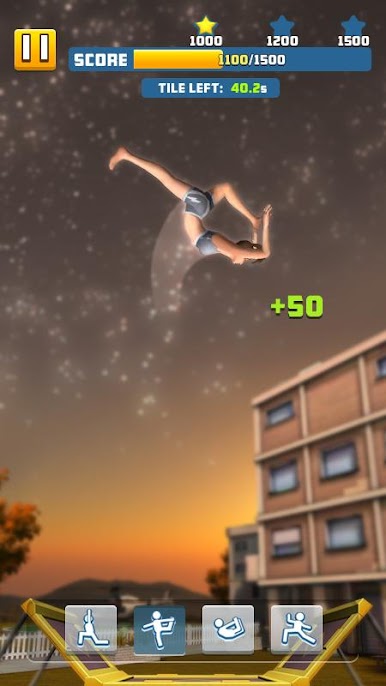
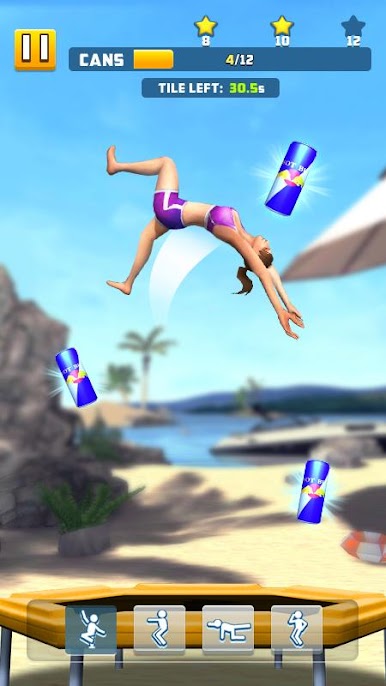
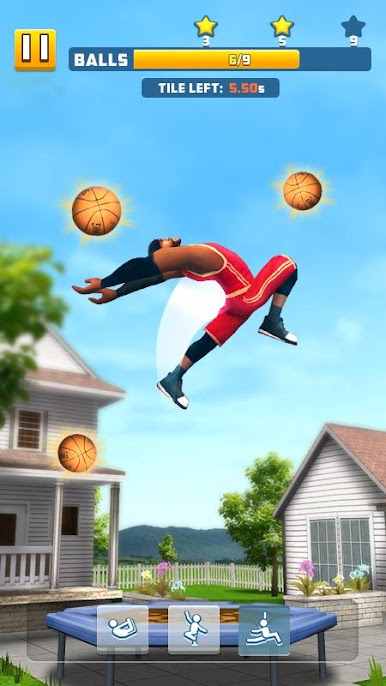
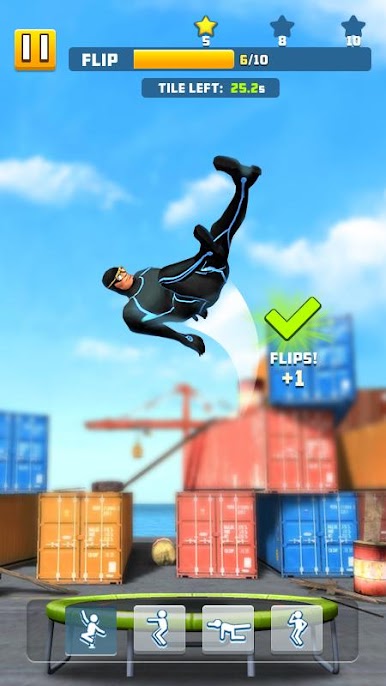
Flip Bounce turns a backyard obsession into a slick, timing-focused Sports challenge from Mouse Games. It’s all about reading the bounce, spinning at the right moment, and sticking clean landings as you chase trick after trick. One second you’re barely clearing the mat, the next you’re threading a gainer into a layout and hoping your feet find the sweet spot.
Game Features
- Feel-the-bounce physics: Jumps carry weight, momentum matters, and a tiny mistime can send you sprawling—nail the rhythm and you’ll soar.
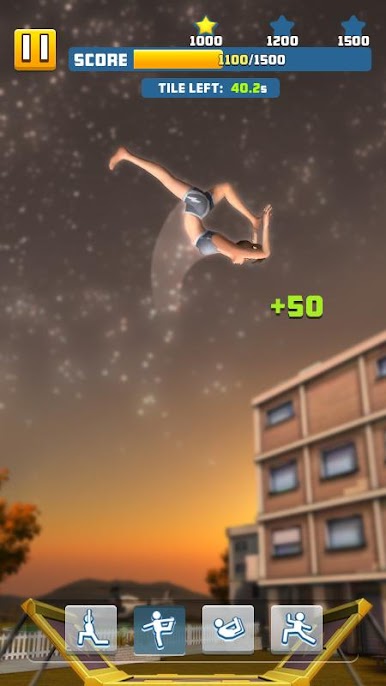
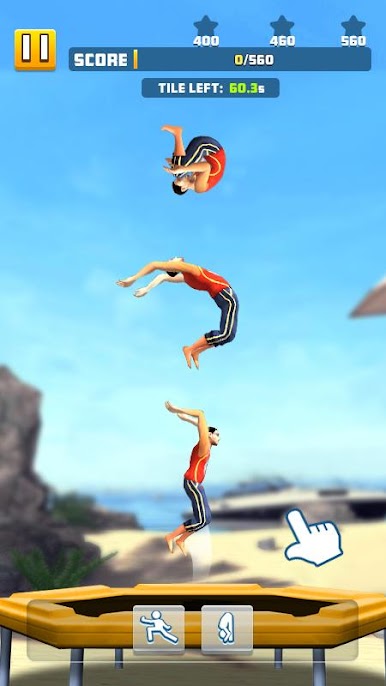
- Tricks to unlock: Build your repertoire with 15+ moves, from backflips and front flips to gainers and layouts, then link them for satisfying runs.
- Modes with bite: Take on 60+ handcrafted stages spread across three distinct gameplay modes, each pushing a different skill—precision, control, or creativity.
- Pick your jumper: Choose from 4 characters, each bringing a different vibe to your runs.
- Trampolines with personality: Try 15+ trampolines that look and bounce differently, so your favorite setup actually feels like it matters.
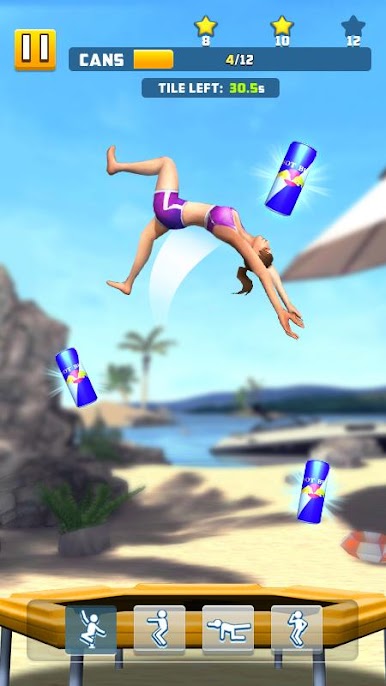
- Clean 3D presentation: Crisp visuals and clear camera work help you read rotation, height, and landing angle at a glance.
- Tap-smart controls: Simple taps and holds make it easy to start, but mastering timing and rotation keeps the chase engaging.
- Smooth on PC with BlueStacks: Prefer a bigger screen and steady performance? Play Flip Bounce on BlueStacks and keep those landings sharp.
Get ready for a buttery smooth, high-performance gaming action only on BlueStacks.









Chơi Flip Bounce trên PC. Rất dễ để bắt đầu
-
Tải và cài đặt BlueStacks trên máy của bạn
-
Hoàn tất đăng nhập vào Google để đến PlayStore, hoặc thực hiện sau
-
Tìm Flip Bounce trên thanh tìm kiếm ở góc phải màn hình
-
Nhấn vào để cài đặt Flip Bounce trong danh sách kết quả tìm kiếm
-
Hoàn tất đăng nhập Google (nếu bạn chưa làm bước 2) để cài đặt Flip Bounce
-
Nhấn vào icon Flip Bounce tại màn hình chính để bắt đầu chơi

