

Мой день: Хронометраж привычки
Chơi trên PC với BlueStacks - Nền tảng chơi game Android, được hơn 500 triệu game thủ tin tưởng.

Trang đã được sửa đổi vào: Nov 6, 2024
Run TickTime time tracking: worktime, day log, tsheets on PC or Mac
Why limit yourself to your small screen on the phone? Run TickTime time tracking: worktime, day log, tsheets, an app by Mint Rocket, best experienced on your PC or Mac with BlueStacks, the world’s #1 Android emulator.
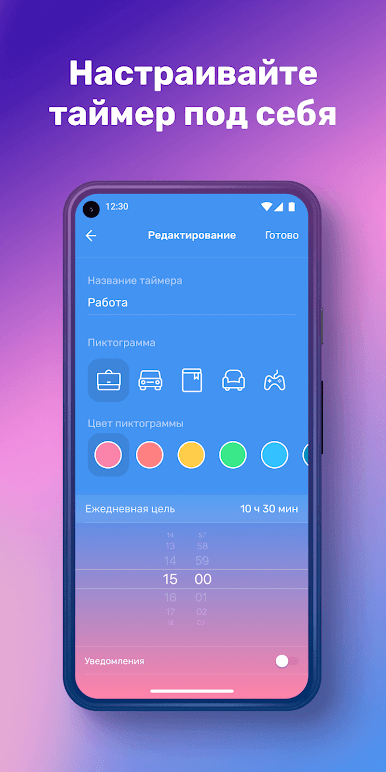
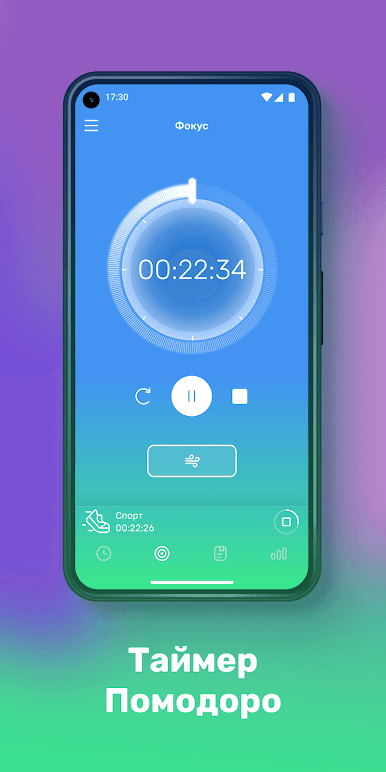
TickTime time tracking: worktime, day log, tsheets feels like a no-drama timer that actually helps people see where the day goes. It is very straightforward. Pick an activity, hit one button to start, and let it run while work, commuting, cleaning, scrolling social, calls with family, or reading happens. Each activity can have its own little icon, so the list does not turn into a messy wall of text. The interface is clean and easy to read, so a new user does not spend a whole afternoon figuring it out. It keeps a simple day log that makes sense at a glance, which is kind of the whole point.
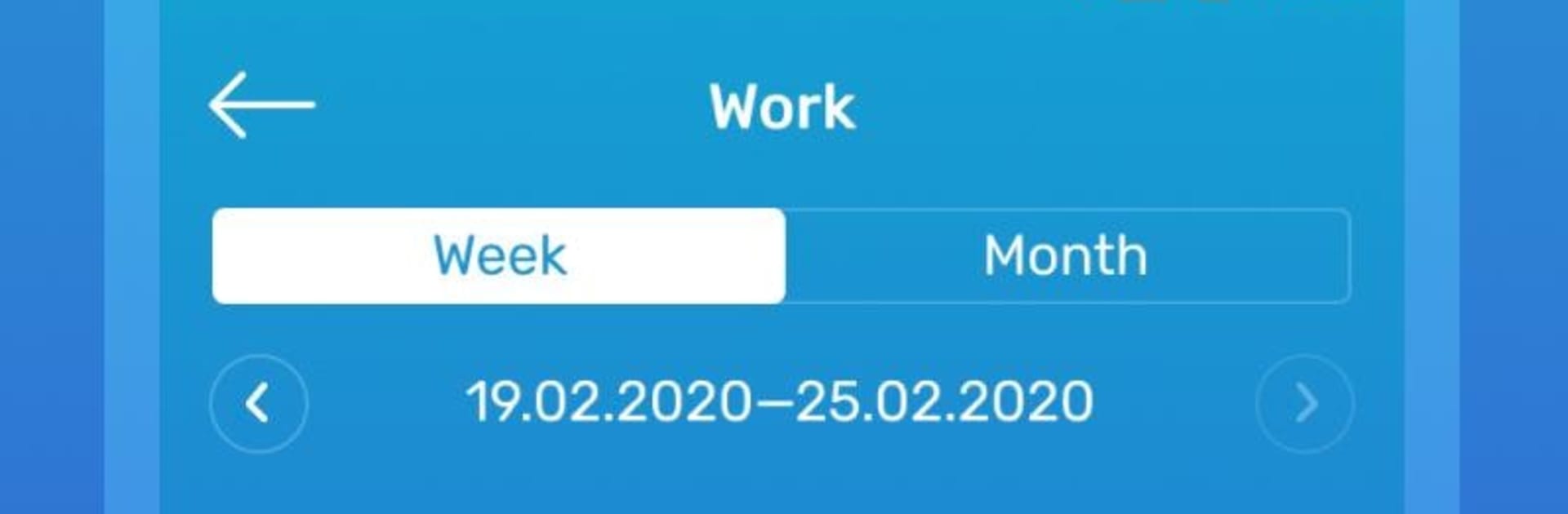
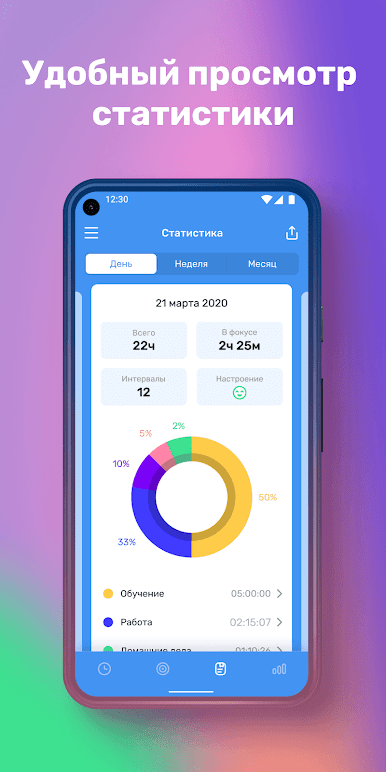
The useful part is the stats. Daily, weekly, and monthly views stack up the time in neat charts, so patterns jump out. Timers keep counting in the background and during sleep, and reminders can ping with a sound even if the app is closed, so someone does not forget to stop a task or switch to another. It suits personal use without feeling like a corporate timesheet. On PC through BlueStacks, the bigger screen makes the charts and category icons easy to scan, and clicking start or stop with a mouse is quick. It is not overloaded with extras, just the essentials that help a person notice wasted minutes and carve out space for the important stuff.
Big screen. Bigger performance. Use BlueStacks on your PC or Mac to run your favorite apps.
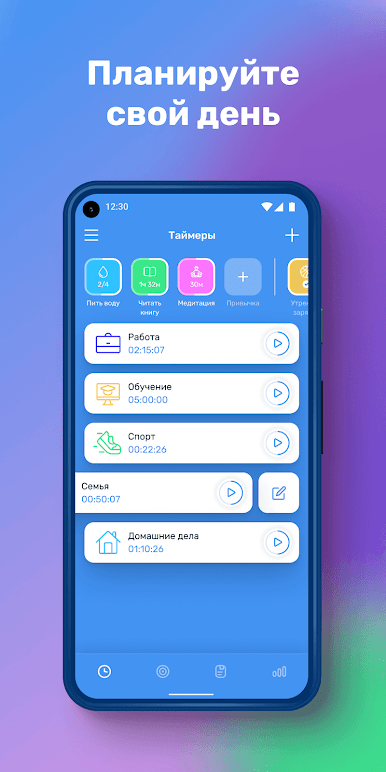
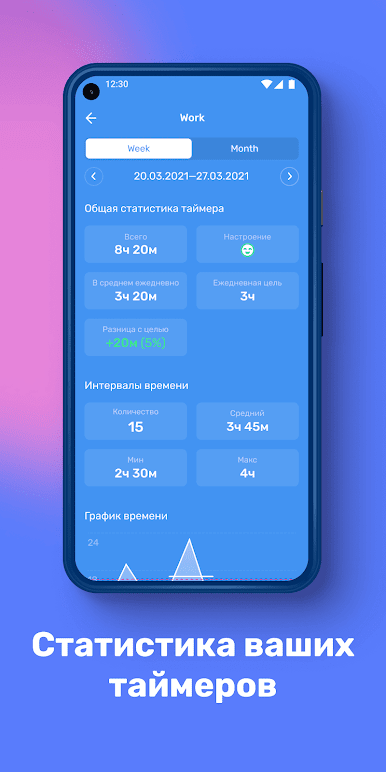
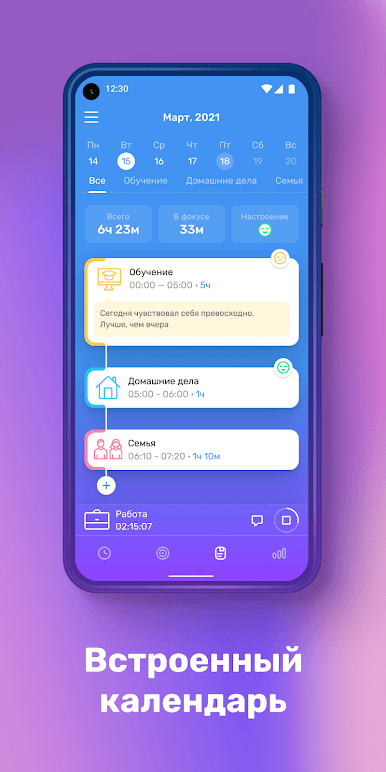
Chơi Мой день: Хронометраж привычки trên PC. Rất dễ để bắt đầu
-
Tải và cài đặt BlueStacks trên máy của bạn
-
Hoàn tất đăng nhập vào Google để đến PlayStore, hoặc thực hiện sau
-
Tìm Мой день: Хронометраж привычки trên thanh tìm kiếm ở góc phải màn hình
-
Nhấn vào để cài đặt Мой день: Хронометраж привычки trong danh sách kết quả tìm kiếm
-
Hoàn tất đăng nhập Google (nếu bạn chưa làm bước 2) để cài đặt Мой день: Хронометраж привычки
-
Nhấn vào icon Мой день: Хронометраж привычки tại màn hình chính để bắt đầu chơi

