


MyMiX Classic
Chơi trên PC với BlueStacks - Nền tảng chơi game Android, được hơn 500 triệu game thủ tin tưởng.

Trang đã được sửa đổi vào: May 28, 2025
Play MyMiX Classic on PC
The primary purpose of MyMiX is to improve driver engagement within an organisation.
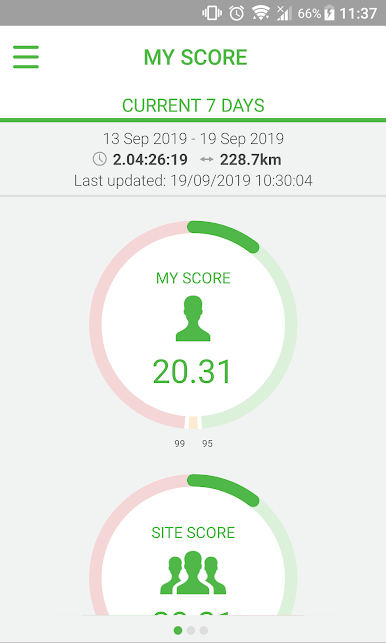
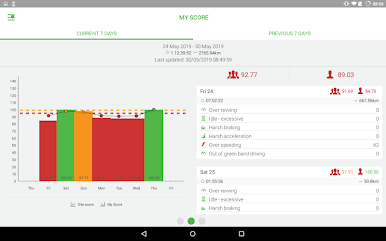
MyMiX does this by providing drivers with direct access to information which is relevant to their driving performance and how they go about their job on a daily basis.The first generation of MyMiX is focused on delivering driver scoring information which will allow drivers to better understand their driving style and give them a better chance of achieving improvements.
The MyMiX platform will be used in future as an enabling technology to support delivery of all driver-centric safety and efficiency-related information, specifically focusing on driver self-management.
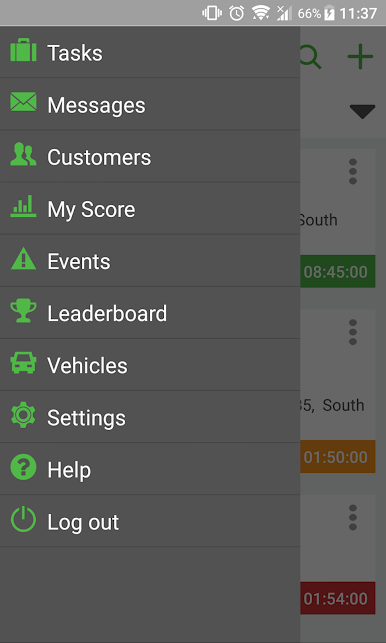
MyMiX Driver Scoring has the following features:
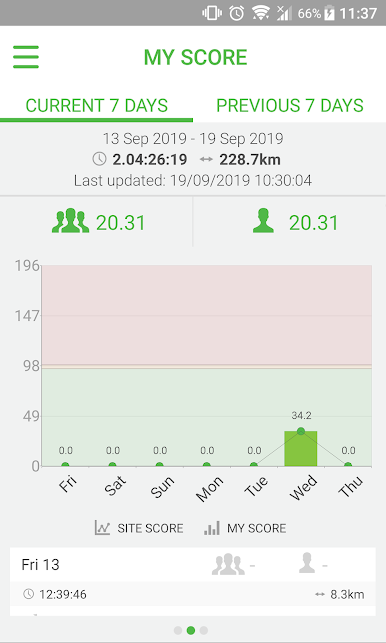
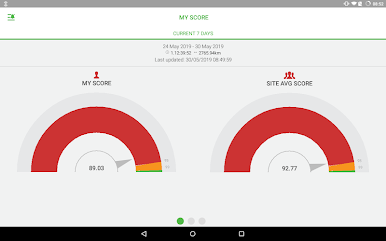
Scoring
-Dashboard
-Weekly/daily scoring
-Six-monthly trend analysis
-Support for MiX RIBAS and RAG scoring models
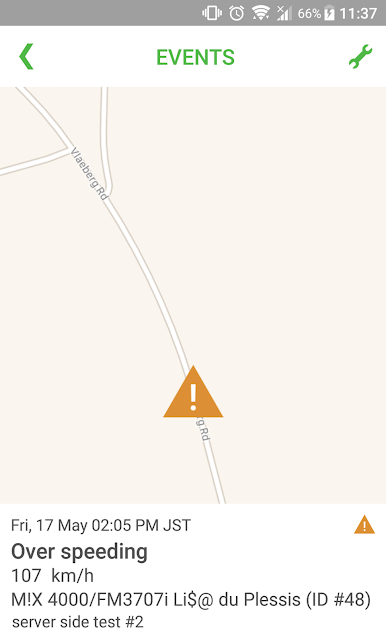
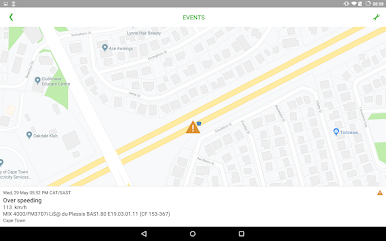
Events
-Dashboard
-Daily/weekly
-Location on map
Vehicles
-Vehicles utilised
-Scoring and fuel consumption by vehicle
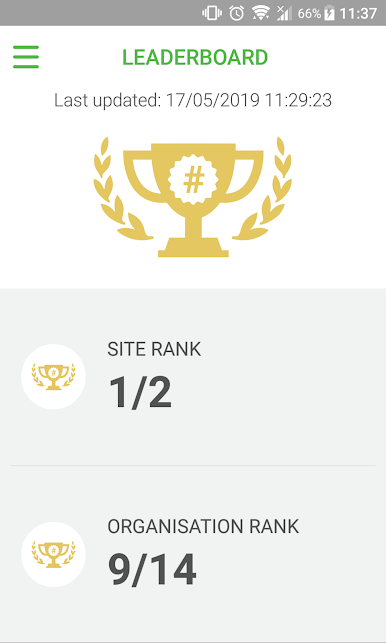
Ranking
-Rank in site
-Rank in organisation
Administration
-Supervisors utilization report
-Flexible scoring model configuration on available models
The primary benefits which come from using MyMiX Driver Scoring as the foundation upon which to improve driver engagement are:
1. An informed and engaged driver is a safer driver
2. A safer driver:
-Has less health and safety incidents
-Improves the operational efficiency of the business
-Reduces operational costs to the business
-Delivers a superior customer service/experience
-Reduces risk exposure to the business
** Please note: Only supported on Lollipop (version 5.0) and newer **
Chơi MyMiX Classic trên PC. Rất dễ để bắt đầu
-
Tải và cài đặt BlueStacks trên máy của bạn
-
Hoàn tất đăng nhập vào Google để đến PlayStore, hoặc thực hiện sau
-
Tìm MyMiX Classic trên thanh tìm kiếm ở góc phải màn hình
-
Nhấn vào để cài đặt MyMiX Classic trong danh sách kết quả tìm kiếm
-
Hoàn tất đăng nhập Google (nếu bạn chưa làm bước 2) để cài đặt MyMiX Classic
-
Nhấn vào icon MyMiX Classic tại màn hình chính để bắt đầu chơi

