

Kids Learning Games: Fun Play
Graj na PC z BlueStacks – Platforma gamingowa Android, która uzyskała zaufanie ponad 500 milionów graczy!

Strona zmodyfikowana w dniu: May 8, 2025
Play تعليم الحروف العربية و الحروف الانجليزية للاطفال on PC or Mac
تعليم الحروف العربية و الحروف الانجليزية للاطفال brings the Educational genre to life, and throws up exciting challenges for gamers. Developed by MJ+, this Android game is best experienced on BlueStacks, the World’s #1 app player for PC and Mac users.
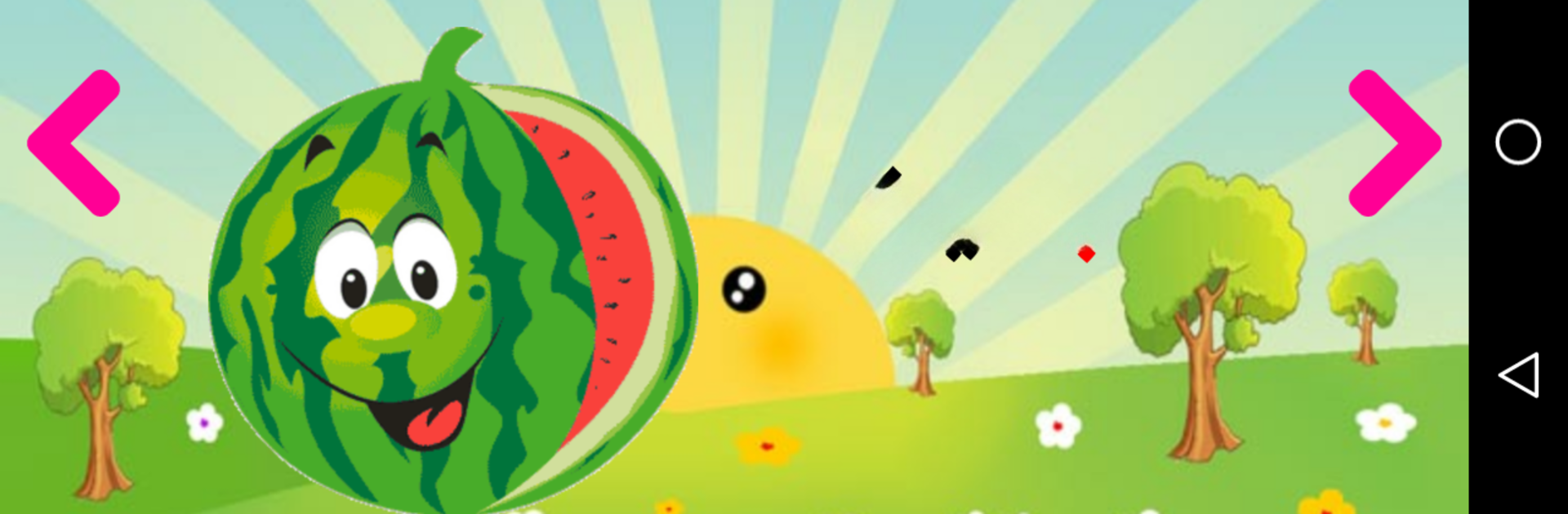
So this game is basically a super friendly way for kids to learn both Arabic and English letters, and it covers more than just the basics. It’s all about making learning feel like playtime, with big colorful images, lots of clear pronunciation, and fun stuff to tap and try out. There’s a bunch of different sections—one for Arabic letters, one for English, sections for numbers, animals, fruits, all in both languages, and even a handwriting bit, so kids actually practice drawing the letters out. It doesn’t just show letters and numbers; it says them out loud and shows a matching picture, which makes it really easy to remember what’s what.
There are even quizzes and little matching games built in, like finding the right shape or matching the letter to the sound, so it isn’t just passive watching. The animal and fruit parts are great for picking up vocab quickly since there’s both visual cues and spoken words every step. It’s pretty neat that everything’s designed with input from actual teachers, so you can tell the pictures and audio are clear and not confusing for kids. Plus, running it on BlueStacks is smooth—using a mouse or keyboard makes it less fiddly than on a small phone screen, especially when tracing letters or picking out answers during the quiz sections. Overall, it’s a solid mix of learning tools rolled into one, especially for younger kids or anyone just starting out with Arabic or English.
Get ready for a buttery smooth, high-performance gaming action only on BlueStacks.


Zagraj w Kids Learning Games: Fun Play na PC. To takie proste.
-
Pobierz i zainstaluj BlueStacks na PC
-
Zakończ pomyślnie ustawienie Google, aby otrzymać dostęp do sklepu Play, albo zrób to później.
-
Wyszukaj Kids Learning Games: Fun Play w pasku wyszukiwania w prawym górnym rogu.
-
Kliknij, aby zainstalować Kids Learning Games: Fun Play z wyników wyszukiwania
-
Ukończ pomyślnie rejestrację Google (jeśli krok 2 został pominięty) aby zainstalować Kids Learning Games: Fun Play
-
Klinij w ikonę Kids Learning Games: Fun Play na ekranie startowym, aby zacząć grę

