

Can You Escape 4
Chơi trên PC với BlueStacks - Nền tảng chơi game Android, được hơn 500 triệu game thủ tin tưởng.

Trang đã được sửa đổi vào: Nov 5, 2025
Play Can You Escape 4 on PC or Mac
From the innovators and creators at MobiGrow, Can You Escape 4 is another fun addition to the World of Puzzle games. Go beyond your mobile screen and play it bigger and better on your PC or Mac. An immersive experience awaits you.
About the Game
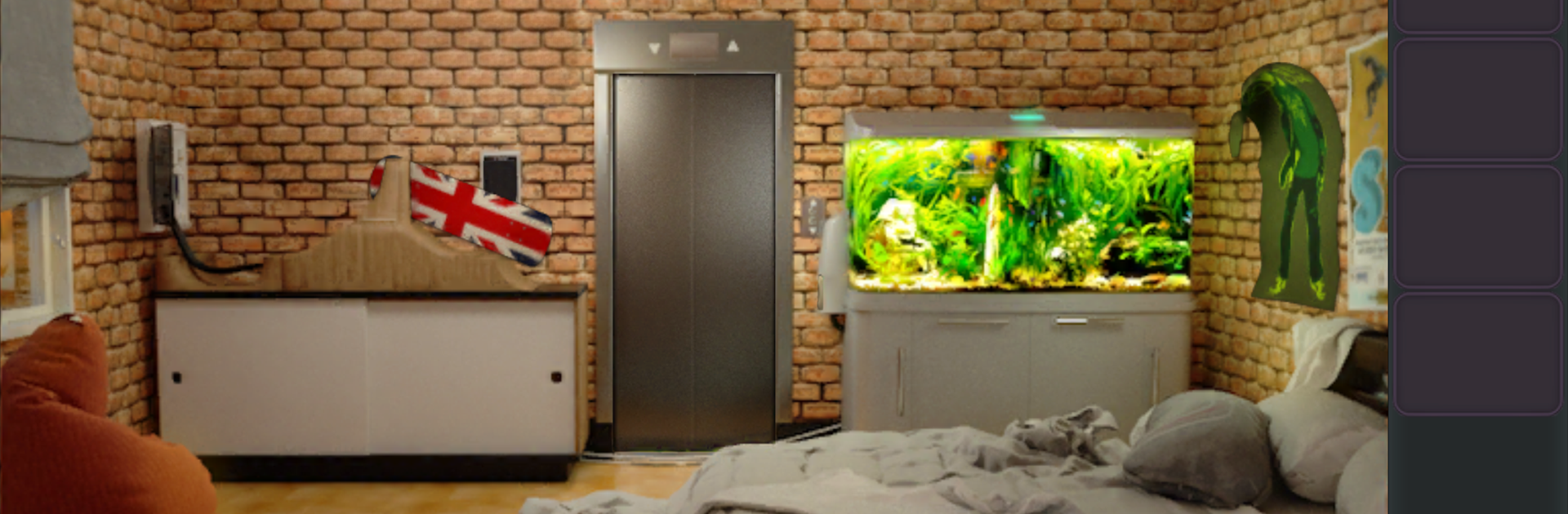
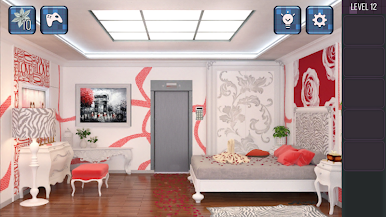
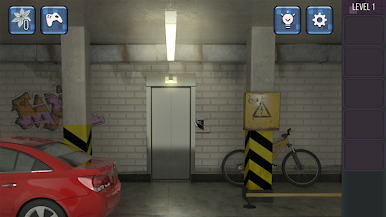
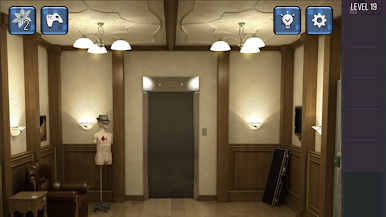
Ever tried looking for a place to live and ended up in a situation you really didn’t expect? In Can You Escape 4 from MobiGrow, house-hunting quickly turns into a wild puzzle adventure. You show up to view what seems like the perfect apartment, but pretty soon, you’re stuck in a series of mysterious rooms—each packed with secrets and tricky puzzles. Expect lots of surprises, aha moments, and the kind of challenges that’ll keep you guessing. This puzzle game is definitely not your average real estate tour.
Game Features
-
Challenging Puzzles Everywhere
Every room hides its own brainteaser. You’ll need to pay attention, think outside the box, and sometimes just try the weird idea in your head. -
Unpredictable Progression
Don’t count on anything being straightforward—what looks simple might have hidden layers or clues. Nothing’s really as obvious as it first seems. -
Cool Room Designs
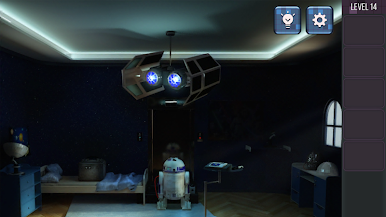
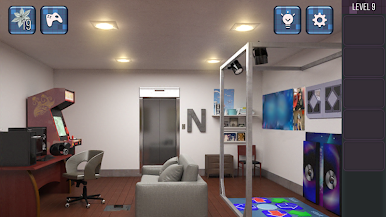
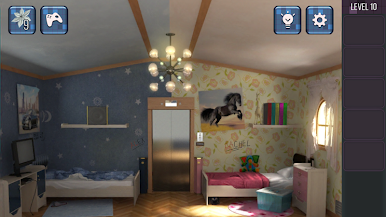
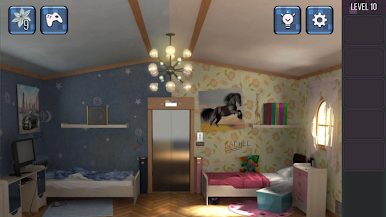
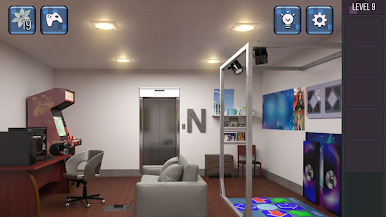
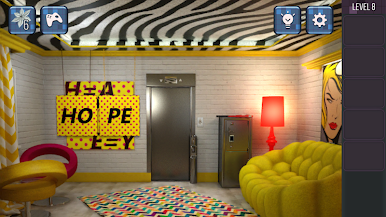
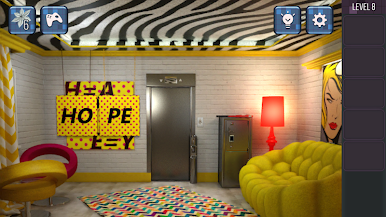
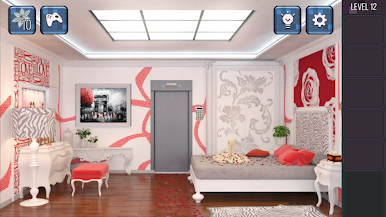
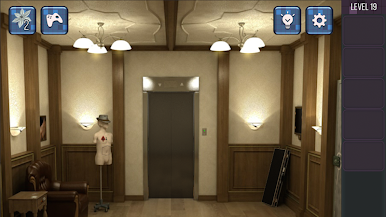
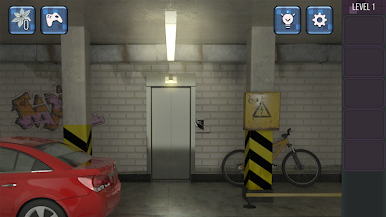
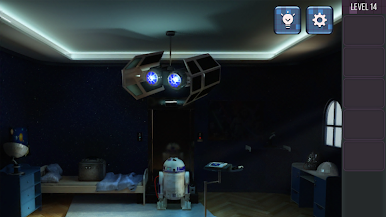
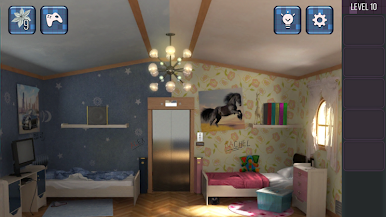
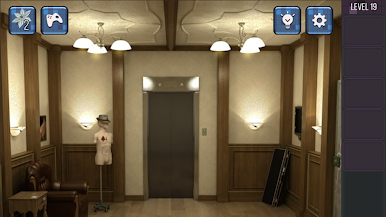
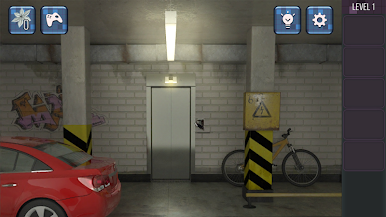
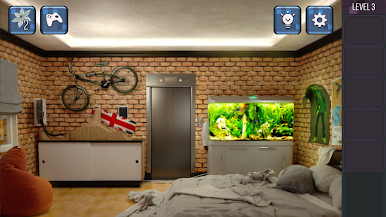
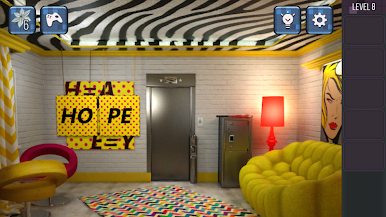
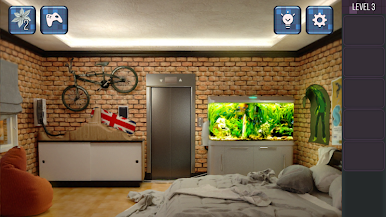
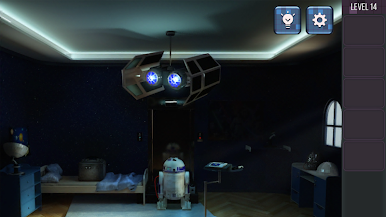
Each space is unique, with its own vibe and set of objects to mess around with. You’ll go from cozy living rooms to places that feel like straight-up movie scenes. -
Clues Where You Least Expect Them
Hidden objects, strange codes, odd patterns—sometimes you’ll wish you had a detective’s notebook. Keep your eyes peeled for anything that looks even a little out of place. -
Play It Your Way
Whether you’re tapping away on your phone or running Can You Escape 4 on BlueStacks, the challenge—and the weird, twisty story—remains just as fun.
Make your gaming sessions memorable with precise controls that give you an edge in close combats and visuals that pop up, bringing every character to life.


Chơi Can You Escape 4 trên PC. Rất dễ để bắt đầu
-
Tải và cài đặt BlueStacks trên máy của bạn
-
Hoàn tất đăng nhập vào Google để đến PlayStore, hoặc thực hiện sau
-
Tìm Can You Escape 4 trên thanh tìm kiếm ở góc phải màn hình
-
Nhấn vào để cài đặt Can You Escape 4 trong danh sách kết quả tìm kiếm
-
Hoàn tất đăng nhập Google (nếu bạn chưa làm bước 2) để cài đặt Can You Escape 4
-
Nhấn vào icon Can You Escape 4 tại màn hình chính để bắt đầu chơi

