

Video Voice Changer FX
Chơi trên PC với BlueStacks - Nền tảng chơi game Android, được hơn 500 triệu game thủ tin tưởng.

Trang đã được sửa đổi vào: Oct 19, 2025
Run Video Voice Changer FX on PC or Mac
Get freedom from your phone’s obvious limitations. Use Video Voice Changer FX, made by Bizo Mobile, a Video Players & Editors app on your PC or Mac with BlueStacks, and level up your experience.
About the App
Ever wanted to hear what you’d sound like as a robot or maybe an alien? Video Voice Changer FX by Bizo Mobile makes it easy—and seriously entertaining—to twist, tweak, and totally transform the sound of your videos. Whether you’re messing around with friends or just want to spice up a social media post, this app puts all the tools you need right at your fingertips. The experience is fun, fast, and really simple to pick up, even if you’re just playing around for a few minutes.
App Features
-
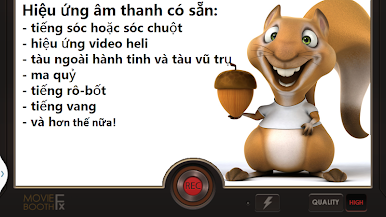
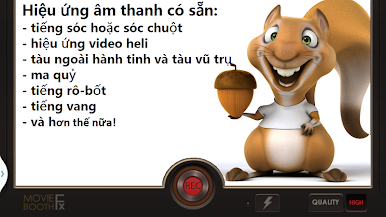
Wide Variety of Voice Effects
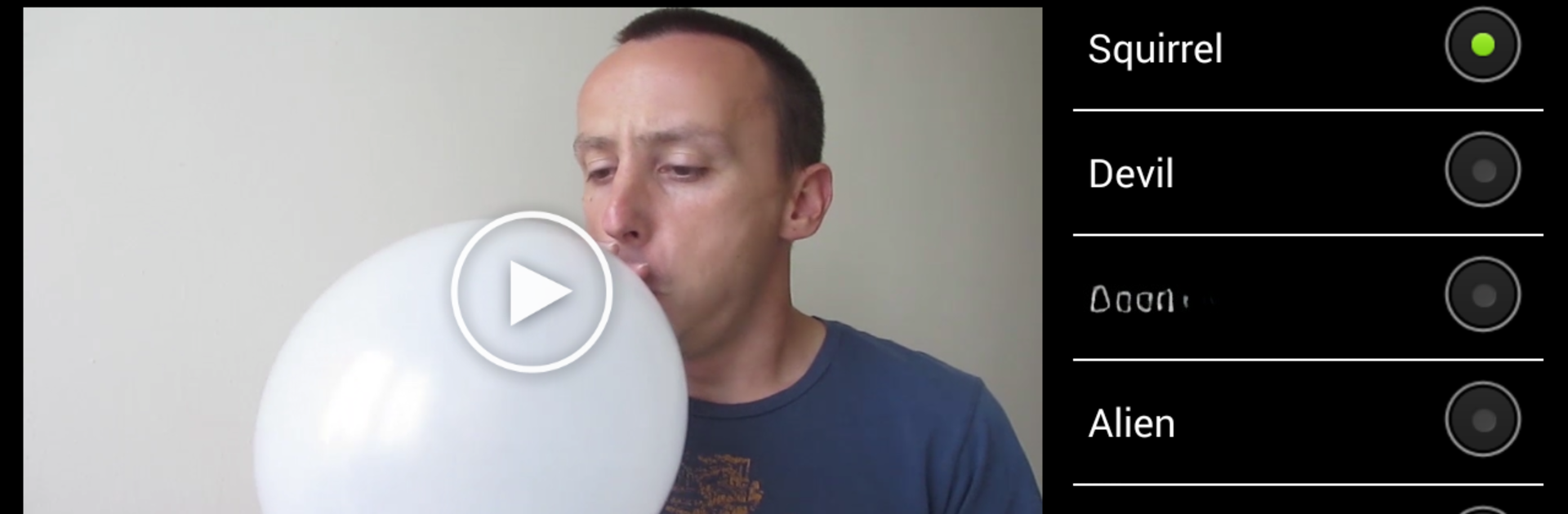
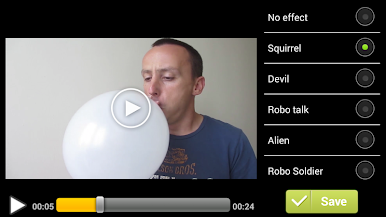
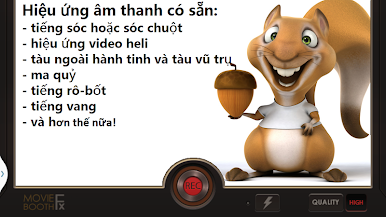
Try out a whole bunch of hilarious effects, from chipmunk squeaks and helium highs to strange alien sounds or deep, devilish tones. Each effect gives your video a whole new personality. -
Easy Video Recording or Import
Grab your phone and record a video right on the spot, or pick one that’s already sitting in your SD card—the app works either way. -
Simple Editing Process
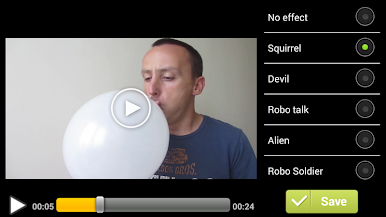
Just choose the video, pick your favorite voice effect, and let the app handle the rest. It only takes a couple of taps before you’re ready to hear the results. -
Live Effect Switching
Want to try out different voices back-to-back while your video’s playing? You can swap effects on the fly to check out how each one sounds before you settle on your favorite. -
Quick Saving and Sharing
When you’ve nailed that perfect funny or wacky voice, your edited video gets saved right to your SD card. From there, it’s super easy to share your creation wherever you want. -
Works Great on Larger Screens
Got BlueStacks on your PC or Mac? You can use Video Voice Changer FX there, too—bigger screen, same fun effects, even more laughs.
BlueStacks gives you the much-needed freedom to experience your favorite apps on a bigger screen. Get it now.




Chơi Video Voice Changer FX trên PC. Rất dễ để bắt đầu
-
Tải và cài đặt BlueStacks trên máy của bạn
-
Hoàn tất đăng nhập vào Google để đến PlayStore, hoặc thực hiện sau
-
Tìm Video Voice Changer FX trên thanh tìm kiếm ở góc phải màn hình
-
Nhấn vào để cài đặt Video Voice Changer FX trong danh sách kết quả tìm kiếm
-
Hoàn tất đăng nhập Google (nếu bạn chưa làm bước 2) để cài đặt Video Voice Changer FX
-
Nhấn vào icon Video Voice Changer FX tại màn hình chính để bắt đầu chơi

