

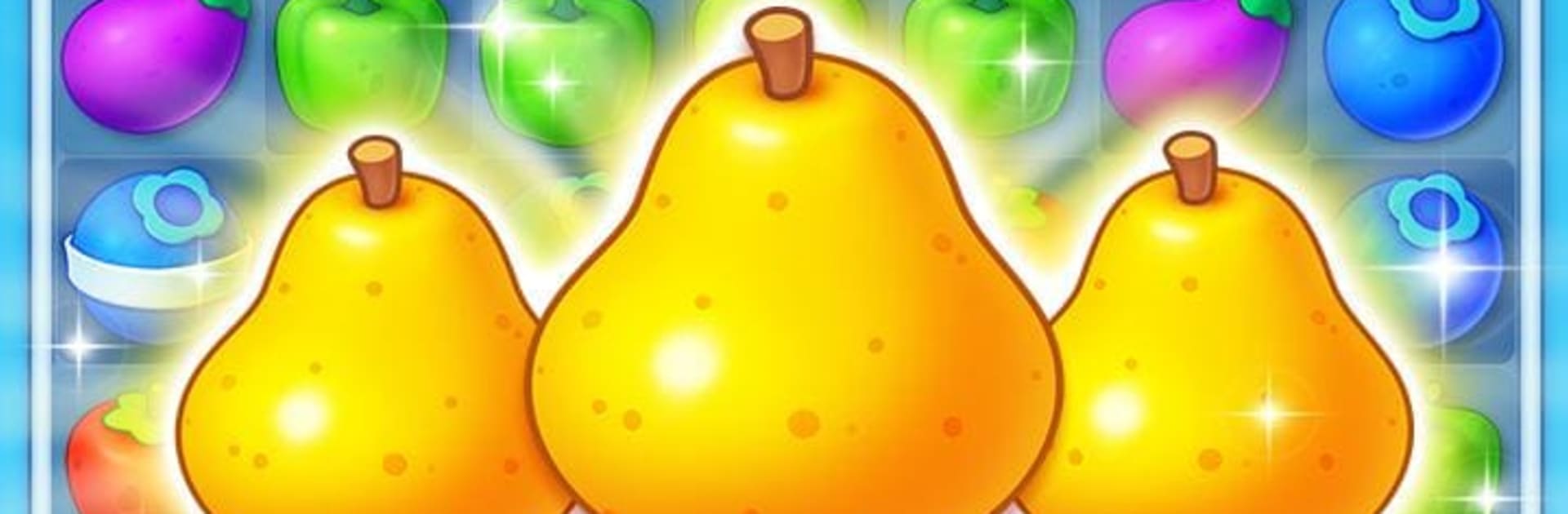
Fruit Garden Blast
Chơi trên PC với BlueStacks - Nền tảng chơi game Android, được hơn 500 triệu game thủ tin tưởng.

Trang đã được sửa đổi vào: Dec 23, 2024
Play Fruit Garden Blast on PC or Mac
Join millions to experience Fruit Garden Blast, an exciting Casual game from Cool Cat Game. With BlueStacks App Player, you are always a step ahead of your opponent, ready to outplay them with faster gameplay and better control with the mouse and keyboard on your PC or Mac.
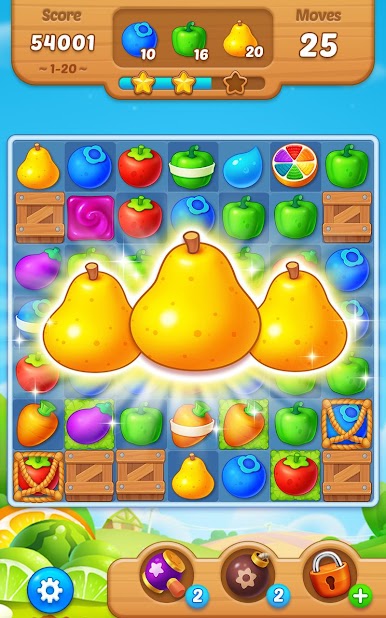
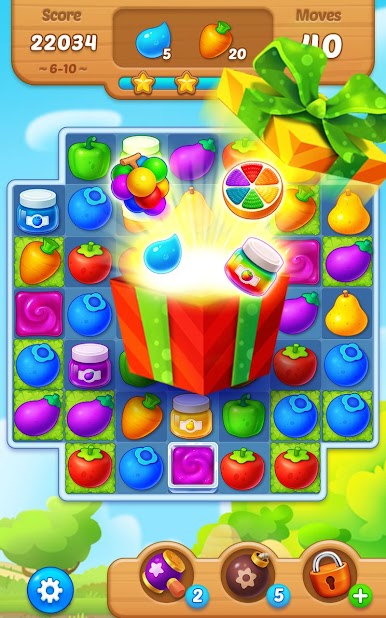
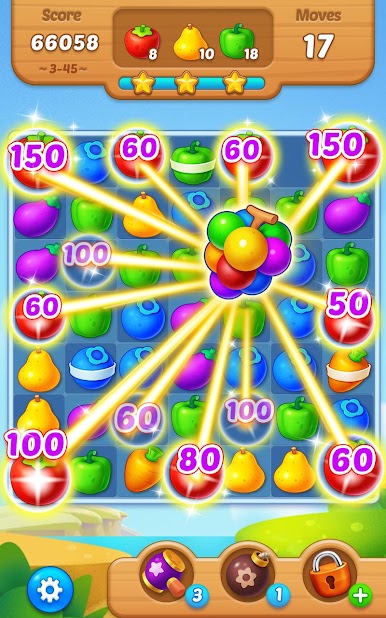
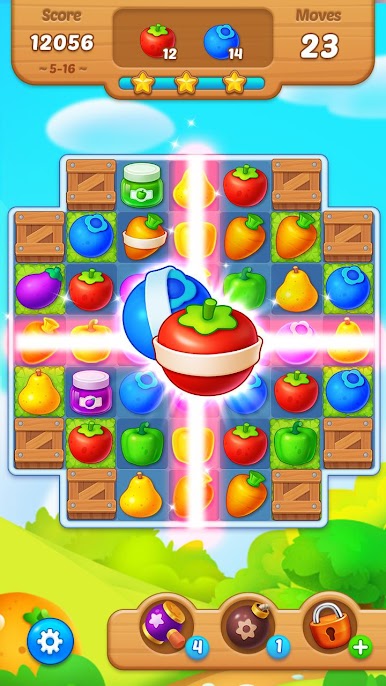
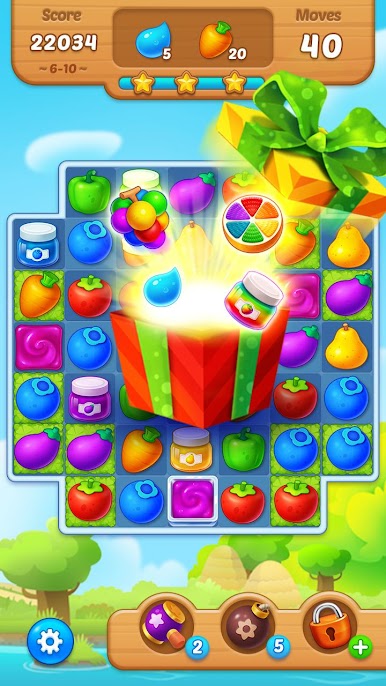
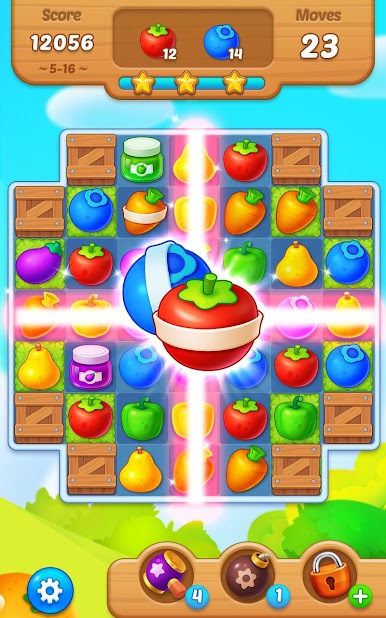
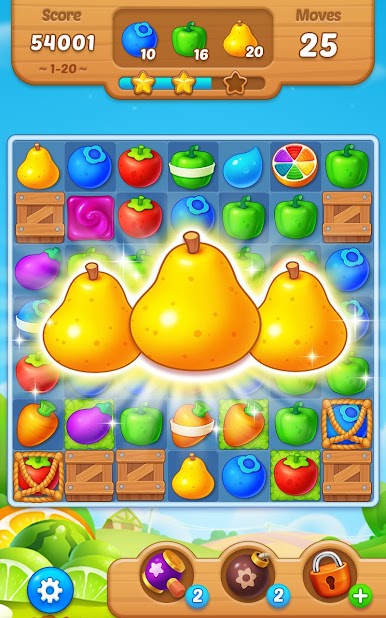
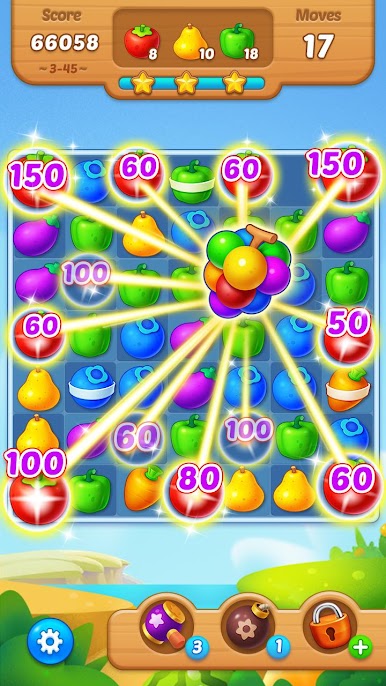
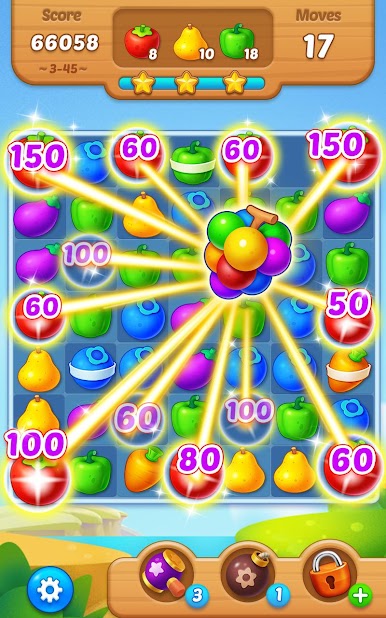
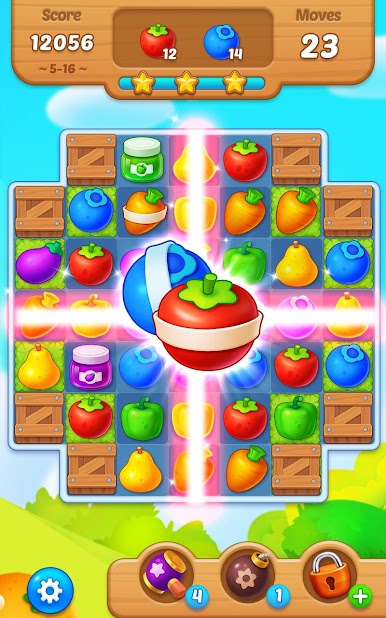
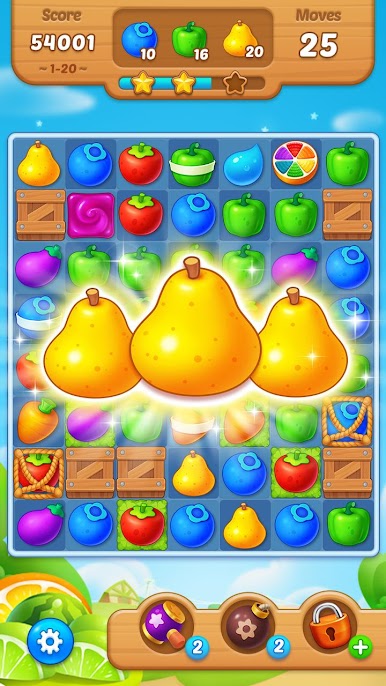
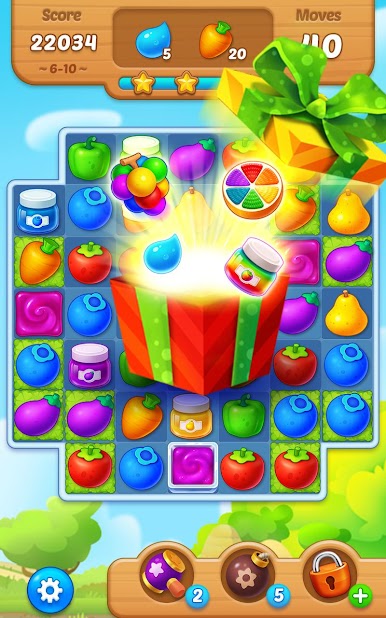
Fruit Garden Blast is a bright, cheerful match-3 that starts easy and then sneaks in puzzles that actually need a plan. Stages set clear goals, like gathering certain fruits before the move counter hits zero, and the board pops with color when chains get big. Matching more pieces builds boosters that clear rows or chunks, so there is a nice rhythm of small moves leading to large blasts. Some levels ask for droplets or sunflowers, which nudges players to think about where matches land, not just what looks good. Nothing feels too complicated, just clean puzzle logic with satisfying pops and a steady pace.
There are about 240 levels to chew through at the start, with more opening up as achievements stack up. It does not chew much storage, yet the effects feel punchy and clear, and the boards load quick. Someone can play solo and chase the next puzzle, or compare scores with friends if that is their thing. On PC with BlueStacks, the mouse makes swaps very precise and the larger screen helps spot those longer chains that hide in the corners. Difficulty ramps in a fair way, breezy early on, then tougher without being mean. It is the sort of game that works for a short break, then turns into just-one-more-level, then two, then whoops, another.
Ready to top the leaderboard? We bet you do. Let precise controls and sharp visuals optimized on BlueStacks lead you to victory.
Chơi Fruit Garden Blast trên PC. Rất dễ để bắt đầu
-
Tải và cài đặt BlueStacks trên máy của bạn
-
Hoàn tất đăng nhập vào Google để đến PlayStore, hoặc thực hiện sau
-
Tìm Fruit Garden Blast trên thanh tìm kiếm ở góc phải màn hình
-
Nhấn vào để cài đặt Fruit Garden Blast trong danh sách kết quả tìm kiếm
-
Hoàn tất đăng nhập Google (nếu bạn chưa làm bước 2) để cài đặt Fruit Garden Blast
-
Nhấn vào icon Fruit Garden Blast tại màn hình chính để bắt đầu chơi

