


Pulseway
Chơi trên PC với BlueStacks - Nền tảng chơi game Android, được hơn 500 triệu game thủ tin tưởng.

Trang đã được sửa đổi vào: Dec 4, 2025
Run Pulseway on PC or Mac
Get freedom from your phone’s obvious limitations. Use Pulseway, made by MMSOFT DESIGN LIMITED – 2024, a Productivity app on your PC or Mac with BlueStacks, and level up your experience.
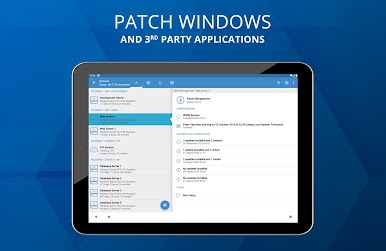
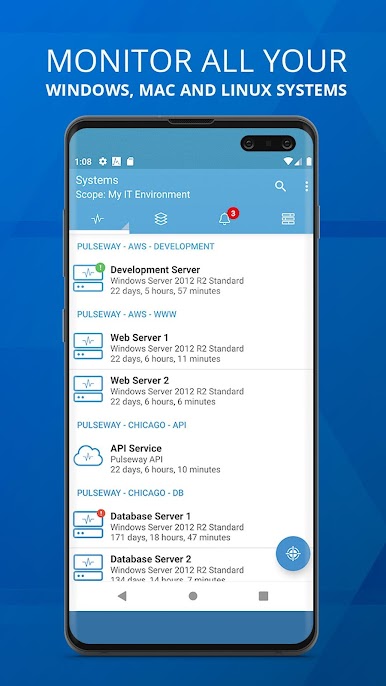
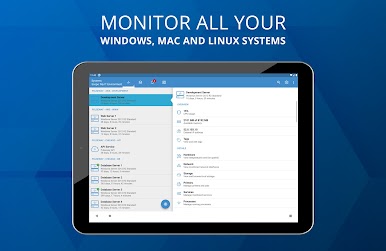
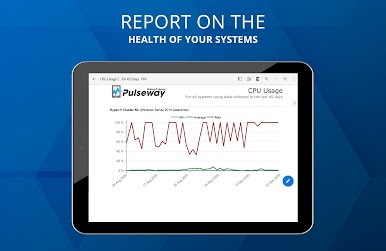
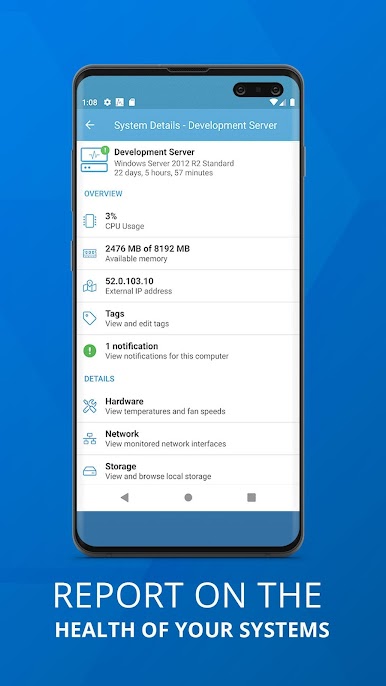
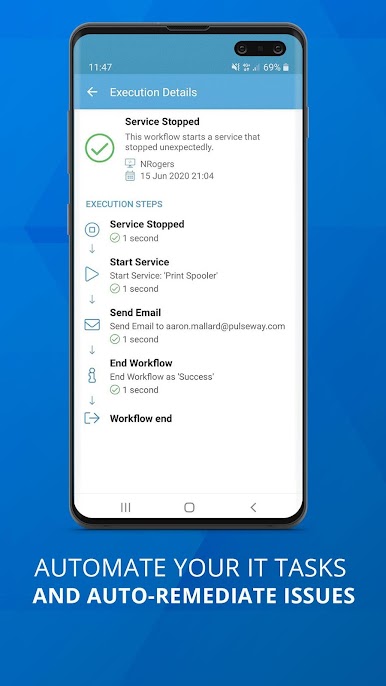
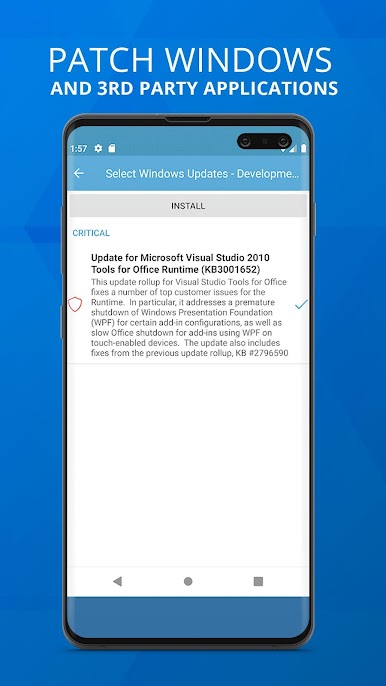
Pulseway feels like a pocket control room for all those machines that need babysitting. It shows live stats that actually matter, not just a fancy dashboard. There is a small agent to install on each computer, then it starts streaming details like CPU and memory with history graphs, disk health, running services, network traffic, ping times, who is logged in, even the public IP with a quick map pin. It goes deeper too, into event logs, scheduled tasks, ports, Windows updates, performance counters, IIS sites and app pools, and Active Directory user status. It is the kind of app where a server goes quiet and a notification pops up before anyone calls, which saves headaches later.
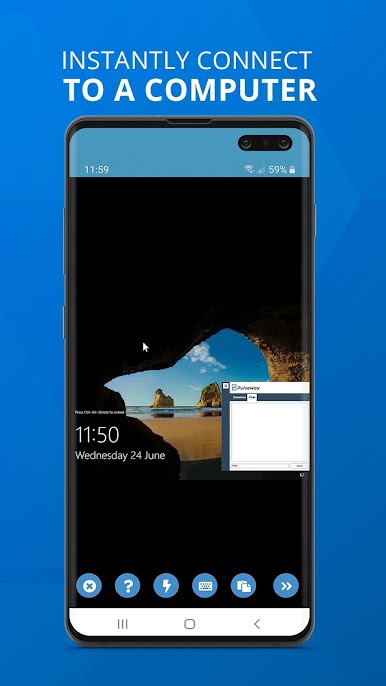
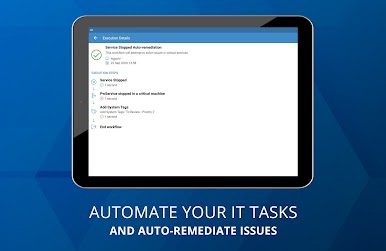
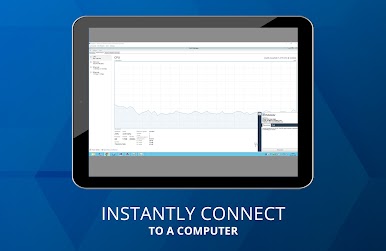
The controls are not fluff either. Start or stop services, kill a runaway process, run Command Prompt or PowerShell, log off a noisy user, reboot or wake a box over the Internet, or send the same command to a whole group. AD admin bits are in there, like unlocking accounts or resetting passwords, and there is Hyper V and VMware controls for starting and stopping VMs. There is even a place to fire off SQL queries when that is needed. All of this is encrypted, and it still works when machines sit behind a firewall without a public IP, which is nice.
On a PC with BlueStacks, the charts and long logs are easier to scan and the mouse makes quick work of tapping through systems. Keyboard typing for commands feels faster, and keeping the app open on a second screen turns it into a lightweight NOC. Windows, Linux, and Mac boxes all show up together, so nothing gets lost in another tool. Notifications are very tunable, like CPU too high for a while, disk getting low, site stopped, port closed, or temperature spiking, so alerts are useful instead of noisy.
Switch to BlueStacks and make the most of your apps on your PC or Mac.

Chơi Pulseway trên PC. Rất dễ để bắt đầu
-
Tải và cài đặt BlueStacks trên máy của bạn
-
Hoàn tất đăng nhập vào Google để đến PlayStore, hoặc thực hiện sau
-
Tìm Pulseway trên thanh tìm kiếm ở góc phải màn hình
-
Nhấn vào để cài đặt Pulseway trong danh sách kết quả tìm kiếm
-
Hoàn tất đăng nhập Google (nếu bạn chưa làm bước 2) để cài đặt Pulseway
-
Nhấn vào icon Pulseway tại màn hình chính để bắt đầu chơi

