


Mr. Number: Spam Call Blocker
Chơi trên PC với BlueStacks - Nền tảng chơi game Android, được hơn 500 triệu game thủ tin tưởng.

Trang đã được sửa đổi vào: May 19, 2025
Run Mr. Number: Spam Call Blocker on PC or Mac
Get freedom from your phone’s obvious limitations. Use Mr. Number: Spam Call Blocker, made by Hiya, a Communication app on your PC or Mac with BlueStacks, and level up your experience.
About the App
Ever get tired of your phone ringing with calls you really don’t want? Mr. Number: Spam Call Blocker is all about helping you take control of your phone again. Created by Hiya, this Communication app makes dealing with spam, scams, and those super persistent telemarketers a breeze. It’s straightforward to use and puts you back in charge of who actually gets to reach you.
App Features
-
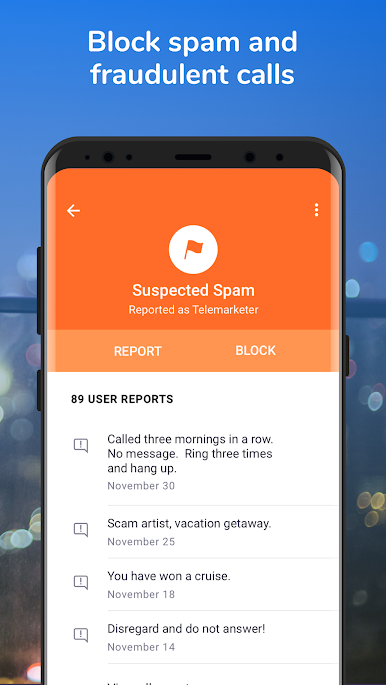
Block Annoying Calls
Don’t want to hear from someone? Block individual numbers, whole area codes, or even calls from an entire country—whatever works for you. -
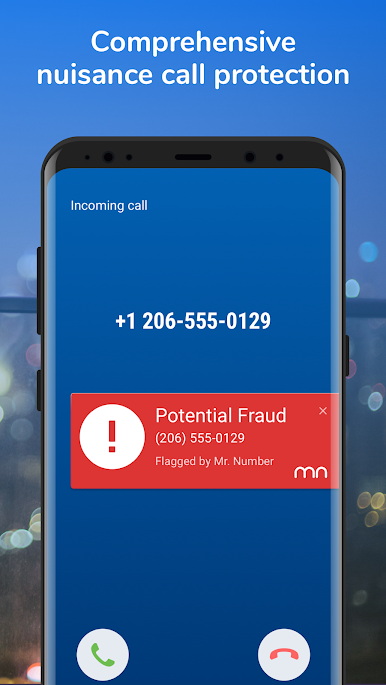
Spam and Scam Detection
The app automatically spots potential scam or fraud calls and stops them in their tracks, saving you from headaches (and possibly worse). -
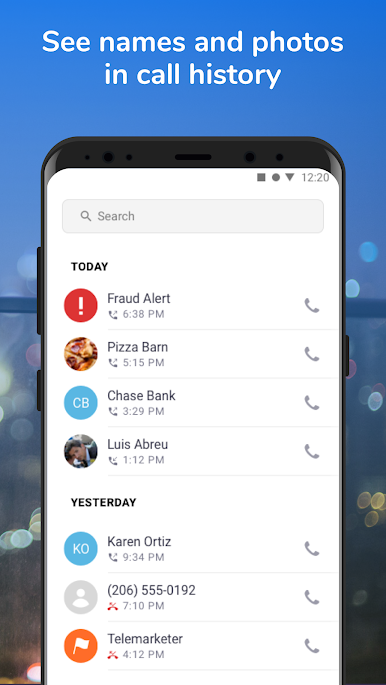
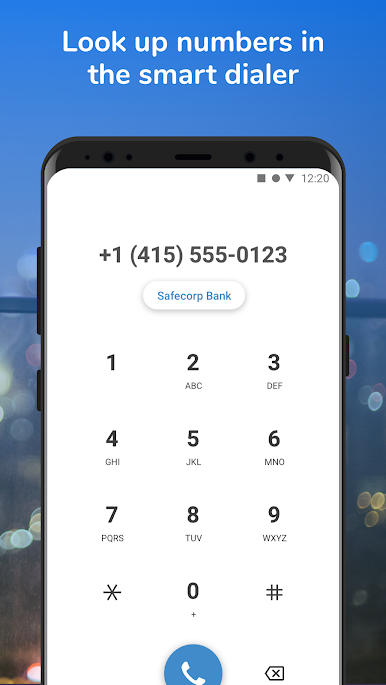
See Who’s Calling
Wondering who’s behind that unknown number? Mr. Number: Spam Call Blocker can identify callers and even display names for numbers you don’t recognize. -
Easily Handle Telemarketers
Stop unwanted sales pitches and collection calls before they even hit your phone by sending them straight to voicemail. -
User Reports and Community Warnings
Help out your fellow users by reporting spam numbers, and check comments from others to know what to watch out for. -
Call History Lookup
The app checks your recent calls, so you’ll get quick info about suspicious numbers popping up in your logs.
If you’re running this app on your computer with BlueStacks, it’s just as simple and effective—no need to switch back and forth between screens when you’re monitoring calls.
BlueStacks gives you the much-needed freedom to experience your favorite apps on a bigger screen. Get it now.

Chơi Mr. Number: Spam Call Blocker trên PC. Rất dễ để bắt đầu
-
Tải và cài đặt BlueStacks trên máy của bạn
-
Hoàn tất đăng nhập vào Google để đến PlayStore, hoặc thực hiện sau
-
Tìm Mr. Number: Spam Call Blocker trên thanh tìm kiếm ở góc phải màn hình
-
Nhấn vào để cài đặt Mr. Number: Spam Call Blocker trong danh sách kết quả tìm kiếm
-
Hoàn tất đăng nhập Google (nếu bạn chưa làm bước 2) để cài đặt Mr. Number: Spam Call Blocker
-
Nhấn vào icon Mr. Number: Spam Call Blocker tại màn hình chính để bắt đầu chơi

