


Mufti Menk Official
Chơi trên PC với BlueStacks - Nền tảng chơi game Android, được hơn 500 triệu game thủ tin tưởng.

Trang đã được sửa đổi vào: Oct 6, 2025
Run Mufti Menk - Official on PC or Mac
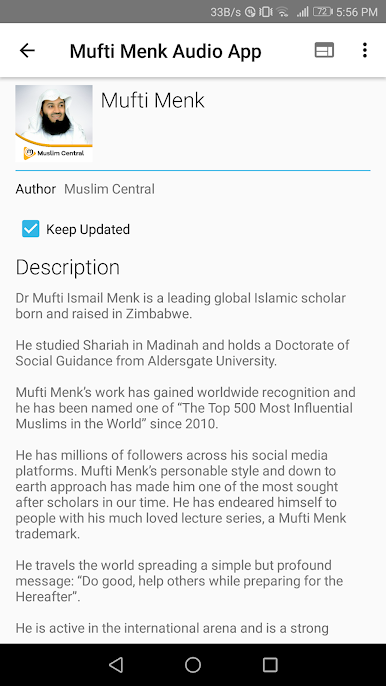
Get freedom from your phone’s obvious limitations. Use Mufti Menk – Official, made by Muslim Central, a Education app on your PC or Mac with BlueStacks, and level up your experience.
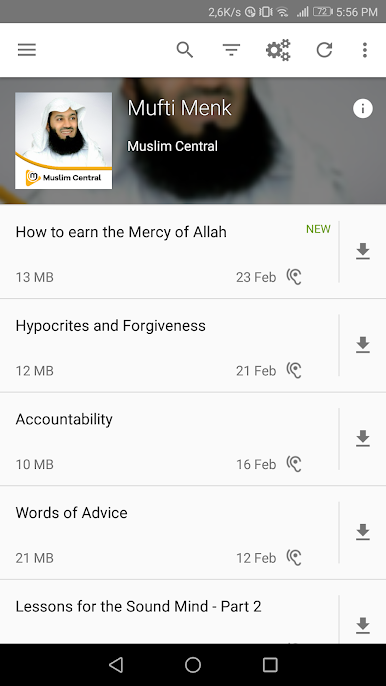
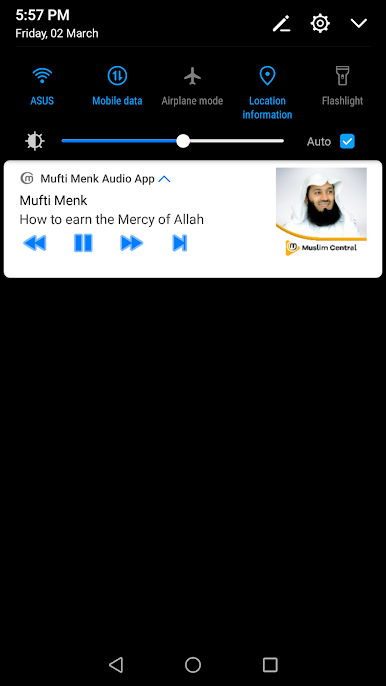
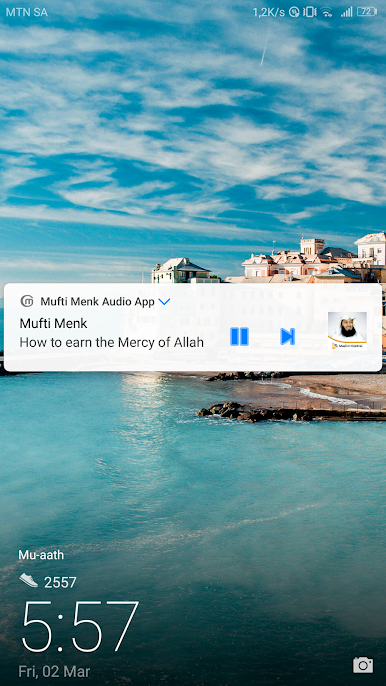
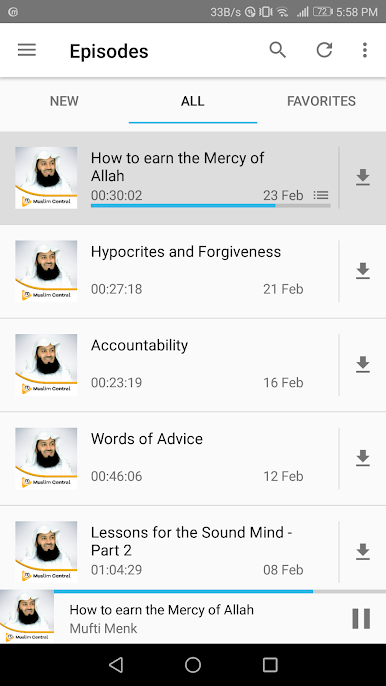
Mufti Menk – Official is basically perfect for anyone who likes listening to Mufti Menk’s lectures and wants something that just works, without ads or anything getting in the way. On PC with BlueStacks, everything feels bigger and easier to manage, so sorting through all the talks or picking up where you left off is a breeze. There are a bunch of features that make everyday listening feel effortless — the playback speed is adjustable, there’s a sleep timer (even customizable little things like having the sound fade out or slow down), and the app always remembers exactly where you paused. If someone’s used to podcasts or audiobooks, this setup will feel really familiar, just more focused on Islamic content.
It goes beyond just playing lectures, too. Episodes can be downloaded ahead of time, and the app is smart about managing storage or battery — you can pick which WiFi networks it should use, or even set specific times for downloads so it never eats into your data. The history and search options come in handy for finding something you half-remember, and episodes can be shared or exported really easily. There’s no annoying ads or in-app purchases, just everything laid out cleanly, even in different languages and in light or dark mode. The whole thing feels designed for folks who want to listen a lot, whether in the background or offline.
Big screen. Bigger performance. Use BlueStacks on your PC or Mac to run your favorite apps.

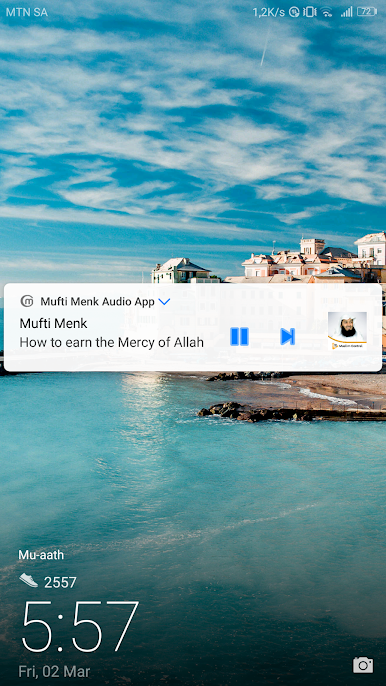
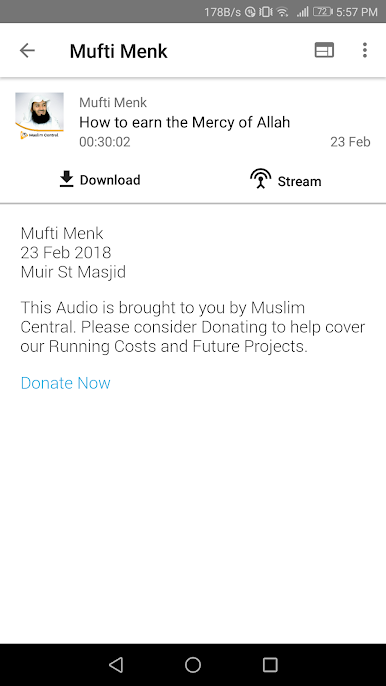
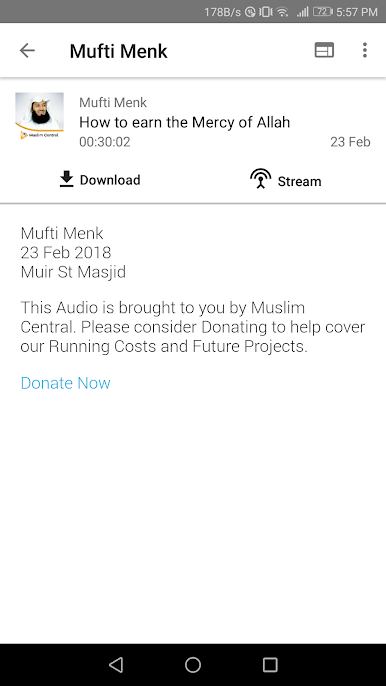
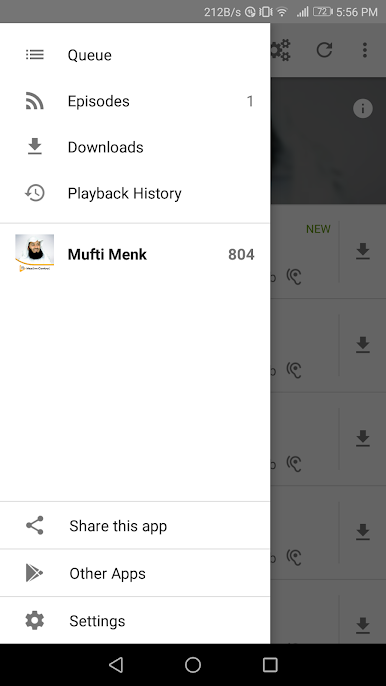
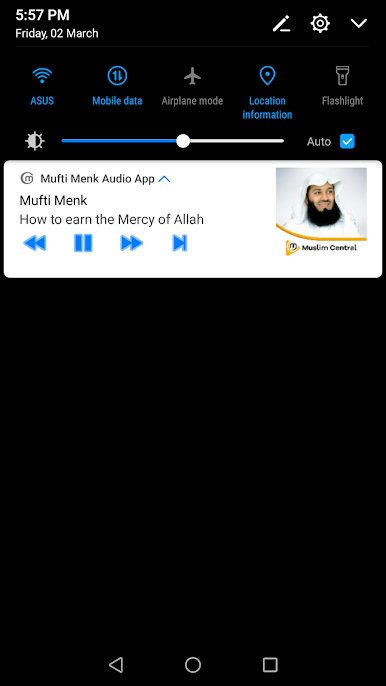
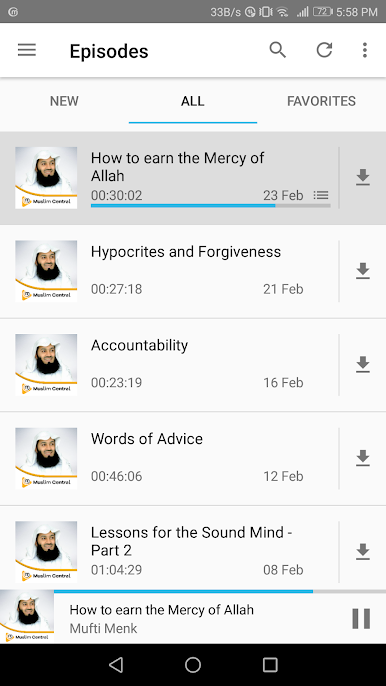
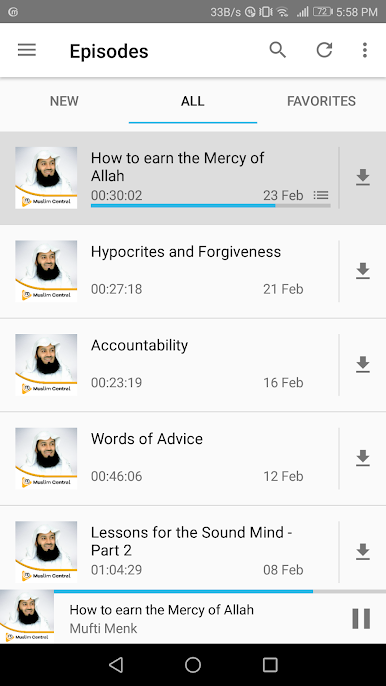
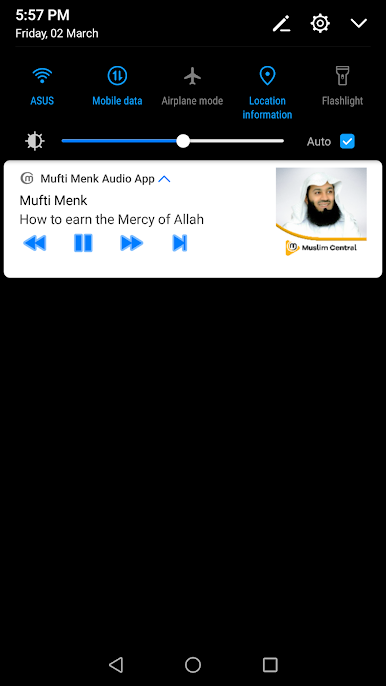
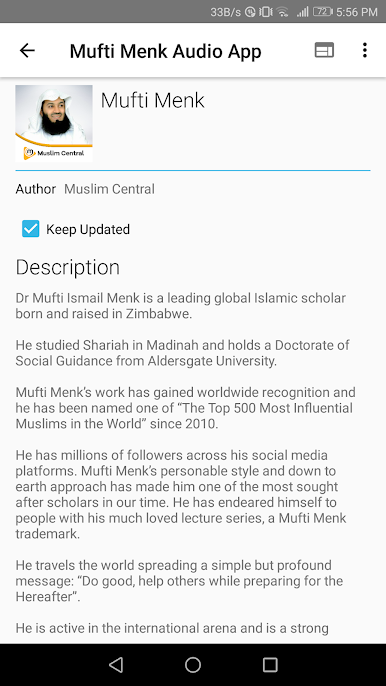

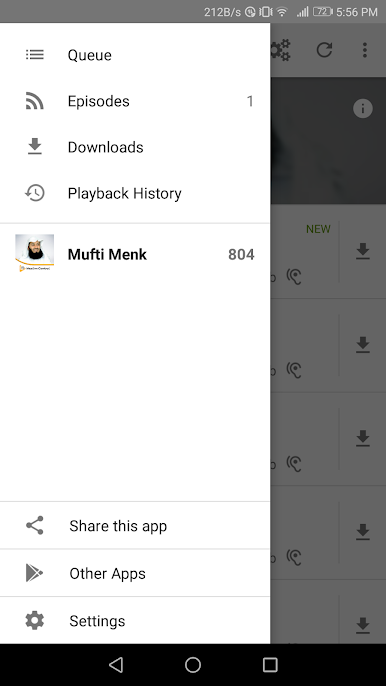
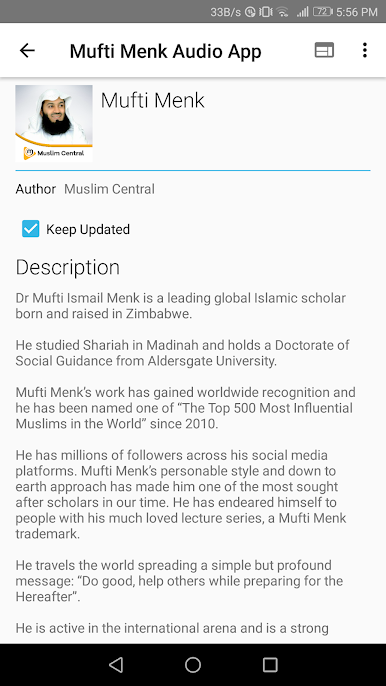
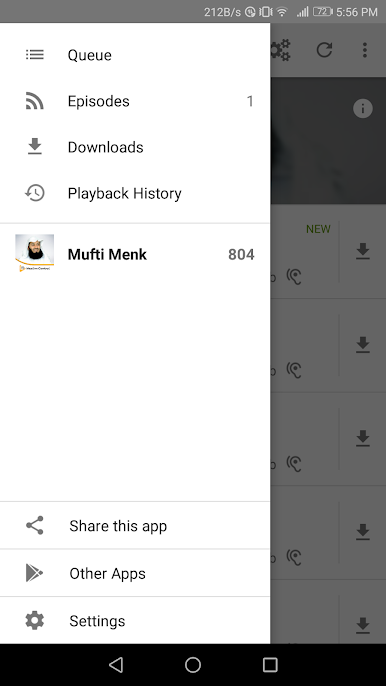
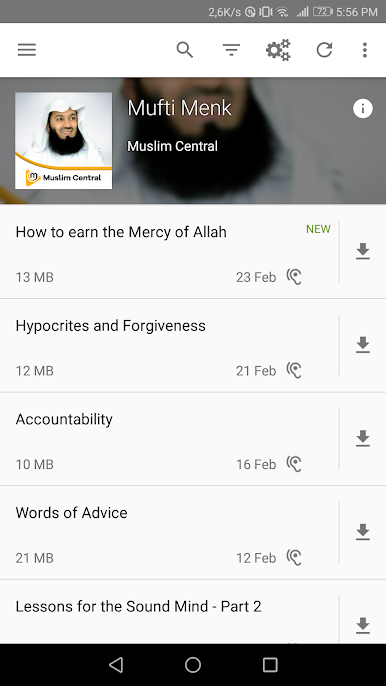
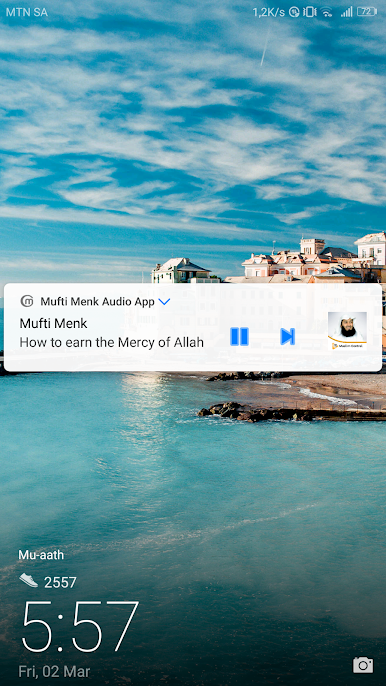
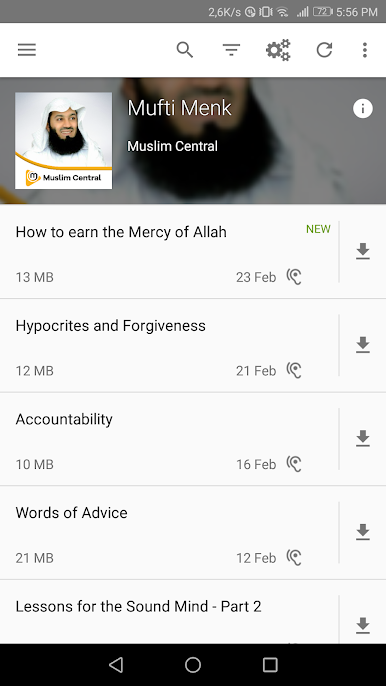

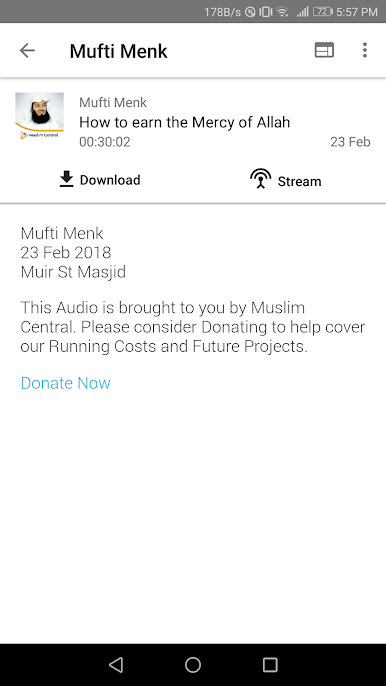
Chơi Mufti Menk Official trên PC. Rất dễ để bắt đầu
-
Tải và cài đặt BlueStacks trên máy của bạn
-
Hoàn tất đăng nhập vào Google để đến PlayStore, hoặc thực hiện sau
-
Tìm Mufti Menk Official trên thanh tìm kiếm ở góc phải màn hình
-
Nhấn vào để cài đặt Mufti Menk Official trong danh sách kết quả tìm kiếm
-
Hoàn tất đăng nhập Google (nếu bạn chưa làm bước 2) để cài đặt Mufti Menk Official
-
Nhấn vào icon Mufti Menk Official tại màn hình chính để bắt đầu chơi

