


Mundo BLW
Graj na PC z BlueStacks – Platforma gamingowa Android, która uzyskała zaufanie ponad 500 milionów graczy!

Strona zmodyfikowana w dniu: Jul 23, 2024
Play Mundo BLW on PC
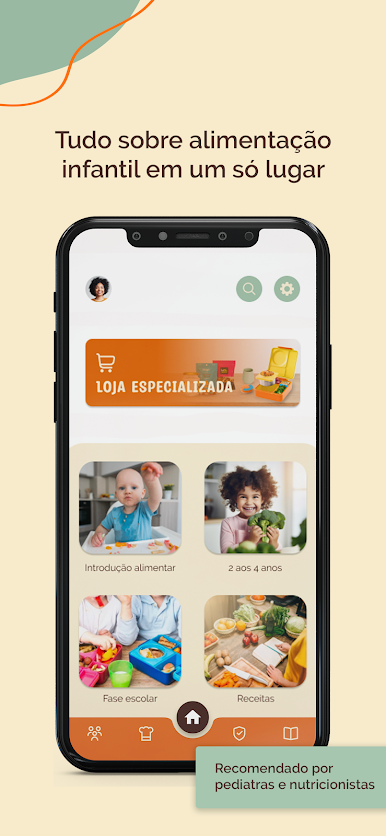
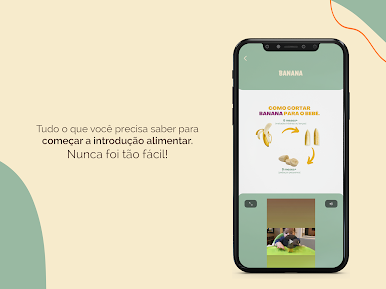
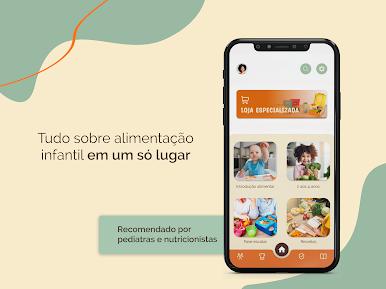
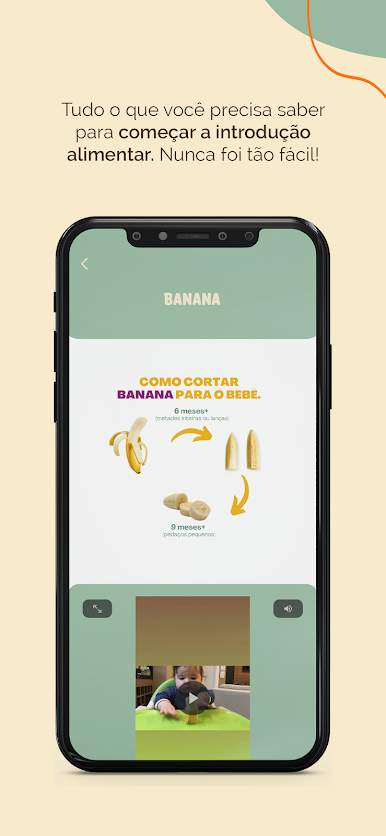
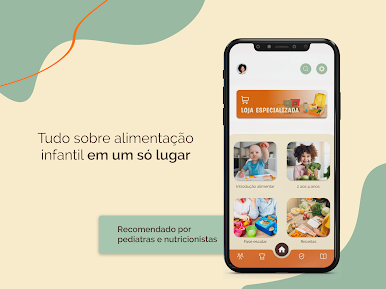
- A food introduction guide to know where to START;
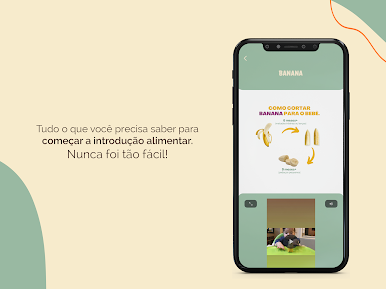
- Examples of safe CUTS for each stage of the baby;
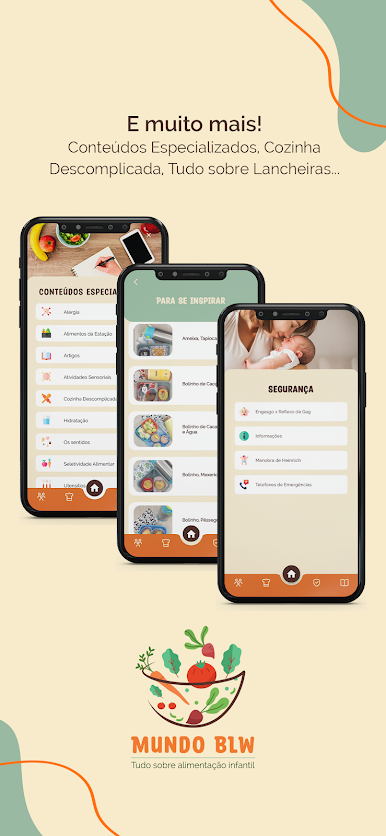
- A SAFETY guide with relief maneuvers;
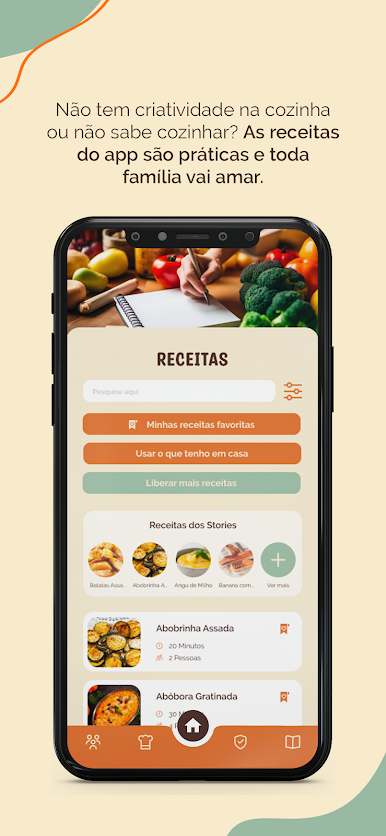
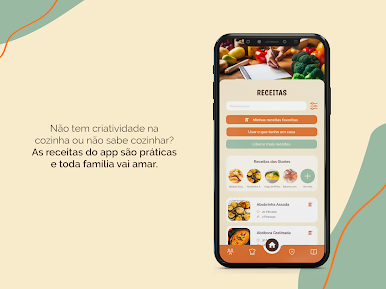
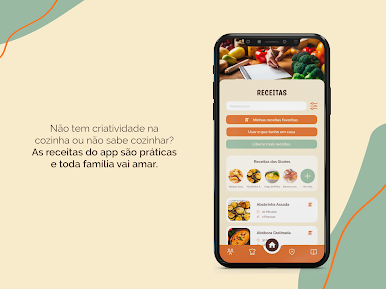
- More than 200 RECIPES with monthly updates of new recipes, search for food, save your favorites and generate a shopping list!!!
- FOOD PLANNING, if you are out of ideas of what to serve, the app will help you. 30 days of recipe ideas to inspire you with meals;
- KNOW how to assemble healthy LUNCH PACKS and get lots of video inspirations to support you;
- E-books for you to always stay well informed;
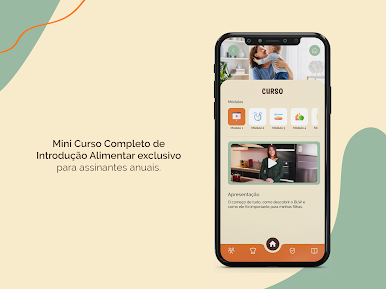
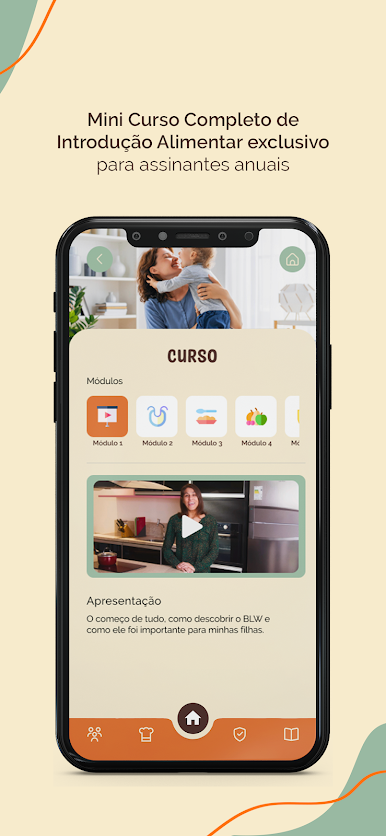
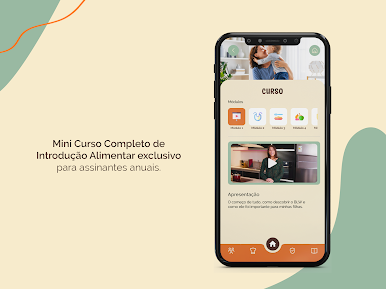
- An amazing pocket COURSE on food intro. Where you will learn in a practical and uncomplicated way what you need for your child to be happy at the table!
- Various SPECIALIZED CONTENT on allergies, seasonal foods, scientific articles, sensory activities and much more!
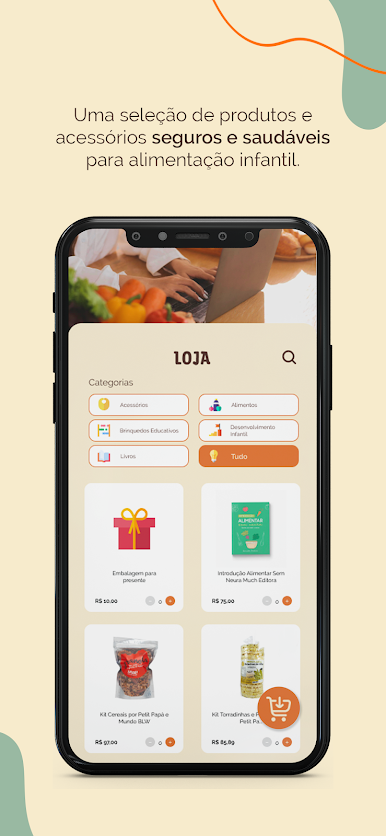
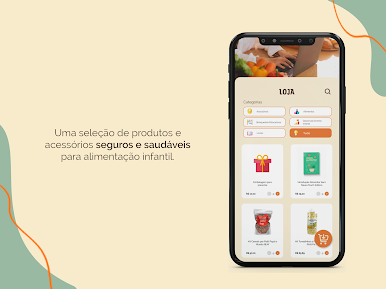
- Get exclusive discounts with PARTNERS who are in a selected curatorship for your child's development!
Terms and privacy policy: https://mundoblw.app/privacypolicy.html

Zagraj w Mundo BLW na PC. To takie proste.
-
Pobierz i zainstaluj BlueStacks na PC
-
Zakończ pomyślnie ustawienie Google, aby otrzymać dostęp do sklepu Play, albo zrób to później.
-
Wyszukaj Mundo BLW w pasku wyszukiwania w prawym górnym rogu.
-
Kliknij, aby zainstalować Mundo BLW z wyników wyszukiwania
-
Ukończ pomyślnie rejestrację Google (jeśli krok 2 został pominięty) aby zainstalować Mundo BLW
-
Klinij w ikonę Mundo BLW na ekranie startowym, aby zacząć grę

