


Trình phát nhạc
Chơi trên PC với BlueStacks - Nền tảng chơi game Android, được hơn 500 triệu game thủ tin tưởng.

Trang đã được sửa đổi vào: Oct 29, 2025
Play Music Player - Mp3 Player on PC
☆ Music Player Mp3 with built-in 10 Band Music Equalizer
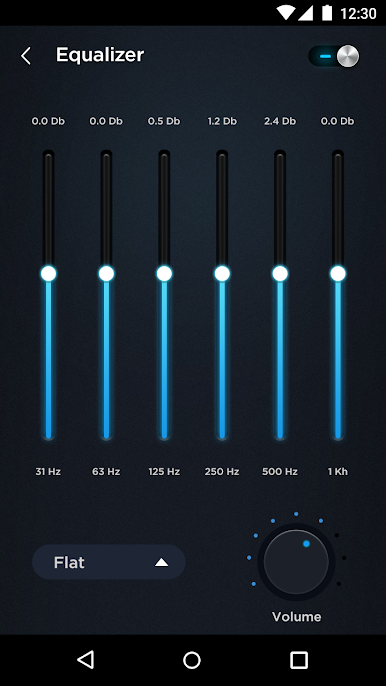
The Music Equalizer enables you to adjust your sound tracks with a 10 band equalizer and enjoy a powerful bass amplifier.
It provides 18 professional music genres presets for your choice(Hip-hop, Rock, Dance, Pop, Latin, Metal, Classical, Folk, Headphones...)
☆ Media Player supports all weird audio formats.
This MP3 Player supports all popular sound formats such as MP3, WAV, WMA, AAC,FLAC etc.
☆ Offline Music Player can quick search all offline music files.
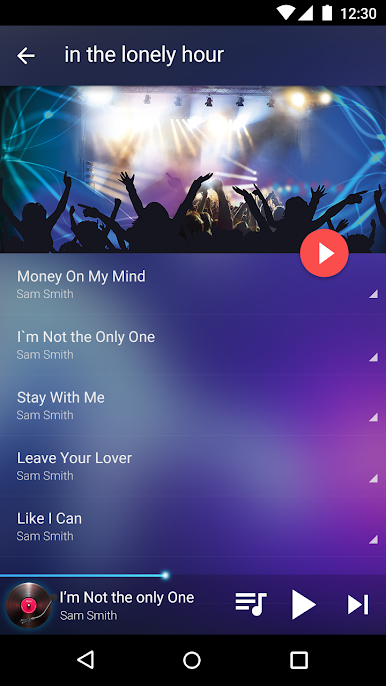
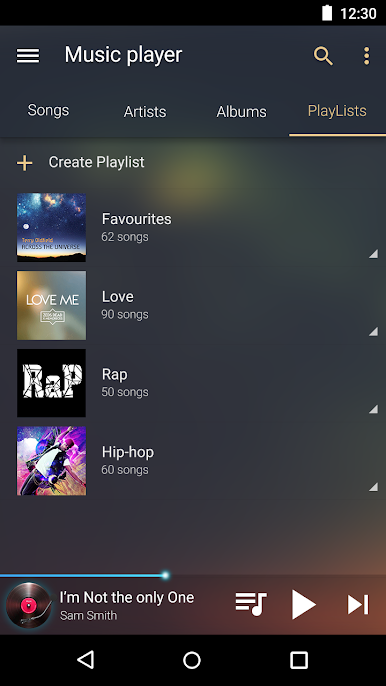
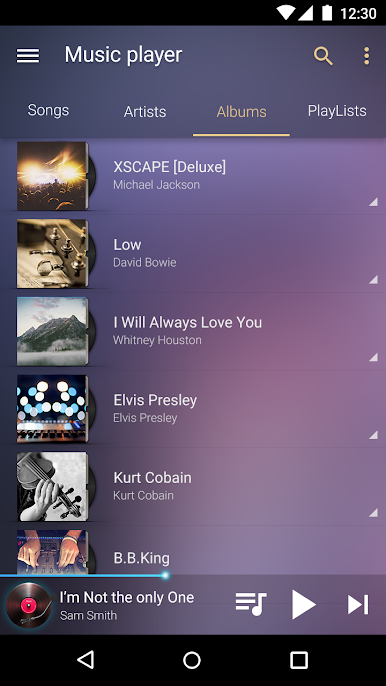
You can browse and play your music by albums, artists, songs, playlists, folders. And you can also search your free music offline.
☆ Free Music Apps to improve Sound Quality - Bass boost & Virtualizer effect
With professional audio decoding technology, the music booster in this music App will improve your sound quality to let you enjoy the best music.
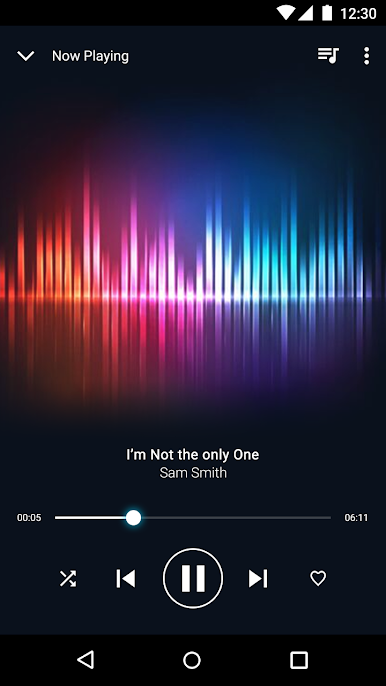
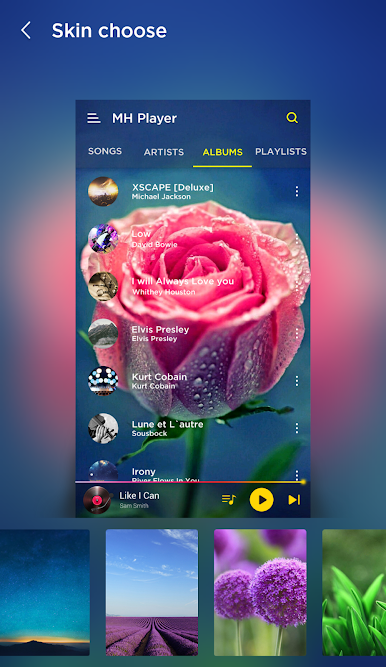
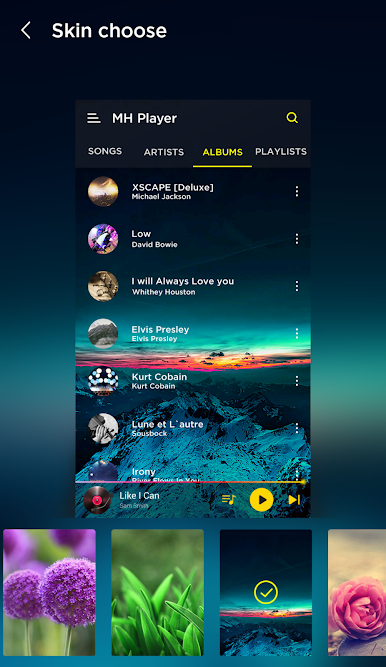
☆ Music Player has 20 wonderful visual sound spectrum styles
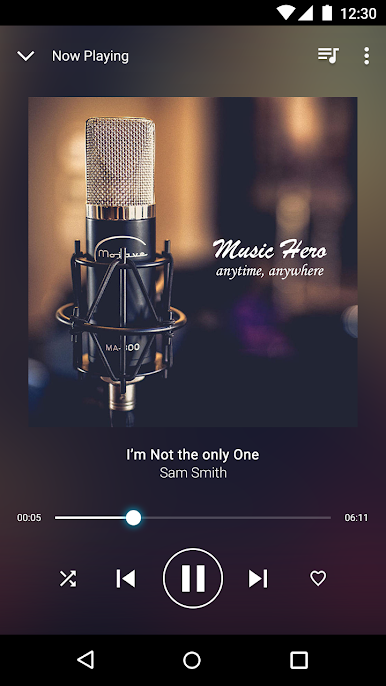
You can watch the wonderful visual sound spectrum at the same time you listening to songs. All the sound spectrums move according to the audio rhythm.
☆Other good features:
2 home screen WIDGETS (Black and White styles).
Easily set any song as your default Ringtone.
Sleep Timer.
Supports audio headsets control.
Come and download this super Music App: Music Player - Mp3 Player!
Chơi Trình phát nhạc trên PC. Rất dễ để bắt đầu
-
Tải và cài đặt BlueStacks trên máy của bạn
-
Hoàn tất đăng nhập vào Google để đến PlayStore, hoặc thực hiện sau
-
Tìm Trình phát nhạc trên thanh tìm kiếm ở góc phải màn hình
-
Nhấn vào để cài đặt Trình phát nhạc trong danh sách kết quả tìm kiếm
-
Hoàn tất đăng nhập Google (nếu bạn chưa làm bước 2) để cài đặt Trình phát nhạc
-
Nhấn vào icon Trình phát nhạc tại màn hình chính để bắt đầu chơi

