


Compass
Chơi trên PC với BlueStacks - Nền tảng chơi game Android, được hơn 500 triệu game thủ tin tưởng.

Trang đã được sửa đổi vào: Sep 11, 2025
Play Compass on PC
** Features of the compass app **
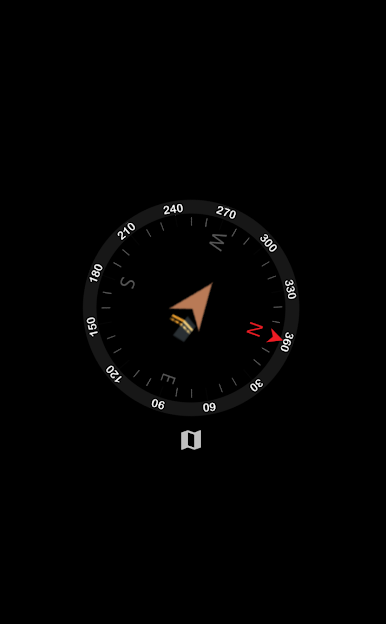
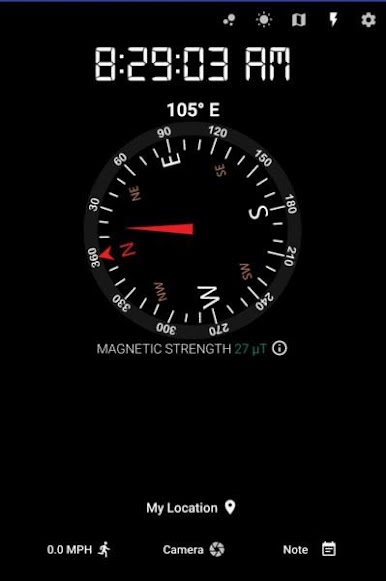
- Showing true and magnetic north (the app automatically takes care of declination)
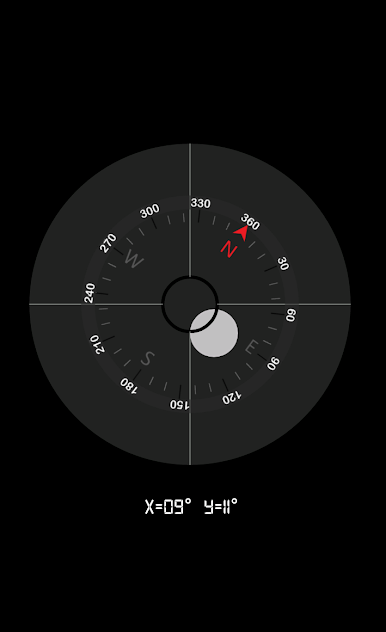
- Metal detection and magnetic strength
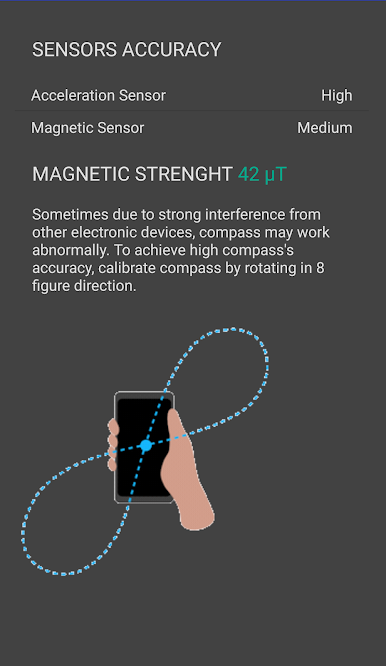
- Sensors accuracy
- Background and text color customization
- Current address & map
- Link to map for route finding, nearby places,...
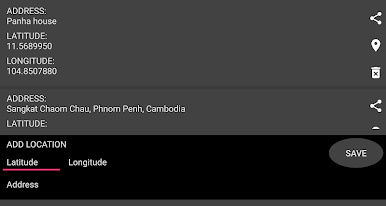
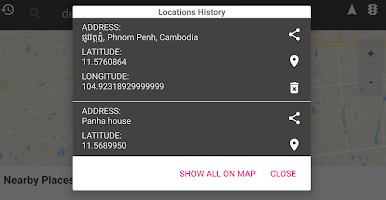
- Save and share your current location, and input locations
- How to calibrate compass
- Bubble level to indicate whether a surface is horizontal (level) or vertical (plumb)
- Flashlight
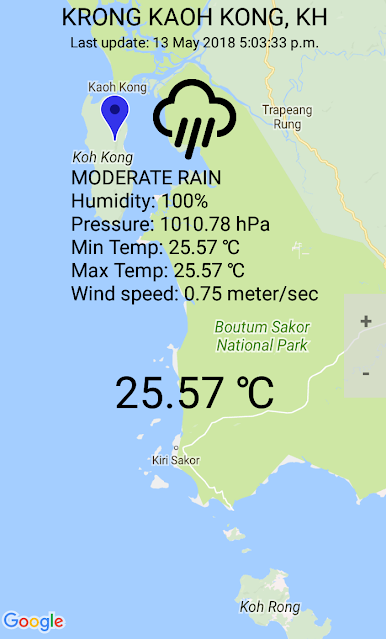
- Weather information
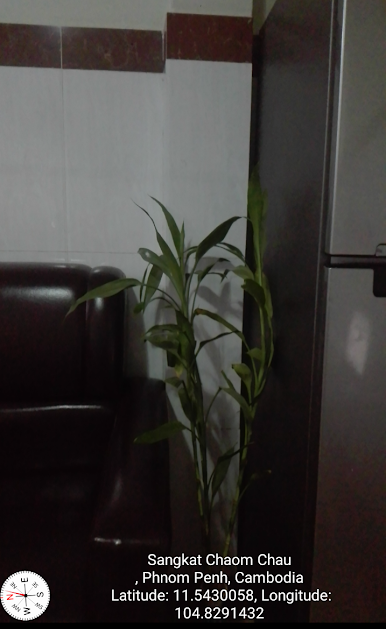
- Camera view
- Qibla finder to find direction to Kaaba
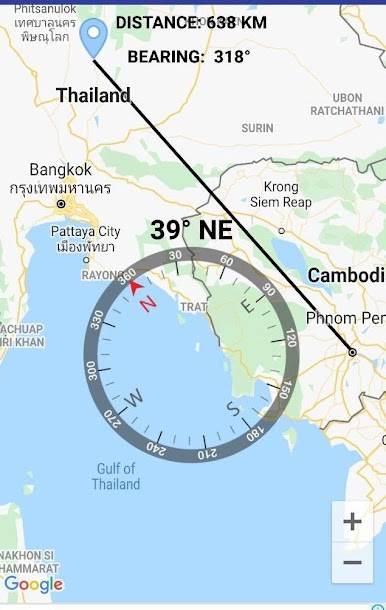
- Distance and bearing from your current location to a location saved in events or tasks list.
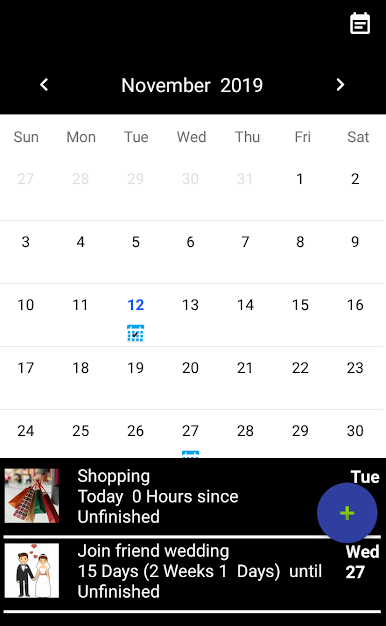
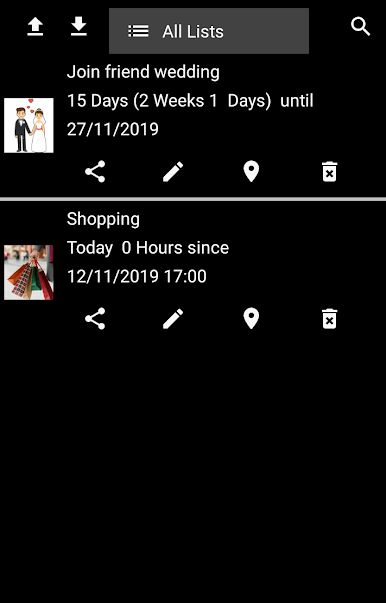
- To do list and events
👉 NOTE
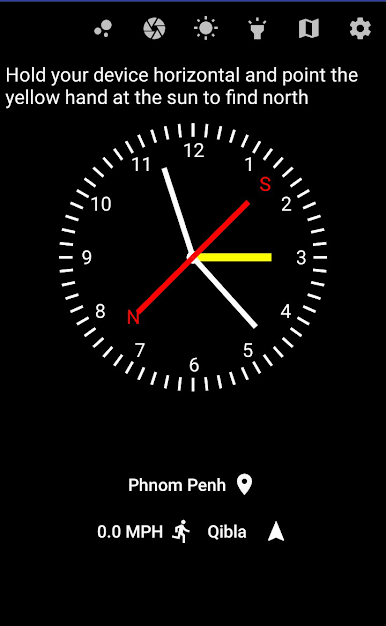
- Every compass requires magnetometer on your phone to work properly. If your phone has no magnetometer, the compass won't spin. Alternatively you can try find direction using Analog Clock provided in the app.
- The compass app requests location, and network permissions. The
permissions are required to get current location to show on google map, find address, get weather conditions, get true north, enable Analog Clock and Qibla to work.
- Camera permission is required to use flashlight and camera view.
- Reading and writing file permissions allow you to import and export csv file, save and load images to and from the app's folder only.
❤❤❤ We are trying hard to make our app better. If you are happy with the compass app, please consider taking a few minutes to review it.❤❤❤


Chơi Compass trên PC. Rất dễ để bắt đầu
-
Tải và cài đặt BlueStacks trên máy của bạn
-
Hoàn tất đăng nhập vào Google để đến PlayStore, hoặc thực hiện sau
-
Tìm Compass trên thanh tìm kiếm ở góc phải màn hình
-
Nhấn vào để cài đặt Compass trong danh sách kết quả tìm kiếm
-
Hoàn tất đăng nhập Google (nếu bạn chưa làm bước 2) để cài đặt Compass
-
Nhấn vào icon Compass tại màn hình chính để bắt đầu chơi

