


Mylio Photos
Chơi trên PC với BlueStacks - Nền tảng chơi game Android, được hơn 500 triệu game thủ tin tưởng.

Trang đã được sửa đổi vào: Dec 10, 2025
Play Mylio Photos on PC
► WHAT MAKES MYLIO PHOTOS DIFFERENT?
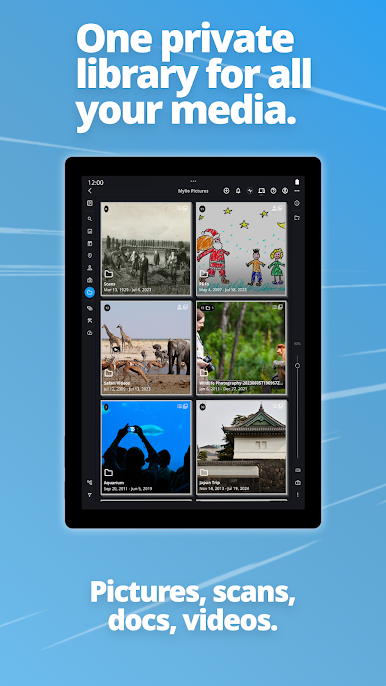
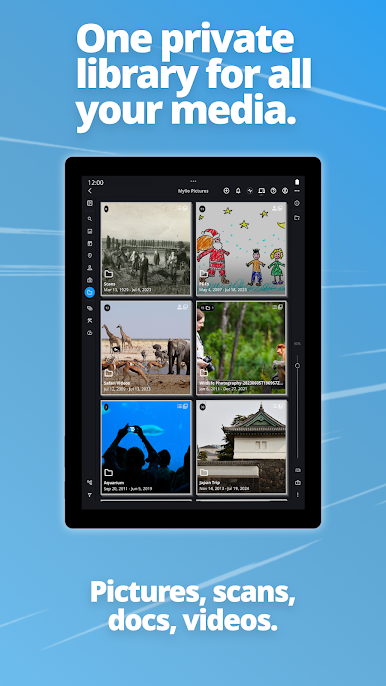
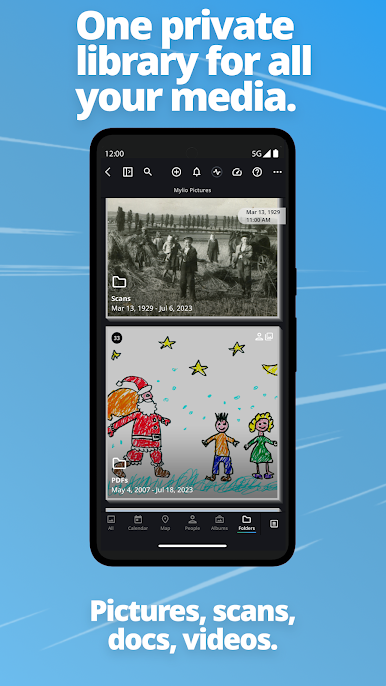
Mylio Photos makes gathering, organizing, searching, and protecting even the largest photo libraries simple. Built with local AI processing, our innovative tools make finding the perfect photo intuitive, fast, and fun.
Here are some reasons to use Mylio Photos!
※ SYNC YOUR LIBRARY ACROSS DIFFERENT PLATFORMS. CLOUD-FREE.
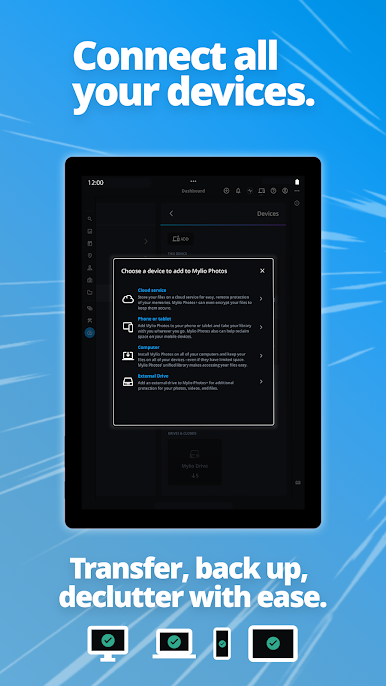
Connect unlimited devices for automated, customizable backup and syncing. Mylio Photos gives you the control of how, when, and where your photos will be synced across all your devices.
※ RECLAIM FROM SOCIAL MEDIA
Reclaim and back up all of the personal images and videos you have posted to major social media sites - including Facebook, Instagram, Flickr, Frame.Io, and Google.
SHARE MEMORIES QUICKLY AND WORRY-FREE.
- Shared albums
- SafeShare
- Copy & Paste
Data embedded in photos is useful for searches, but sharing details like the names and addresses of a photo with the world can be risky. SafeShare protects your privacy by giving you control over how your personal data is shared.
- Dynamic Search
- QuickCollections
- SmartTags
Find your photos, videos, folders, locations, events, fast with Dynamic Search. Local AI-driven computer vision finds over 1,000 activities, objects, and properties in your images and tags them with this information. As a result, searches are faster and far more precise.
※ ORGANIZE YOUR LIBRARY WITH QUICK FILTERS
Mylio Photos uses details hidden inside most photos and videos (e.g., GPS, EXIF & IPTC data) to organize them quickly. Sort by date, rating, event, folder, location, file type, and more - the power to instantly find exactly what you're looking for.
※ EDIT YOUR PHOTOS & VIDEOS
Mylio Photos contains essential editing tools that work equally well on your computer and mobile devices. It also allows you to connect with other editing tools you might desire to use, such as Adobe Lightroom Classic, Affinity Photo, and more.
※ PROTECT YOUR PHOTOS WITH PHOTO VAULTS
Creating a solid backup plan is crucial in protecting your precious photo and video memories. Mylio Photos lets you easily designate one or more devices as Vaults to ensure you never lose a photo.
※ DELETE DUPLICATE PHOTOS AND GET RID OF CLUTTER
Taking a lot of photos leaves a lot of digital clutter. Identify unused visually similar images with Photo DeClutter, then choose to delete or hide rejected photos. Find and remove true duplicates with Photo DeDupe, a Mylio Photos+ tool that allows you to find exact duplicate photos and remove them.
※ BALANCE WORK-LIFE WITH SPACES
Easily switch between different, categorized libraries to view private, public, guest, or personal collections. Quickly decide what's visible, and passcode-protect the media that matters most to you.
※ ENJOY 100% PRIVACY
Mylio Photos AI tools run exclusively on your local device. Your images and data never leave your control, and are never indexed or resold because we never possess it. Our AI tools do not require the cost or privacy risks of the Cloud.
-----------------------------------------
※ TELL THE STORY OF YOUR LIFE
The average person has over 10,000 photos just on their phone at any given time. Add those to the images and videos on all of your devices, the average photo library grows exponentially. While this can seem daunting, it does not need to be.
With Mylio Photos, you can quickly gather, search, and organize your library - regardless of size. Along the way, you'll rediscover important memories - most fond, some bittersweet, but every one of them precious.















Chơi Mylio Photos trên PC. Rất dễ để bắt đầu
-
Tải và cài đặt BlueStacks trên máy của bạn
-
Hoàn tất đăng nhập vào Google để đến PlayStore, hoặc thực hiện sau
-
Tìm Mylio Photos trên thanh tìm kiếm ở góc phải màn hình
-
Nhấn vào để cài đặt Mylio Photos trong danh sách kết quả tìm kiếm
-
Hoàn tất đăng nhập Google (nếu bạn chưa làm bước 2) để cài đặt Mylio Photos
-
Nhấn vào icon Mylio Photos tại màn hình chính để bắt đầu chơi

