


Nemo Vietnamese
Graj na PC z BlueStacks – Platforma gamingowa Android, która uzyskała zaufanie ponad 500 milionów graczy!

Strona zmodyfikowana w dniu: Aug 17, 2024
Run FREE Vietnamese by Nemo on PC or Mac
Let BlueStacks turn your PC, Mac, or laptop into the perfect home for FREE Vietnamese by Nemo, a fun Education app from Nemo Apps LLC.
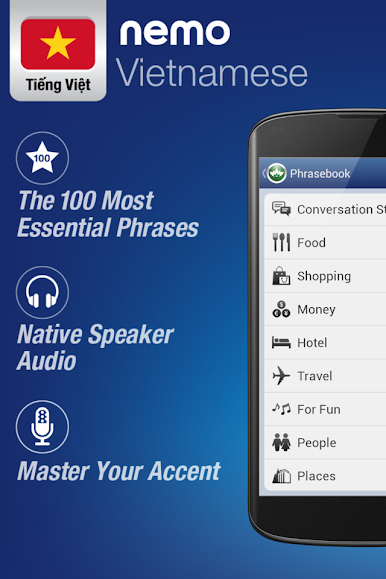
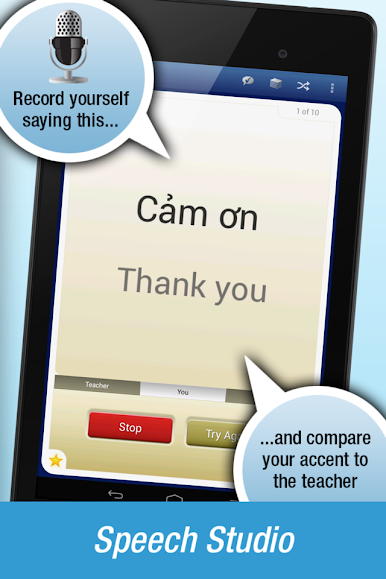
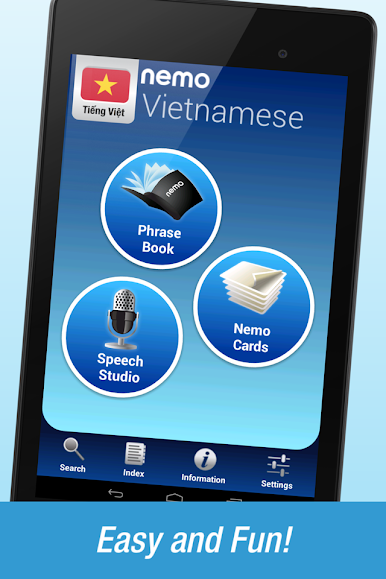
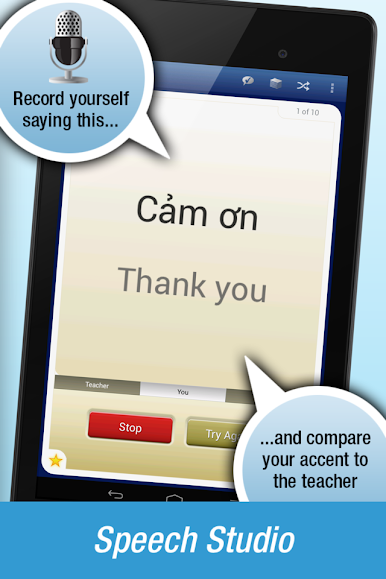
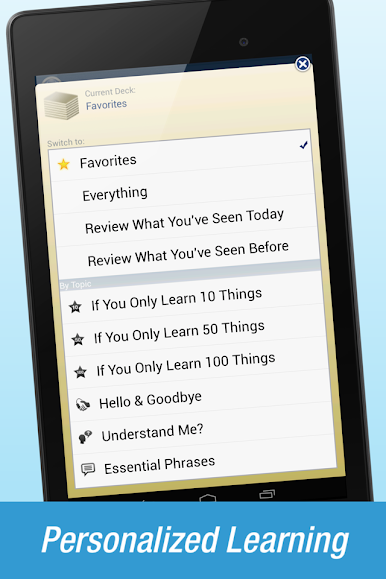
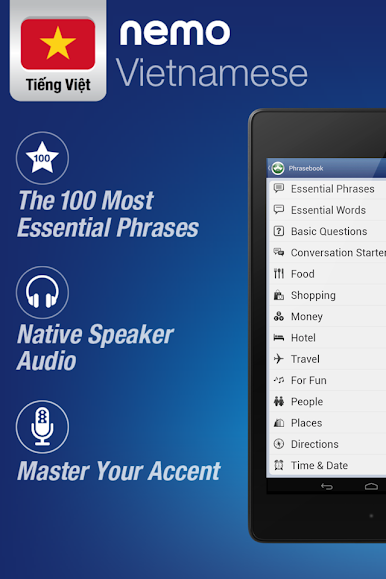
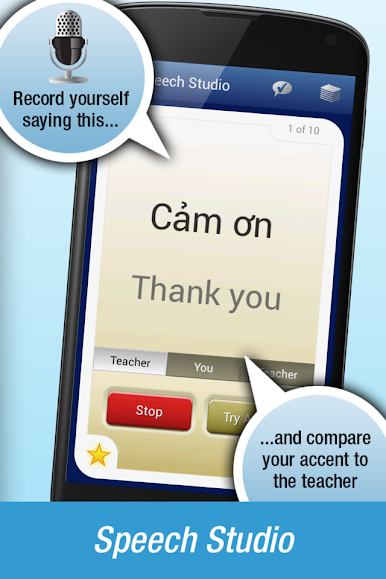
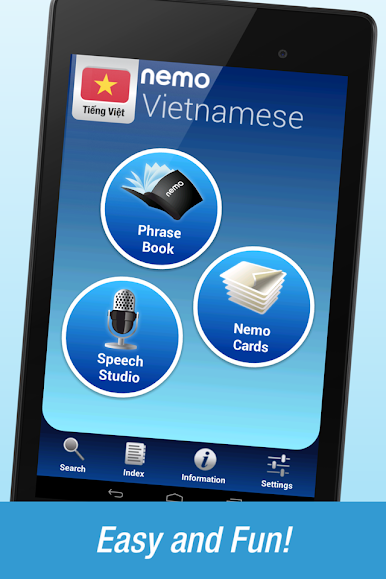
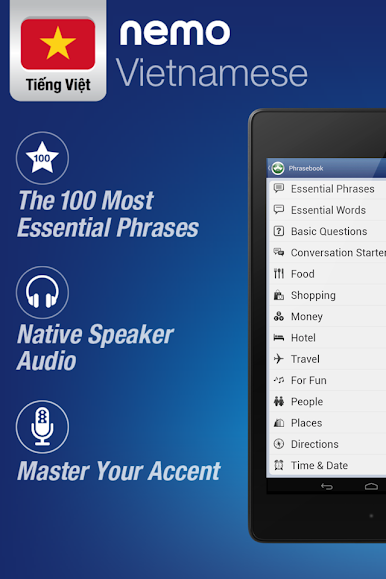
FREE Vietnamese by Nemo feels more like a handy phrase coach than a textbook. It focuses on words and phrases people actually say, spoken clearly by a native speaker, and the audio lives on the device so it works offline or on a flight. There is a simple Speech Studio where someone records a line, plays it next to the native version, and tweaks it until the tones sound right. No rigid lessons or timers, just quick bits to pick up during a break. Beginners get those useful starter lists like 10, 50, or 100 must‑knows. Then it nudges into higher frequency vocab for travel or work without feeling heavy. Advanced learners can keep using the voice tools to polish accent and listening.
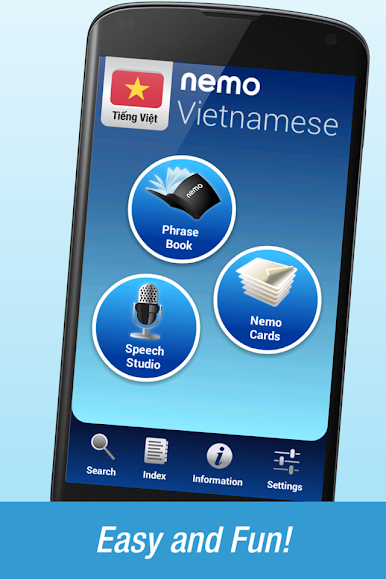
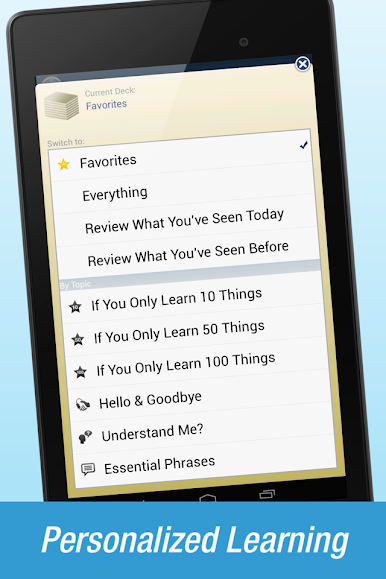
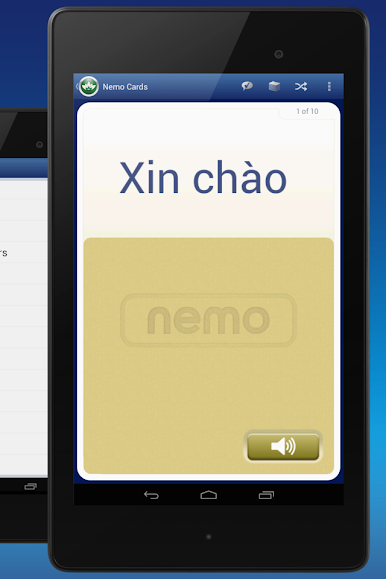
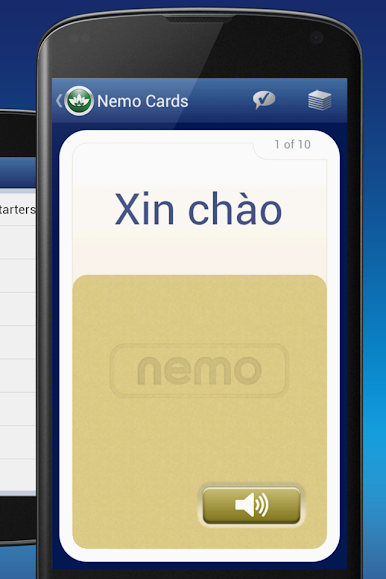
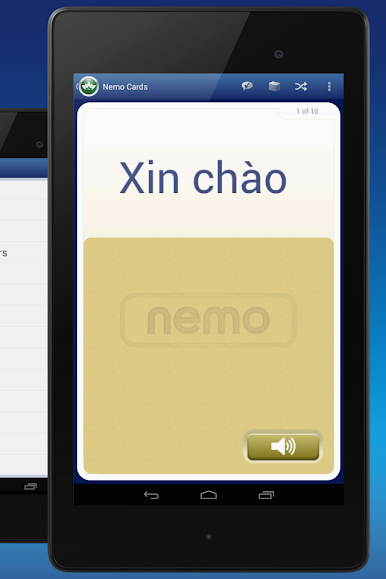
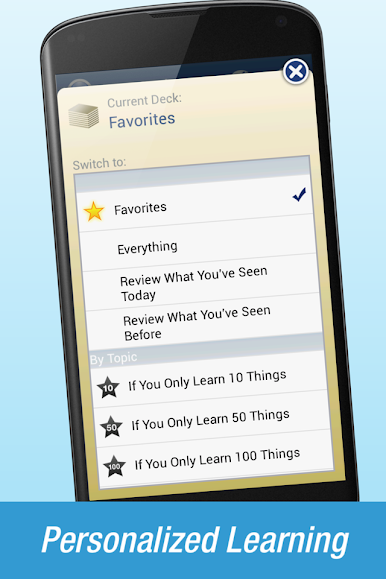
The flashcards are flexible. Switch directions for translation, drill listening only, or set pronunciation focus. Mark favorites and build a small deck for today, then tap Review Mode to cycle what was practiced earlier so it sticks. There is a built‑in phrasebook and search, so it doubles as a tiny translator, with instant audio for anything pulled up. It covers numbers, core verbs, and simple sentence pieces, and it mentions the north and south dialects, with audio from the southern side but useful across both. On PC with BlueStacks, the larger screen makes tone marks easier to see and it is nice to click through cards fast, plus the mic passthrough works fine for the record‑and‑compare bits. It feels low pressure, practical, and very focused on speaking without making someone wade through a lot of menus or grammar walls.
BlueStacks gives you the much-needed freedom to experience your favorite apps on a bigger screen. Get it now.
Zagraj w Nemo Vietnamese na PC. To takie proste.
-
Pobierz i zainstaluj BlueStacks na PC
-
Zakończ pomyślnie ustawienie Google, aby otrzymać dostęp do sklepu Play, albo zrób to później.
-
Wyszukaj Nemo Vietnamese w pasku wyszukiwania w prawym górnym rogu.
-
Kliknij, aby zainstalować Nemo Vietnamese z wyników wyszukiwania
-
Ukończ pomyślnie rejestrację Google (jeśli krok 2 został pominięty) aby zainstalować Nemo Vietnamese
-
Klinij w ikonę Nemo Vietnamese na ekranie startowym, aby zacząć grę

