

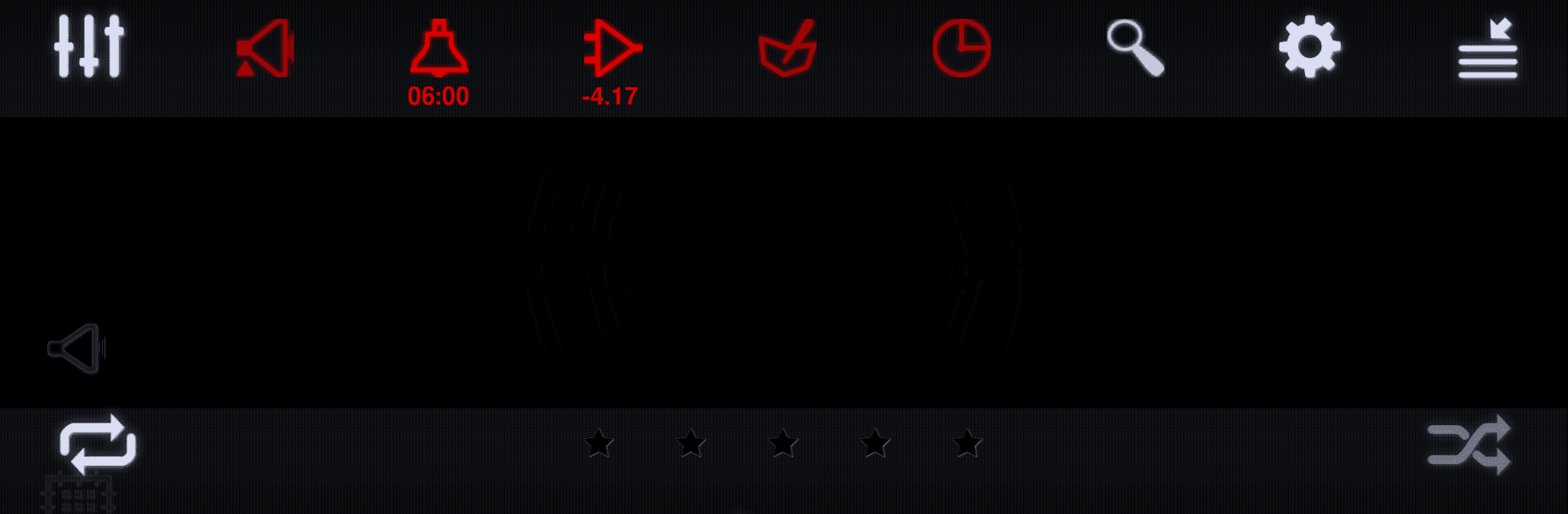
Neutron Music Player
Graj na PC z BlueStacks – Platforma gamingowa Android, która uzyskała zaufanie ponad 500 milionów graczy!

Strona zmodyfikowana w dniu: Nov 10, 2025
Run Neutron Music Player on PC or Mac
Let BlueStacks turn your PC, Mac, or laptop into the perfect home for Neutron Music Player, a fun Music & Audio app from Neutron Code Limited.
About the App
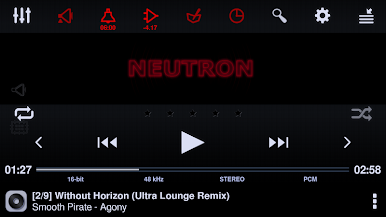
Neutron Music Player by Neutron Code Limited is crafted for audiophiles seeking a pure listening experience. Its in-house Neutron HiFi™ engine delivers high-fidelity sound, bypassing the standard OS music player API, ensuring a unique, immersive experience. Expect rich DSP effects and seamless music delivery even to network renderers.
App Features
Audiophile-Grade Audio Engine
– 32/64-bit hi-res audio processing for unmatched clarity.
– Independent OS and platform decoding ensures consistency.
Comprehensive Playback Support
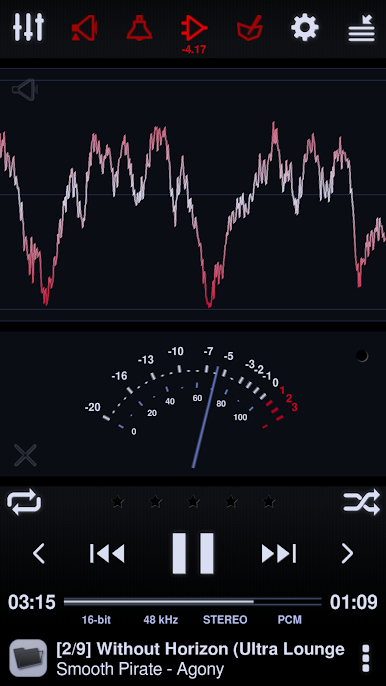
– Hi-Res Audio up to 32-bit, 1.536 MHz, compatible with various DAPs and DACs.
– Bit-perfect playback with support for all audio formats including native DSD and PCM decoding.
Advanced Media Handling
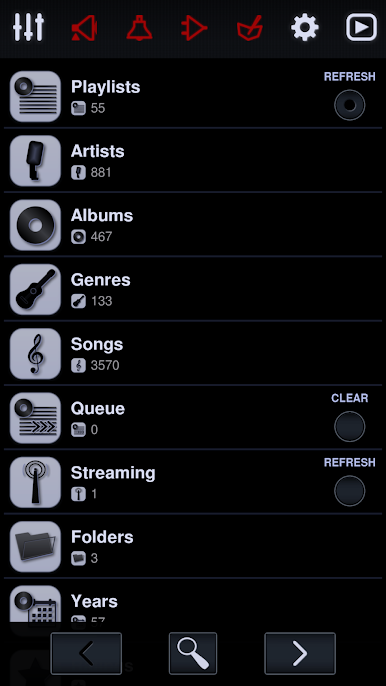
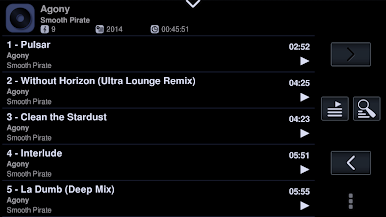
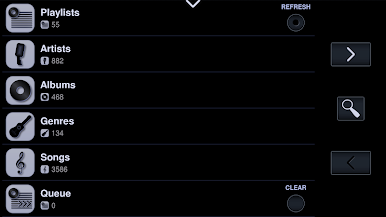
– Robust media library management with support for large media collections.
– Network integration: SMB/CIFS, UPnP/DLNA, SFTP, and more.
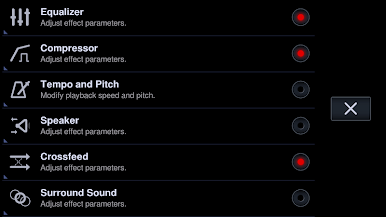
Superior DSP Effects
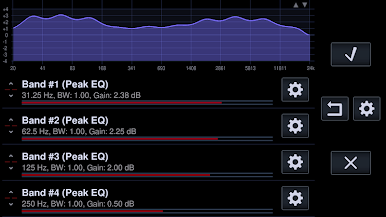
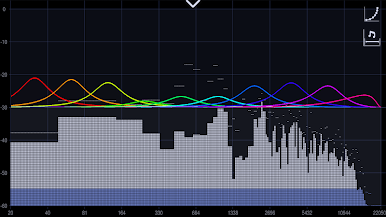
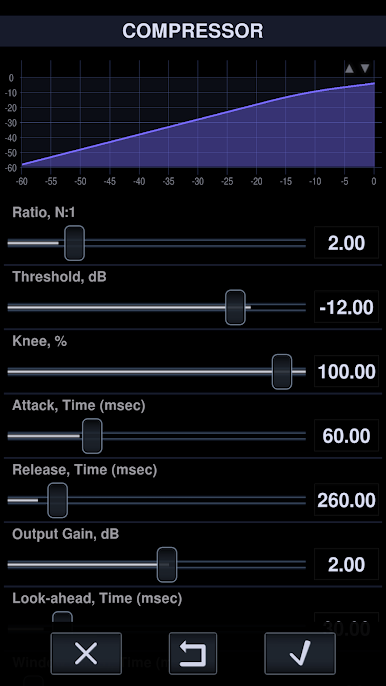
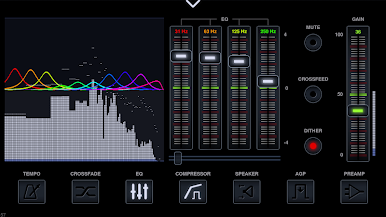
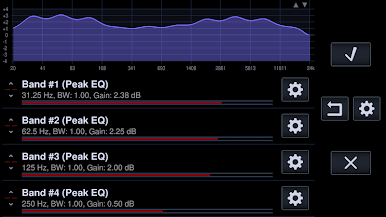
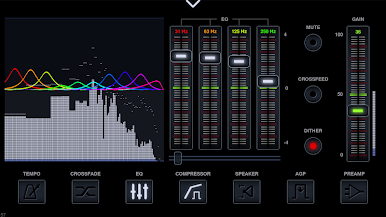
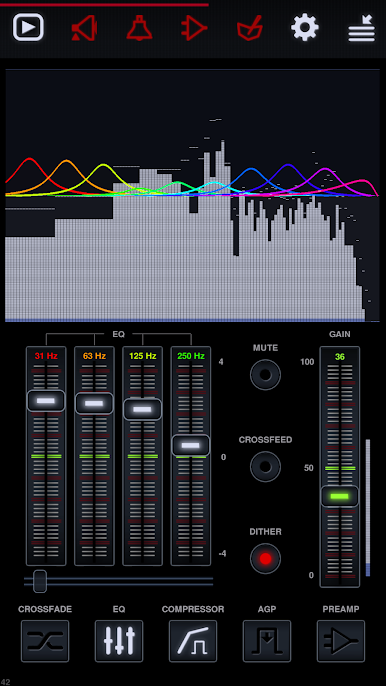
– Fully configurable Equalizers (Parametric, Graphic).
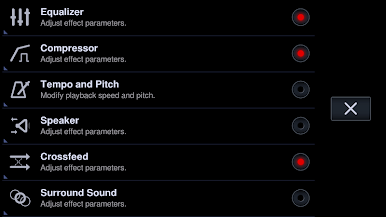
– Advanced effects like Crossfeed, Surround Sound, and Frequency Response Correction.
Output Versatility
– Direct USB DAC and Chromecast output.
– Supports gapless playback and DSP effects on network renderers.
Explore the Neutron Music Player on BlueStacks for an enhanced desktop experience.
Switch to BlueStacks and make the most of your apps on your PC or Mac.
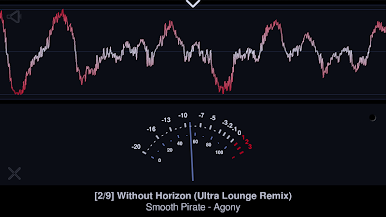
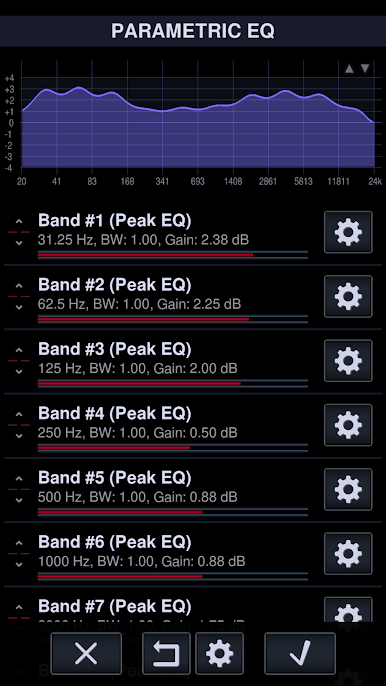
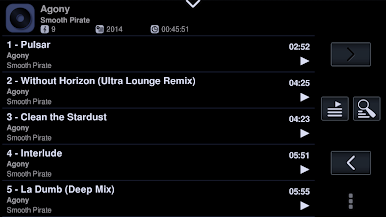


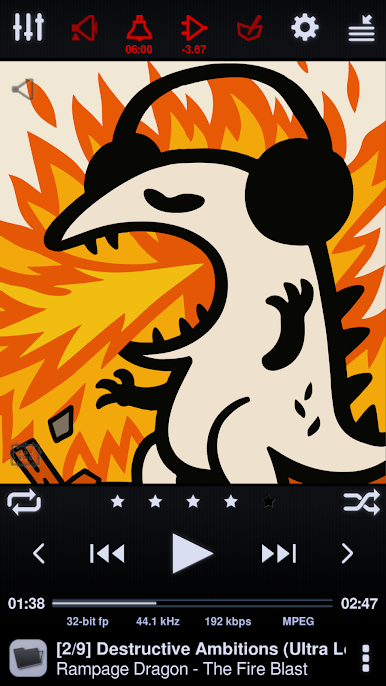
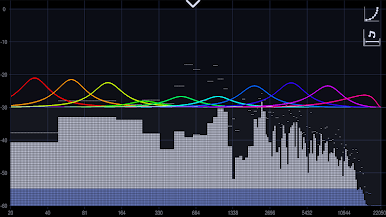
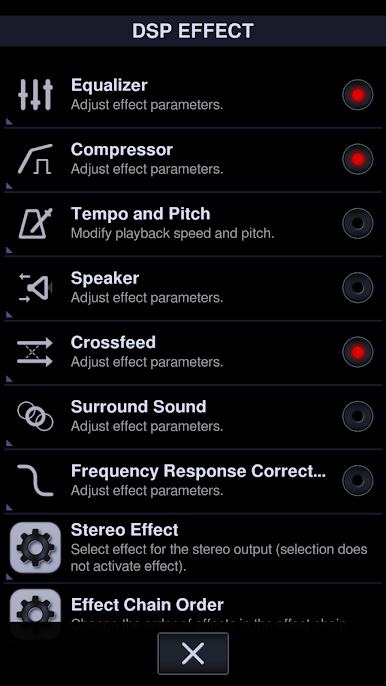
Zagraj w Neutron Music Player na PC. To takie proste.
-
Pobierz i zainstaluj BlueStacks na PC
-
Zakończ pomyślnie ustawienie Google, aby otrzymać dostęp do sklepu Play, albo zrób to później.
-
Wyszukaj Neutron Music Player w pasku wyszukiwania w prawym górnym rogu.
-
Kliknij, aby zainstalować Neutron Music Player z wyników wyszukiwania
-
Ukończ pomyślnie rejestrację Google (jeśli krok 2 został pominięty) aby zainstalować Neutron Music Player
-
Klinij w ikonę Neutron Music Player na ekranie startowym, aby zacząć grę

