


ugohome-Original NexHT Home
Chơi trên PC với BlueStacks - Nền tảng chơi game Android, được hơn 500 triệu game thủ tin tưởng.

Trang đã được sửa đổi vào: Oct 17, 2023
Run ugohome-Original NexHT Home on PC or Mac
Multitask effortlessly on your PC or Mac as you try out ugohome-Original NexHT Home, a Tools app by Puwell Technology Inc on BlueStacks.
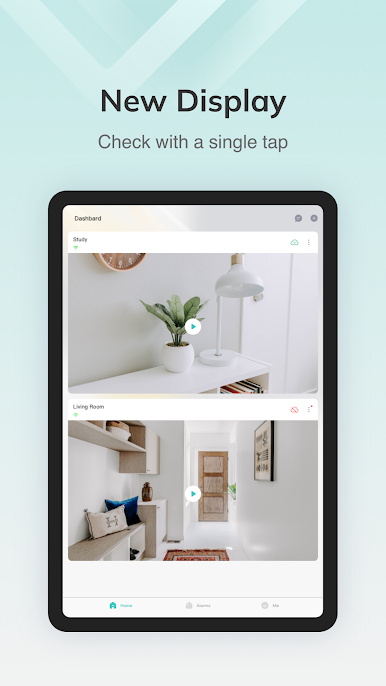
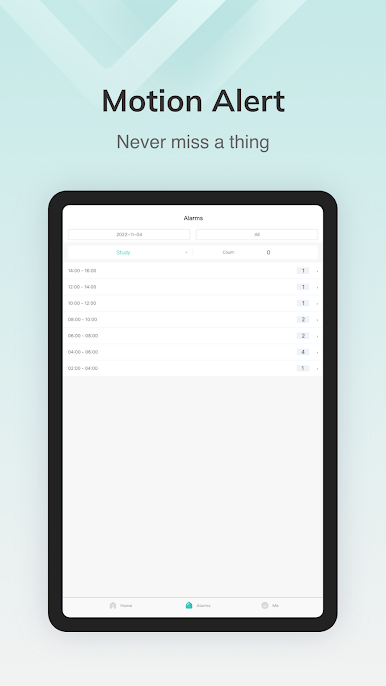
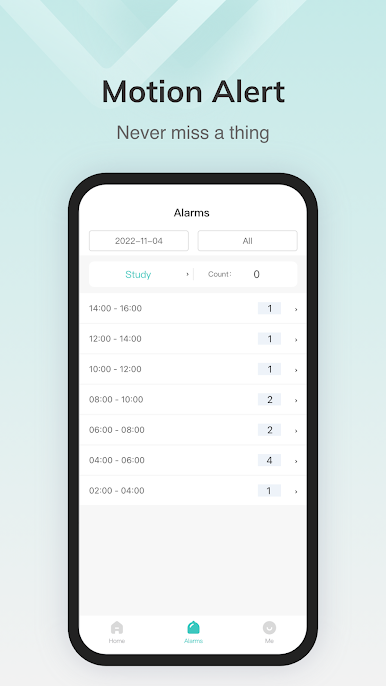
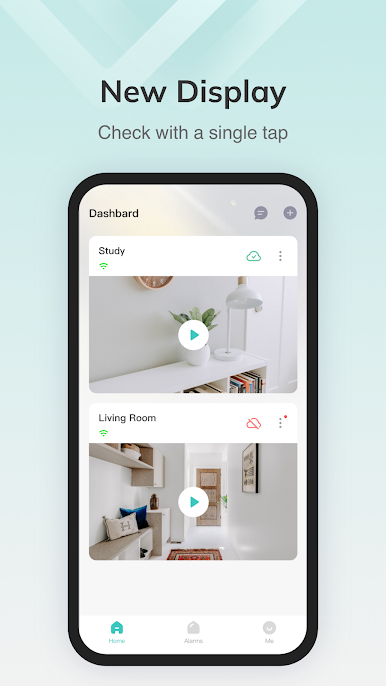
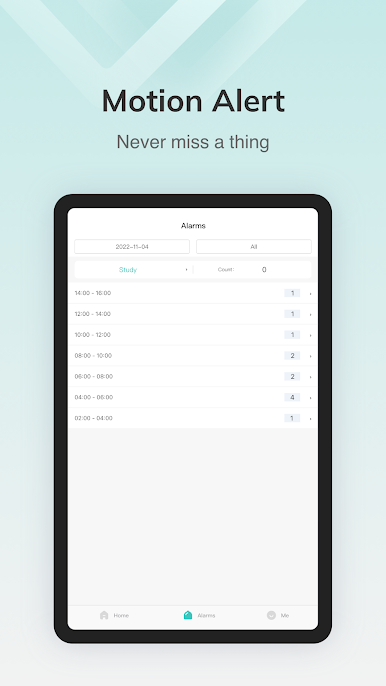
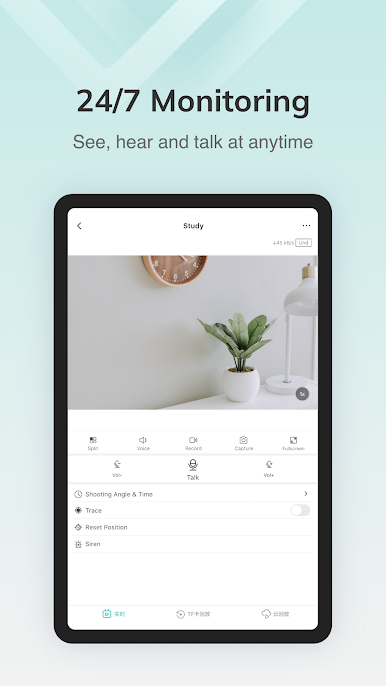
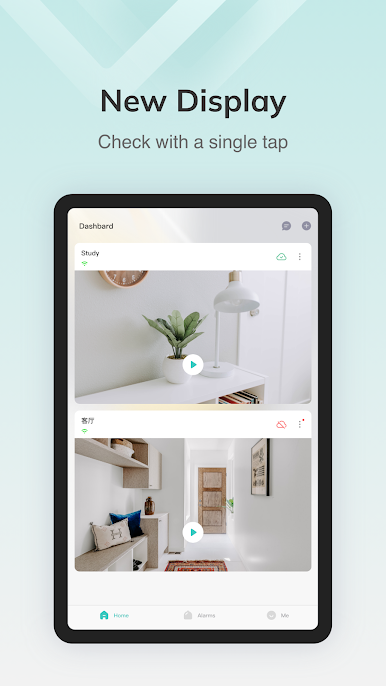
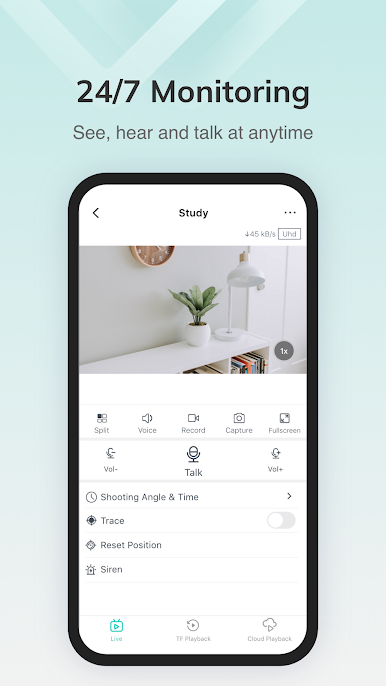
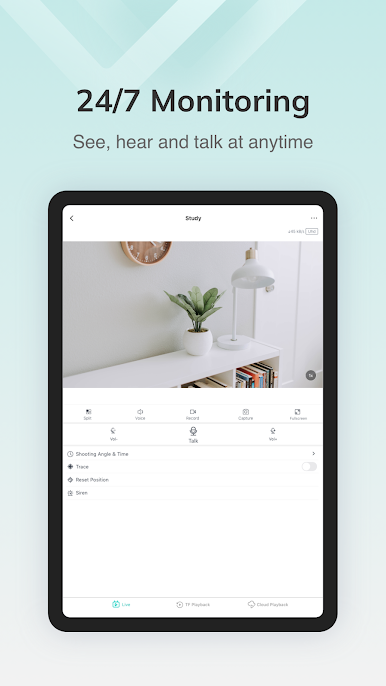
ugohome-Original NexHT Home feels like a simple control room for anyone with panoramic security cams at home or work. The app opens to live feeds fast, and switching between rooms or stores is quick enough that it does not feel clunky. Real-time viewing is the main draw, but the playback is handy too. There is a timeline to scrub through older clips without digging through folders, and the stream scales to whatever internet someone has, so it drops quality a bit instead of pausing every few seconds. Motion alerts pop up as app notifications, and there is two-way audio baked in, so talking through a camera mic to a person or pet is possible without extra steps. Setup stands out because pairing a camera can be done with a WiFi hotspot or even a sound wave trick, which is surprisingly painless when it works.
On a PC with BlueStacks, it feels nicer because the larger screen makes those wide panoramic views actually useful. Reading tiny details, checking multiple feeds, or leaving a window open while doing something else on the computer just works better. Videos and pictures are sent through their cloud and they say everything is encrypted, plus there is TF card loop recording if someone prefers local storage. The layout is more practical than pretty, labels matter, and the first connection can take a moment on slow networks, but once things are named and placed, it does the job without fuss.
Big screen. Bigger performance. Use BlueStacks on your PC or Mac to run your favorite apps.
Chơi ugohome-Original NexHT Home trên PC. Rất dễ để bắt đầu
-
Tải và cài đặt BlueStacks trên máy của bạn
-
Hoàn tất đăng nhập vào Google để đến PlayStore, hoặc thực hiện sau
-
Tìm ugohome-Original NexHT Home trên thanh tìm kiếm ở góc phải màn hình
-
Nhấn vào để cài đặt ugohome-Original NexHT Home trong danh sách kết quả tìm kiếm
-
Hoàn tất đăng nhập Google (nếu bạn chưa làm bước 2) để cài đặt ugohome-Original NexHT Home
-
Nhấn vào icon ugohome-Original NexHT Home tại màn hình chính để bắt đầu chơi

