


Nomad Scan: PDF Scanner Camera
Graj na PC z BlueStacks – Platforma gamingowa Android, która uzyskała zaufanie ponad 500 milionów graczy!

Strona zmodyfikowana w dniu: Dec 16, 2025
Play Nomad Scan: PDF Scanner Camera on PC
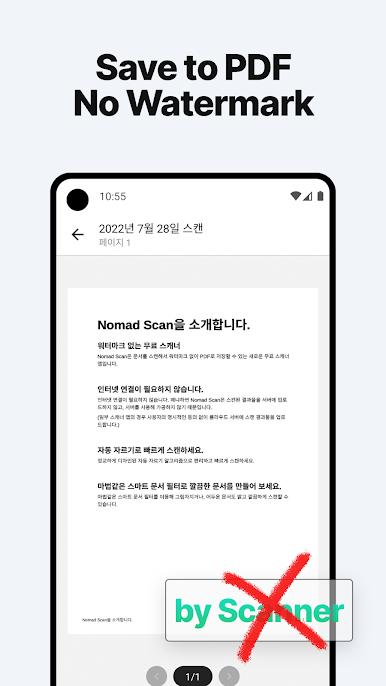
No watermark, you don’t need to pay for removing watermarks.
You can get a high-quality document scans for free. No sign-up is required.
It also offers text recognition (text extraction) for free.
Features
⭐ No watermark
Unlike other apps, this pdf scanner app doesn’t put a watermark on your scans. No need to pay for removing watermarks.
⭐ Unlimited Text Recognition
Try the text recognition and text extraction features for free. (OCR)
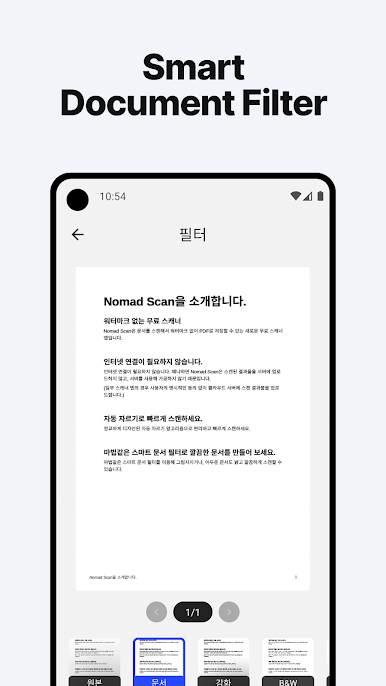
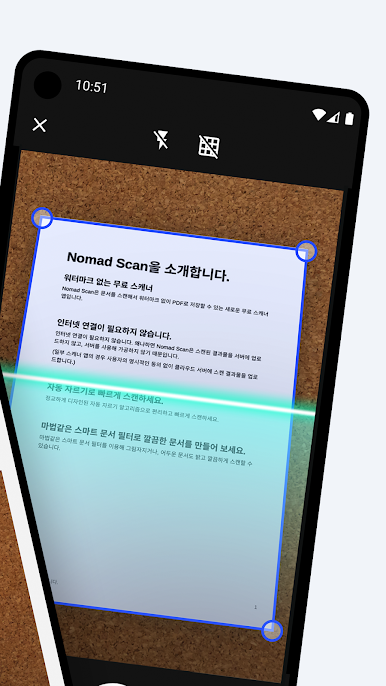
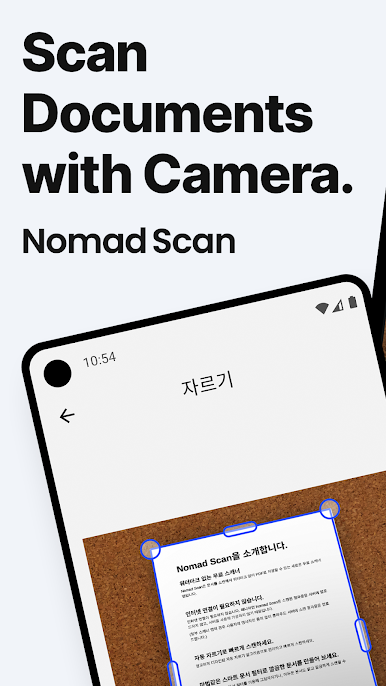
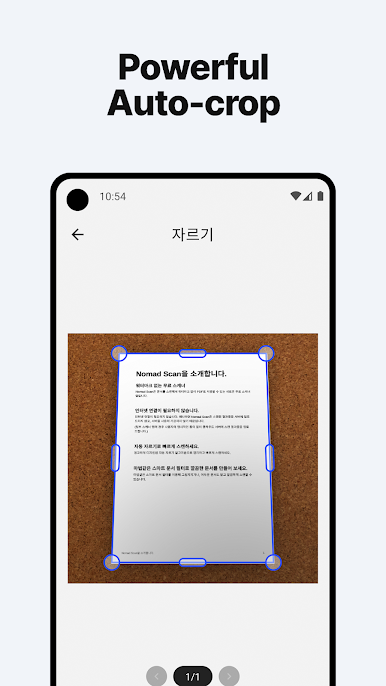
⭐ Automatic cropping
This portable pdf scanner app automatically recognizes and crops the borders of scan documents. You can easily get clean scan results!
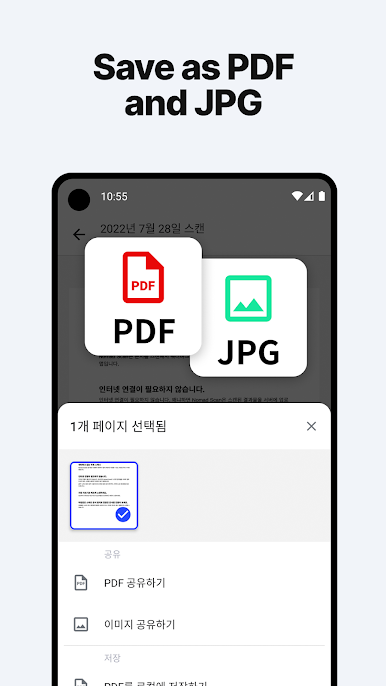
⭐ Scan to PDF (Export to PDF)
Convert the scan document images to a PDF document file.
⭐ Save to high quality JPG
Save your scan documents into JPG images with this scanner app.
⭐ Manage your scanned documents
You can manage your scan documents in one place.
Add more pages to existing scanned document.
⭐ No sign up required
This scanner converter app doesn’t require you to sign up. No scanned documents will be sent over the network.
Upcoming features
Powerful features will be updated soon.
- Signatures
Permissions
- READ_EXTERNAL_STORAGE - Use to retrieve image files for scanning purposes only.
- WRITE_EXTERNAL_STORAGE - Use to export PDF/JPG files.
- CAMERA - Use to take a photo for scanning purposes only.
- POST_NOTIFICATIONS - This permission is used for notifications related to events or task completion.
DISCLAIMER
- No built-in backup feature is present for now, so please export all your important documents before uninstalling this app.
We listen to our users
If you are experiencing any issues or have comments and suggestions please contact us at nomad88.software@gmail.com
Zagraj w Nomad Scan: PDF Scanner Camera na PC. To takie proste.
-
Pobierz i zainstaluj BlueStacks na PC
-
Zakończ pomyślnie ustawienie Google, aby otrzymać dostęp do sklepu Play, albo zrób to później.
-
Wyszukaj Nomad Scan: PDF Scanner Camera w pasku wyszukiwania w prawym górnym rogu.
-
Kliknij, aby zainstalować Nomad Scan: PDF Scanner Camera z wyników wyszukiwania
-
Ukończ pomyślnie rejestrację Google (jeśli krok 2 został pominięty) aby zainstalować Nomad Scan: PDF Scanner Camera
-
Klinij w ikonę Nomad Scan: PDF Scanner Camera na ekranie startowym, aby zacząć grę

