


Nostalgia.GBA Pro (GBA Emulato
Chơi trên PC với BlueStacks - Nền tảng chơi game Android, được hơn 500 triệu game thủ tin tưởng.

Trang đã được sửa đổi vào: Oct 31, 2024
Play Nostalgia.GBA Pro (GBA Emulato on PC
Nostalgia.GBA is a high quality GBA emulator based on mGBA. mGBA is distributed under the terms of the MPL license and its source code is available here: https://tinyurl.com/ovoepck
Features
- Modern, cool-looking & user friendly interface
- Highly customizable virtual controller! You can adjust the size and position of each button to suit your needs.
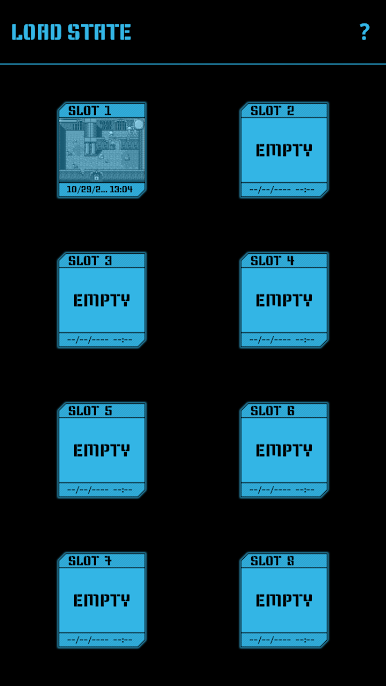
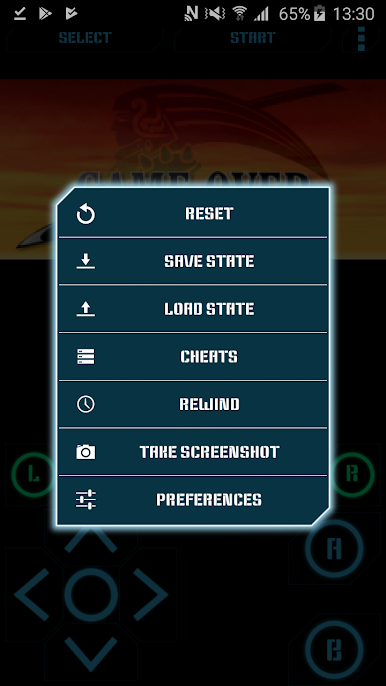
- Game progress saving and loading - 8 manual slots with screenshots & an autosave slot. Share save states among your devices via BT, mail, skype etc. directly from the app.
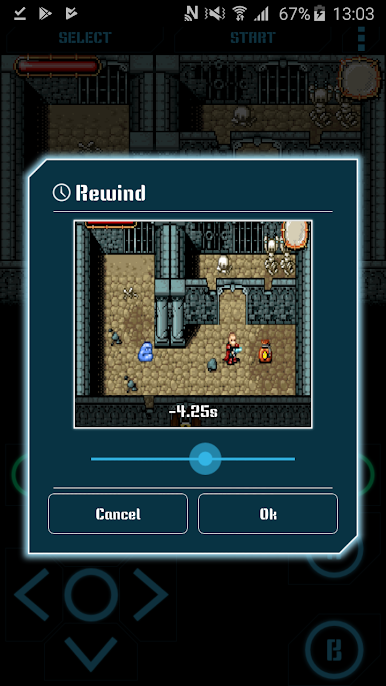
- Rewinding! Got killed by a bad guy? Never mind! Just rewind the game a couple of seconds back and try again!
- Wi-Fi controller mode!
- Turbo buttons & A+B button
- Hardware accelerated graphics utilizing OpenGL ES
- 44100 Hz stereo sound
- Hardware keyboard support
- Supports HID bluetooth gamepads (MOGA, 8bitdo etc.)
- Screenshots - easily capture an image of the game any time during gameplay
- Use special cheat codes to make GBA games even more fun!
- GBA and ZIP file support
No ROMs are included in the application.
Place your ROMs (zipped or unzipped) anywhere on your SD card - Nostalgia.GBA will find them.
This is the ad-free version of Nostalgia.GBA. Please try the lite version before purchasing!
Do not hesitate to send bug reports, suggestions or questions to our email.
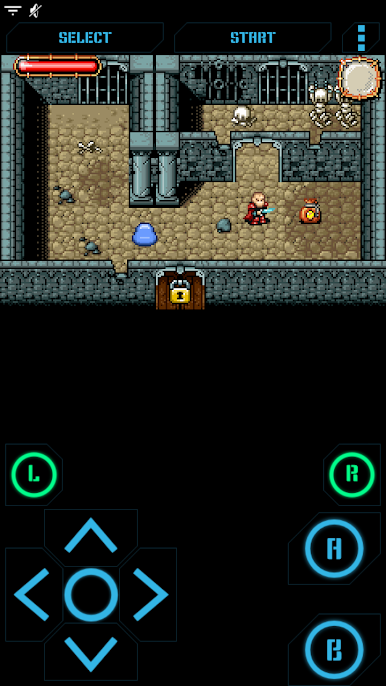
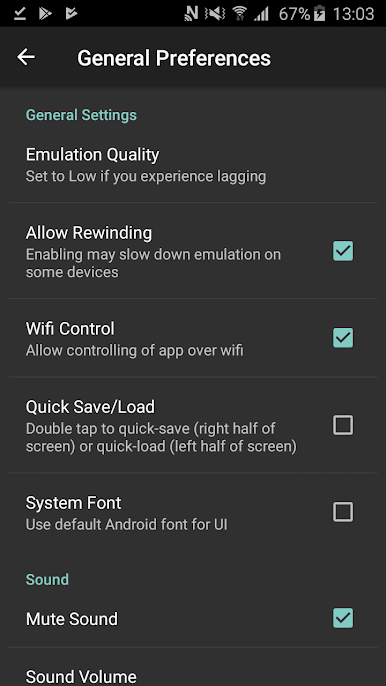
Chơi Nostalgia.GBA Pro (GBA Emulato trên PC. Rất dễ để bắt đầu
-
Tải và cài đặt BlueStacks trên máy của bạn
-
Hoàn tất đăng nhập vào Google để đến PlayStore, hoặc thực hiện sau
-
Tìm Nostalgia.GBA Pro (GBA Emulato trên thanh tìm kiếm ở góc phải màn hình
-
Nhấn vào để cài đặt Nostalgia.GBA Pro (GBA Emulato trong danh sách kết quả tìm kiếm
-
Hoàn tất đăng nhập Google (nếu bạn chưa làm bước 2) để cài đặt Nostalgia.GBA Pro (GBA Emulato
-
Nhấn vào icon Nostalgia.GBA Pro (GBA Emulato tại màn hình chính để bắt đầu chơi

