


Scoreboard All
Chơi trên PC với BlueStacks - Nền tảng chơi game Android, được hơn 500 triệu game thủ tin tưởng.

Trang đã được sửa đổi vào: Aug 17, 2025
Play Scoreboard All on PC or Mac
Scoreboard All brings the Sports genre to life, and throws up exciting challenges for gamers. Developed by 7 peace, this Android game is best experienced on BlueStacks, the World’s #1 app player for PC and Mac users.
About the Game
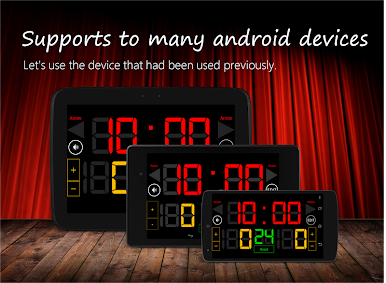
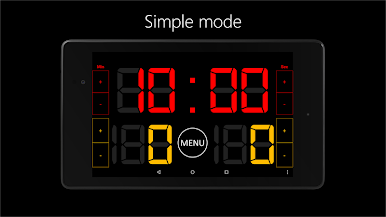
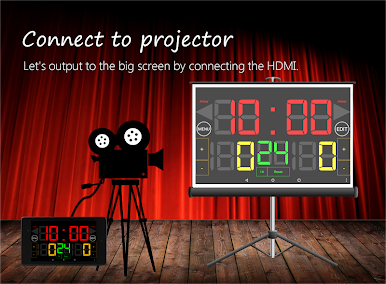
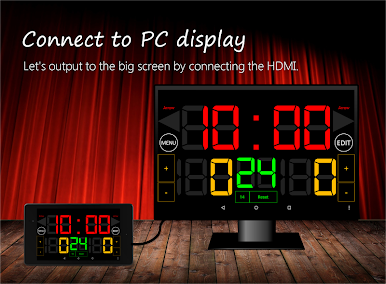
Scoreboard All from 7 peace is a clean, multi-sport scoreboard you can bring to any indoor game. It puts a bold, full-screen display and an attention-grabbing buzzer at your fingertips, so keeping track of time, scores, and periods feels easy, not stressful. Prefer running it on a bigger display? You can also use it on your PC with BlueStacks.
Game Features
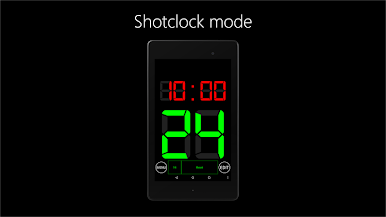
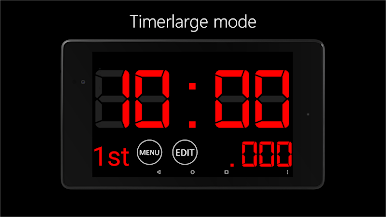
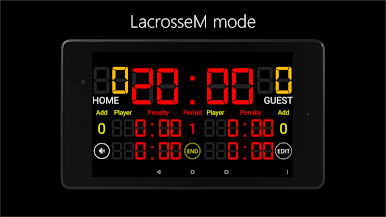
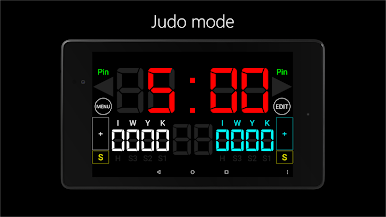
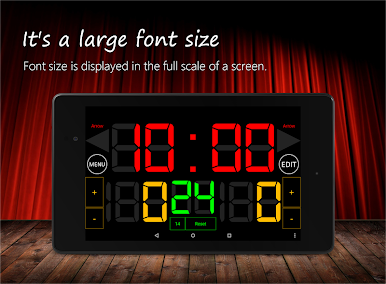
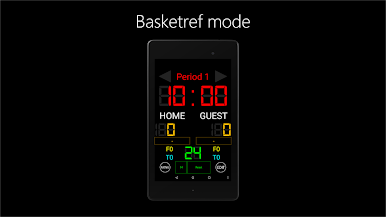
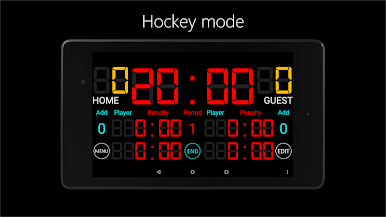
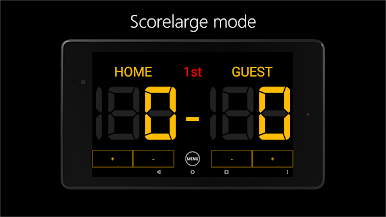
- Big, clear display – High-contrast numbers scale to fill the screen, so players and spectators can see the score and clock from across the gym.
- Loud buzzer – A powerful horn makes period ends and timeouts obvious, even in a noisy rink or court.
- Tap-simple controls – Start or stop the clock, add or subtract points, switch periods/sets, and reset with quick, no-fuss buttons.
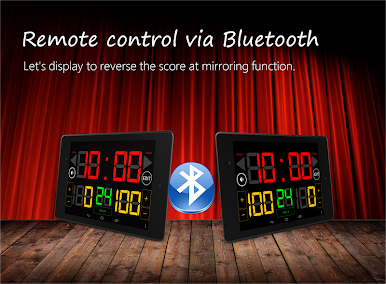
- Bluetooth remote control – Operate the board from another device over Bluetooth when you’re away from the table or on the sideline.
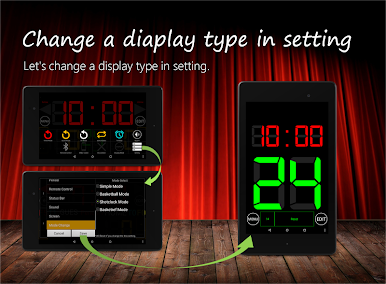
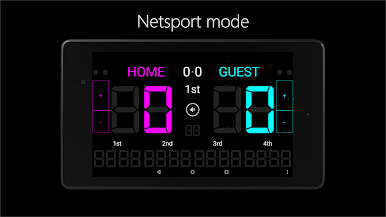
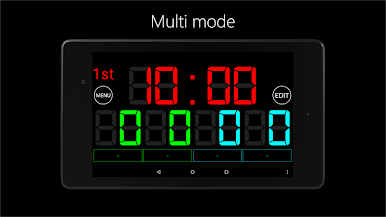
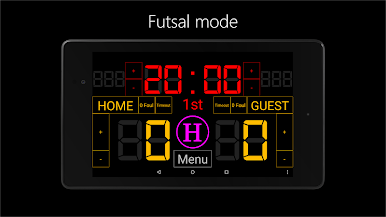
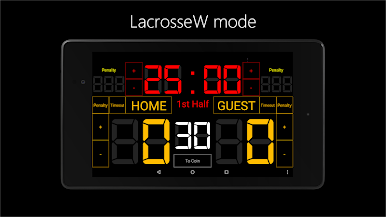
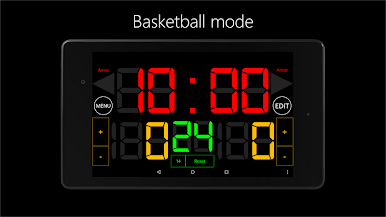
- Multi-sport modes – Built for basketball, futsal, ice/roller/inline hockey, lacrosse, judo, volleyball, badminton, table tennis, and even kin-ball.
- Indoor-friendly layout – Designed for gyms and rinks, with big fonts and a layout that stays readable from a distance.
- Flexible match settings – Adjust periods or sets, fouls, and other basics to match league rules or casual play.
- Quick to learn – Minimal setup means you can get a game running in under a minute.
- Paid upgrade perks – Remove ads and expand Bluetooth connections to support up to seven devices for bigger events or staff.
Get ready for a buttery smooth, high-performance gaming action only on BlueStacks.
Chơi Scoreboard All trên PC. Rất dễ để bắt đầu
-
Tải và cài đặt BlueStacks trên máy của bạn
-
Hoàn tất đăng nhập vào Google để đến PlayStore, hoặc thực hiện sau
-
Tìm Scoreboard All trên thanh tìm kiếm ở góc phải màn hình
-
Nhấn vào để cài đặt Scoreboard All trong danh sách kết quả tìm kiếm
-
Hoàn tất đăng nhập Google (nếu bạn chưa làm bước 2) để cài đặt Scoreboard All
-
Nhấn vào icon Scoreboard All tại màn hình chính để bắt đầu chơi

