


MenoM3ay - منو معاي
Graj na PC z BlueStacks – Platforma gamingowa Android, która uzyskała zaufanie ponad 500 milionów graczy!

Strona zmodyfikowana w dniu: Oct 23, 2025
Run MenoM3ay - منو معاي on PC or Mac
Get freedom from your phone’s obvious limitations. Use MenoM3ay – منو معاي, made by MenoMa3ay – منو معاي, a Social app on your PC or Mac with BlueStacks, and level up your experience.
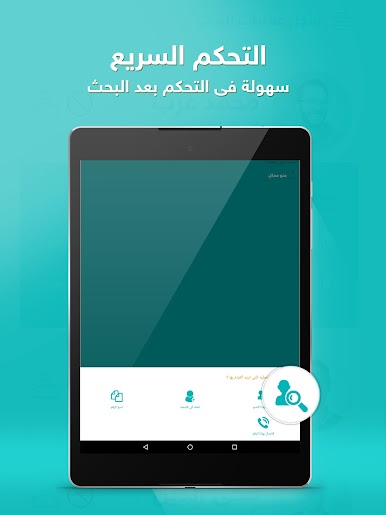
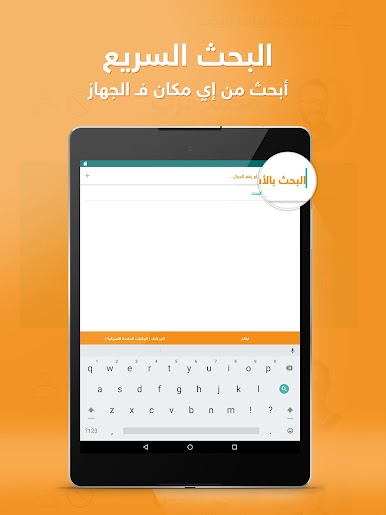
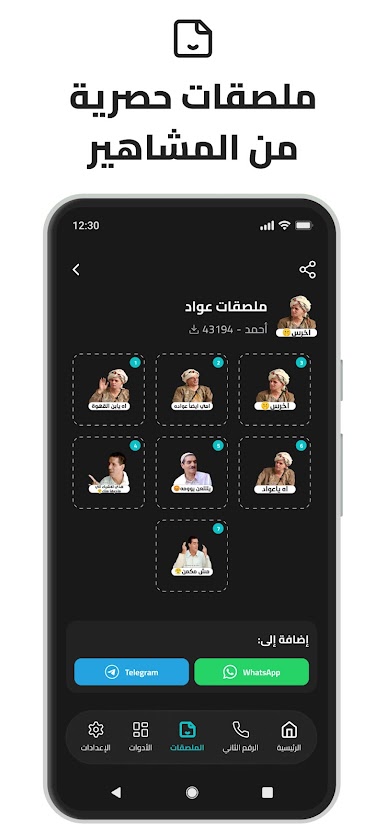
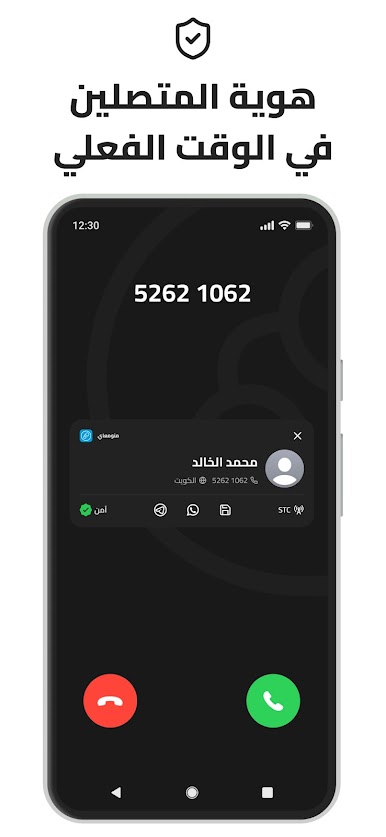
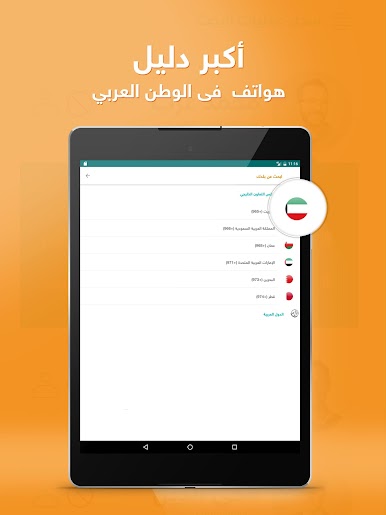
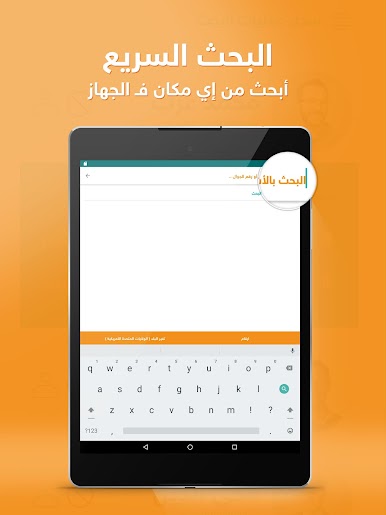
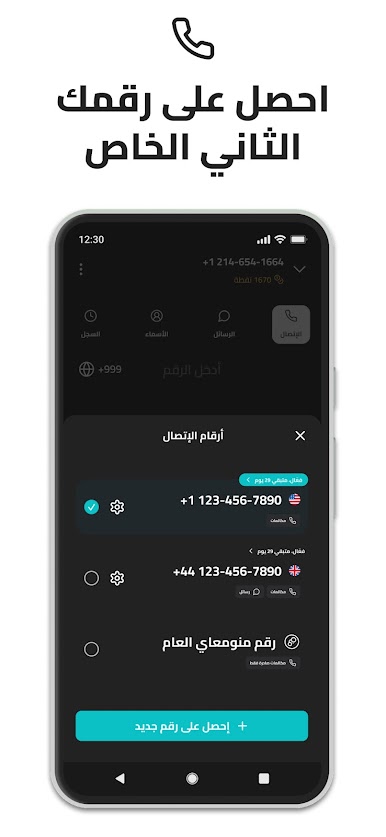
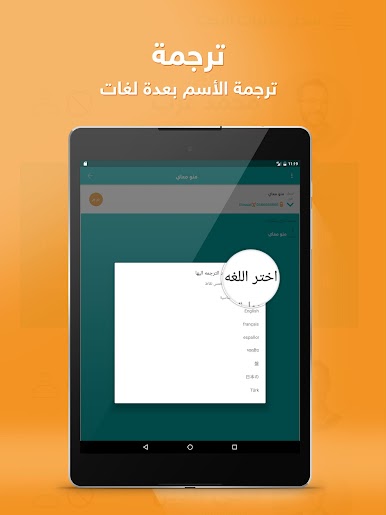
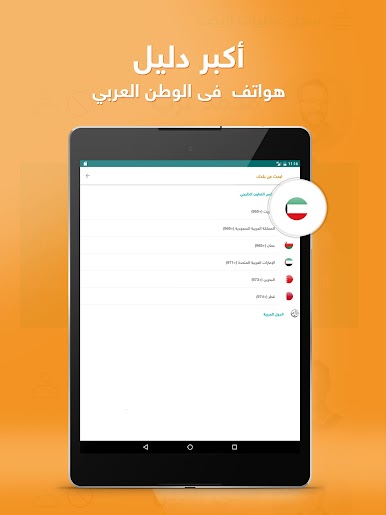
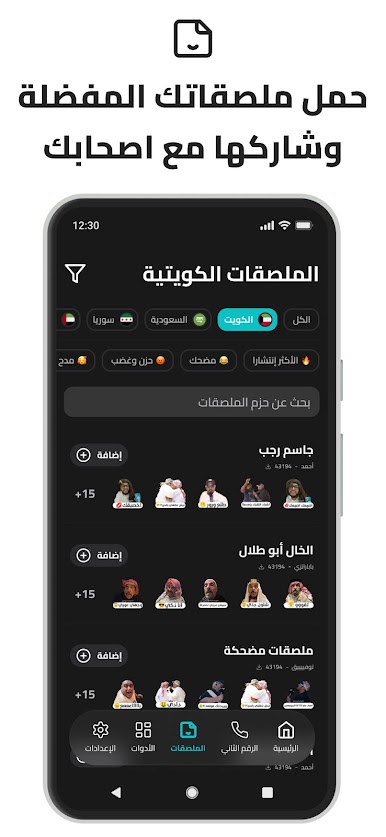
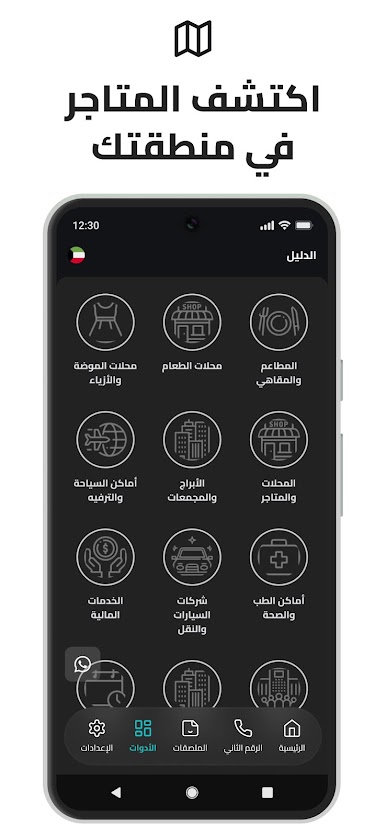
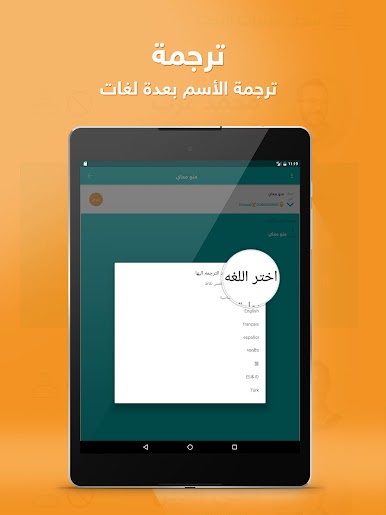
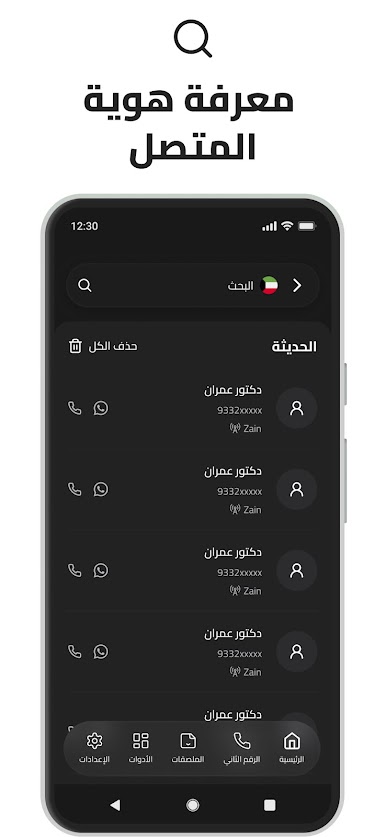
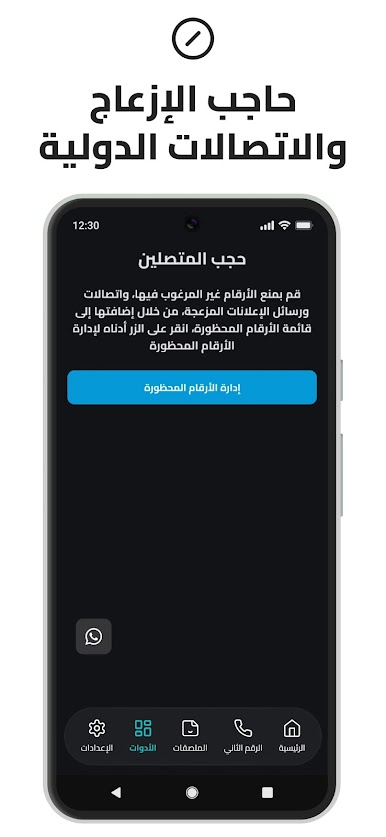
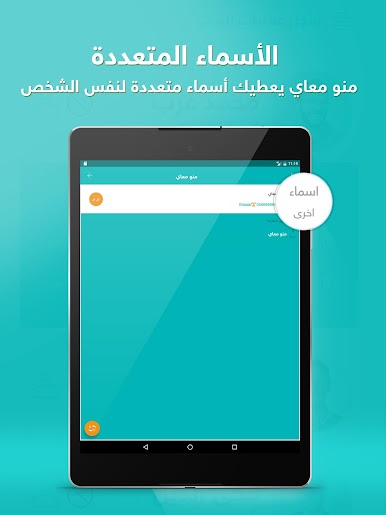
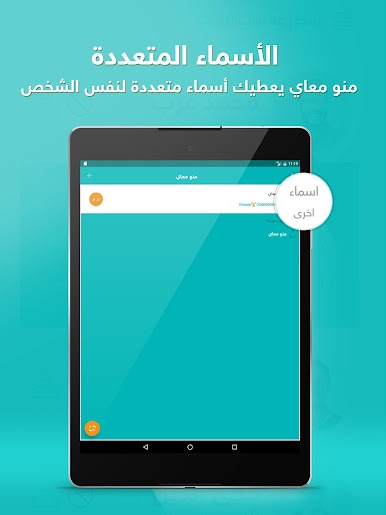
So MenoM3ay – منو معاي is one of those apps that lets you look up who’s calling by their number, which is surprisingly handy when there are a lot of random calls coming in. It covers way more than just one country—think all the main Gulf states and a bunch of Arab countries, which honestly makes it feel more useful than the typical caller ID apps. People can search by name, number, even business or shop, and find out pretty quickly who’s on the other end. There’s no fuss with ads popping up everywhere, and it doesn’t really overcomplicate things.
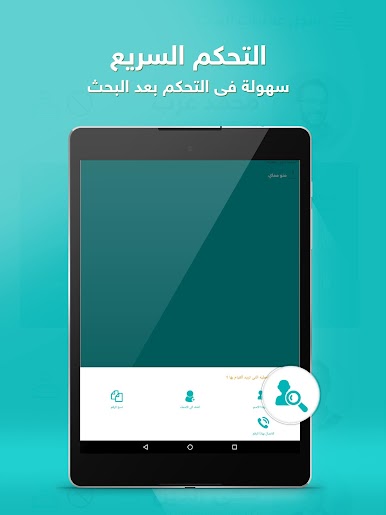
On a PC using BlueStacks, everything’s laid out in a pretty straightforward way. The interface isn’t crammed with buttons or menus, so it doesn’t take long to figure out how to run a check on a number or look someone up. It’s focused on being fast and safe to use, and all the caller info comes up cleanly without much waiting. What stands out is actually how broad the search options are—you’re not limited to just numbers, so if you only remember part of a name or you’re searching for a business, it still works. Anyone dealing with calls from several different countries or who wants a caller ID that doesn’t stop at one region will probably appreciate what it does. There isn’t anything flashy about it, but that’s kind of the point—it just does what you’re expecting, no extra clutter.
BlueStacks gives you the much-needed freedom to experience your favorite apps on a bigger screen. Get it now.

Zagraj w MenoM3ay - منو معاي na PC. To takie proste.
-
Pobierz i zainstaluj BlueStacks na PC
-
Zakończ pomyślnie ustawienie Google, aby otrzymać dostęp do sklepu Play, albo zrób to później.
-
Wyszukaj MenoM3ay - منو معاي w pasku wyszukiwania w prawym górnym rogu.
-
Kliknij, aby zainstalować MenoM3ay - منو معاي z wyników wyszukiwania
-
Ukończ pomyślnie rejestrację Google (jeśli krok 2 został pominięty) aby zainstalować MenoM3ay - منو معاي
-
Klinij w ikonę MenoM3ay - منو معاي na ekranie startowym, aby zacząć grę

