


Đèn pin và màn hình LCD
Chơi trên PC với BlueStacks - Nền tảng chơi game Android, được hơn 500 triệu game thủ tin tưởng.

Trang đã được sửa đổi vào: Nov 17, 2025
Run Bright Screen + LED Flashlight on PC or Mac
Upgrade your experience. Try Bright Screen + LED Flashlight, the fantastic Tools app from Onmobio Flashlight, from the comfort of your laptop, PC, or Mac, only on BlueStacks.
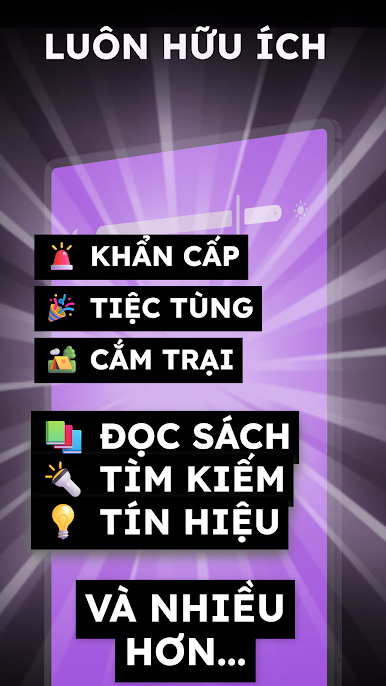
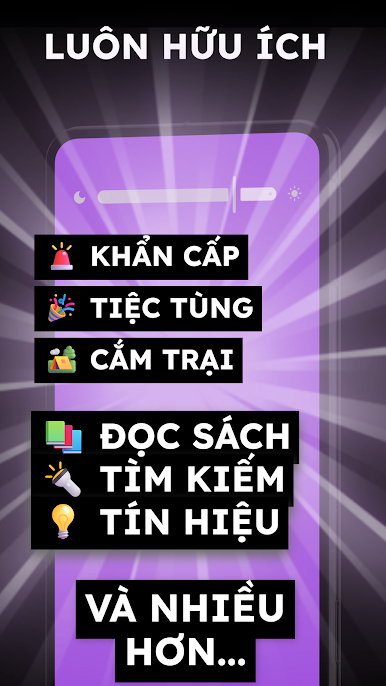
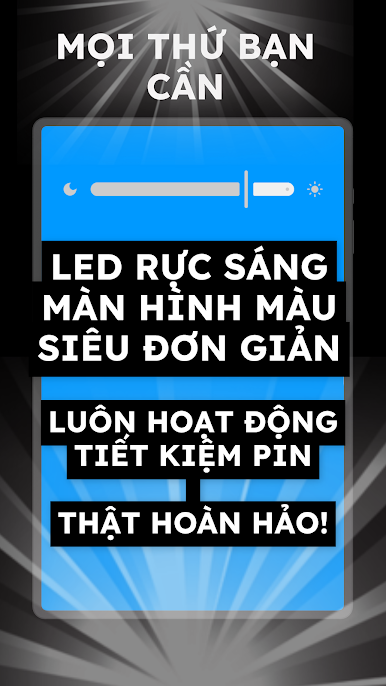
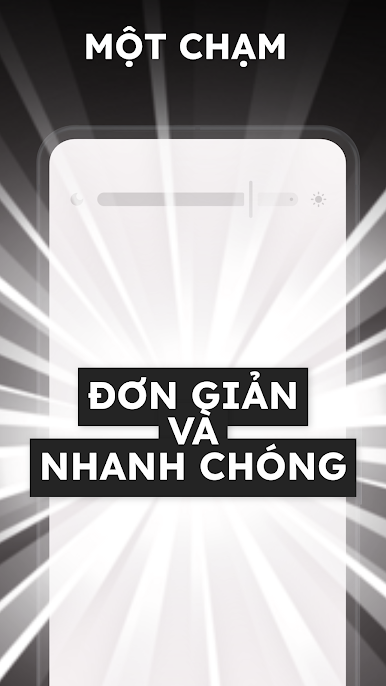
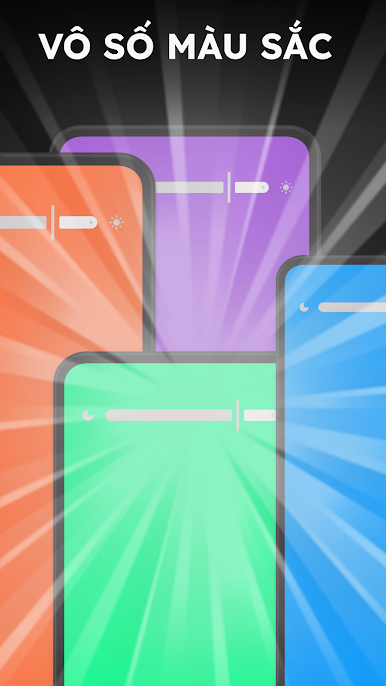
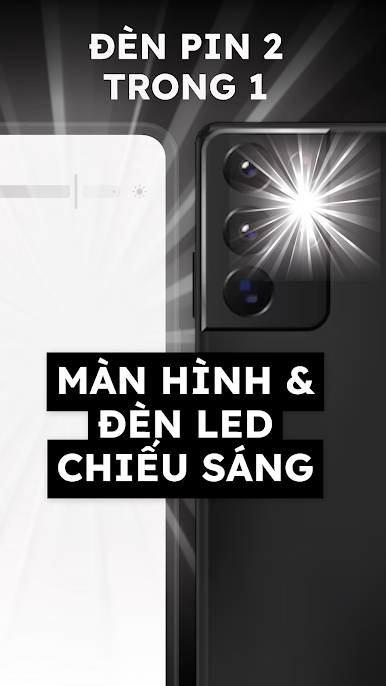
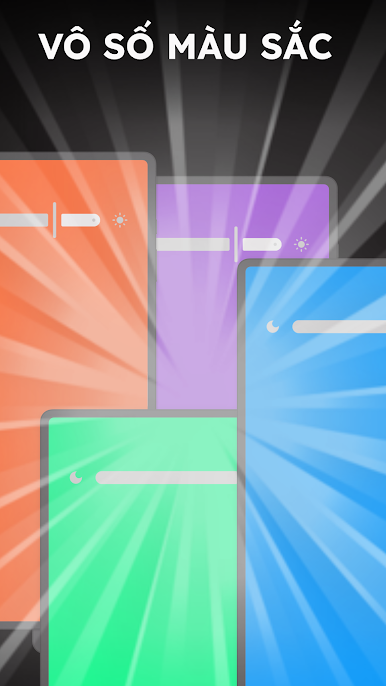
Bright Screen + LED Flashlight is basically a no-fuss light tool that flips the screen into a bright panel, and does it fast. Open it and the brightness jumps to max, close it and it goes back to whatever it was before. No digging through settings, no clutter. It offers three screen colors that matter in real life: white for serious brightness, green and red when eyes need a softer glow or a quick signal. Swiping across the screen swaps colors, so it feels simple and a bit fun, not fiddly.
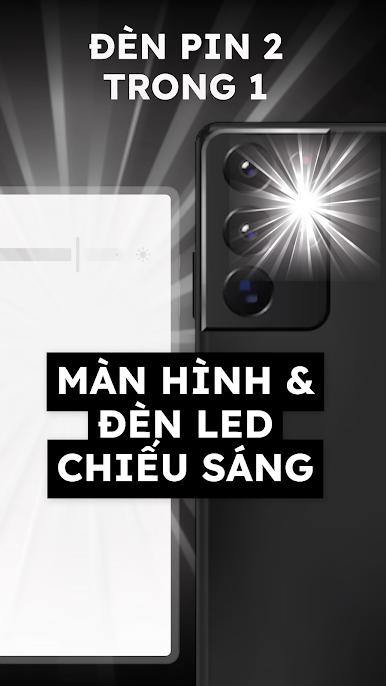
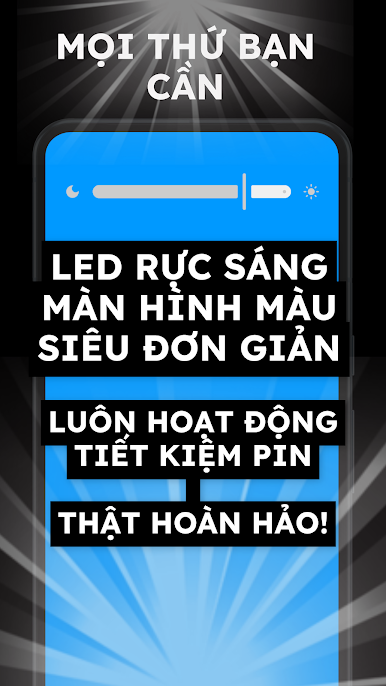
It also covers both sides of the flashlight idea. If a device has a camera LED, the app can use that like a normal torch. If it does not, the screen itself becomes the light source. That makes it handy for dark hallways, finding a dropped cable behind the desk, or showing a low-key warning light on a bike or bag. On a PC through BlueStacks, it turns a laptop or monitor into a big soft light, useful as a desk lamp or a quick fill for a video call. There is no long setup, just open and light happens. The controls are clear, it runs on old phones or tablets fine, and the colored screens are surprisingly useful when less glare is needed at night.
Switch to BlueStacks and make the most of your apps on your PC or Mac.
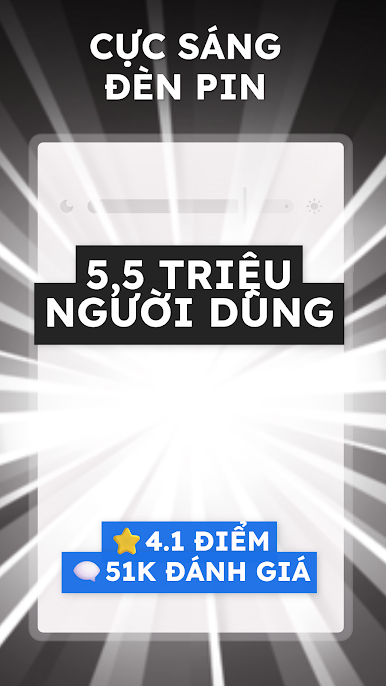
Chơi Đèn pin và màn hình LCD trên PC. Rất dễ để bắt đầu
-
Tải và cài đặt BlueStacks trên máy của bạn
-
Hoàn tất đăng nhập vào Google để đến PlayStore, hoặc thực hiện sau
-
Tìm Đèn pin và màn hình LCD trên thanh tìm kiếm ở góc phải màn hình
-
Nhấn vào để cài đặt Đèn pin và màn hình LCD trong danh sách kết quả tìm kiếm
-
Hoàn tất đăng nhập Google (nếu bạn chưa làm bước 2) để cài đặt Đèn pin và màn hình LCD
-
Nhấn vào icon Đèn pin và màn hình LCD tại màn hình chính để bắt đầu chơi

