


Opencaching Kubut Maps
Graj na PC z BlueStacks – Platforma gamingowa Android, która uzyskała zaufanie ponad 500 milionów graczy!

Strona zmodyfikowana w dniu: Apr 11, 2024
Play Opencaching Kubut Maps on PC
Opencaching Kubut Maps will guide you while searching the geocaches. It provides all of the most useful features like:
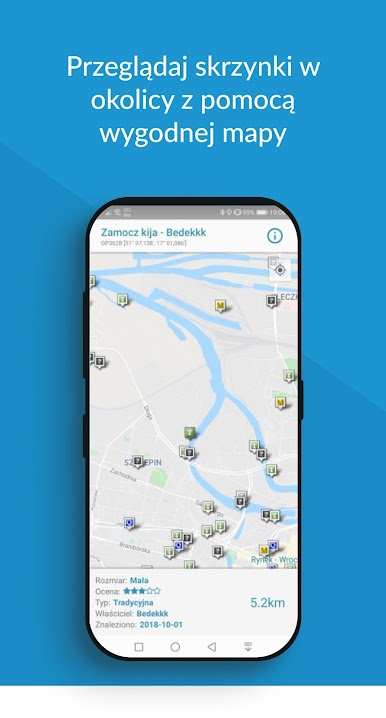
- displaying caches on the map (with the basic information)
- hiding the caches you’ve already found
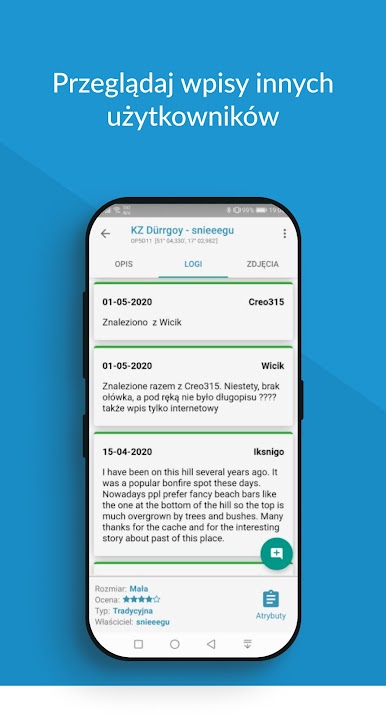
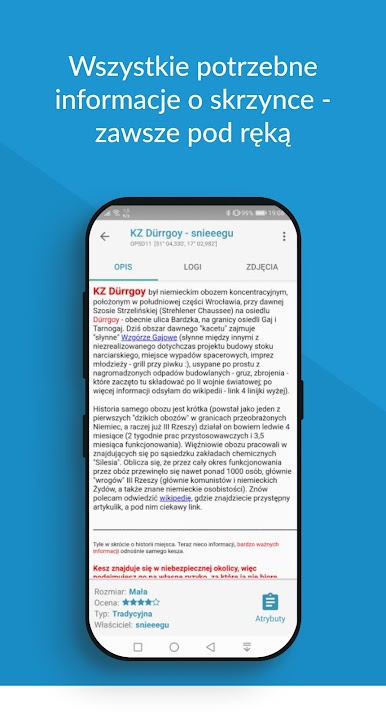
- providing description, logs, and pictures of the caches
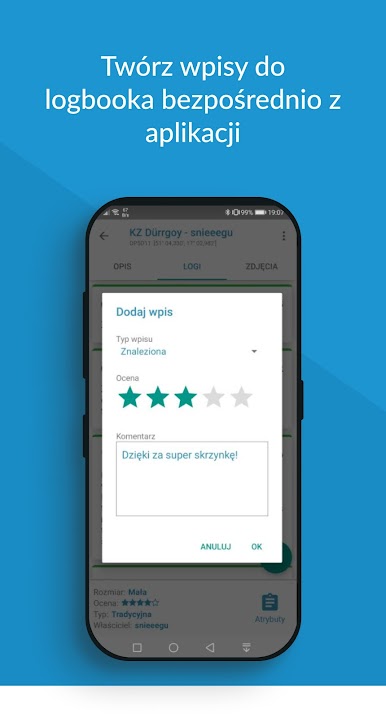
- possibility to create a new entry in the logbook
Use power save mode and use OKM even longer (lowered usage of energy and transfer).
Go straight to the cache using the built-in navigation system.
Just have fun and we'll do the rest!
Used materials on Freepik license by @stories
Zagraj w Opencaching Kubut Maps na PC. To takie proste.
-
Pobierz i zainstaluj BlueStacks na PC
-
Zakończ pomyślnie ustawienie Google, aby otrzymać dostęp do sklepu Play, albo zrób to później.
-
Wyszukaj Opencaching Kubut Maps w pasku wyszukiwania w prawym górnym rogu.
-
Kliknij, aby zainstalować Opencaching Kubut Maps z wyników wyszukiwania
-
Ukończ pomyślnie rejestrację Google (jeśli krok 2 został pominięty) aby zainstalować Opencaching Kubut Maps
-
Klinij w ikonę Opencaching Kubut Maps na ekranie startowym, aby zacząć grę

