


Orbitz Hotels & Flights
Graj na PC z BlueStacks – Platforma gamingowa Android, która uzyskała zaufanie ponad 500 milionów graczy!

Strona zmodyfikowana w dniu: Dec 11, 2025
Play Orbitz Hotels & Flights on PC
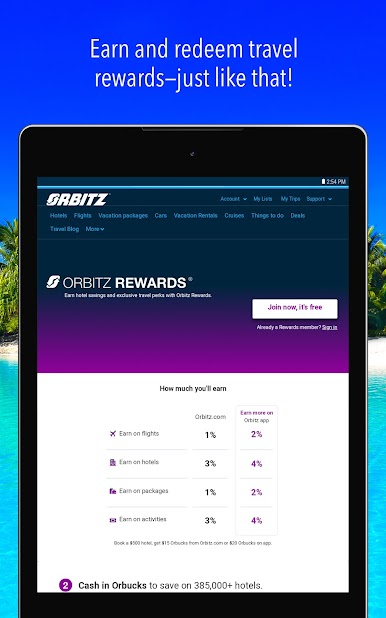
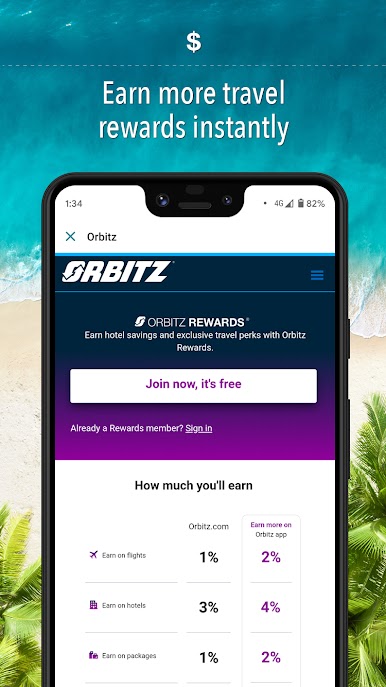
EARN MORE
-App bookers earn 4% on hotels and 2% on air!
-Plus find last-minute hotel rooms nearby and save 30% with mobile exclusive deals!
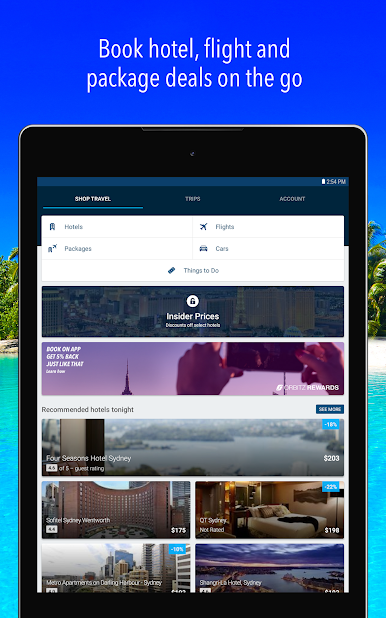
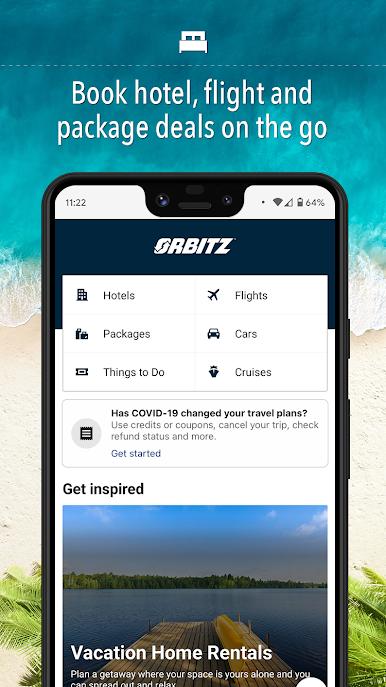
HOTELS
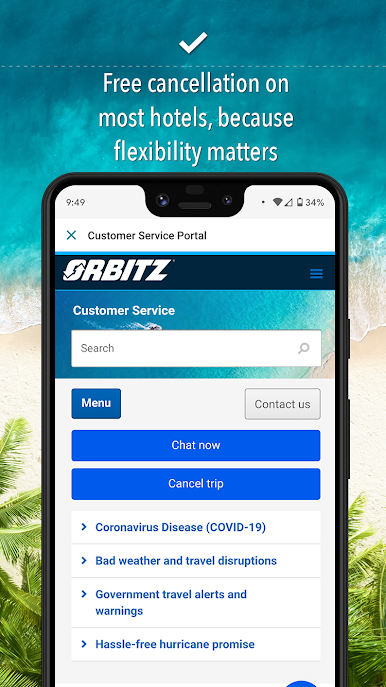
- Last minute hotel bookings welcome and free cancellation available!
- Pay when you book or when you arrive at the hotel.
- Find hotels, motels, and inns around you on an easy-to-use map view.
- Review descriptions, photos, user ratings, and amenities from verified hotel guests.
- Sort results by deals, price, or reviews.
- Securely store your payment details for faster, easier, and safe bookings.
FLIGHTS
- Save even more on your flight with our combined one-way fares and get a single price for two separately issued tickets.
- Search and book round trip or one-way flights.
- Sort flights by price, time, or duration from any airline.
- Enter a departure date and destination, and your trip-ready. Book now!
CARS
- Search thousands of cars to find cheap, quality rentals. Save big when you book in-app!
- Plan round trip rentals from any airport in the world to make your vacation, holiday or getaway a total breeze.
ACTIVITIES
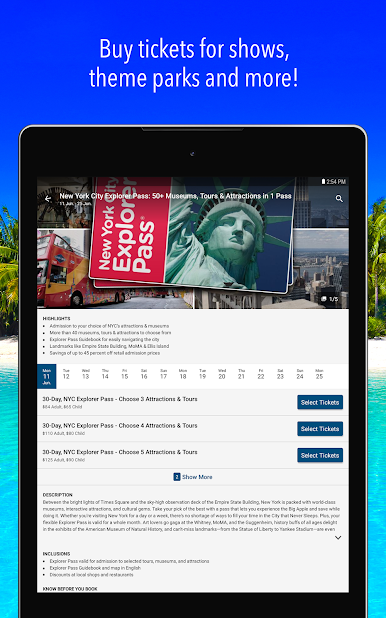
- Attraction tickets without the lines.
- Book local tours.
- Book Airport shuttles.
MY TRIPS
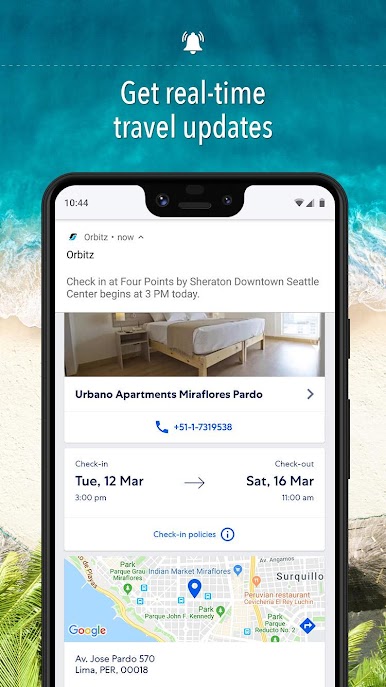
- View your record locator, gate information, and upcoming trip details on the go.
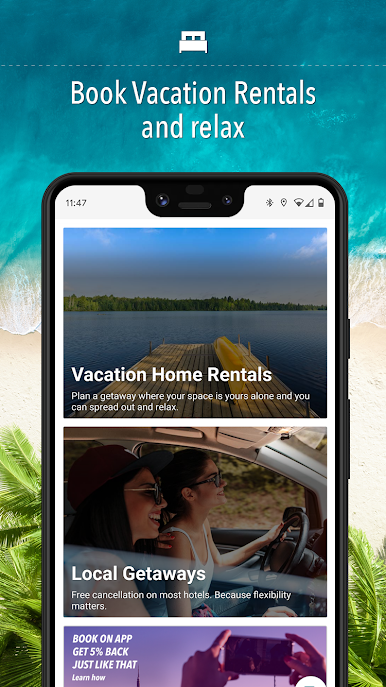
- Plan your own vacation packages with activities, hotels, cars, and more.
The Orbitz app uses information for analytics, personalization, and advertising. By using our app, you agree to our privacy and cookies policies.
Zagraj w Orbitz Hotels & Flights na PC. To takie proste.
-
Pobierz i zainstaluj BlueStacks na PC
-
Zakończ pomyślnie ustawienie Google, aby otrzymać dostęp do sklepu Play, albo zrób to później.
-
Wyszukaj Orbitz Hotels & Flights w pasku wyszukiwania w prawym górnym rogu.
-
Kliknij, aby zainstalować Orbitz Hotels & Flights z wyników wyszukiwania
-
Ukończ pomyślnie rejestrację Google (jeśli krok 2 został pominięty) aby zainstalować Orbitz Hotels & Flights
-
Klinij w ikonę Orbitz Hotels & Flights na ekranie startowym, aby zacząć grę

