


WN 2 - Symulator Prezydenta
Graj na PC z BlueStacks – Platforma gamingowa Android, która uzyskała zaufanie ponad 500 milionów graczy!

Strona zmodyfikowana w dniu: Dec 11, 2025
Graj w WN 2 - Symulator Prezydenta na PC lub Mac
WN 2 – Symulator Prezydenta to gra symulacyjne opracowana przez studio Oxiwyle. Odtwarzacz aplikacji BlueStacks to najlepsza platforma do grania w tę grę dla systemu Android na komputerze stacjonarnym lub laptopie, zapewniająca doskonałe wrażenia z rozgrywki.
O grze:
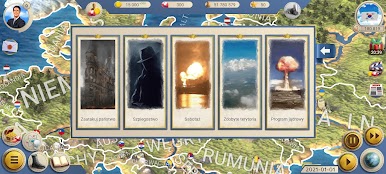
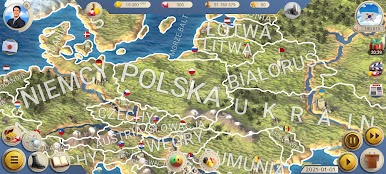
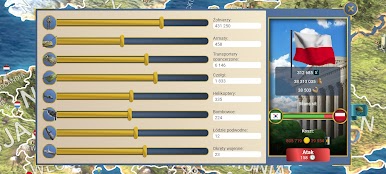
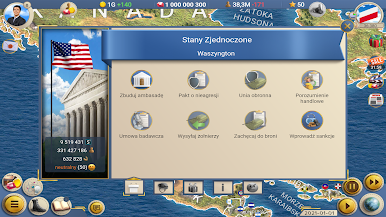
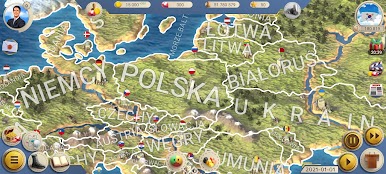
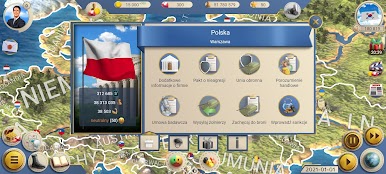
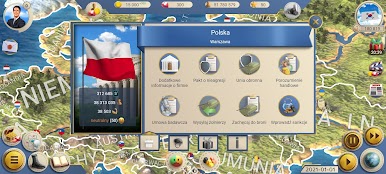
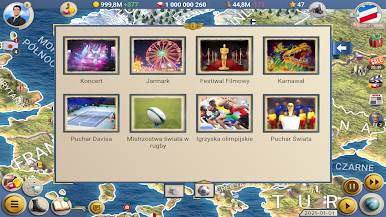
Przejmij kontrolę nad jednym ze 163 obecnych państw i doprowadź je do sukcesu. Decyzje polityczne, wpływ mediów, szpiegostwo i klęski żywiołowe to tylko niektóre z wyzwań, przed którymi staniesz. Czy uda Ci się uczynić swój kraj supermocarstwem, czy też popadnie on w ruinę?
Cechy gry:
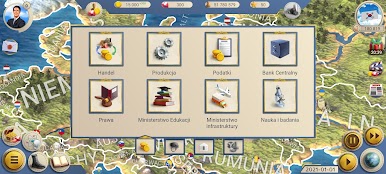
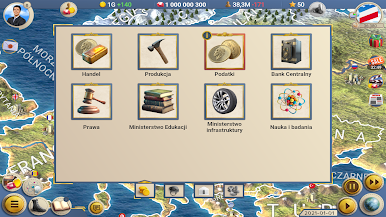
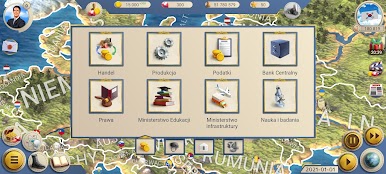
- Różnorodne gałęzie przemysłu i organy władzy: wykorzystaj ponad 50 unikalnych przedsiębiorstw przemysłowych i ponad 20 ministerstw, aby wzmocnić swój kraj.
- Elastyczne ideologie i wyznania: zmień ideologię swojego państwa lub przystąp do organizacji międzynarodowych, aby zwiększyć swoje znaczenie geopolityczne.
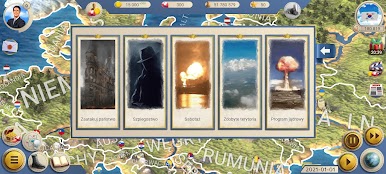
- Interwencje strategiczne: wykorzystaj badania, szpiegostwo i dyplomację, aby wpływać na wydarzenia w kraju i na świecie.
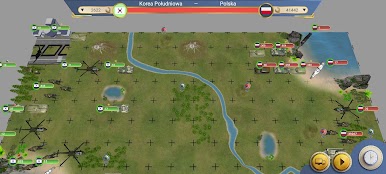
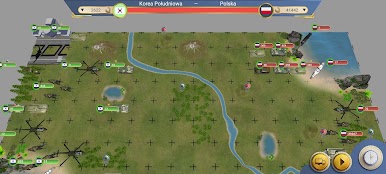
- Zarządzanie kryzysowe: tłum bunty i reaguj na strajki i epidemie, jednocześnie chroniąc kraj przed najeźdźcami.
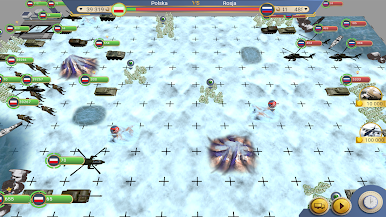
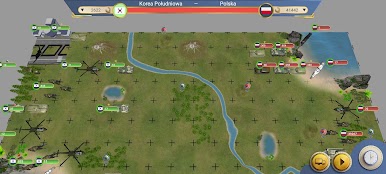
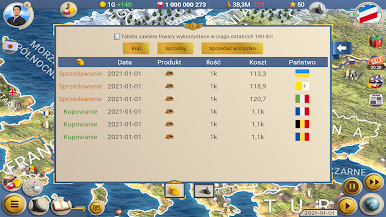
- Wojna i pokój: podbij nowe kraje lub przyznaj im niepodległość i rozbudowuj ambasady oraz umowy handlowe.
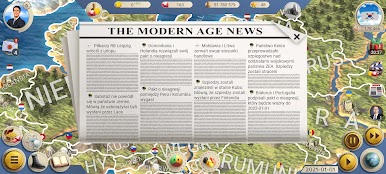
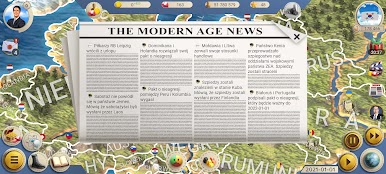
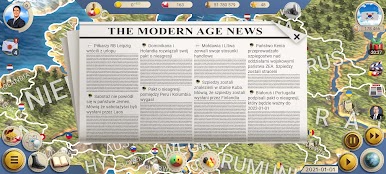
- Optymalizacja systemu prezydenckiego: śledź wiadomości i poprawiaj wizerunek swojego prezydenta.
Jak grać?
Pobierz WN 2 – Symulator Prezydenta za darmo na komputer PC ze Sklepu BlueStacks w App Playerze. Możesz również pobrać aplikację BlueStacks Mobile, aby odblokować nagrody i zniżki na obsługiwane gry.

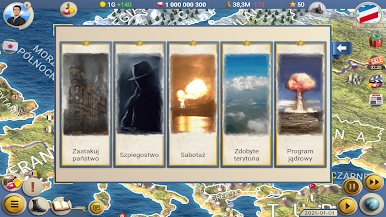
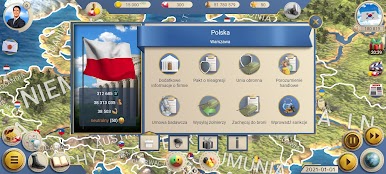
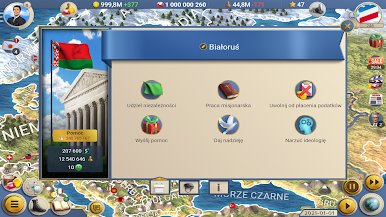
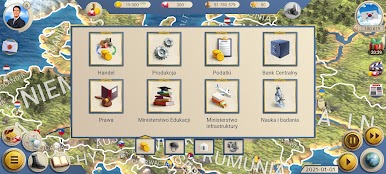
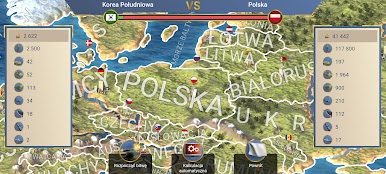
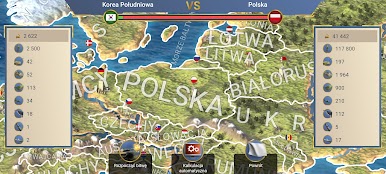
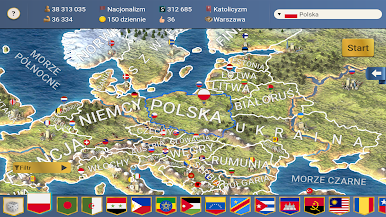
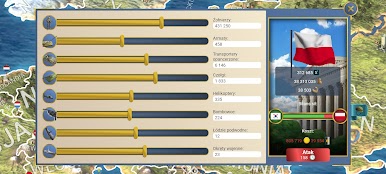
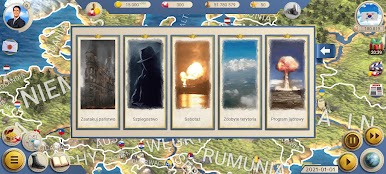
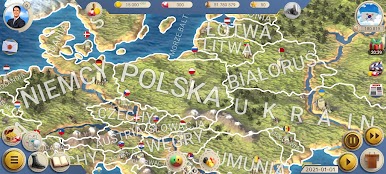
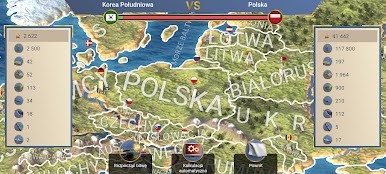
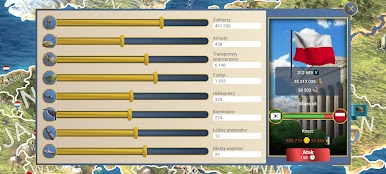
Zagraj w WN 2 - Symulator Prezydenta na PC. To takie proste.
-
Pobierz i zainstaluj BlueStacks na PC
-
Zakończ pomyślnie ustawienie Google, aby otrzymać dostęp do sklepu Play, albo zrób to później.
-
Wyszukaj WN 2 - Symulator Prezydenta w pasku wyszukiwania w prawym górnym rogu.
-
Kliknij, aby zainstalować WN 2 - Symulator Prezydenta z wyników wyszukiwania
-
Ukończ pomyślnie rejestrację Google (jeśli krok 2 został pominięty) aby zainstalować WN 2 - Symulator Prezydenta
-
Klinij w ikonę WN 2 - Symulator Prezydenta na ekranie startowym, aby zacząć grę

