

SSE - File & Text Encryption
Chơi trên PC với BlueStacks - Nền tảng chơi game Android, được hơn 500 triệu game thủ tin tưởng.

Trang đã được sửa đổi vào: May 24, 2025
Run SSE - File & Text Encryption on PC or Mac
Upgrade your experience. Try SSE – File & Text Encryption, the fantastic Tools app from Paranoia Works, from the comfort of your laptop, PC, or Mac, only on BlueStacks.
About the App
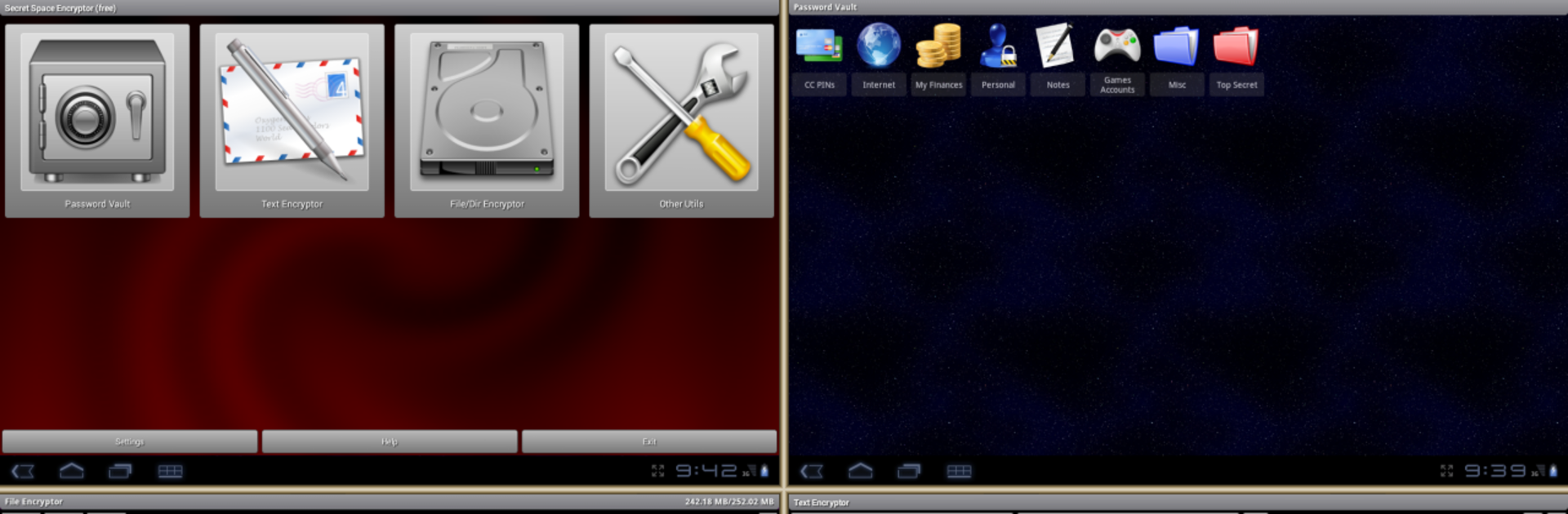
SSE – File & Text Encryption from Paranoia Works is your go-to toolkit if keeping your files, notes, and passwords truly private matters to you. It’s designed for folks who want control over their own security—no hand-holding here. Whether you’re looking to stash sensitive documents, lock down passwords, or hide personal messages, this app puts powerful encryption right at your fingertips. And if you’re using BlueStacks, you’ll find managing your data from your computer especially smooth.
App Features
-
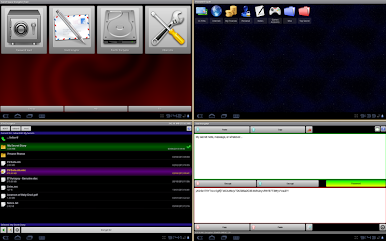
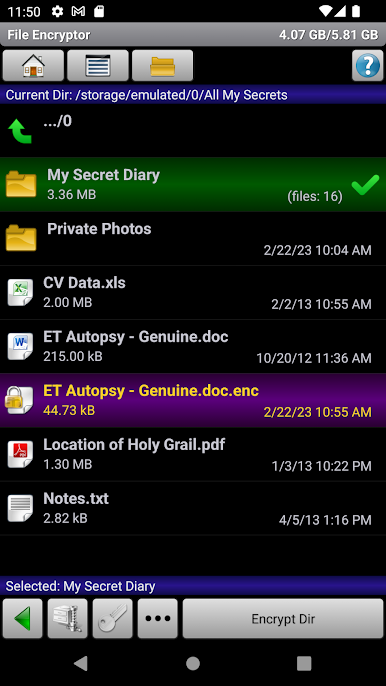
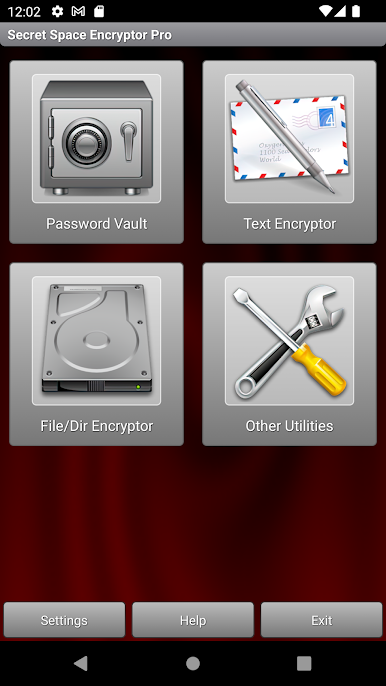
File Encryptor
Wrap your important files and whole folders in serious protection. Just pick what you want to secure—SSE creates encrypted versions, so your secrets stay locked unless you have the password. -
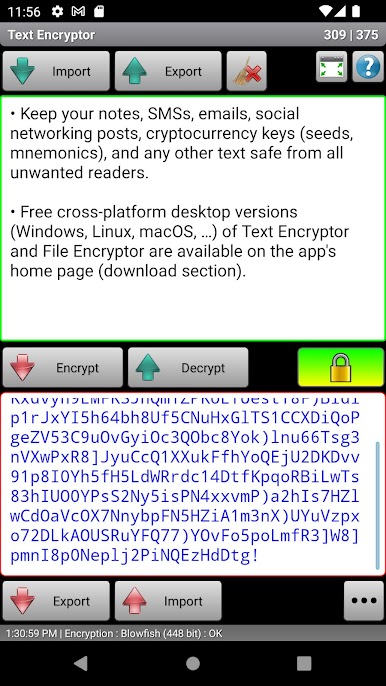
Text Encryptor
Safeguard anything from private messages to seeds or notes. Encrypt text sessions with a password of your choosing, and use as many different passwords as you like—so you can organize things however works best for you. -
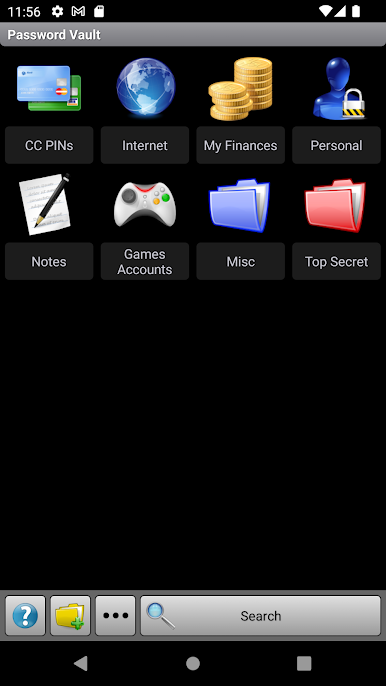
Password Vault
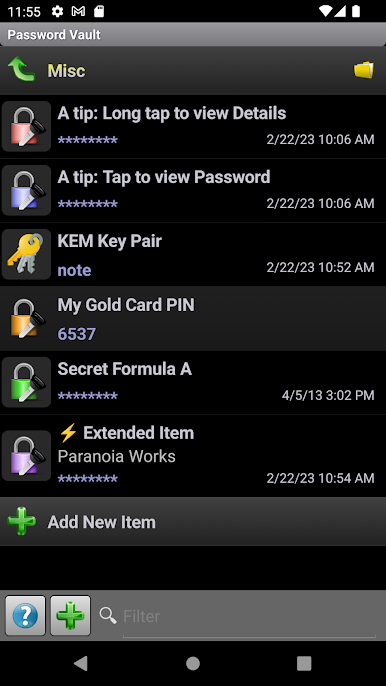
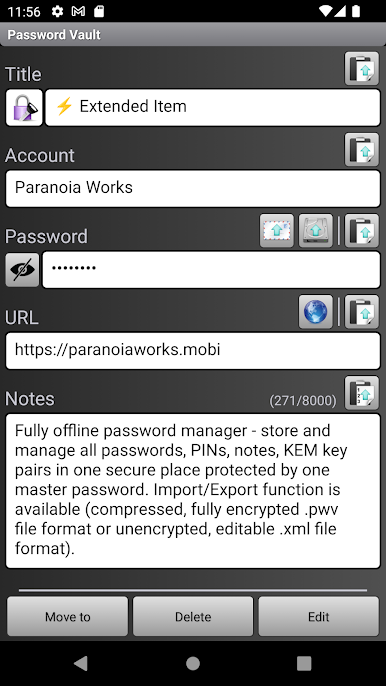
Store all your passwords, PINs, notes, and even encrypted key pairs in one place. It’s completely offline, and you only need to remember one master password to access the vault. -
Strong Encryption Algorithms
Choose from a lineup of powerful ciphers like AES, Blowfish, Twofish, and more—even extra options in the Pro version. Your data isn’t just hidden; it’s transformed. -
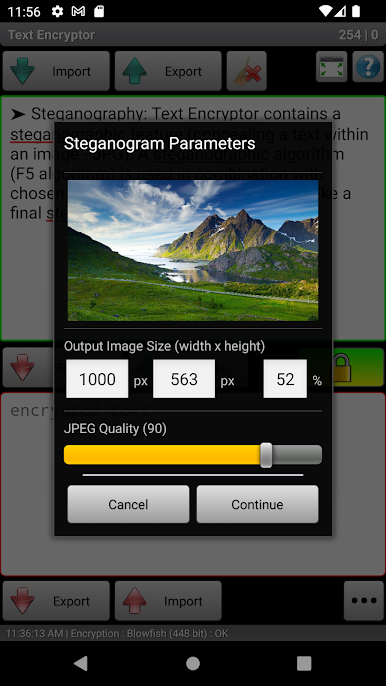
Steganography
Get crafty and conceal encrypted messages inside JPEG images. It’s a sneaky way to communicate or stash info in plain sight. -
Extra Utilities
Handy tools like a secure password generator, clipboard cleaner, and encryption speed test are all baked in—no extras required. -
No-Nonsense Privacy
Minimal permissions, absolutely no ads, and open-source transparency mean SSE doesn’t sneak around behind your back. -
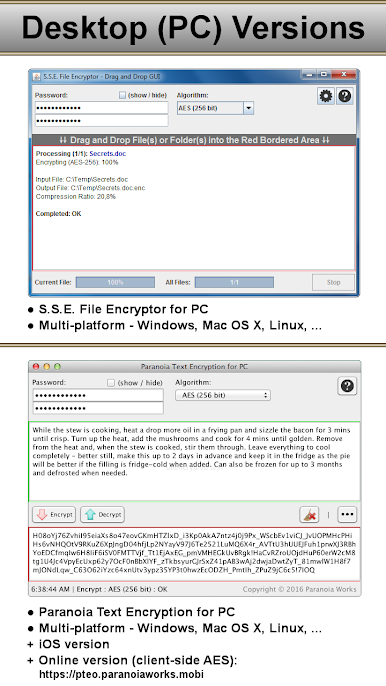
Cross-Platform Flexibility
Start encrypting on your phone, then continue from your desktop on Windows, Linux, or macOS. It even plays nicely through BlueStacks on your PC.
Eager to take your app experience to the next level? Start right away by downloading BlueStacks on your PC or Mac.
Chơi SSE - File & Text Encryption trên PC. Rất dễ để bắt đầu
-
Tải và cài đặt BlueStacks trên máy của bạn
-
Hoàn tất đăng nhập vào Google để đến PlayStore, hoặc thực hiện sau
-
Tìm SSE - File & Text Encryption trên thanh tìm kiếm ở góc phải màn hình
-
Nhấn vào để cài đặt SSE - File & Text Encryption trong danh sách kết quả tìm kiếm
-
Hoàn tất đăng nhập Google (nếu bạn chưa làm bước 2) để cài đặt SSE - File & Text Encryption
-
Nhấn vào icon SSE - File & Text Encryption tại màn hình chính để bắt đầu chơi

