


Find the Differences
Graj na PC z BlueStacks – Platforma gamingowa Android, która uzyskała zaufanie ponad 500 milionów graczy!

Strona zmodyfikowana w dniu: Nov 04, 2025
Podgląd
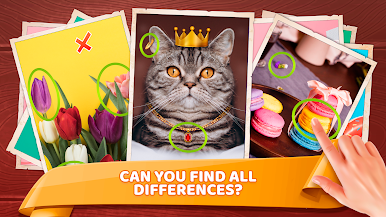
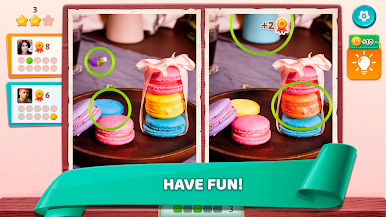
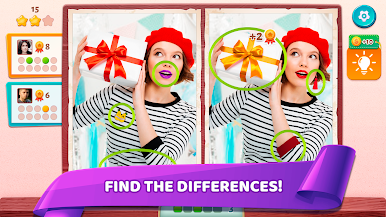
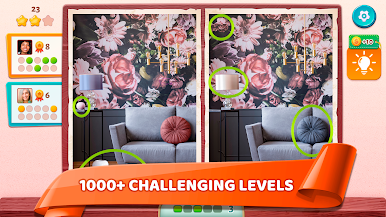
Find the Difference is very engaging and fun. Enjoy colorful pictures and find the differences. Have fun and relax after work or study.
This - a very popular game for developing perception is like a puzzle game - find the object or find the items. It will provide fun for a long time! All levels in the game are free and provide a lot of joy to kids and adults alike.
Are you ready to look and find the differences?




Zagraj w Find the Differences na PC. To takie proste.
-
Pobierz i zainstaluj BlueStacks na PC
-
Zakończ pomyślnie ustawienie Google, aby otrzymać dostęp do sklepu Play, albo zrób to później.
-
Wyszukaj Find the Differences w pasku wyszukiwania w prawym górnym rogu.
-
Kliknij, aby zainstalować Find the Differences z wyników wyszukiwania
-
Ukończ pomyślnie rejestrację Google (jeśli krok 2 został pominięty) aby zainstalować Find the Differences
-
Klinij w ikonę Find the Differences na ekranie startowym, aby zacząć grę

